Lenovo IdeaPad Slim 3 (15, Gen 8) review – decent unpretentious budget daily driver
Disassembly, Upgrade options, and Maintenance
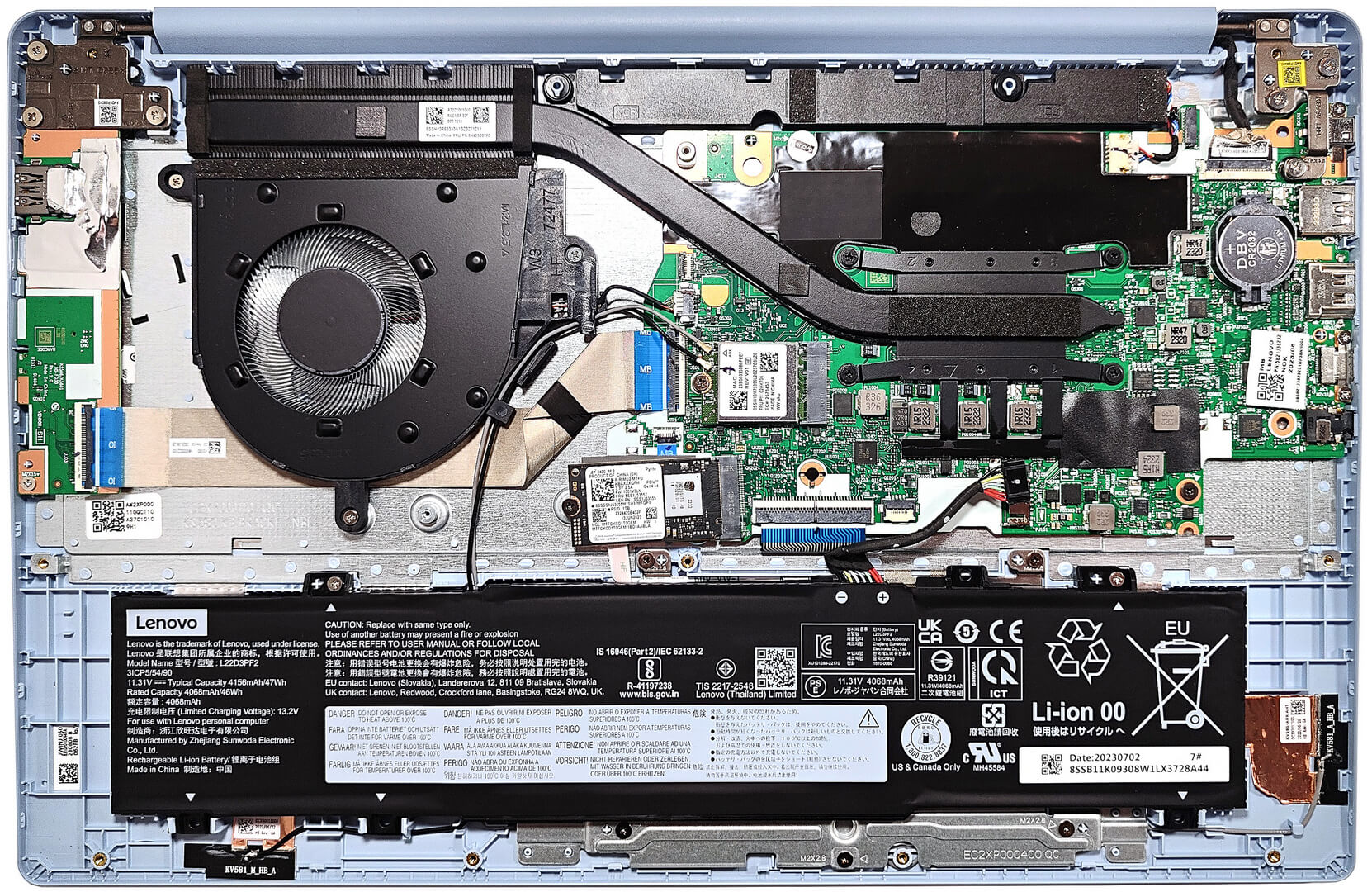
To open this device, you have to undo 10 Phillips-head screws. After that, pry the bottom panel with a plastic tool starting from the back.
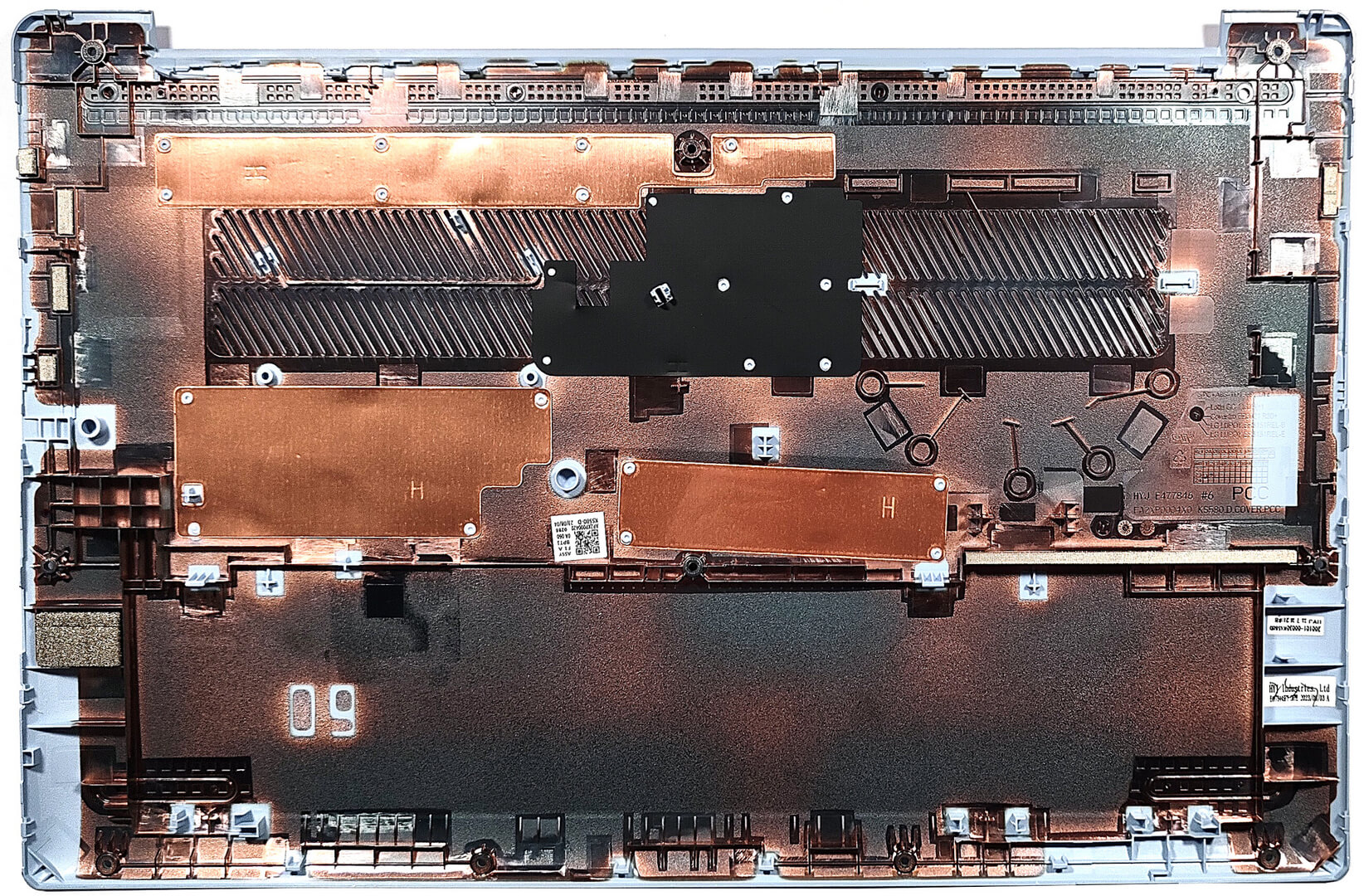
Here’s how the bottom plate looks on the inside.
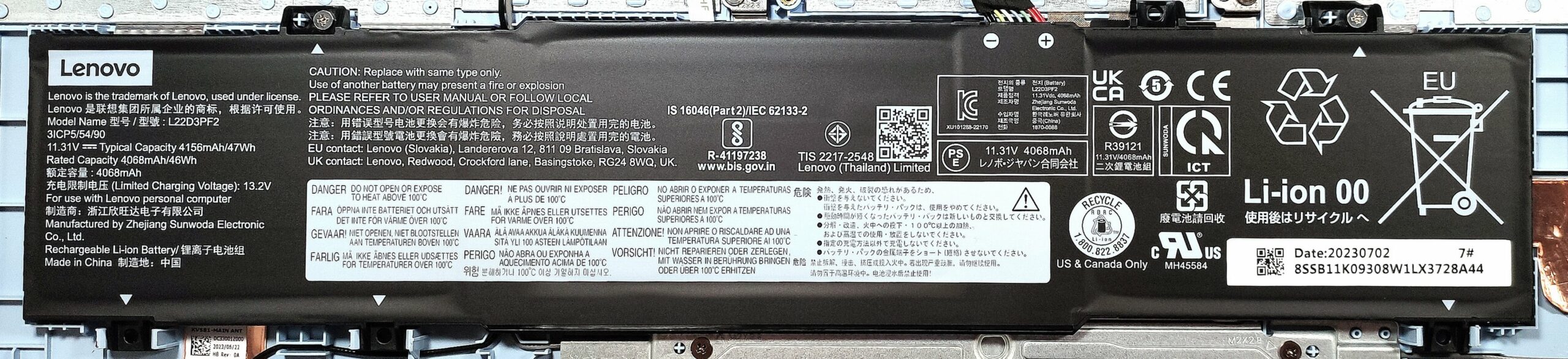
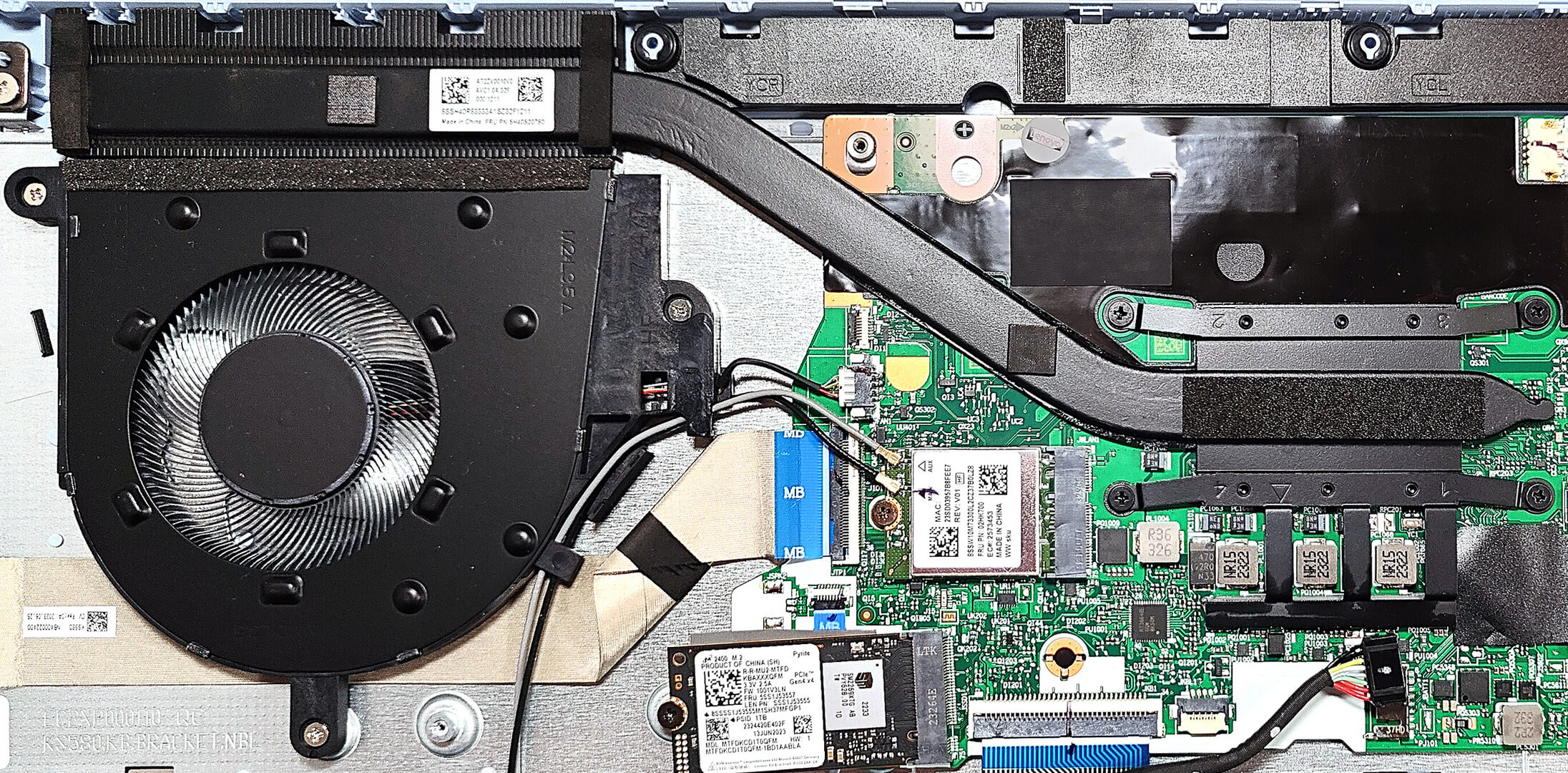
Here we have a 47Wh battery. Before taking it out, detach the connector from the motherboard. Then, you have to undo the 2 Phillips-head screws that are holding the unit in place. The capacity is enough for 11 hours and 7 minutes of Web browsing, or 8 hours and 20 minutes of video playback.
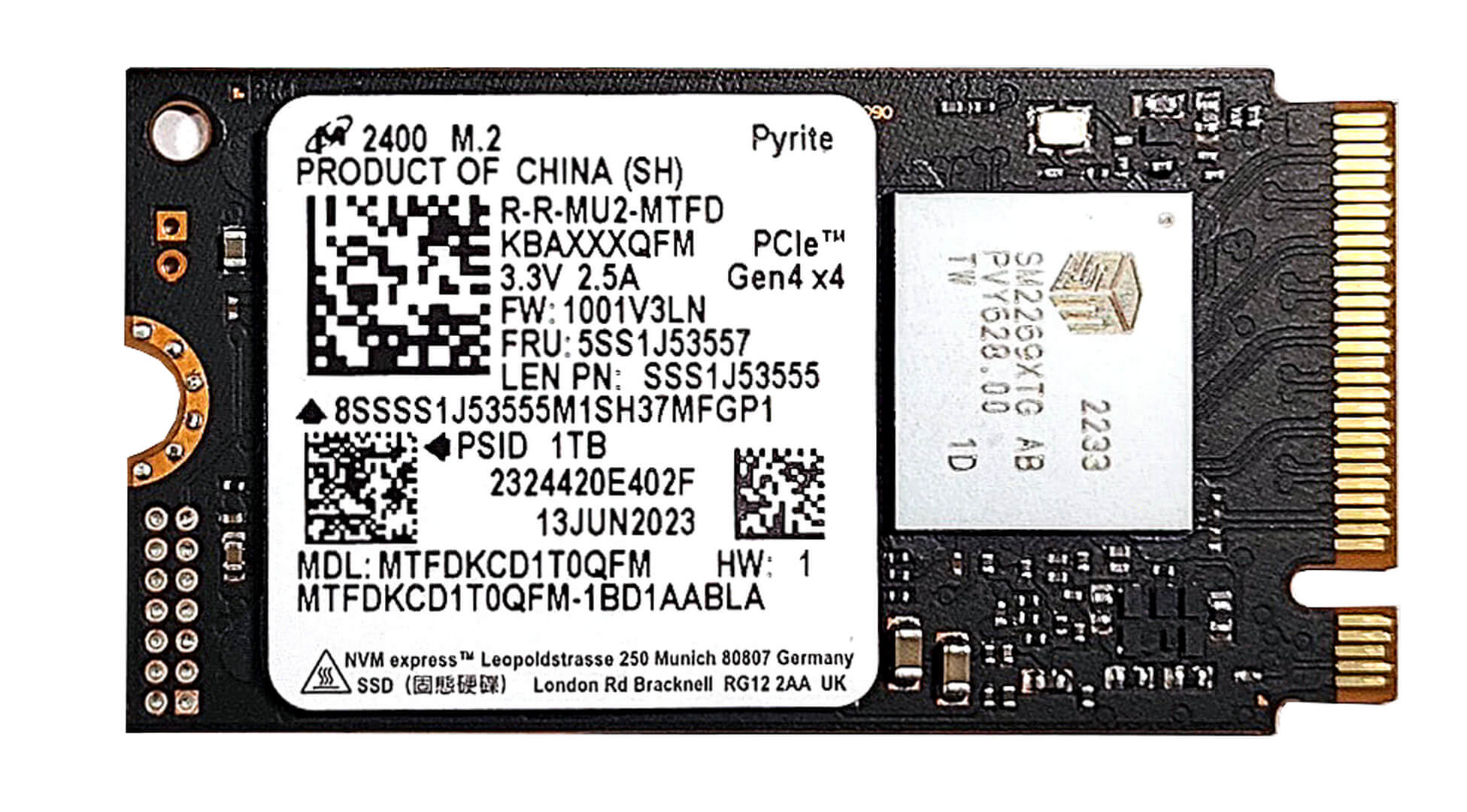
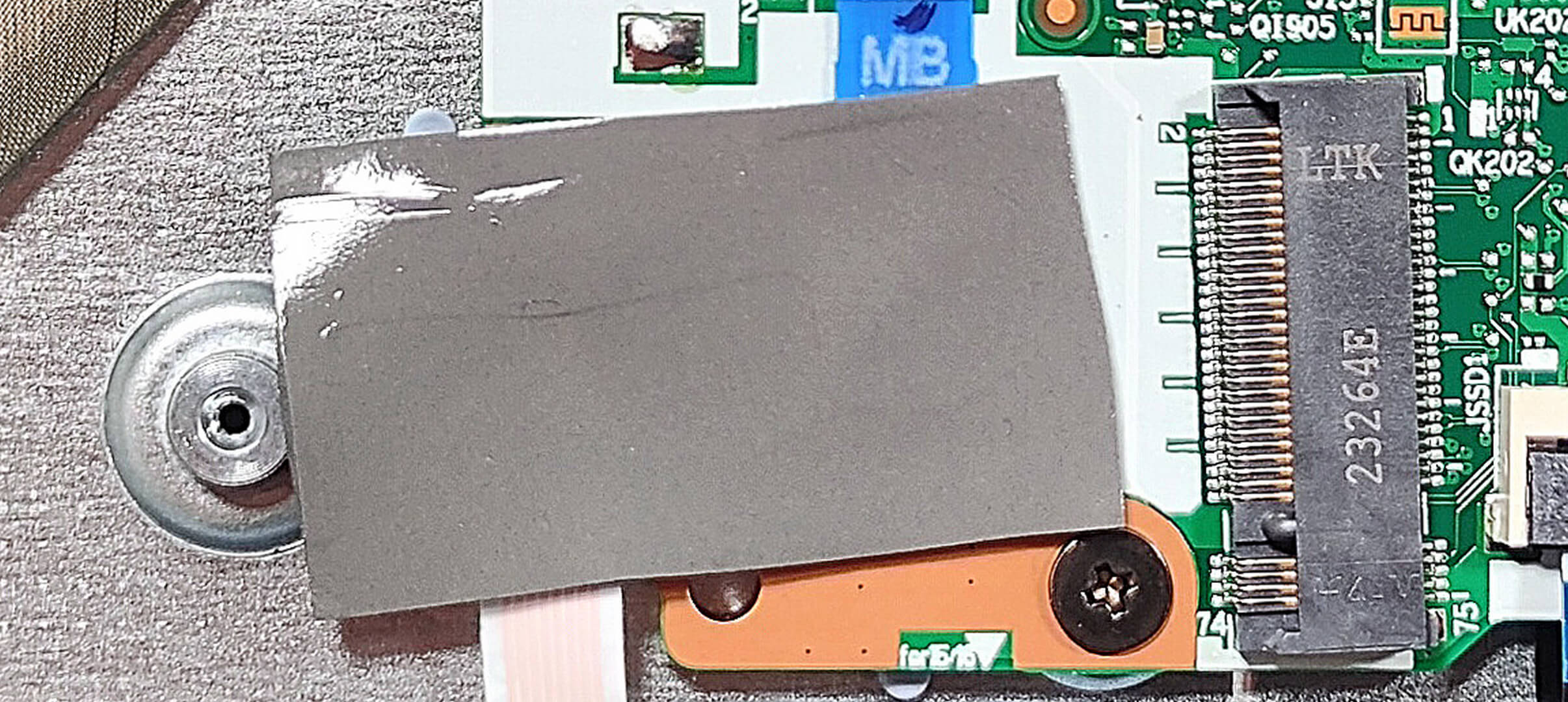
For storage, you can rely on a single M.2 slot compatible with 2242 Gen. 4 SSDs. Due to AMD platform limitations, the slot is downgraded to Gen 3 speeds. There is a thermal pad from below the NVMe. You can find this device with 8GB, 12GB, or 16GB of soldered DDR4-3200MHz memory. The 8GB configuration works in a single-channel mode.
The cooling solution is basic. It comprises one fan, one heat pipe, a single heat sink, and a heat spreader.
 Author: Nikolay Palaozov
 Author: eng. Kroum NikolovHead of Engineering at LaptopMedia.com, inventor and innovator with 40+ years of experience in electronics and high technology.

![[June 2026] Best-Selling Laptop Brands on Amazon Global – Apple’s Unrivaled Dominance in Units and Revenue](https://laptopmedia.com/wp-content/uploads/2026/07/GLOBAL-Best-Brands-400x225.jpg)
![[June 2026] Amazon Global: Top 10 Best-Selling Laptops – Apple’s New MacBook Neo Storms to #1, Reshaping the Market with Affordability](https://laptopmedia.com/wp-content/uploads/2026/07/Best-Selling-Laptops-GLOBAL-Top-10-400x225.jpg)
![[June 2026] Amazon Global: Top 10 Best-Selling Gaming Laptops – Acer’s Nitro V 16S AI Dominates Sales, While ASUS Leads Overall Revenue](https://laptopmedia.com/wp-content/uploads/2026/07/Best-Selling-Gaming-Laptops-GLOBAL-Top-10-400x225.jpg)
![[June 2026] Global Ranking of Best-Selling Laptop GPUs on Amazon – NVIDIA RTX 5060 is the Top-Selling Dedicated GPU](https://laptopmedia.com/wp-content/uploads/2026/07/Best-Selling-GPUs-GLOBAL-Top-10-400x225.jpg)
![[June 2026] Global Ranking of Best-Selling Laptop CPUs on Amazon – Apple M5 Dominates, AMD Ryzen 7 260 Gets Solid Premium Share](https://laptopmedia.com/wp-content/uploads/2026/07/Best-Selling-CPUs-GLOBAL-Top-10-400x225.jpg)

tiene luz el teclado??
Comprato da due mesi Lenovo ideapad slim 3
ho avuto da sempre un problema con identificazione con impronta digitale, Lenovo non ha risolto e nemmeno microsoft, tante volte il pc si avvia senza chiedere identificazione, direi molto grave, mi trovo pentito di averlo comprato.