Lenovo Smart Paper review – very good E-Ink Android tablet
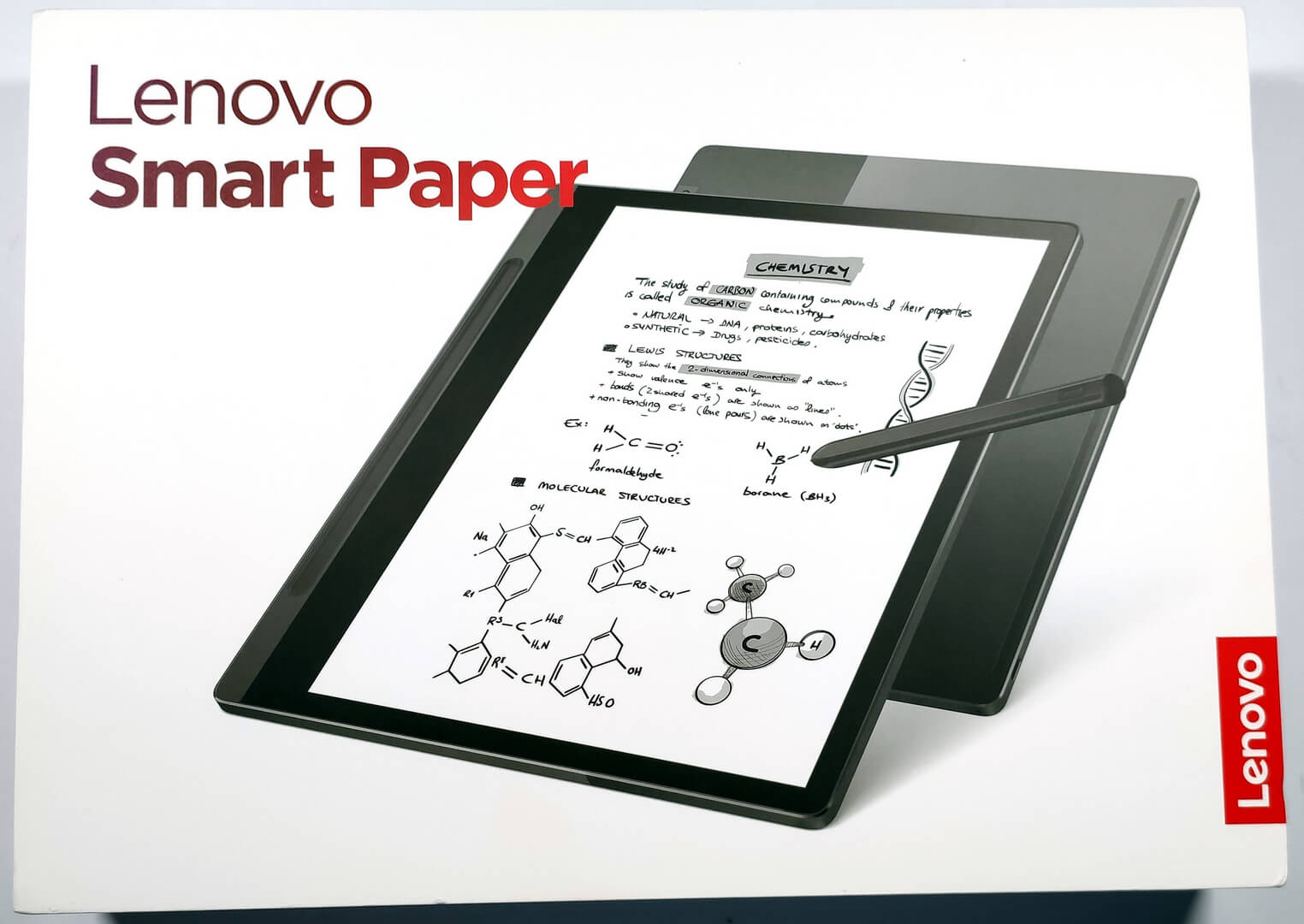
 Writing tablets with E-Ink screens are meant for people who like to read a lot. Today we’ll show you a gadget that falls in the mentioned category and at the same time, you can take advantage of things like drawing and handwriting thanks to the included Smart Pen in the box. The device is called Lenovo Smart Paper and for some of you, it may look like a big tablet with a side-flip case. Actually, this Lenovo creation is very close to this definition – it is a tablet with a screen that is optimized for reading and for some creative tasks like sketching with the aid of the Pen (and there is a “magnetic folio / case”).
The interesting part is that this tablet is an Android-based device but the OS is heavily customized so you can use it “as is” straight from the box for E-books, documents, and other similar things. In addition, programs like Firefox and WPS Office are preinstalled so you can also browse the Web and open pdf files right from the get-go.
Specs-wise, the product seems like a not-so-powerful machine but it’s normal considering its main purpose which is displaying books and documents. Speaking of this, the tablet supports handwriting to text function which is a very handy extra for everyone but maybe students, teachers, and writers will value this feature even more.
You can check the current price of Lenovo Smart Paper here: Buy from Amazon.com (#CommissionsEarned)
Contents
Specs Sheet, What’s in the box
| Lenovo Smart Paper | |
|---|---|
| Processor | Rockchip RK3566 Processor (1.80 GHz ) |
| GPU | ARM Mali-G52 GPU |
| Operating System | Android 11 |
| Memory | 4 GB LPDDR4X (Soldered) |
| Storage | 64 GB eMMC 5.1 |
| Display | 10.3″ (1872 x 1404), E-ink, 227 ppi, 4:3, Anti-glare, Dual color front light, 24 Brightness Levels (automatic screen adjustment), 24 Adjustable Temperature Tones |
| Battery | Integrated 3550mAh |
| Dimensions | 195mm x 226mm x 5.5mm / 7.7″ x 8.9″ x 0.2″ |
| Weight | Starting from 408g |
| Lenovo Smart Paper Pen |
|
| Lenovo Smart Paper Folio Case |
|
| Ports/Slots | USB-C 2.0 (supports data transfer and charging) |
| WiFi |
|
| Sensors |
|
| Battery |
|
| Microphone | Dual microphone |
| Preloaded Software |
|
What’s in the box?
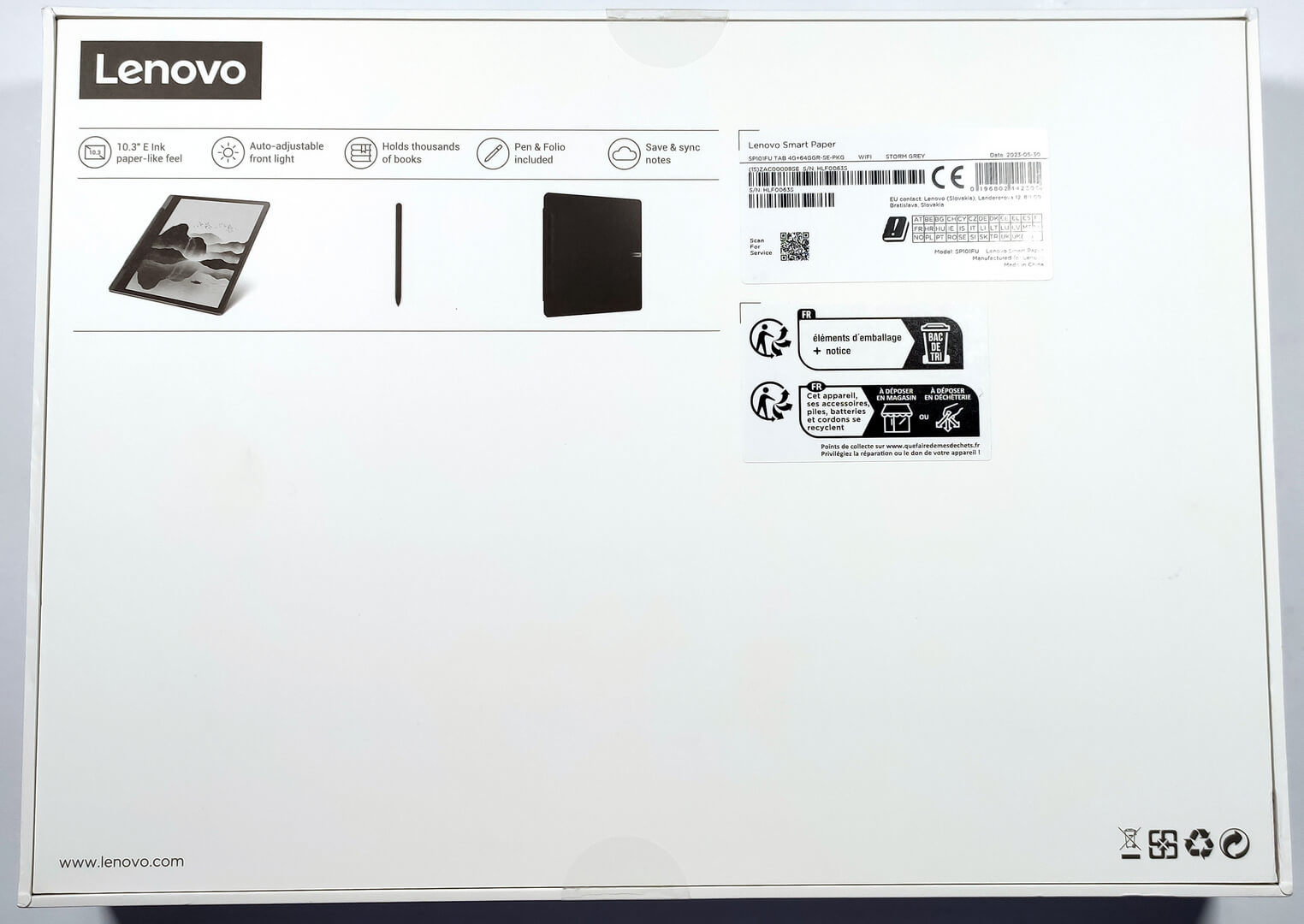
The box is super sturdy so the precious tech inside is well-protected.
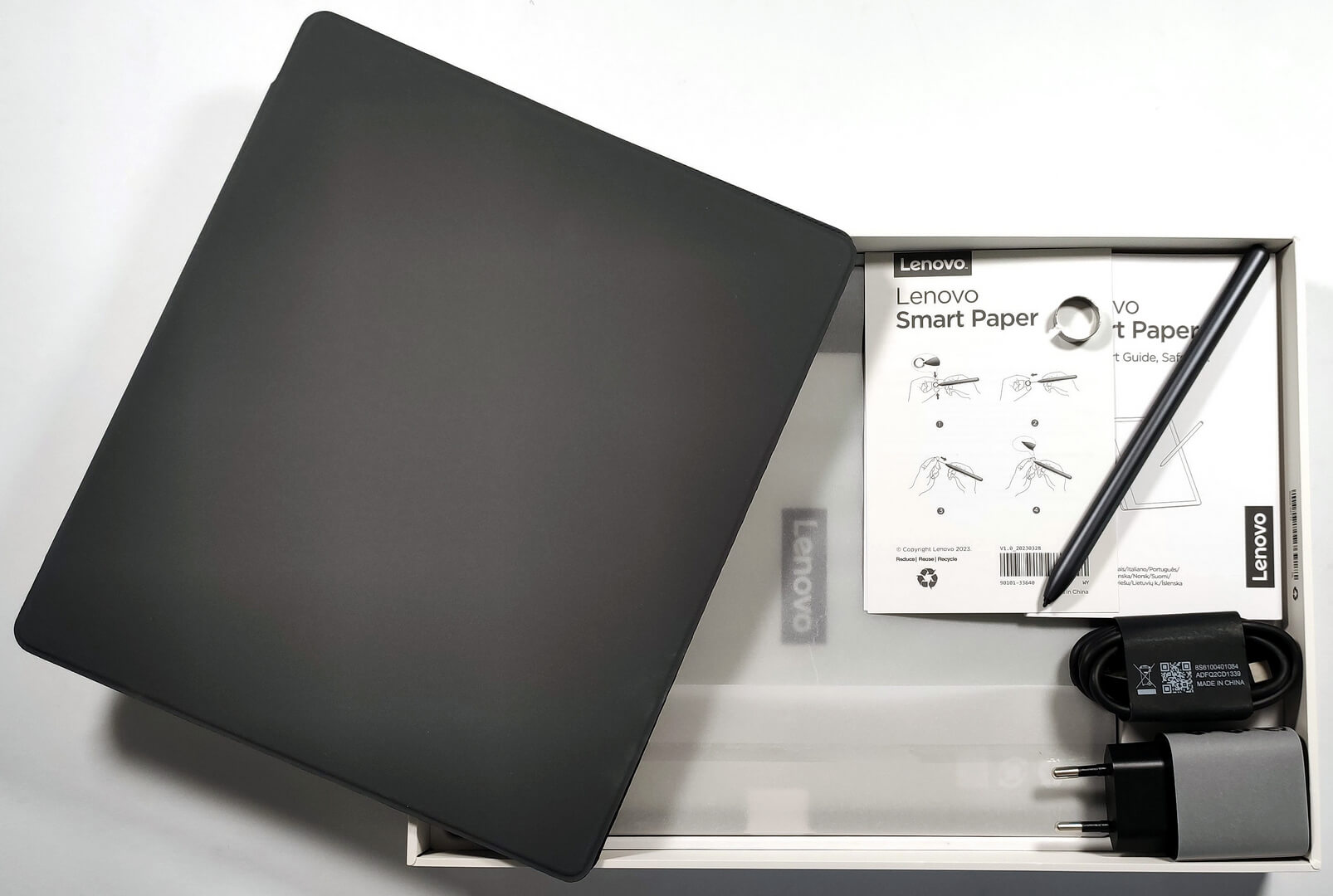
When you open the package, you’ll find the tablet itself, a Lenovo Smart Paper Pen, the Folio Case, a 10W charger alongside a 1.5-meter-long USB-C cable, a metal ring (that can be used to pull out the pen tip), and some manuals.
 Author: Nikolay Palaozov

![[August 2026] Amazon Italy: Top 10 Best-Selling Laptops – Apple MacBook Neo Claims the Crown as Budget and Mid-Range Windows Machines Dominate Volume](https://laptopmedia.com/wp-content/uploads/2026/09/Best-Selling-Laptops-IT-Top-10-400x225.jpg)
![[August 2026] Amazon Italy: Top 7 Best-Selling Gaming Laptops – ASUS V16 Claims the #1 Spot Amid Strong Mid-Range Demand](https://laptopmedia.com/wp-content/uploads/2026/09/Best-Selling-Gaming-Laptops-IT-Top-10-400x225.jpg)
![[August 2026] Best-Selling Laptop Brands on Amazon Italy – Lenovo Dominates Market Share and Revenue Leadership](https://laptopmedia.com/wp-content/uploads/2026/09/IT-Best-Brands-400x225.jpg)
![[August 2026] Amazon India: Top 10 Best-Selling Laptops – Apple MacBook Neo Dominates the Charts with Massive Sales Lead](https://laptopmedia.com/wp-content/uploads/2026/09/Best-Selling-Laptops-IN-Top-10-400x225.jpg)
![[August 2026] Amazon India: Top 10 Best-Selling Gaming Laptops – HP Victus 15 Dominates the Market with Massive Unit Lead](https://laptopmedia.com/wp-content/uploads/2026/09/Best-Selling-Gaming-Laptops-IN-Top-10-400x225.jpg)
