Lenovo Smart Paper review – very good E-Ink Android tablet
Software, usage, performance, comfort during load
Software
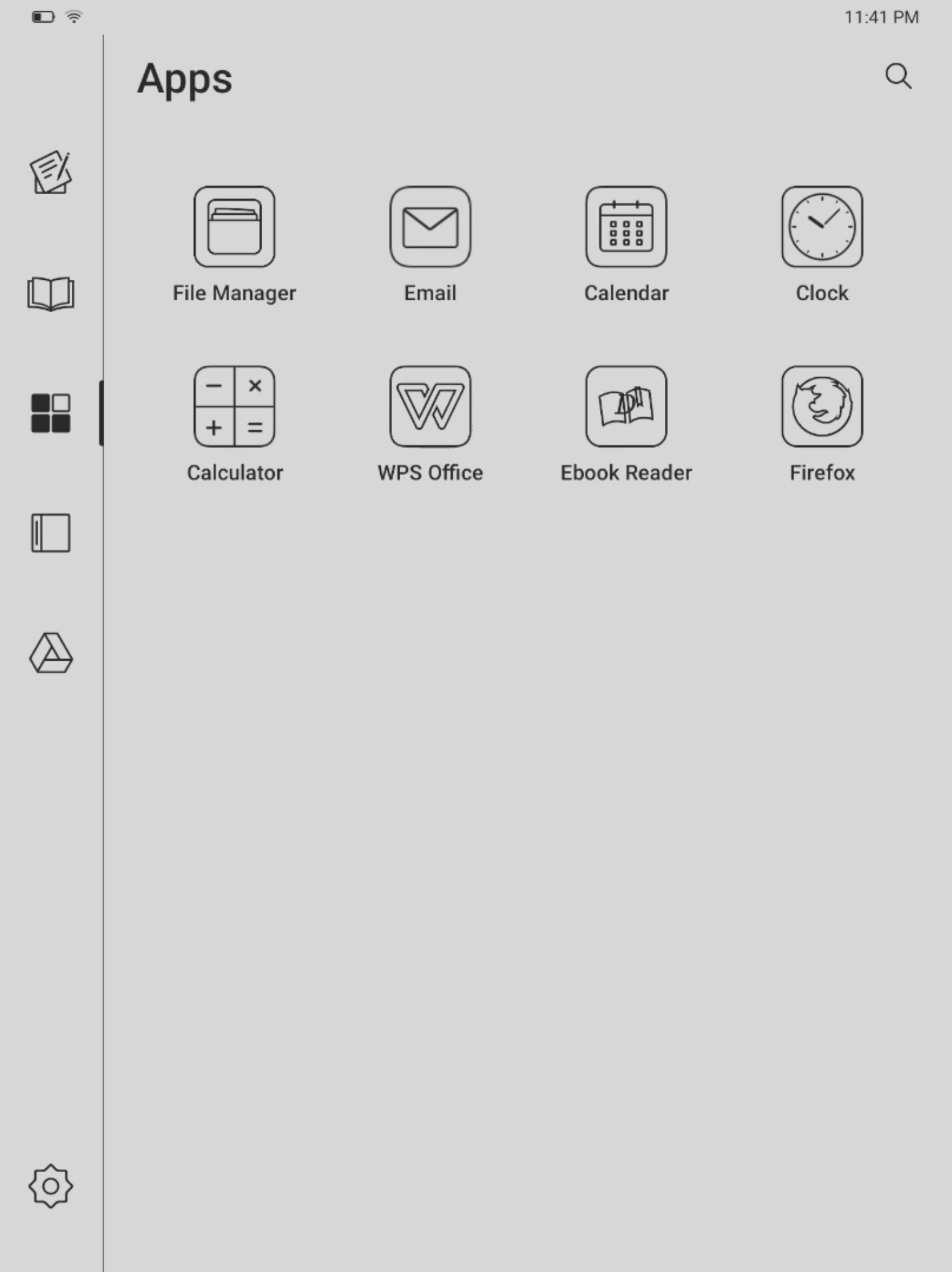
This device uses customized Android 11 out of the box. It’s not a surprise that the interface is quite different compared to any other tablet or smartphone with the same OS. Here is one of the main cons of the machine – the main advantage of Android is the high level of customization but on the other hand, the Lenovo Smart Paper falls short here because you can tweak a few options here and there.
There is no Google Play Store as well and that’s the main source of fun when it comes to downloading different programs. You can sideload applications, ergo, you can download apk files and try to see if they can work on this tablet. Google Chrome and Kindle apps are working which is at least something. By the way, we didn’t find a way to take screenshots (which is a real pain) but because the device supports Miracast, we were able to take some screenshots by mirroring the display to a laptop.
Usage
If we put aside the fact that you can’t use Google Play Store and you have to manually download apk files to test if a specific program can work correctly or not, the tablet work as it should while reading and writing. Reading books is such a pleasure, the text looks sharp and crisp, and here is the moment to say some good words regarding the display. The panel has a 4:3 aspect ratio which is great for eBooks and handwriting. After hours of usage, we didn’t experience eye strain or any other kind of discomfort.
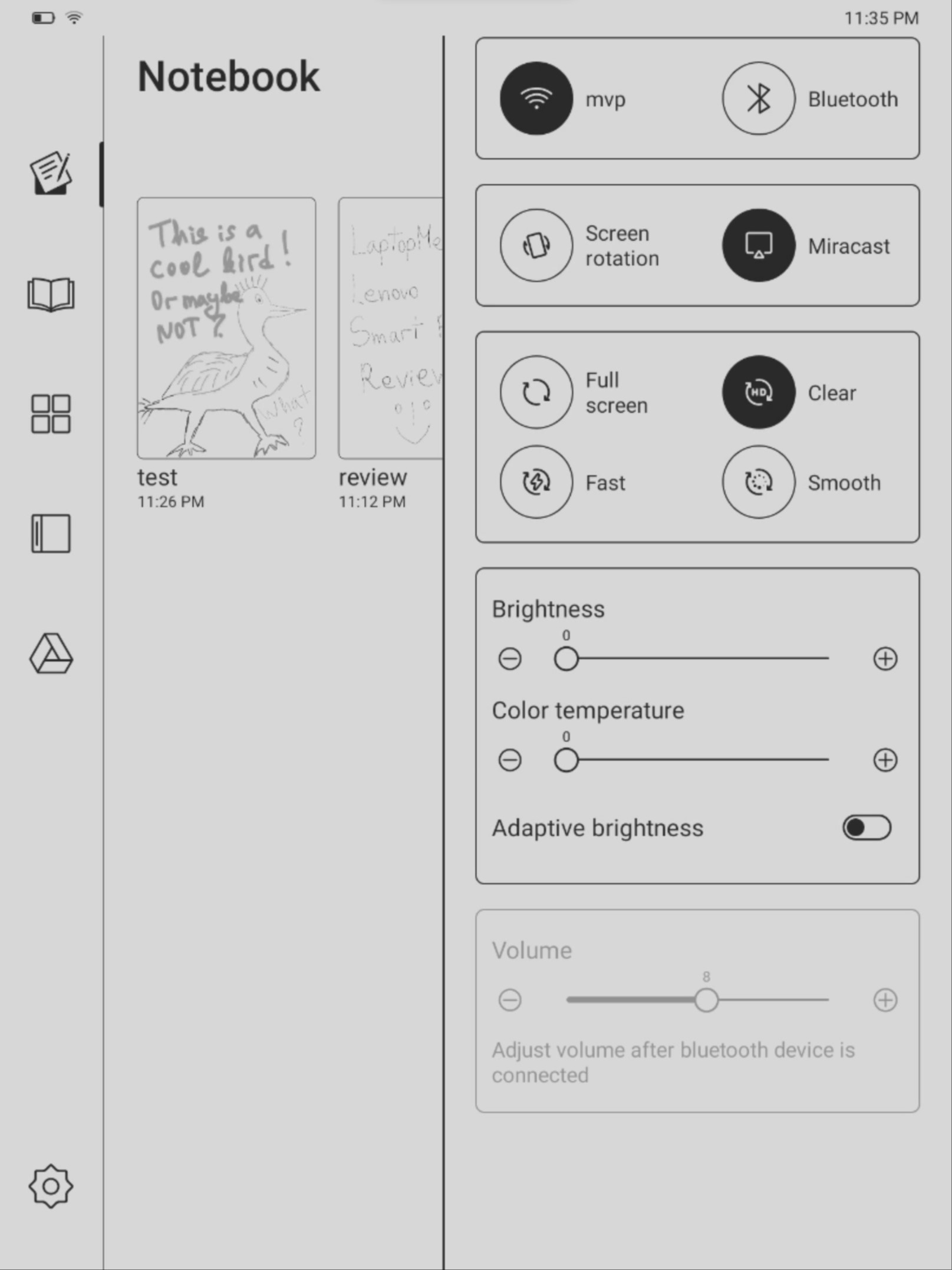
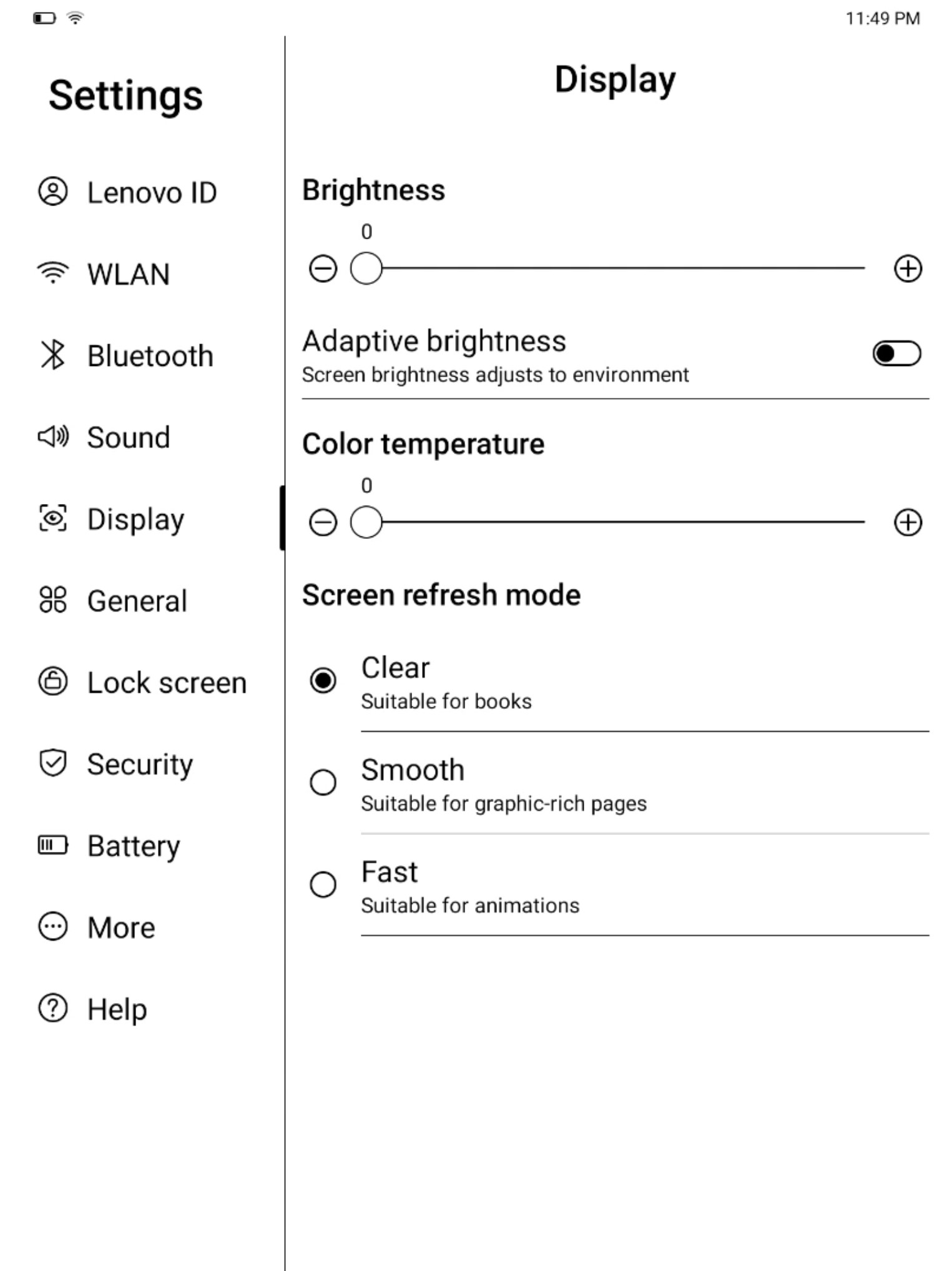
The anti-glare display is doing its job well and you can tweak settings like brightness and color temperature, or you can turn on and off the adaptive brightness option. For even better battery life you can activate the “Fast” option from the drop-down menu which will decrease the screen resolution, while with the “Clear” option (which is branded as HD), you can take advantage of the native resolution or the screen (1872 x 1404).
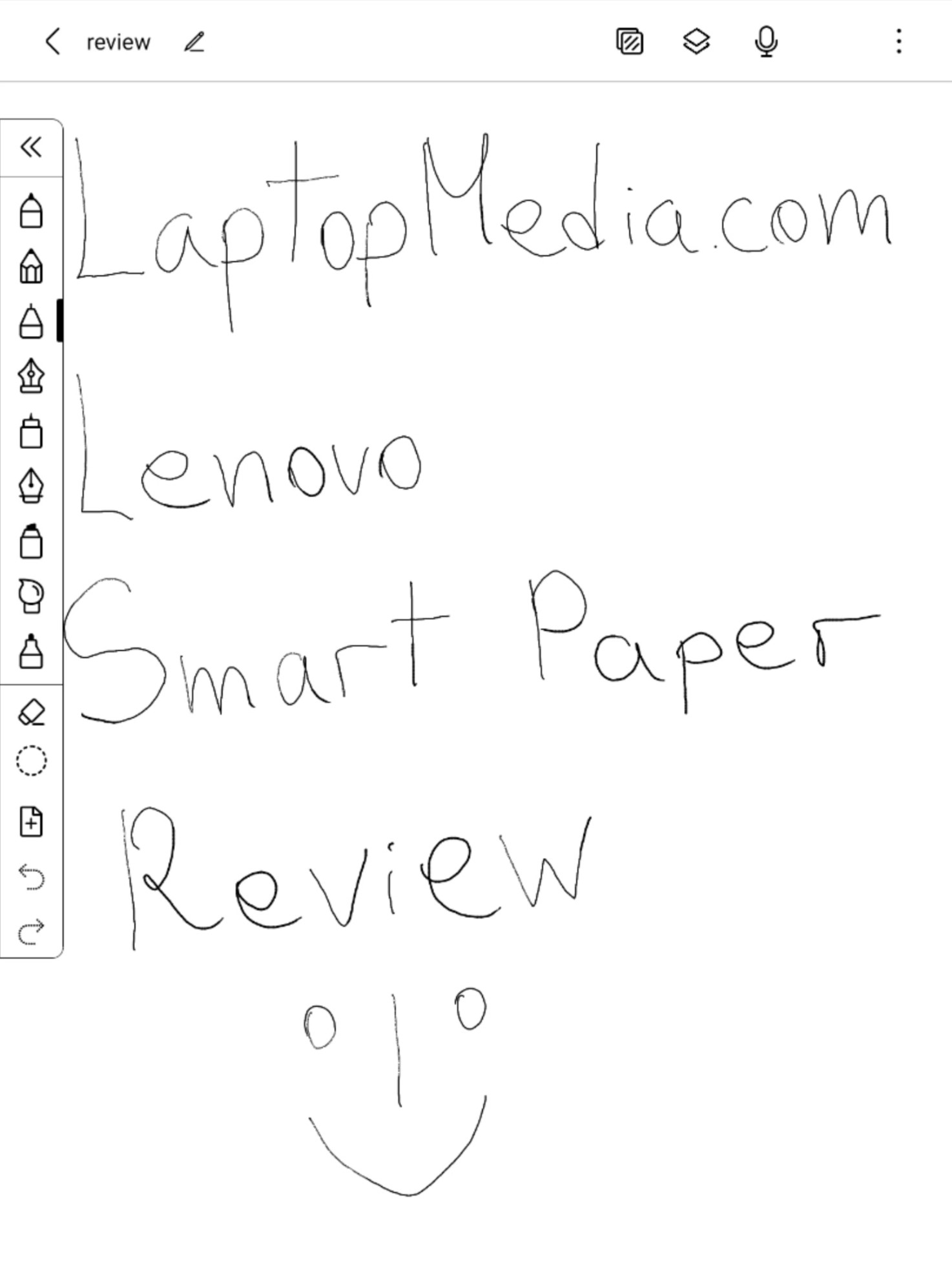
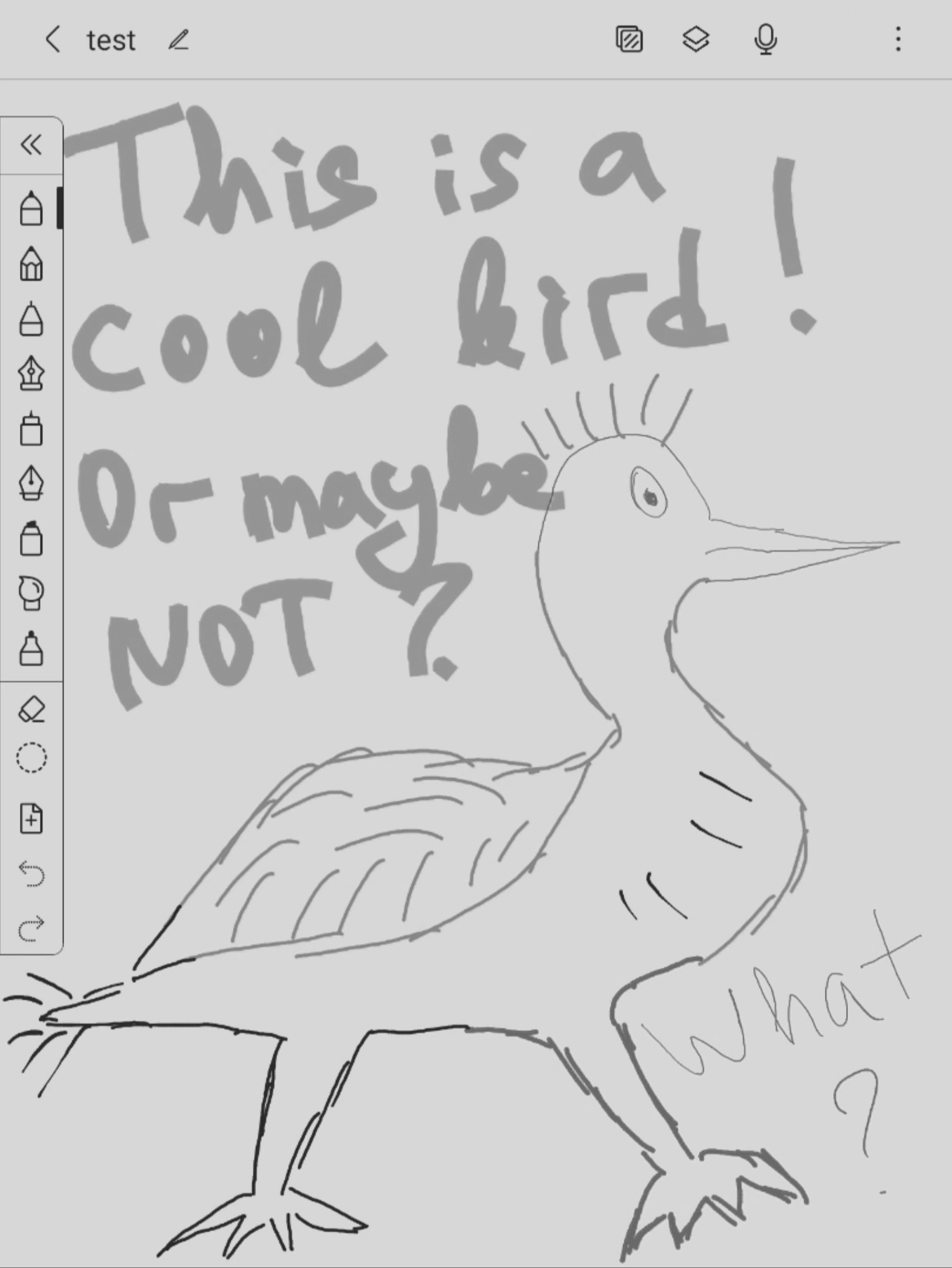
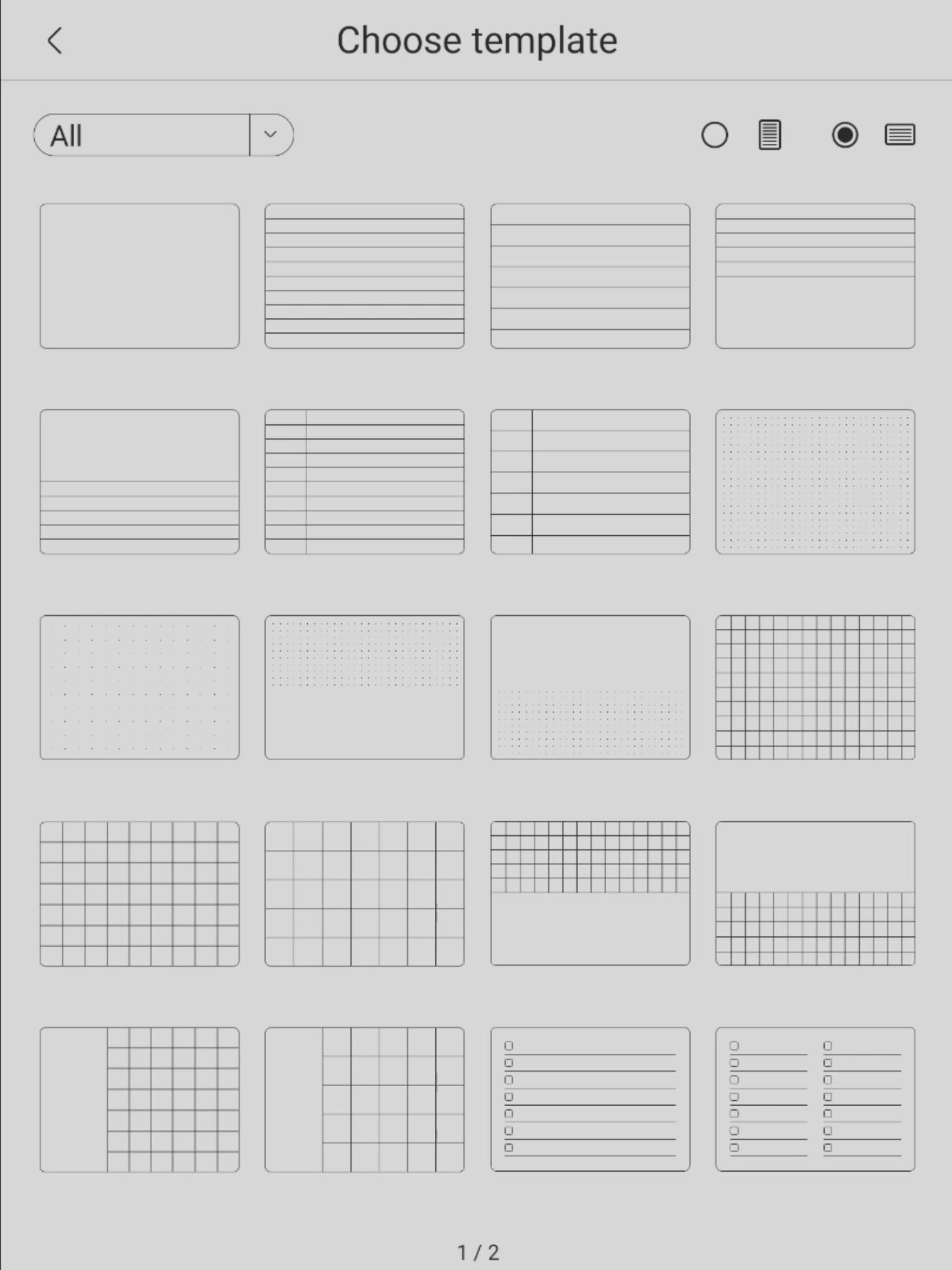
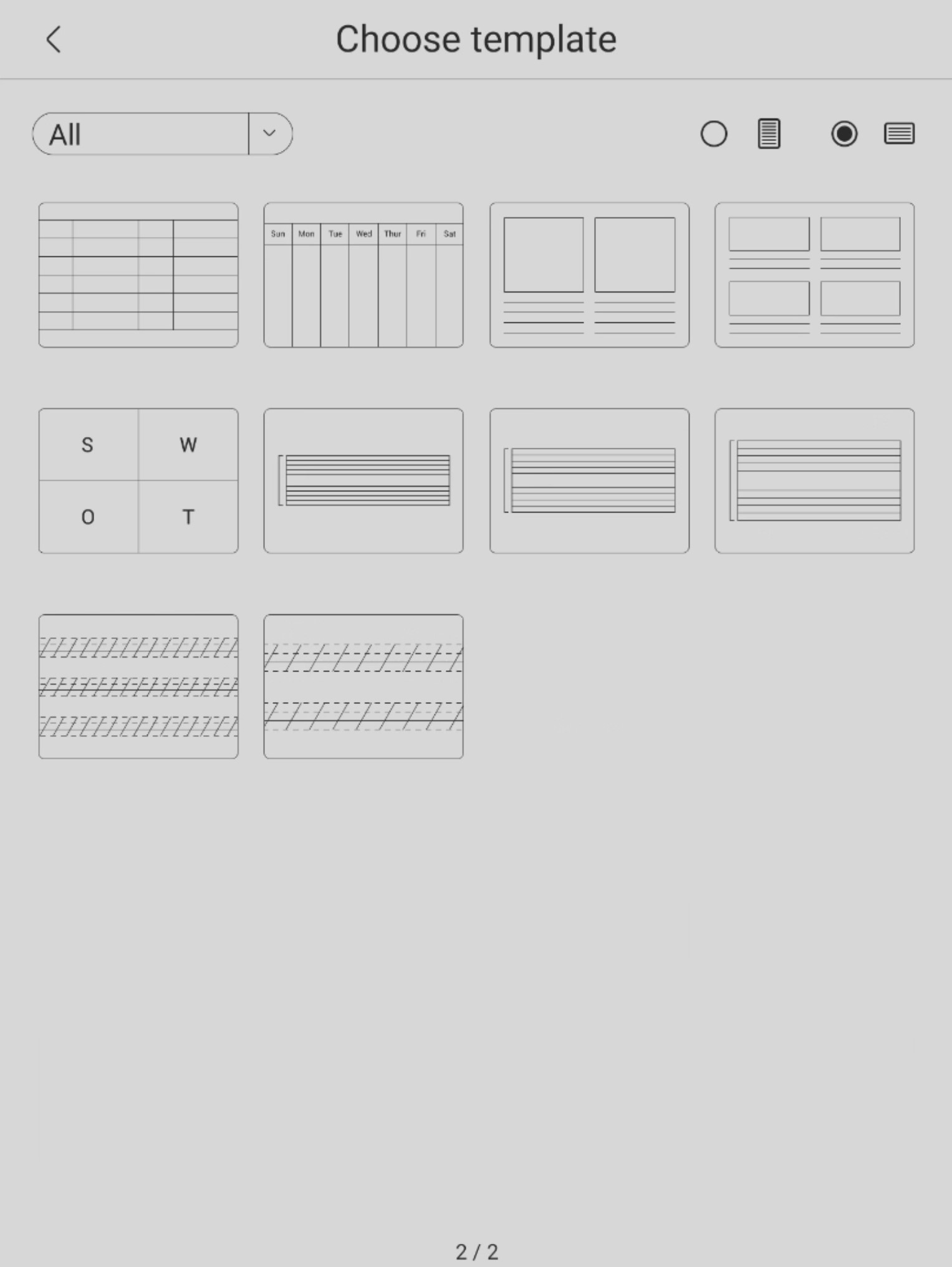
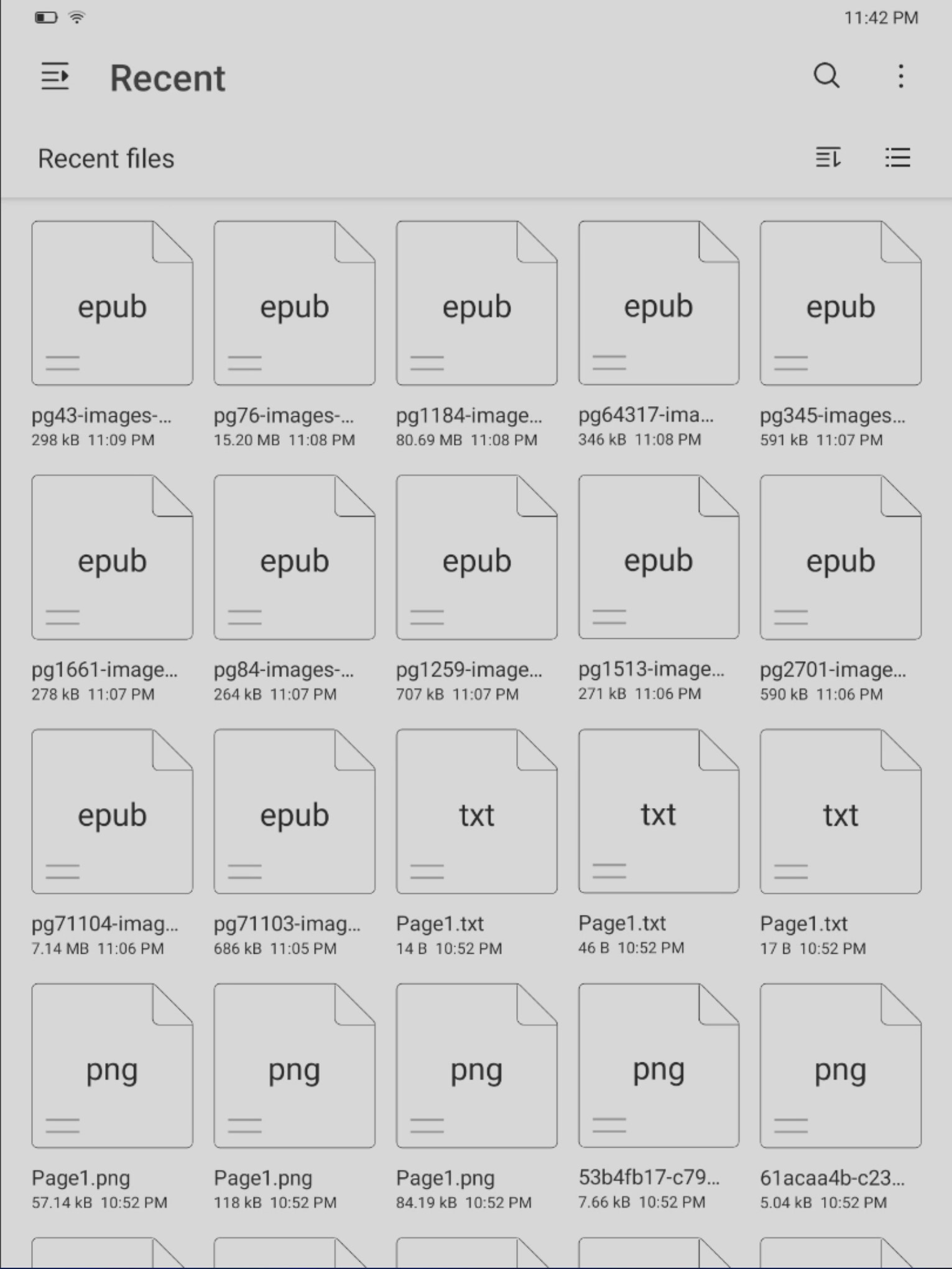
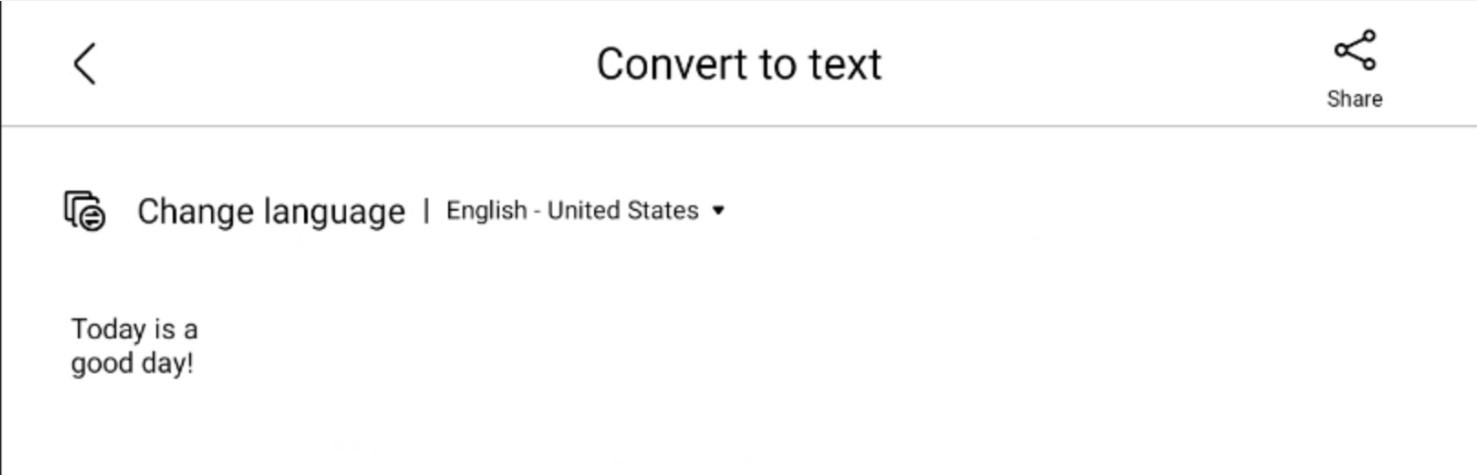
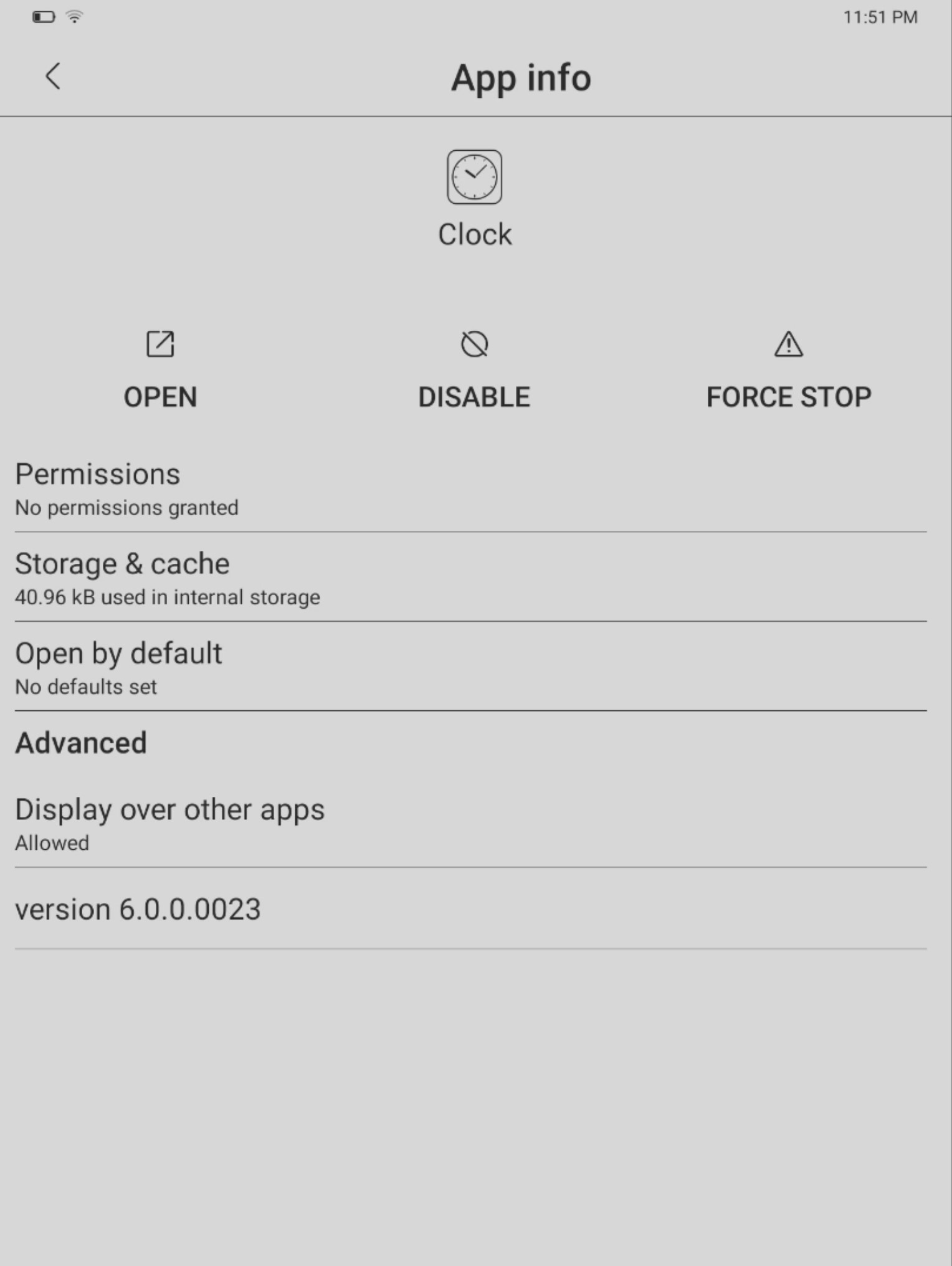
What you see on the screen (exported images with Miracast):
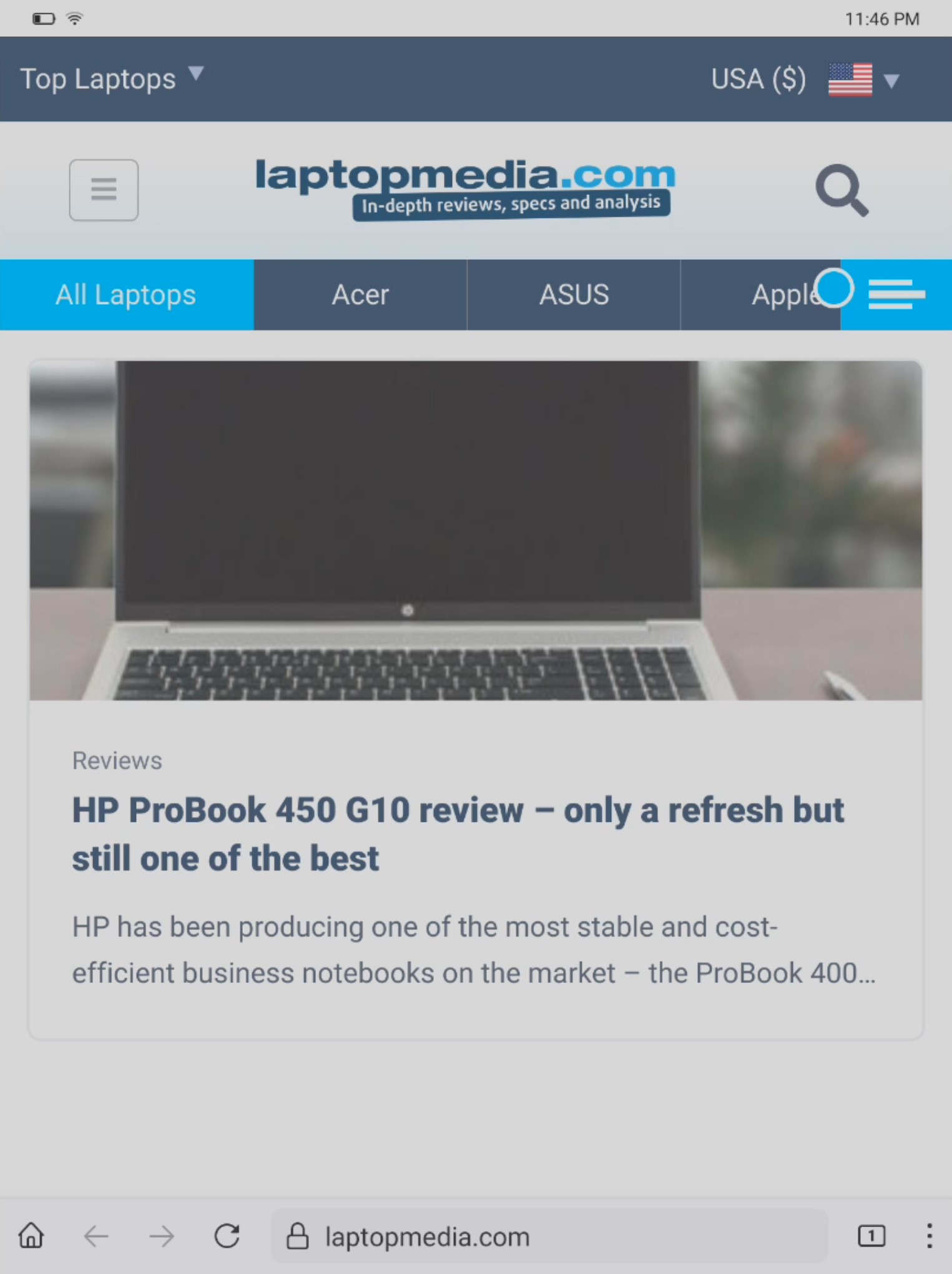
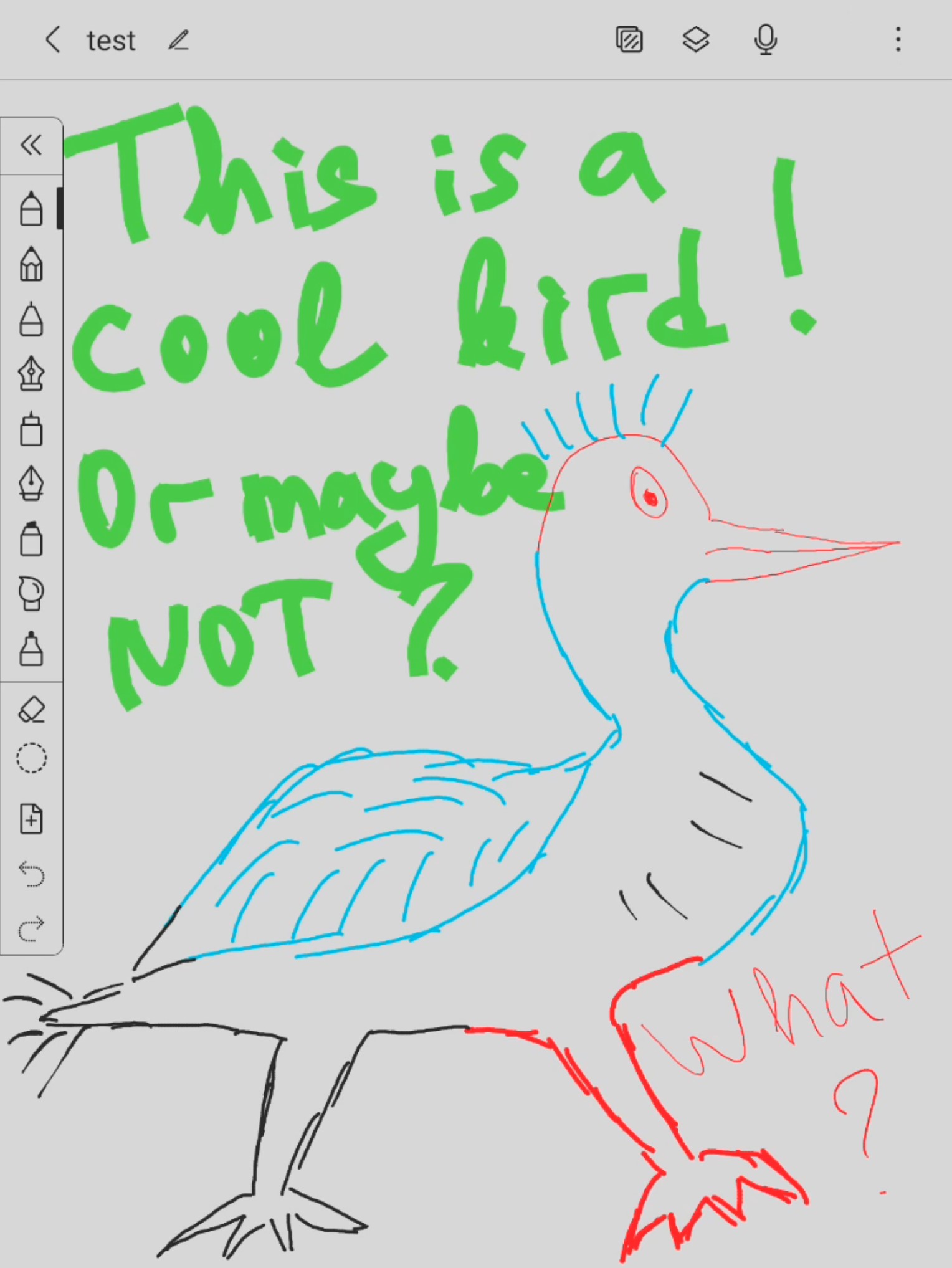
Also, handwriting can be converted to digital text which is very useful because you can’t write super fast using the on-screen keyboard. The Smart Pen is a joy to use, the whole experience while using it is like we were writing with a pencil on a real paper. There are a lot of different templates for writing and drawing as well as nine pen styles. Because the pen uses electro-magnetic resonance technology you don’t have to charge it at all.
The device has no problem opening epub, pdf, and docx files – you can use the provided USB cable to load the internal storage with your local backup full of eBooks and pdf files. Lenovo is promoting the Ebooks.com site for accessing more than two million eBooks. If you read a lot maybe this can be a real option for you but keep in mind that a paid subscription is also required to use the website. Still, if you have hundreds of eBooks files you can transfer them to the tablet very easily and fast with the provided cable or maybe with Google Drive (which is also supported). Another handy option is the fact that you can write in books and add comments which is mission impossible for a lot of other devices in the same category.
You can find some useful typical Android options like Force Stop and Clear Cache. The battery life can be extended thanks to extras like Auto Sleep, Battery Saver, and Battery Optimizations. Other things that can catch an eye in the interface are Choose Dominant Hand, Font Size, Input options, Factory reset, etc.
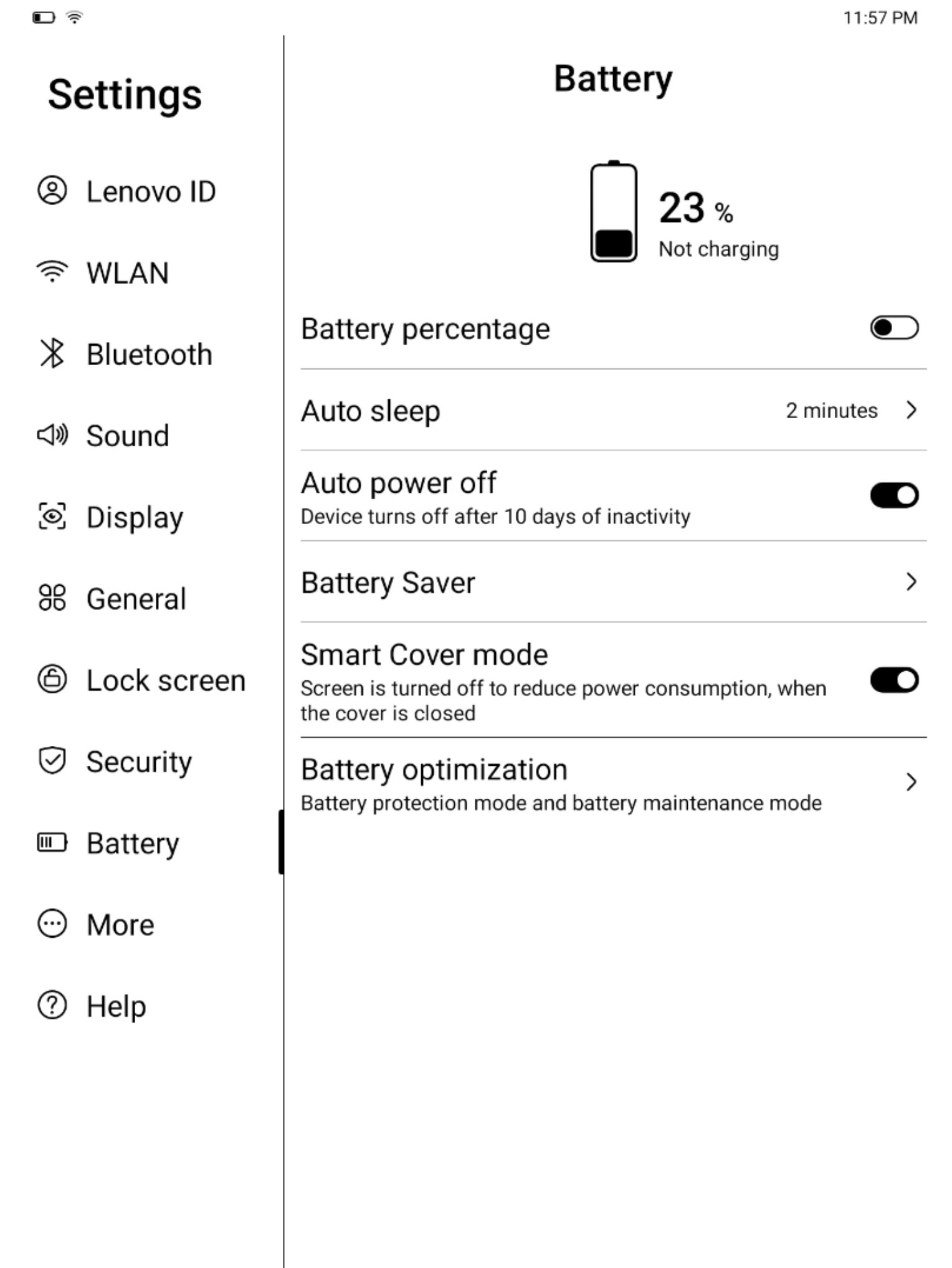
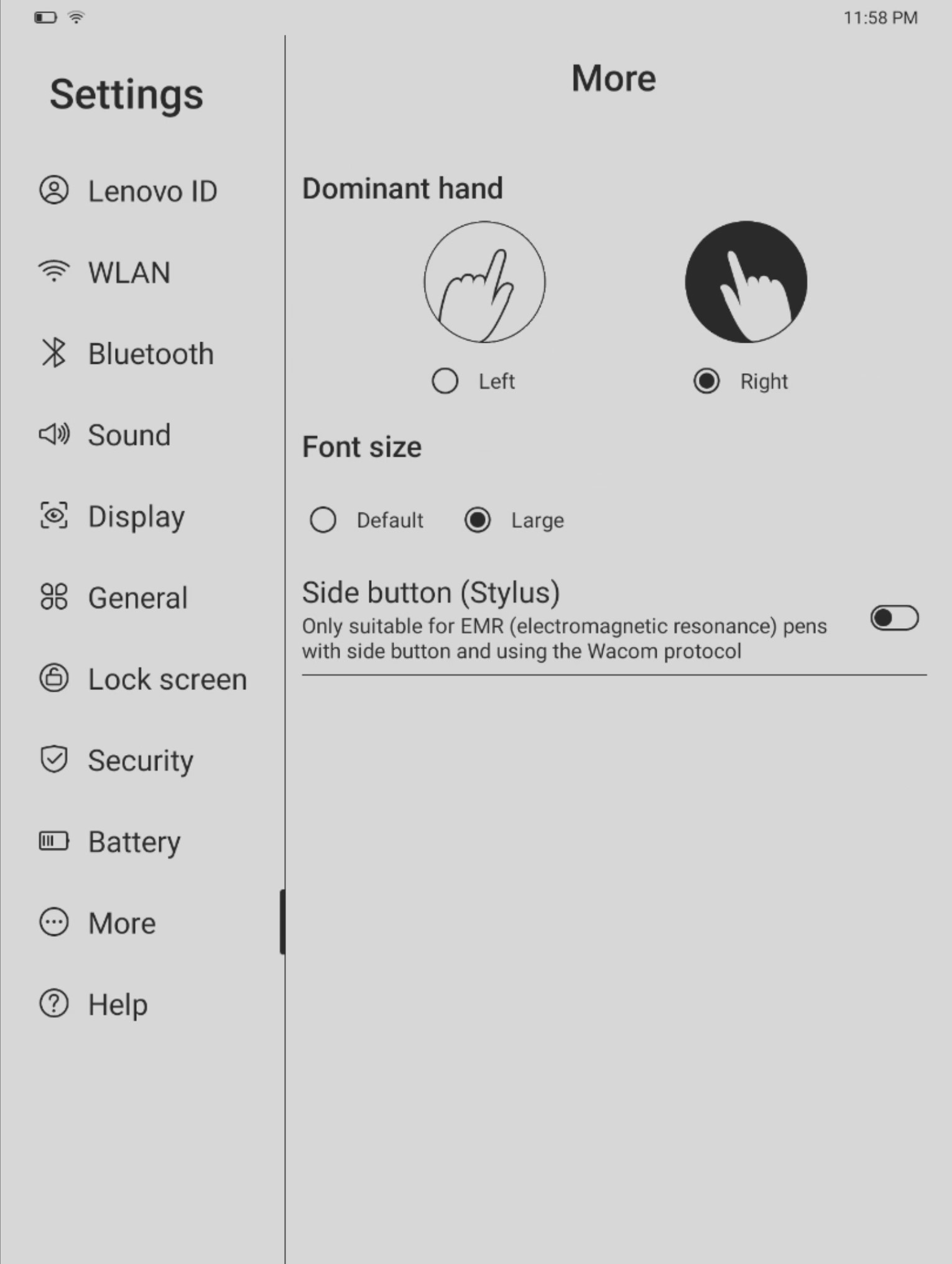
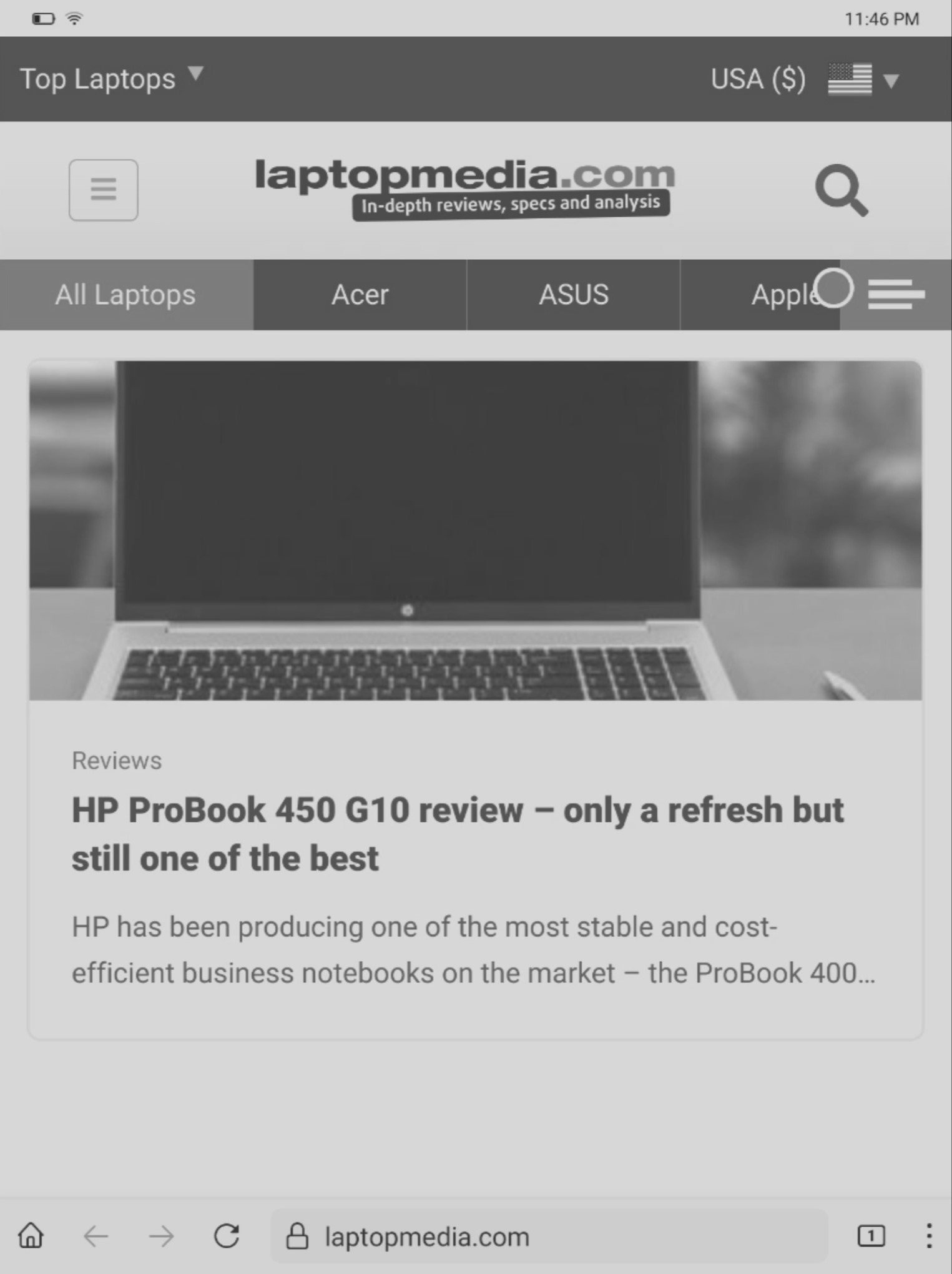
Performance and battery life
Expectedly, there is no way to benchmark this device using 3DMark because the program doesn’t want to start (yes, we installed the apk file manually). The same thing applies to battery life testing. We can just say, that after 3 hours of using the device, the battery lost just 2% capacity – wow!
Comfort during full load
Since it’s a tablet and there are no fans inside of the device, there is zero noise while using the gadget. No sign of coil whine as well, which is good. The hardware is not-so-powerful and thermals are always in check.
 Author: Nikolay Palaozov

![[August 2026] Amazon USA: Top 10 Best-Selling Laptops – Apple MacBook Neo Dominates the Market with Massive Unit Sales!](https://laptopmedia.com/wp-content/uploads/2026/09/Best-Selling-Laptops-COM-Top-10-400x225.jpg)
![[August 2026] Amazon USA: Top 10 Best-Selling Gaming Laptops – ASUS ROG Strix G16 Dominates the Market with Massive Unit Sales](https://laptopmedia.com/wp-content/uploads/2026/09/Best-Selling-Gaming-Laptops-COM-Top-10-400x225.jpg)
![[July 2026] Amazon Global: Top 10 Best-Selling Laptops – Apple MacBook Neo Dominates the Charts as Budget and Premium Notebooks Split the Market](https://laptopmedia.com/wp-content/uploads/2026/08/Best-Selling-Laptops-GLOBAL-Top-10-400x225.jpg)
![[July 2026] Amazon Global: Top 10 Best-Selling Gaming Laptops – ASUS ROG Strix G16 Dominates the Global Market with Record-Breaking Unit Sales](https://laptopmedia.com/wp-content/uploads/2026/08/Best-Selling-Gaming-Laptops-GLOBAL-Top-10-400x225.jpg)
![[July 2026] Global Ranking of Best-Selling Laptop GPUs on Amazon – RTX 5060 Dominate Premium, Intel Still Rules Budget](https://laptopmedia.com/wp-content/uploads/2026/08/Best-Selling-GPUs-GLOBAL-Top-10-400x225.jpg)
