Lenovo Smart Paper review – very good E-Ink Android tablet
Design and construction
The design isn’t that different compared to a normal tablet from the same brand. For a device with such a big screen, a weight of 408 grams is definitely on the low side. This is very important when you want to consume content for long hours. The profile thickness is just great – 5.5mm! That’s thinner than a modern high-end smartphone.

Holding the Lenovo Smart Paper is an easy task because of the abovementioned dimensions. The well-known Lenovo two-shade grey design is here and this also applies to the case. Speaking of which, the magnet is pretty strong and during normal usage, the tablet is literally glued to the case. If you open it and hold it vertically with one hand, the tablet will not fall off even if you do a little “shake”. Of course, if you want to drop the device intentionally on the floor or on your desk for the sake of science, you can shake it harder in this orientation (with an opened case in a vertical position). As we said, in the usual day-to-day operation this will not happen at all.
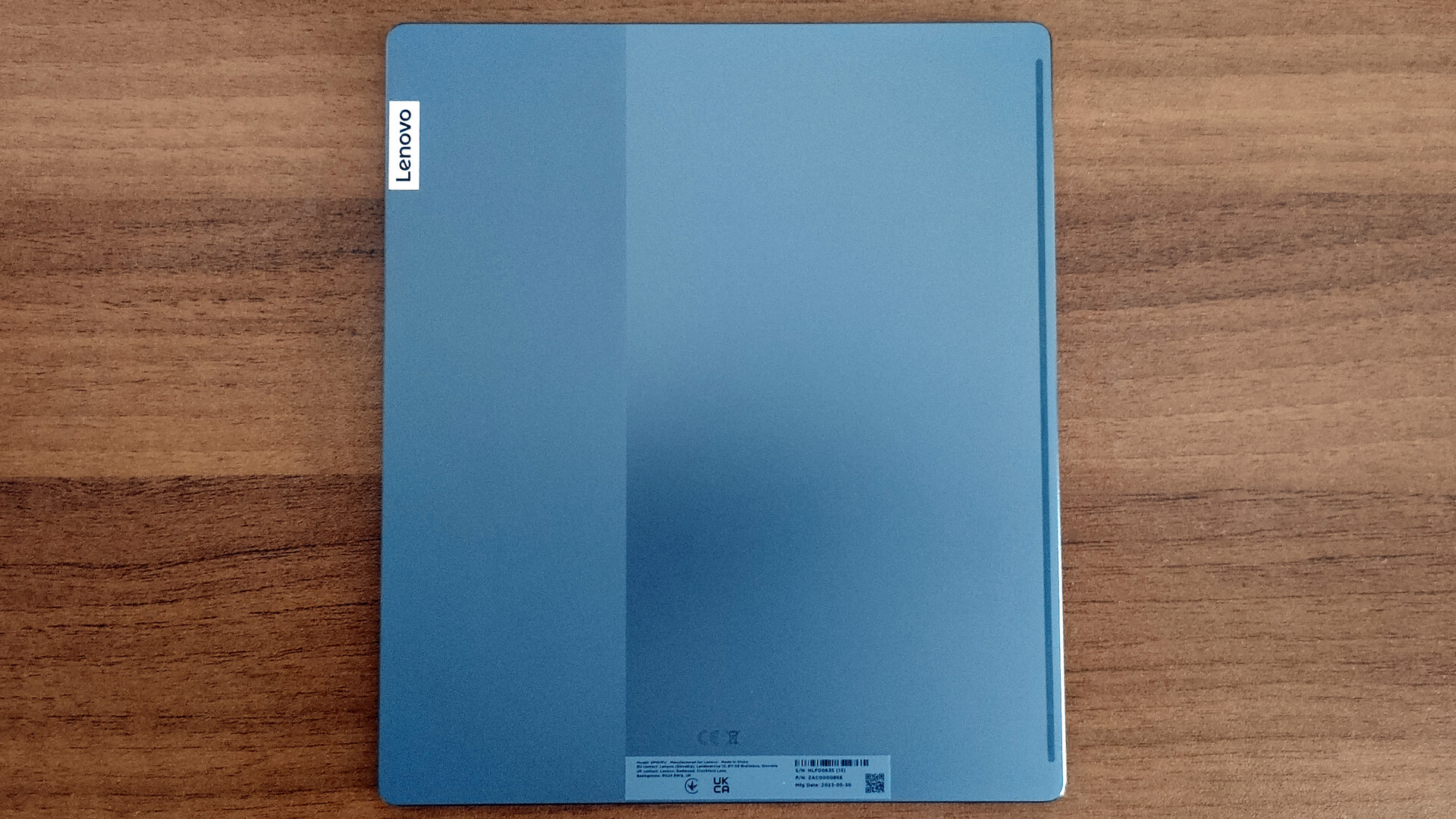
The build quality is good and the tablet feels like a quality piece of hardware. The back side is entirely made of metal and there is a little bit of plastic around the display area. The end result is a rigid device and we observed zero bends and flexes during our testing.
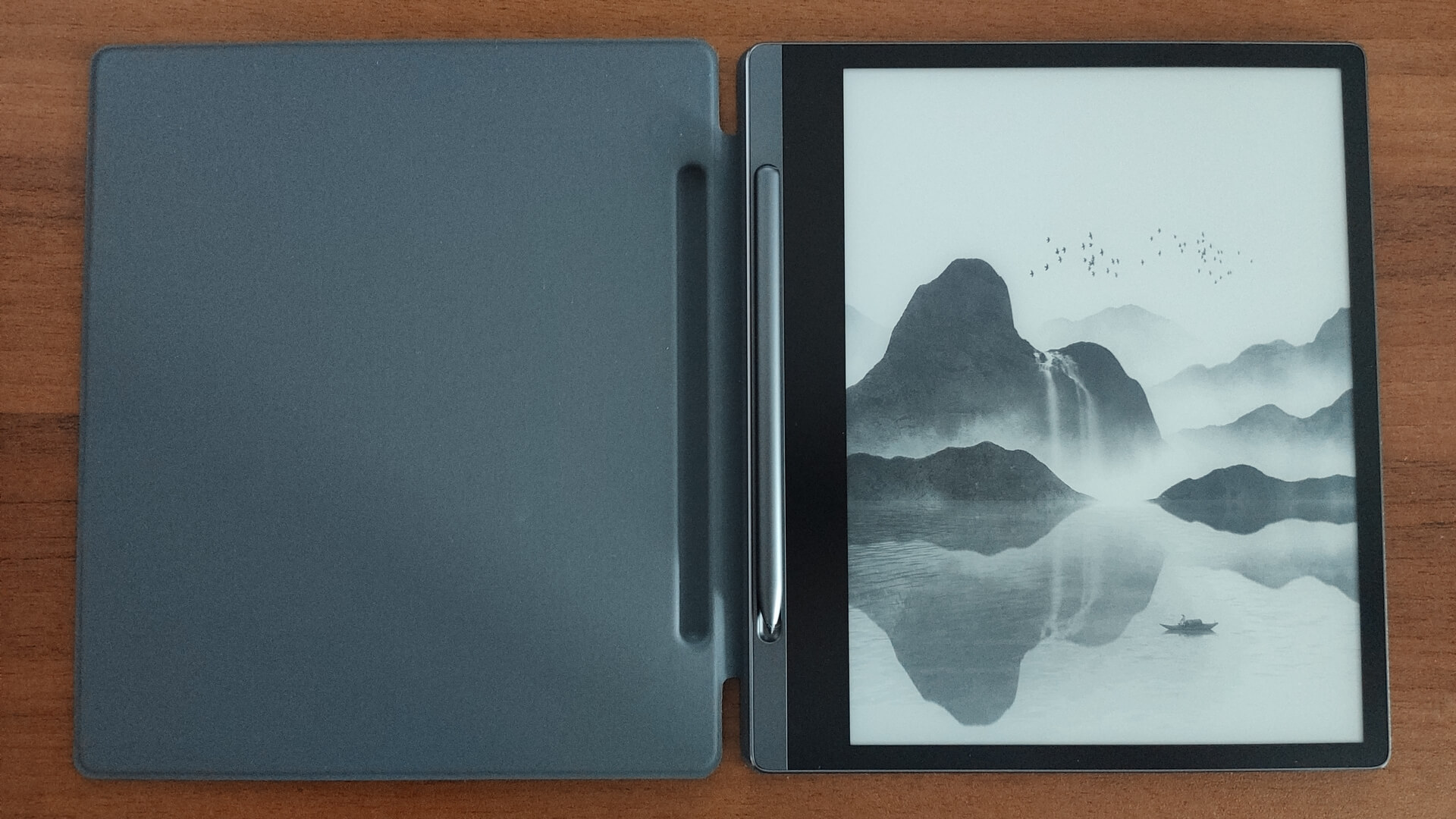
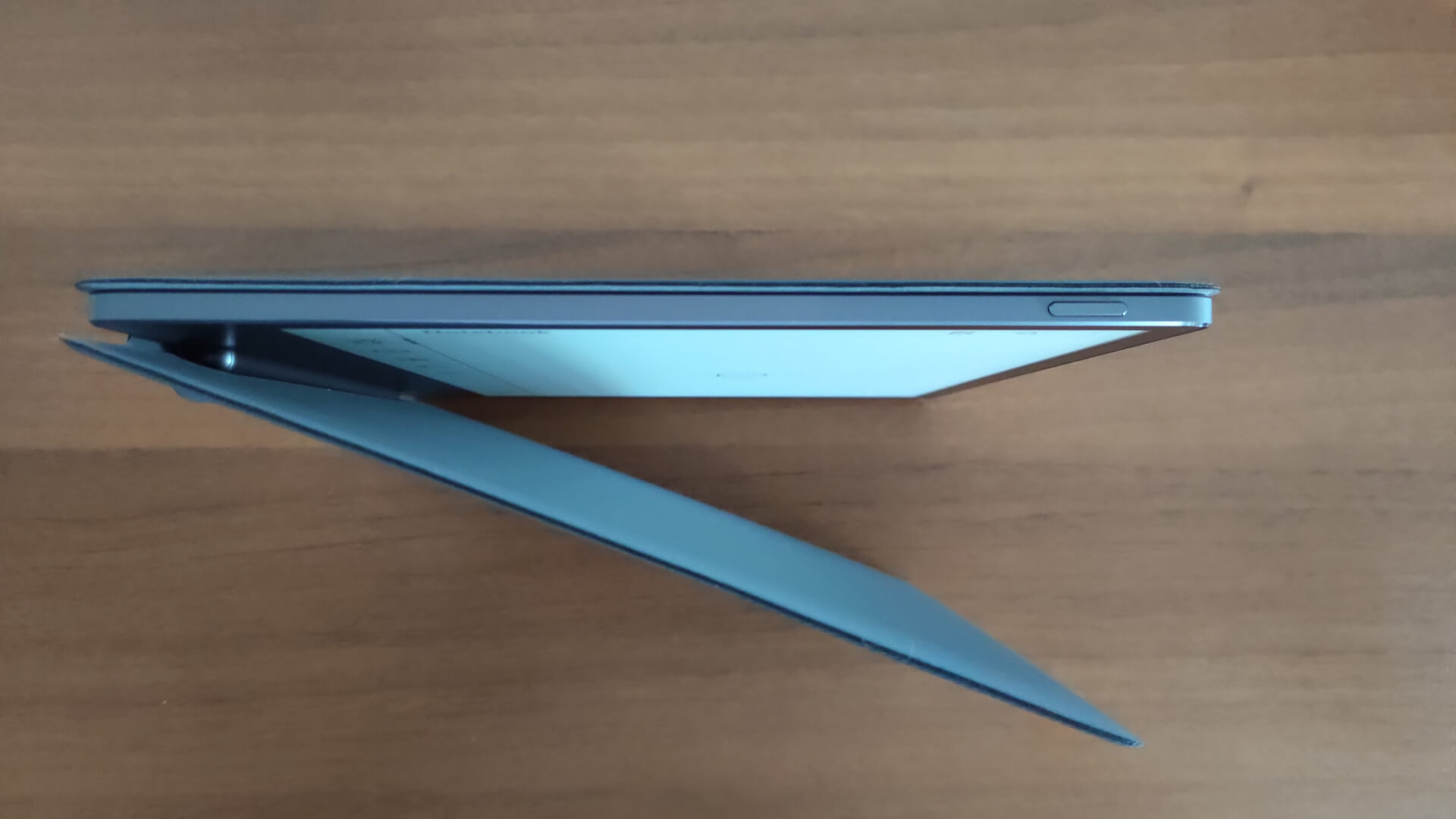
Because of the nature of the tablet, you’ll not find speakers, a camera, and voice call support here and that’s normal for such a gadget. The edges aren’t sharp, the device is light and thin, and that’s why it’s surprisingly comfortable and convenient to hold the tablet with one hand.
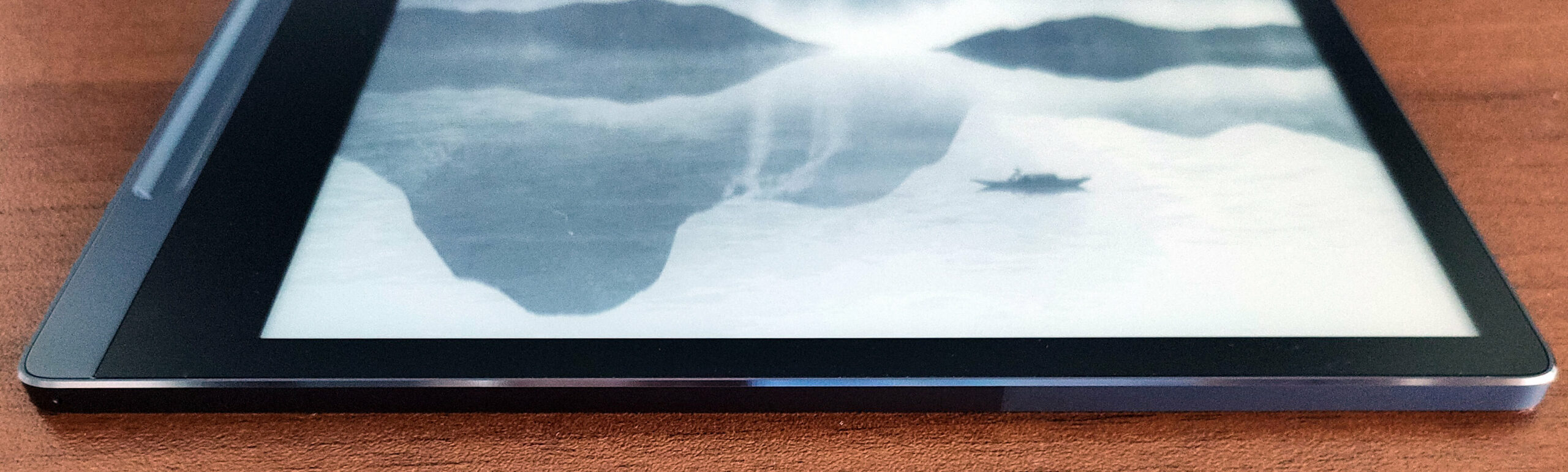
There is no info regarding the display cover material. Still, the manufacturer claims that it supports the Lenovo Smart Paper Pen with 4096 levels of pressure sensitivity, tilt detection, and the latency is 25 ms.
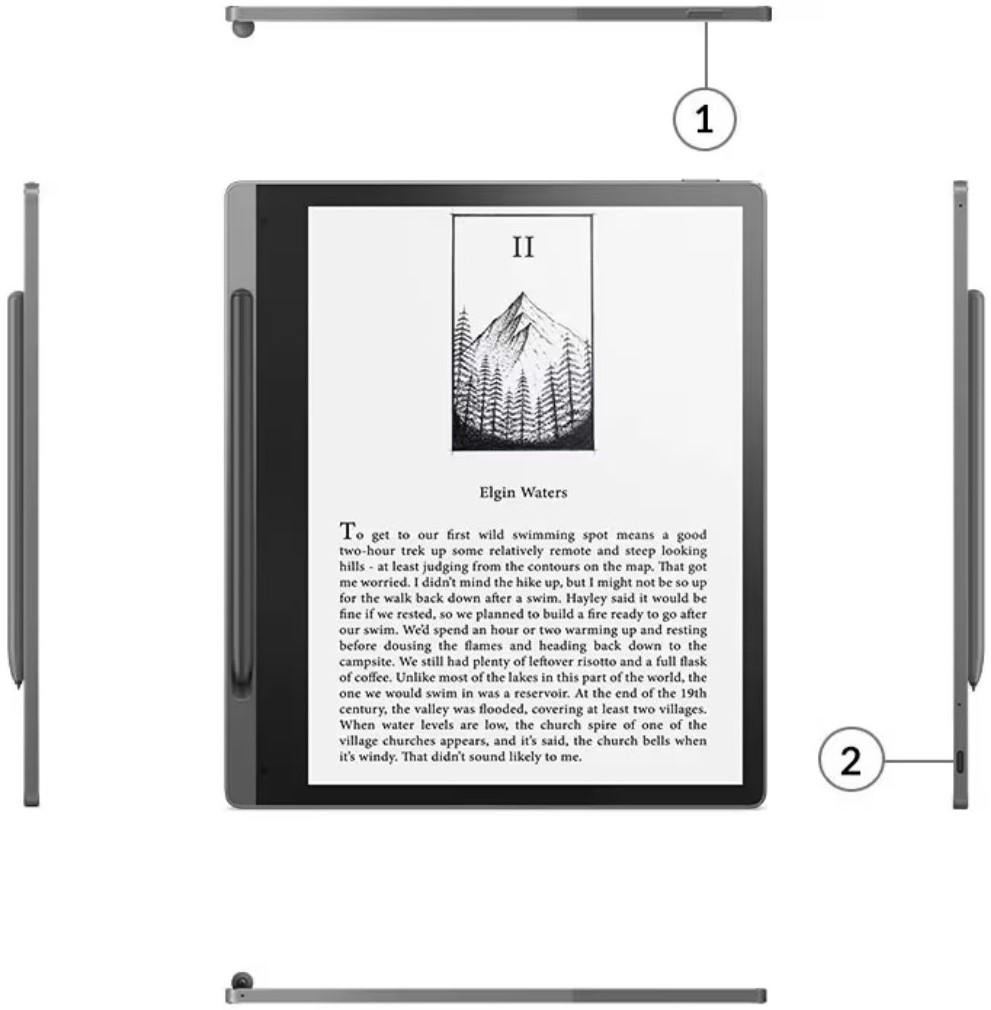
On the right, you can see a USB Type-C 2.0 port with data transfer and charging capabilities. The Power button is located on the top.
 Author: Nikolay Palaozov

![[June 2026] Best-Selling Laptop Brands on Amazon Global – Apple’s Unrivaled Dominance in Units and Revenue](https://laptopmedia.com/wp-content/uploads/2026/07/GLOBAL-Best-Brands-400x225.jpg)
![[June 2026] Amazon Global: Top 10 Best-Selling Laptops – Apple’s New MacBook Neo Storms to #1, Reshaping the Market with Affordability](https://laptopmedia.com/wp-content/uploads/2026/07/Best-Selling-Laptops-GLOBAL-Top-10-400x225.jpg)
![[June 2026] Amazon Global: Top 10 Best-Selling Gaming Laptops – Acer’s Nitro V 16S AI Dominates Sales, While ASUS Leads Overall Revenue](https://laptopmedia.com/wp-content/uploads/2026/07/Best-Selling-Gaming-Laptops-GLOBAL-Top-10-400x225.jpg)
![[June 2026] Global Ranking of Best-Selling Laptop GPUs on Amazon – NVIDIA RTX 5060 is the Top-Selling Dedicated GPU](https://laptopmedia.com/wp-content/uploads/2026/07/Best-Selling-GPUs-GLOBAL-Top-10-400x225.jpg)
![[June 2026] Global Ranking of Best-Selling Laptop CPUs on Amazon – Apple M5 Dominates, AMD Ryzen 7 260 Gets Solid Premium Share](https://laptopmedia.com/wp-content/uploads/2026/07/Best-Selling-CPUs-GLOBAL-Top-10-400x225.jpg)
