Lenovo ThinkBook 16 Gen 6 (Intel) review – Great for Work, Easy on the Ears
Design and construction
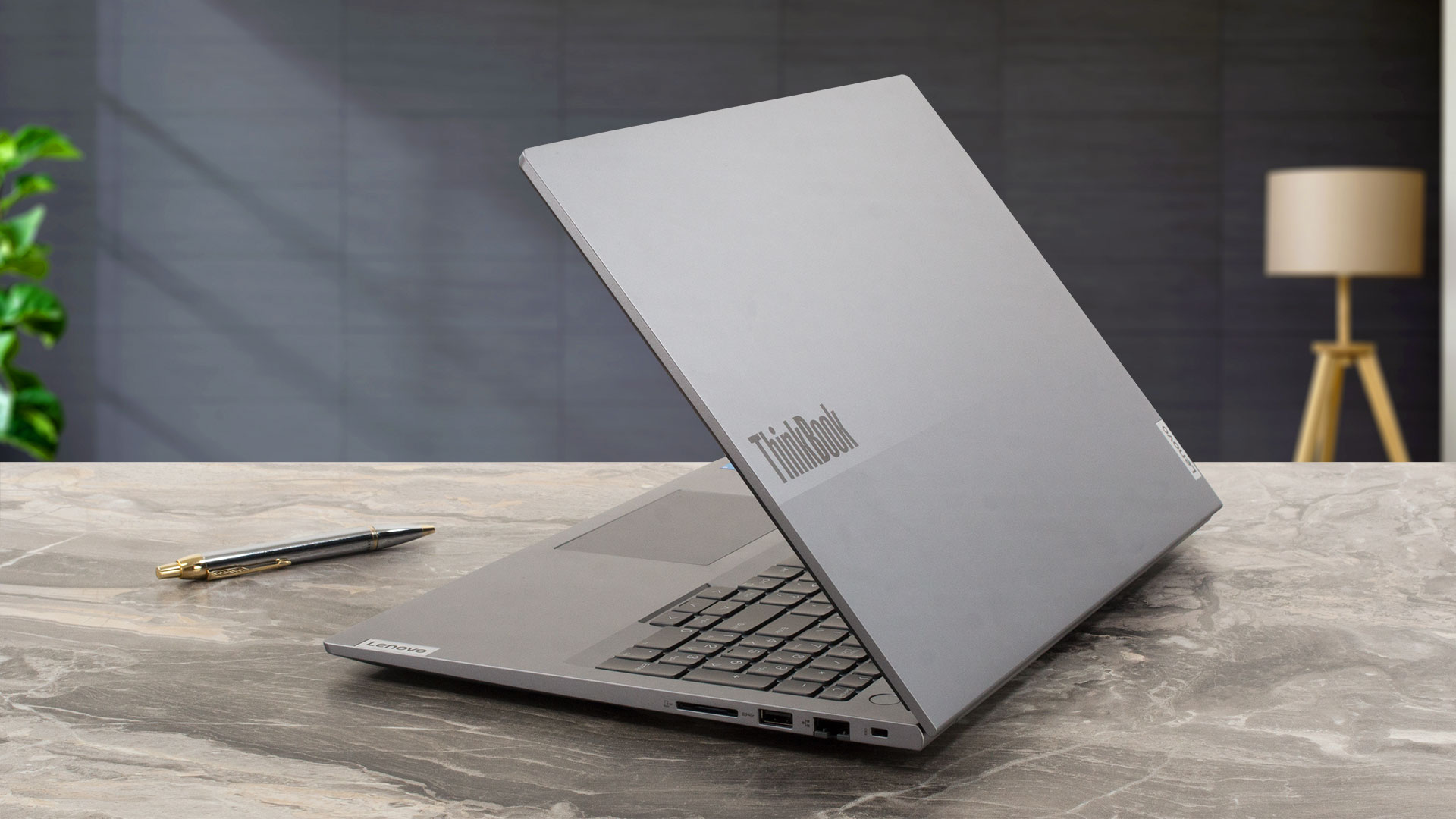
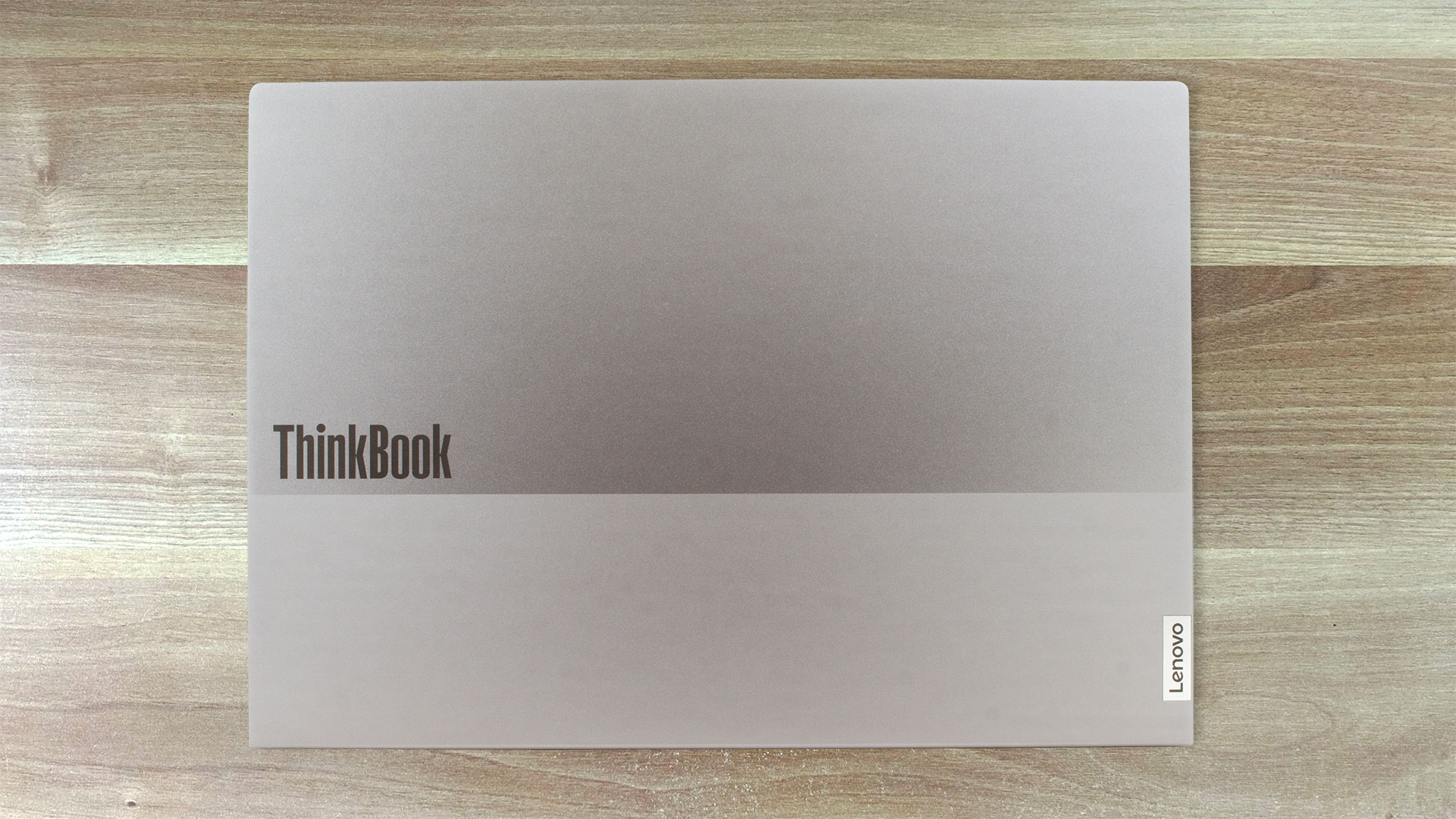
The Lenovo ThinkBook 16 Gen 6 (Intel) look reminds us of the Lenovo ThinkBook 16 Gen 4+. This means you get a laptop in a dual-tone design and an Arctic grey color. The lid is made of aluminum while the base is plastic. The starting weight is 1.7 kg and the profile thickness is 17.5 mm. That seems normal for an office 16-inher.
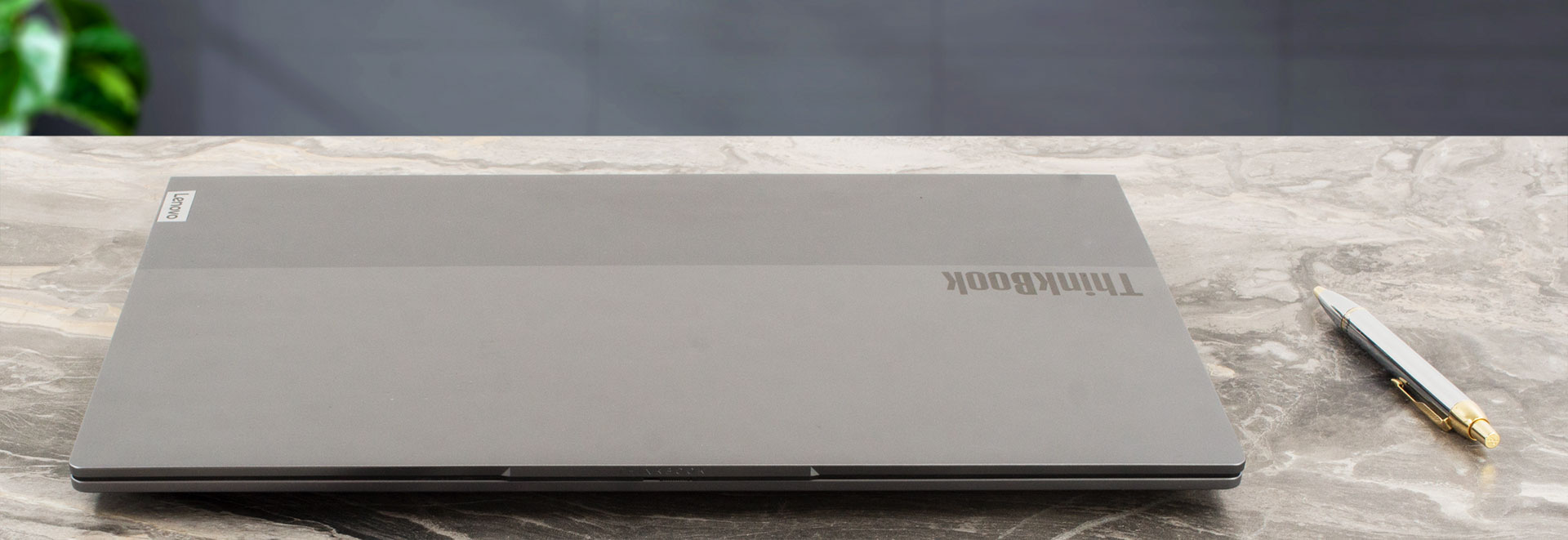
The lid can’t be opened with a single hand but the rigidity is okay. The protrusion on the top eases the opening process but the lid is more or less wobbly during angle changing. The zone below the keyboard looks a bit bendy if you press it down. Also, we observed a small amount of flex during typing but it’s not a serious issue.
The narrow bezels around the 16:10 display contribute to a modern look.

The “hump” on the lid houses a 720p, 1080p, or a Full HD IR Web camera for Windows Hello. All units offer AI-based noise cancellation and a privacy shutter.
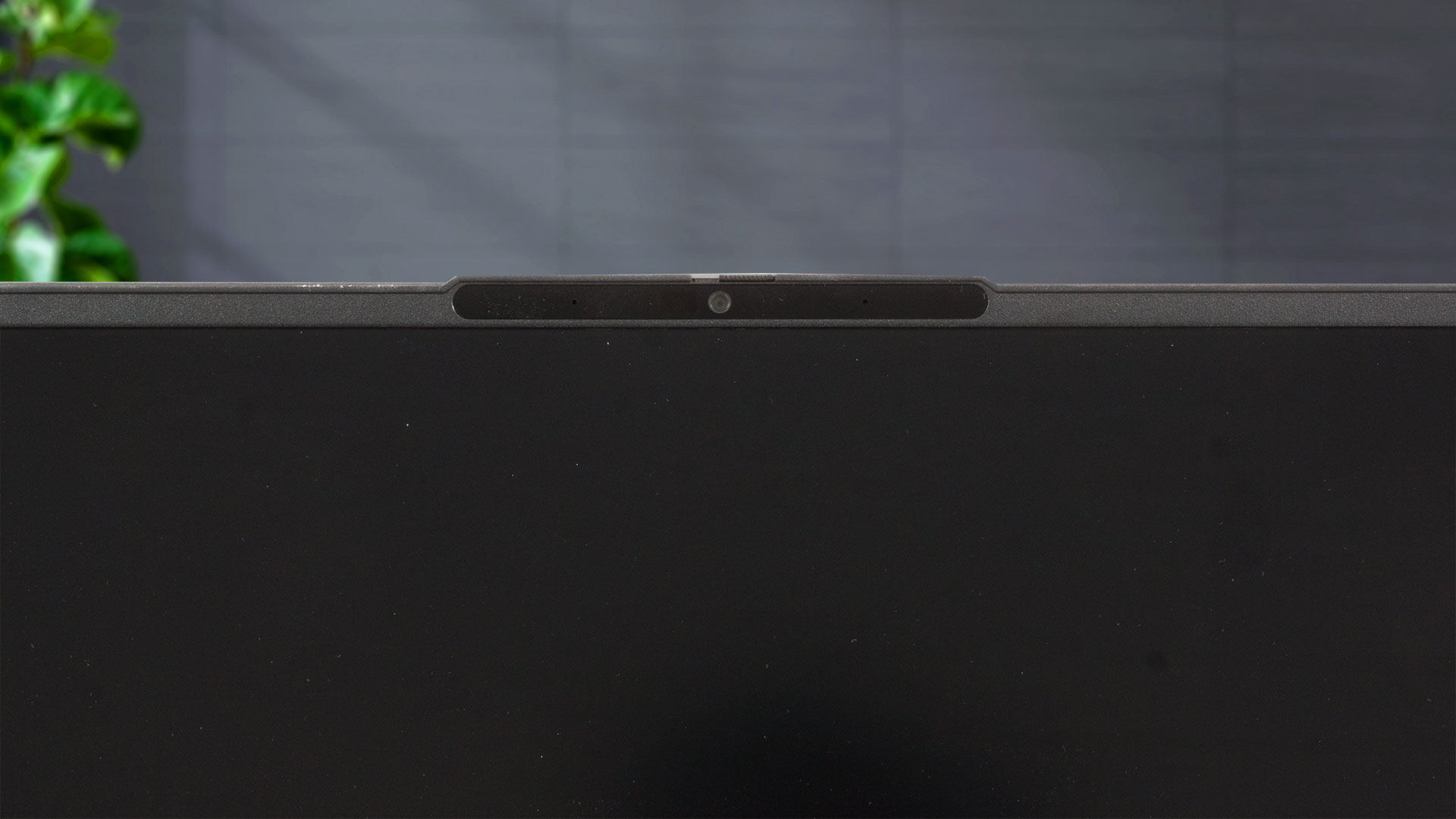
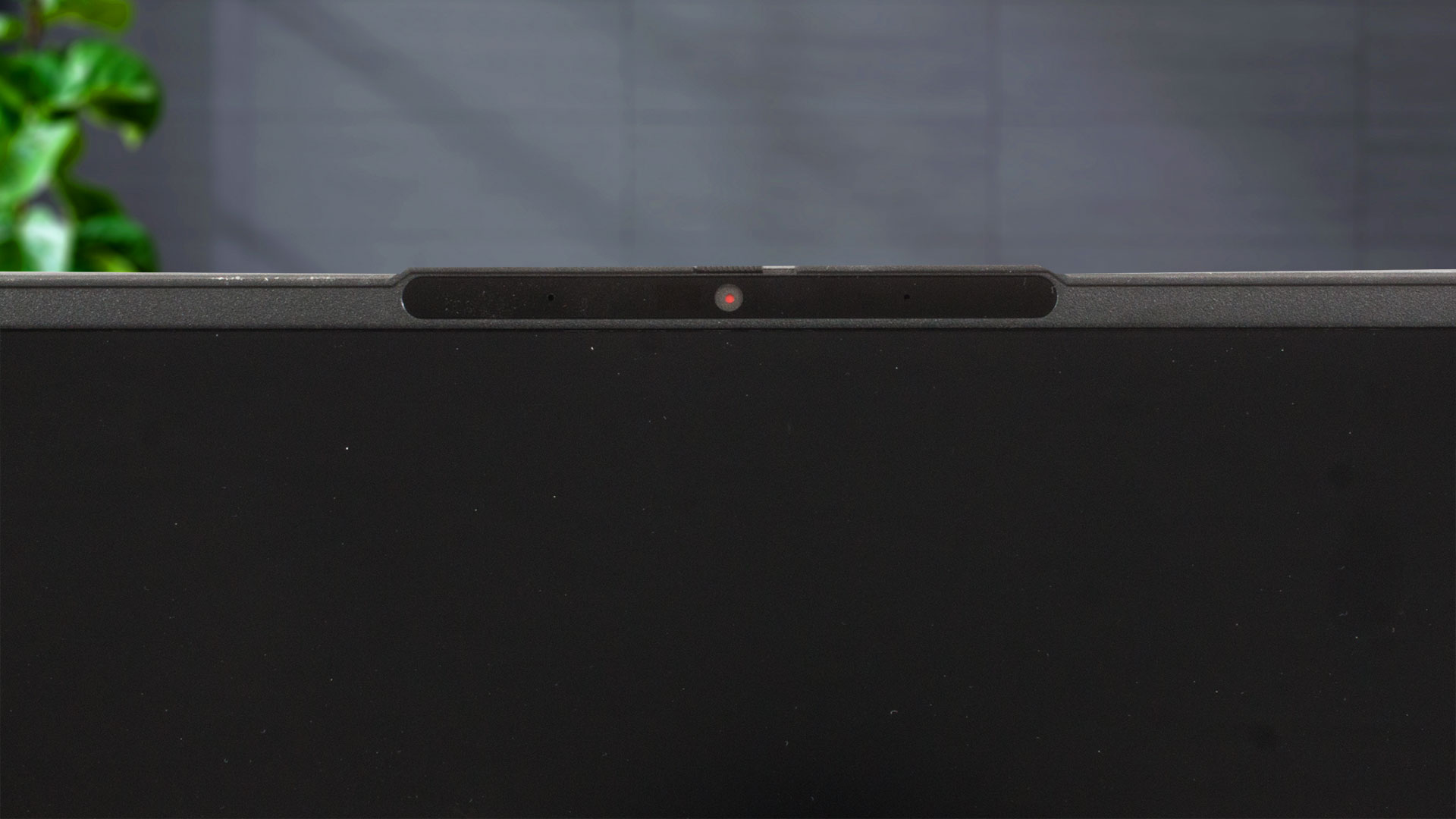
Because of the 180-degree hinge, this notebook can lay flat on an even surface.

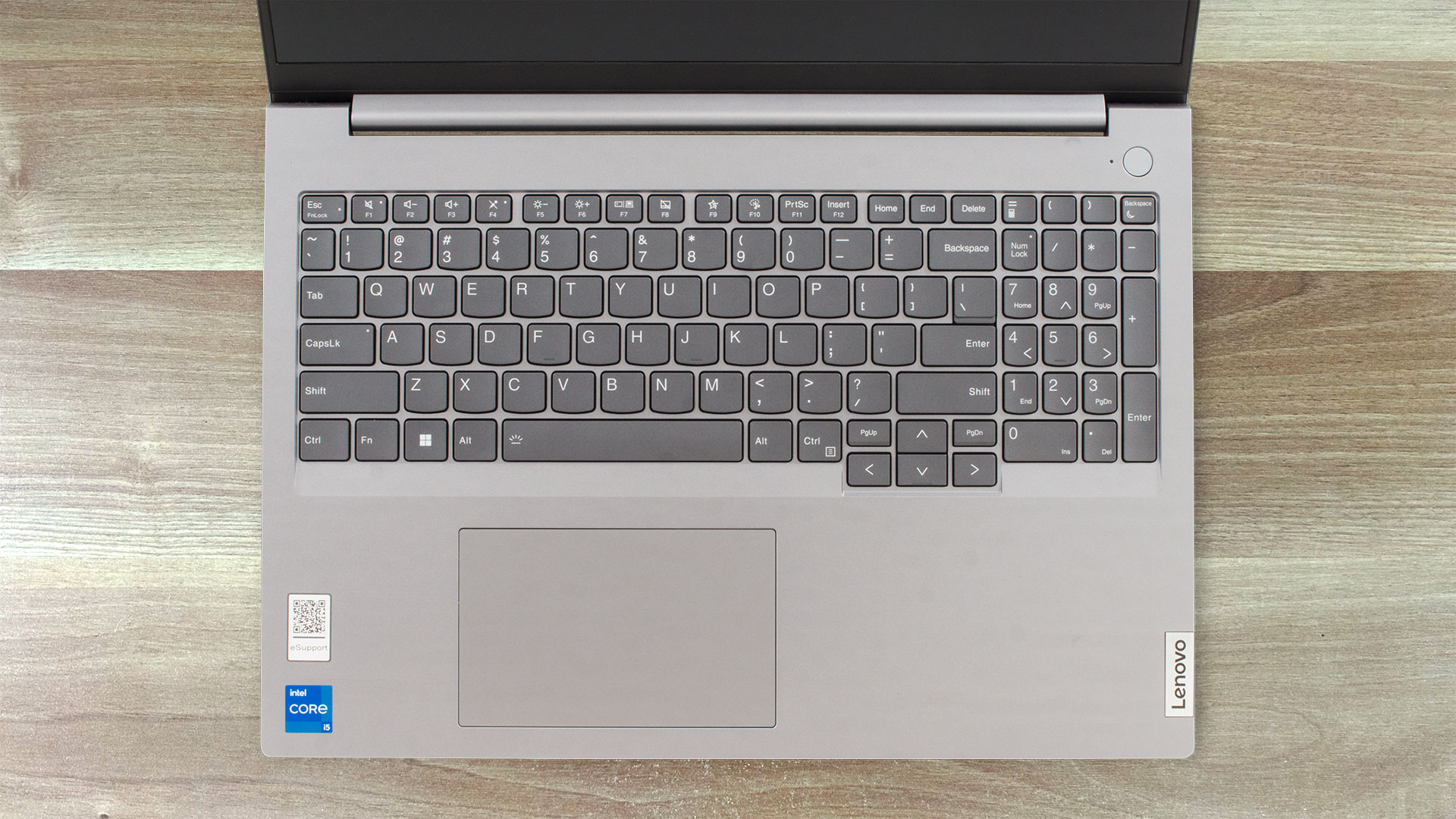
The power button that has a built-in fingerprint reader is separated from the spill-resistant keyboard with an optional backlight. The latter is all you need for office work thanks to the long key travel combined with clicky feedback. The accountants should be happy – there is a NumPad section and big enough Arrow keys. The touchpad is averagely-sized (75 x 120 mm). Its Mylar surface is fine in terms of smoothness and the accuracy seems good for normal usage. Still, the pad clicks could be a bit noisy for some noise-sensitive users.
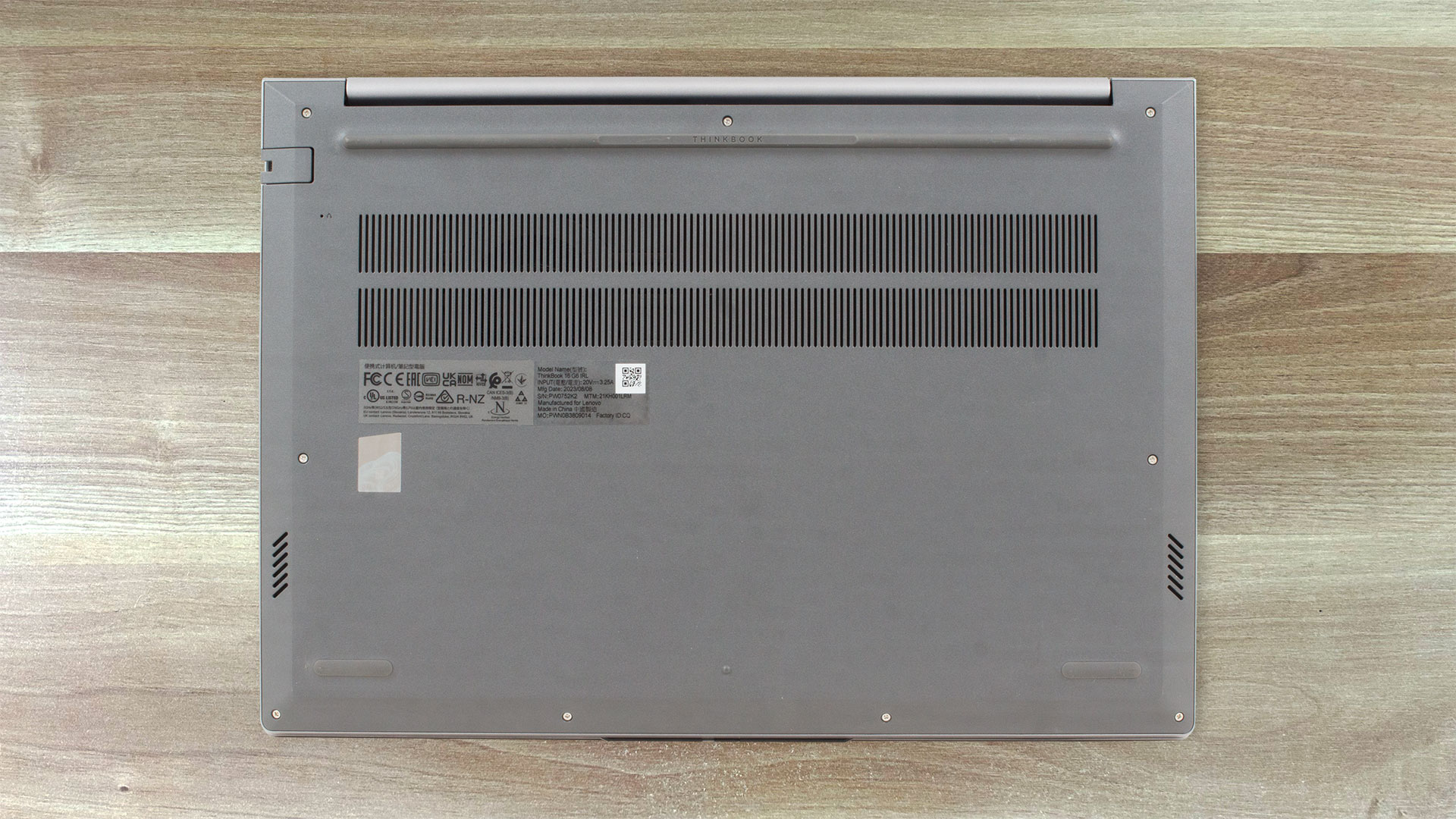
Nothing fancy on the bottom plate – three rubber feet, two speaker cutouts, and a ventilation grill. The heat is pushed through a vent on the rear side. A small amount of hot air makes its way to the display during full CPU loads.
Ports
On the left, we can see a USB Type-C 3.2 (Gen. 2) port, a USB Type-A 3.2 (Gen. 1) port with an Always On function, an HDMI 2.1 for up to 4K@60Hz external displays, a Thunderbolt 4 / USB4 40Gbps port, and an Audio combo jack. Both Type-C’s support data transfer, Power Delivery 3.0 and DisplayPort 1.4. On the other side, we can spot a Kensington Nano Security Slot, LAN, another USB Type-A 3.2 (Gen. 1) port, and an SD card reader.


 Author: Nikolay Palaozov
 Author: eng. Kroum NikolovHead of Engineering at LaptopMedia.com, inventor and innovator with 40+ years of experience in electronics and high technology.

![[June 2026] Best-Selling Laptop Brands on Amazon Global – Apple’s Unrivaled Dominance in Units and Revenue](https://laptopmedia.com/wp-content/uploads/2026/07/GLOBAL-Best-Brands-400x225.jpg)
![[June 2026] Amazon Global: Top 10 Best-Selling Laptops – Apple’s New MacBook Neo Storms to #1, Reshaping the Market with Affordability](https://laptopmedia.com/wp-content/uploads/2026/07/Best-Selling-Laptops-GLOBAL-Top-10-400x225.jpg)
![[June 2026] Amazon Global: Top 10 Best-Selling Gaming Laptops – Acer’s Nitro V 16S AI Dominates Sales, While ASUS Leads Overall Revenue](https://laptopmedia.com/wp-content/uploads/2026/07/Best-Selling-Gaming-Laptops-GLOBAL-Top-10-400x225.jpg)
![[June 2026] Global Ranking of Best-Selling Laptop GPUs on Amazon – NVIDIA RTX 5060 is the Top-Selling Dedicated GPU](https://laptopmedia.com/wp-content/uploads/2026/07/Best-Selling-GPUs-GLOBAL-Top-10-400x225.jpg)
![[June 2026] Global Ranking of Best-Selling Laptop CPUs on Amazon – Apple M5 Dominates, AMD Ryzen 7 260 Gets Solid Premium Share](https://laptopmedia.com/wp-content/uploads/2026/07/Best-Selling-CPUs-GLOBAL-Top-10-400x225.jpg)

ThinkBook 16 G6 ABP (21KK) Battery uses the highest quality graded and sorted ‘A’ Grade cells.
do suggest between E series and thinkBook 16
We currently have a review of the ThinkPad E16, so read both and try to see what’s more important for you. From our experience, ThinkPads and ThinkBooks are very similar, they just have different designs.
We have about 20 ThinkBooks at work and i am not happy with their robustness compared to Thinkpad L series we have. Electronics are ok, not that many more failures than L Thinkpads. Can’t speak for E series because we don’t have any.
What about configuration with core i7 13700H processor and 71 W battery, will it still last around 10 hours of Web browsing on a single charge or it is only true for configuration with Intel u-series processors and 45/71 W battery?
ja
Absolute non-sense battery review. I own thinkbook 16 with Intel u7 and it barely lasts 4 hours of internet browsing and all battery saving options are enabled. 7 hours is unachievable. This test is clearly faulty
trash, loud fans, gets hot easily
loud fans with having on old app that should be no effort for it !
bad quality!