Lenovo ThinkBook 16 Gen 6 (Intel) review – Great for Work, Easy on the Ears
Temperatures and comfort, Battery Life
Max CPU load
In this test we use 100% on the CPU cores, monitoring their frequencies and chip temperature. The first column shows a computer’s reaction to a short load (2-10 seconds), the second column simulates a serious task (between 15 and 30 seconds), and the third column is a good indicator of how good the laptop is for long loads such as video rendering.
Average P-core frequency; Average E-core frequency; CPU temp.; Package Power
| Intel Core i5-1335U (15W TDP) | 0:02 – 0:10 sec | 0:15 – 0:30 sec | 10:00 – 15:00 min |
|---|---|---|---|
| Lenovo ThinkBook 16 Gen 6 (Intel) | 3.18 GHz @ 2.60 GHz @ 73°C @ 44W | 0.90 GHz @ 1.35 GHz @ 55°C @ 13W | 0.97 GHz @ 1.35 GHz @ 55°C @ 13W |
| Lenovo ThinkPad T16 Gen 2 | 3.77 GHz @ 2.92 GHz @ 74°C @ 49W | 3.64 GHz @ 2.86 GHz @ 88°C @ 48W | 2.13 GHz @ 1.66 GHz @ 69°C @ 21W |
| HP 470 G10 | 2.14 GHz @ 1.62 GHz @ 55°C @ 19W | 1.87 GHz @ 1.51 GHz @ 59°C @ 16W | 1.91 GHz @ 1.57 GHz @ 69°C @ 17W |
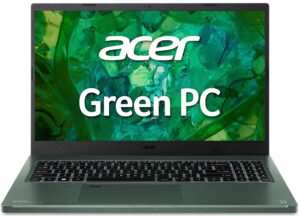
| Acer Aspire Vero 15 (AV15-53P) | 3.45 GHz @ 2.55 GHz @ 65°C @ 45W | 3.08 GHz @ 2.33 GHz @ 67°C @ 38W | 2.50 GHz @ 1.94 GHz @ 59°C @ 28W |
| Lenovo ThinkPad L13 Gen 4 (Intel) | 3.24 GHz @ 2.34 GHz @ 79°C @ 33W | 3.12 GHz @ 2.29 GHz @ 89°C @ 32W | 1.72 GHz @ 1.39 GHz @ 65°C @ 15W |
| HP EliteBook 640 G10 | 3.78 GHz @ 2.88 GHz @ 83°C @ 50W | 2.75 GHz @ 1.96 GHz @ 77°C @ 26W | 2.35 GHz @ 1.77 GHz @ 76°C @ 23W |
| Acer TravelMate P4 (TMP413-51) | 3.52 GHz @ 2.67 GHz @ 77°C @ 44W | 3.27 GHz @ 2.45 GHz @ 82°C @ 41W | 2.16 GHz @ 1.67 GHz @ 64°C @ 22W |
| HP EliteBook 650 G10 | 3.73 GHz @ 2.87 GHz @ 88°C @ 49W | 2.81 GHz @ 2.09 GHz @ 90°C @ 29W | 2.50 GHz @ 1.88 GHz @ 81°C @ 24W |
| HP 250 G10 | 3.33 GHz @ 2.46 GHz @ 73°C @ 40W | 3.08 GHz @ 2.23 GHz @ 85°C @ 35W | 2.11 GHz @ 1.76 GHz @ 76°C @ 22W |
| ASUS Vivobook 17 F1704 (X1704) | 3.10 GHz @ 2.14 GHz @ 71°C @ 30W | 3.09 GHz @ 2.16 GHz @ 89°C @ 30W | 1.97 GHz @ 1.67 GHz @ 70°C @ 18W |
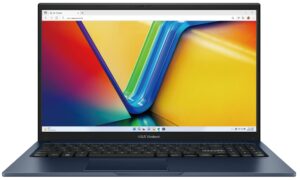
| ASUS Vivobook 15 F1504 (X1504) | 2.99 GHz @ 2.07 GHz @ 66°C @ 28W | 2.94 GHz @ 2.07 GHz @ 81°C @ 28W | 2.02 GHz @ 1.68 GHz @ 75°C @ 18W |
| Acer Aspire 5 (A515-58M) | 2.05 GHz @ 2.74 GHz @ 61°C @ 47W | 1.81 GHz @ 2.54 GHz @ 64°C @ 40W | 1.22 GHz @ 2.23 GHz @ 61°C @ 28W |
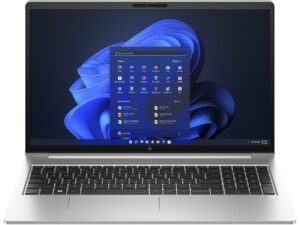
| HP ProBook 440 G10 | 2.39 GHz @ 2.93 GHz @ 93°C @ 50W | 1.51 GHz @ 2.29 GHz @ 92°C @ 30W | 0.94 GHz @ 1.87 GHz @ 72°C @ 19W |
| HP ProBook 450 G10 | 3.41 GHz @ 2.79 GHz @ 94°C @ 48W | 2.80 GHz @ 2.17 GHz @ 94°C @ 31W | 1.87 GHz @ 2.04 GHz @ 81°C @ 23W |
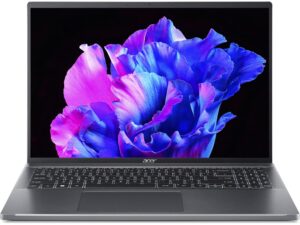
| Acer Swift Go 16 (SFG16-71) | 3.29 GHz @ 2.46 GHz @ 65°C @ 45W | 3.06 GHz @ 2.37 GHz @ 71°C @ 42W | 1.80 GHz @ 1.98 GHz @ 61°C @ 28W |
| Lenovo ThinkBook 14s Yoga Gen 3 | 1.91 GHz @ 1.20 GHz @ 63°C @ 19W | 1.86 GHz @ 0.90 GHz @ 74°C @ 14W | 1.83 GHz @ 0.90 GHz @ 60°C @ 13W |
The Core i5-1335U here can maintain decently high clocks in short loads. However, in medium and long max stress, the P-core frequency is sub-1.0GHz.
Comfort during full load
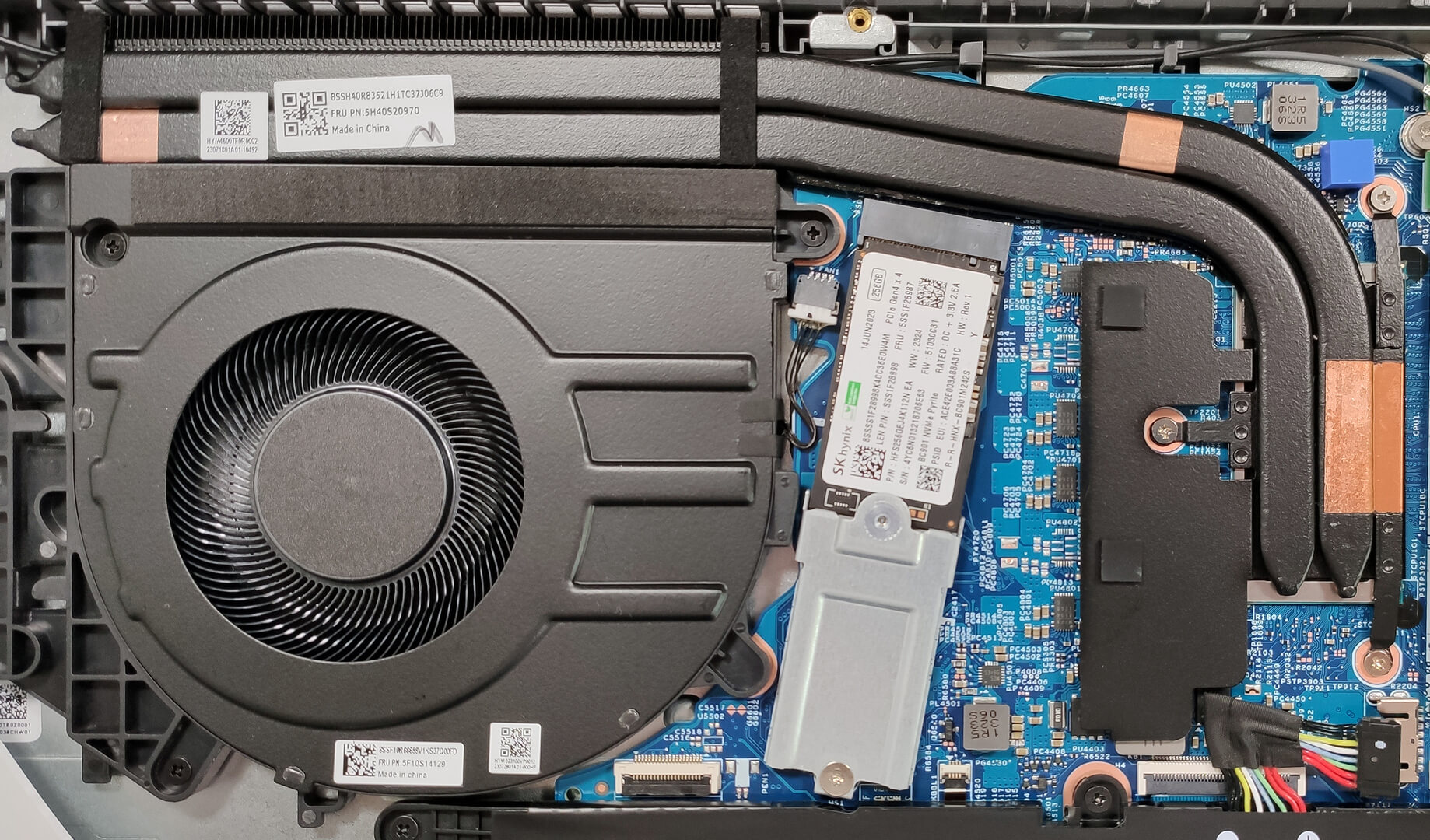
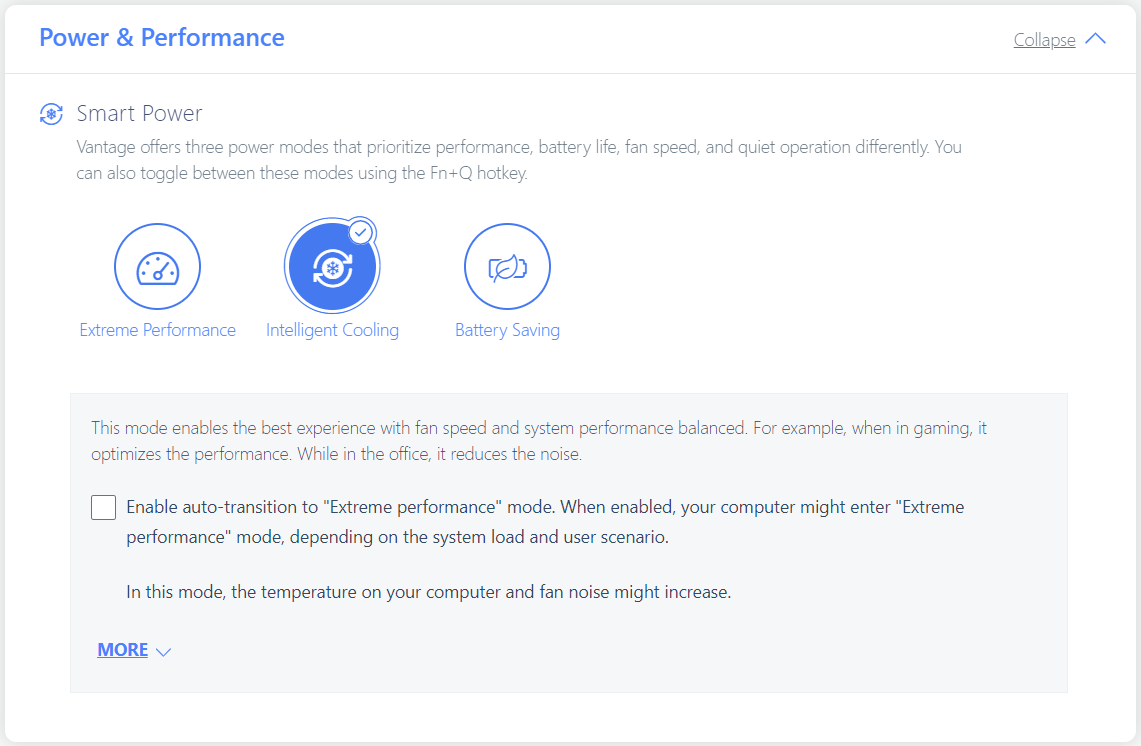
The low P-core clock has its good side – the fan is near-silent even when the CPU is loaded at 100%. In this case, the keyboard feels a bit warm in the center but nothing serious. The three performance presets can be found in the Lenovo Vantage app. If you enable the auto-transition to the “Extreme Performance” mode, the machine can dynamically switch between the mentioned preset and the “Intelligent Cooling” mode, depending on the load.

Battery
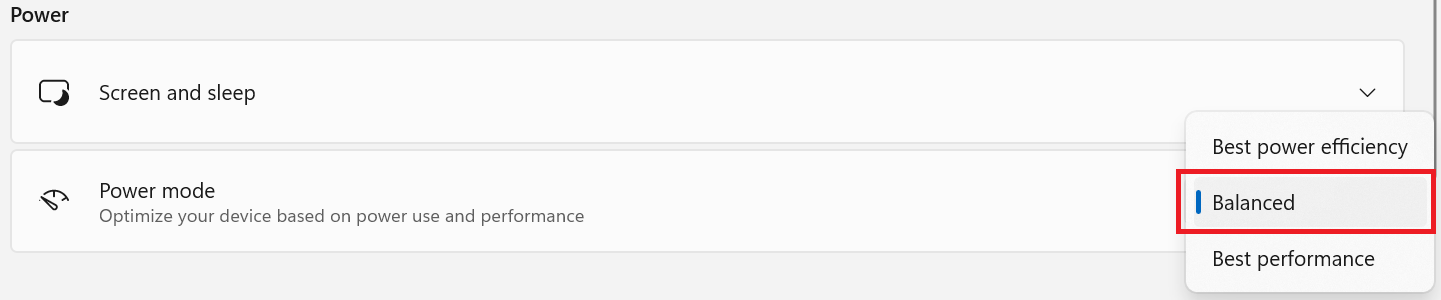
Now, we conduct the battery tests with Windows Better performance setting turned on, screen brightness adjusted to 120 nits and all other programs turned off except for the one we are testing the notebook with. The 45Wh battery lasts for around 10 hours of Web browsing or 8 hours of video playback. To achieve that, you have to apply the “Balanced” preset in the Windows “Power & Battery” menu and select the “Intelligent Cooling” mode in the Lenovo Vantage app.
Brightness: 180 nits; Display Mode: SDR
Time to Full Discharge: Higher is Better
In order to simulate real-life conditions, we used our own script for automatic web browsing through over 70 websites.
 Author: Nikolay Palaozov
 Author: eng. Kroum NikolovHead of Engineering at LaptopMedia.com, inventor and innovator with 40+ years of experience in electronics and high technology.

![[August 2026] Amazon USA: Top 10 Best-Selling Laptops – Apple MacBook Neo Dominates the Market with Massive Unit Sales!](https://laptopmedia.com/wp-content/uploads/2026/09/Best-Selling-Laptops-COM-Top-10-400x225.jpg)
![[August 2026] Amazon USA: Top 10 Best-Selling Gaming Laptops – ASUS ROG Strix G16 Dominates the Market with Massive Unit Sales](https://laptopmedia.com/wp-content/uploads/2026/09/Best-Selling-Gaming-Laptops-COM-Top-10-400x225.jpg)
![[July 2026] Amazon Global: Top 10 Best-Selling Laptops – Apple MacBook Neo Dominates the Charts as Budget and Premium Notebooks Split the Market](https://laptopmedia.com/wp-content/uploads/2026/08/Best-Selling-Laptops-GLOBAL-Top-10-400x225.jpg)
![[July 2026] Amazon Global: Top 10 Best-Selling Gaming Laptops – ASUS ROG Strix G16 Dominates the Global Market with Record-Breaking Unit Sales](https://laptopmedia.com/wp-content/uploads/2026/08/Best-Selling-Gaming-Laptops-GLOBAL-Top-10-400x225.jpg)
![[July 2026] Global Ranking of Best-Selling Laptop GPUs on Amazon – RTX 5060 Dominate Premium, Intel Still Rules Budget](https://laptopmedia.com/wp-content/uploads/2026/08/Best-Selling-GPUs-GLOBAL-Top-10-400x225.jpg)

ThinkBook 16 G6 ABP (21KK) Battery uses the highest quality graded and sorted ‘A’ Grade cells.
do suggest between E series and thinkBook 16
We currently have a review of the ThinkPad E16, so read both and try to see what’s more important for you. From our experience, ThinkPads and ThinkBooks are very similar, they just have different designs.
We have about 20 ThinkBooks at work and i am not happy with their robustness compared to Thinkpad L series we have. Electronics are ok, not that many more failures than L Thinkpads. Can’t speak for E series because we don’t have any.
What about configuration with core i7 13700H processor and 71 W battery, will it still last around 10 hours of Web browsing on a single charge or it is only true for configuration with Intel u-series processors and 45/71 W battery?
ja
Absolute non-sense battery review. I own thinkbook 16 with Intel u7 and it barely lasts 4 hours of internet browsing and all battery saving options are enabled. 7 hours is unachievable. This test is clearly faulty
trash, loud fans, gets hot easily
loud fans with having on old app that should be no effort for it !
bad quality!