Lenovo ThinkBook 16p Gen 4 review – serious business device with gaming capabilities and long battery life
Temperatures and comfort, Battery Life
Max CPU load
In this test we use 100% on the CPU cores, monitoring their frequencies and chip temperature. The first column shows a computer’s reaction to a short load (2-10 seconds), the second column simulates a serious task (between 15 and 30 seconds), and the third column is a good indicator of how good the laptop is for long loads such as video rendering.
Average P-core frequency; Average E-core frequency; CPU temp.; Package Power
| Intel Core i7-13700H (45W TDP) | 0:02 – 0:10 sec | 0:15 – 0:30 sec | 10:00 – 15:00 min |
|---|---|---|---|
| Lenovo ThinkBook 16p Gen 4 | 3.94 GHz @ 3.04 GHz @ 75°C @ 114W | 3.88 GHz @ 3.03 GHz @ 85°C @ 110W | 2.88 GHz @ 2.95 GHz @ 83°C @ 95W |
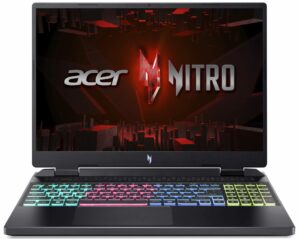
| Acer Nitro 16 (AN16-51) | 3.08 GHz @ 3.10 GHz @ 68°C @ 115W | 3.59 GHz @ 3.04 GHz @ 79°C @ 115W | 3.53 GHz @ 2.94 GHz @ 81°C @ 100W |
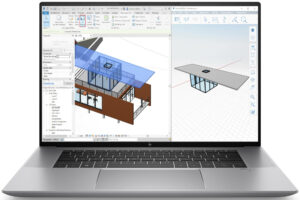
| HP ZBook Power G10 | 2.93 GHz @ 2.16 GHz @ 62°C @ 54W | 2.98 GHz @ 2.14GHz @ 68°C @ 54W | 2.46 GHz @ 1.99 GHz @ 79°C @ 45W |
| HP ZBook Studio 16 G10 | 3.50 GHz @ 2.91 GHz @ 72°C @ 88W | 3.49 GHz @ 2.88 GHz @ 87°C @ 88W | 2.96 GHz @ 2.45 GHz @ 81°C @ 60W |
| Dell XPS 15 9530 | 3.28 GHz @ 2.57 GHz @ 94°C @ 85W | 2.95 GHz @ 2.20 GHz @ 95°C @ 65W | 2.51 GHz @ 1.90 GHz @ 82°C @ 45W |
| Acer Swift X 14 (SFX14-71G) | 1.36 GHz @ 3.23 GHz @ 80°C @ 80W | 0.40 GHz @ 1.95 GHz @ 54°C @ 20W | 0.60 GHz @ 3.16 GHz @ 83°C @ 50W |
| MSI Stealth 16 Studio (A13V) | 3.77 GHz @ 2.34 GHz @ 87°C @ 101W | 3.61 GHz @ 2.32 GHz @ 87°C @ 91W | 3.62 GHz @ 2.43 GHz @ 87°C @ 92W |
| Acer Swift Go 14 (SFG14-71) | 3.13 GHz @ 2.34 GHz @ 75°C @ 67W | 3.08 GHz @ 2.32 GHz @ 91°C @ 66W | 2.46 GHz @ 1.83 GHz @ 89°C @ 43W |
| MSI Pulse 15 (B13V) | 3.70 GHz @ 2.36 GHz @ 86°C @ 96W | 3.52 GHz @ 2.37 GHz @ 87°C @ 89W | 3.23 GHz @ 2.54 GHz @ 77°C @ 87W |
| MSI Vector GP77 | 3.86 GHz @ 3.08 GHz @ 89°C @ 135W | 3.75 GHz @ 3.10 GHz @ 94°C @ 128W | 3.24 GHz @ 3.00 GHz @ 81°C @ 90W |
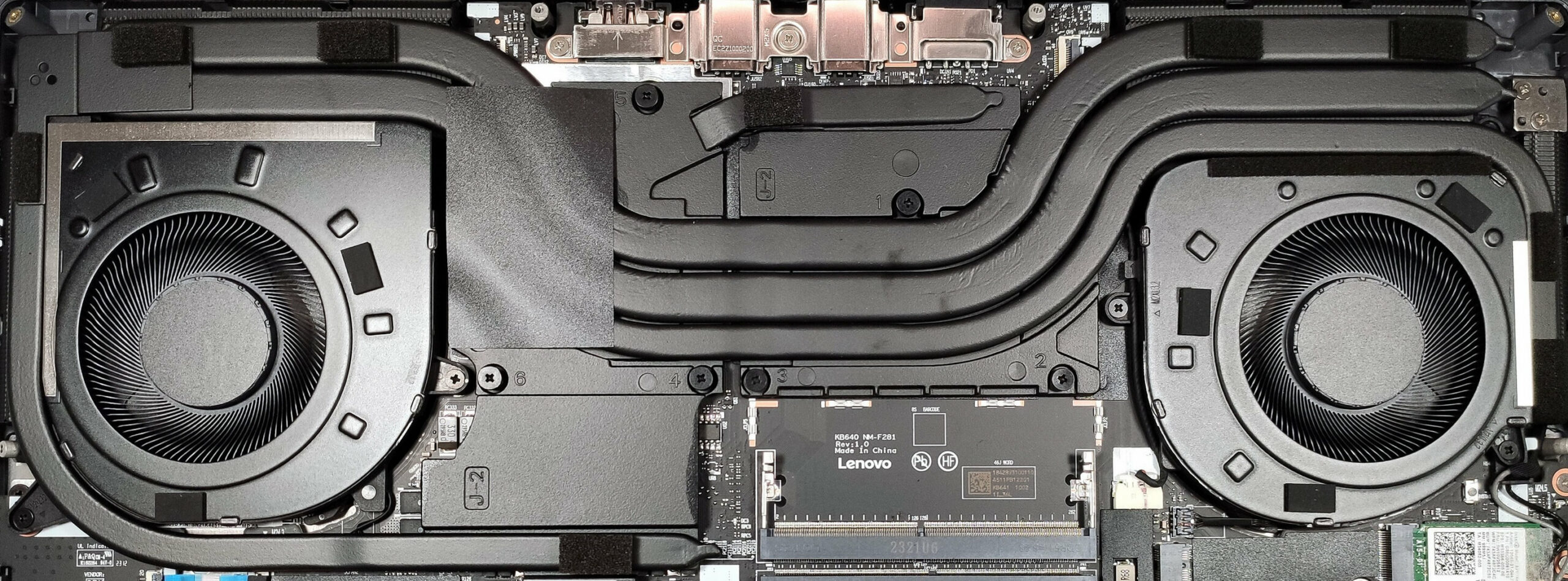
The cooling is responsible for the high CPU clocks under load. In short and medium stress, the Core i7-13700H can maintain high P and E core frequencies and a hefty power limit. If the processor is working hard for a longer period, the P core clock drops to a bit below 3.00GHz while the E core frequency is still pretty high. The chip sustains a limit of 95W in this scenario and the temperature of 83°C is normal.
Real-life gaming
| NVIDIA GeForce RTX 4060 | GPU frequency/ Core temp (after 2 min) | GPU frequency/ Core temp (after 30 min) |
|---|---|---|
| Lenovo ThinkBook 16p Gen 4 | 2475 MHz @ 76°C @ 107W | 2475 MHz @ 77°C @ 108W |
| Lenovo Yoga Pro 9i (14”, Gen 8) | 1985 MHz @ 82°C @ 78W | 2024 MHz @ 83°C @ 80W |
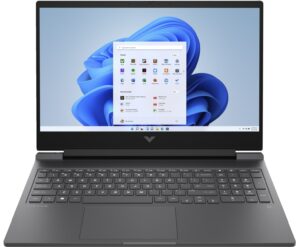
| HP Victus 16 (16-r0000) | 2520 MHz @ 77°C @ 107W | 2520 MHz @ 76°C @ 107W |
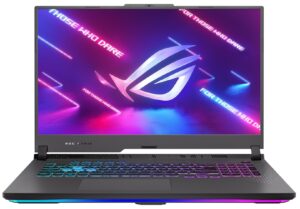
| ASUS ROG Strix G17 G713P (2023) | 2565 MHz @ 69°C @ 102W | 2565 MHz @ 67°C @ 102W |
| Acer Predator Helios Neo 16 (PHN16-71) | 2475 MHz @ 76°C @ 96W | 2475 MHz @ 75°C @ 95W |
| Dell G16 7630 | 2520 MHz @ 71°C @ 107W | 2520 MHz @ 73°C @ 107W |
| Acer Nitro 17 (AN17-71) | 2610 MHz @ 68°C @ 100W | 2610 MHz @ 69°C @ 101W |
| ASUS Zenbook Pro 14 OLED (UX6404) | 2337 MHz @ 80°C @ 90W | 2327 MHz @ 82°C @ 90W |
| MSI Katana 17 (B12V) | 2246 MHz @ 74°C @ 83W | 2273 MHz @ 73°C @ 84W |
| ASUS ROG Strix G16 (G614, 2023) | 2490 MHz @ 68°C @ 99W | 2490 MHz @ 69°C @ 99W |
| Acer Predator Helios 16 (PH16-71) | 2550 MHz @ 68°C @ 98W | 2550 MHz @ 68°C @ 98W |
| Lenovo Legion Pro 5 (16″, 2023) | 2625 MHz @ 70°C @ 100W | 2625 MHz @ 74°C @ 99W |
| Lenovo Legion Slim 5i Gen 8 (16″ Intel, 2023) | 2127 MHz @ 61°C @ 60W | 2212 MHz @ 60°C @ 60W |
The GeForce RTX 4060 (Laptop) is mentioned as a 140W product in the NVIDIA Control panel. In reality, it can maintain a 108W TGP after 30 minutes of gaming and a core frequency close the the 2500MHz mark. This results in an excellent performance for graphics-heavy tasks.
Gaming comfort
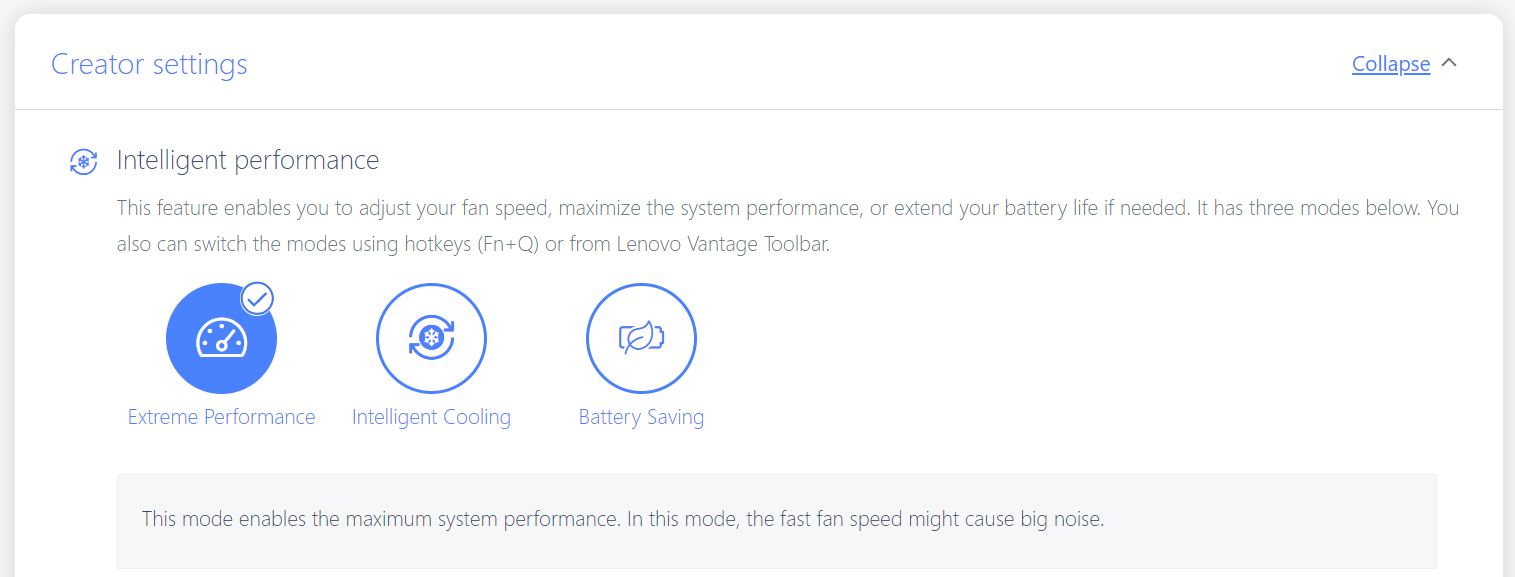
In “Extreme Performance mode” the fans are loud when the CPU is pounded with 100% load. During gaming, the fans’ noise is lower but still audible. Note that we are using the “Super Boost” function that is located in the BIOS and it additionally enhances the device’s power capabilities but this makes the fans even noisier. For normal work, you can choose the “Battery Saving” preset that is suitable for working in a quiet environment.
During heavy stress, the WASD and the palm rest zones are comfortably cool for usage. The hotspot is in the middle of the keyboard and this area isn’t scorching hot to the touch.

Battery
Now, we conduct the battery tests with Windows Better performance setting turned on, screen brightness adjusted to 120 nits and all other programs turned off except for the one we are testing the notebook with. Our machine has an 80Wh battery pack. It lasts for 12 hours and 30 minutes of Web browsing or 10 hours of video playback. This is a very good result, considering the powerful hardware, and the 1600p display.
Brightness: 180 nits; Display Mode: SDR
Time to Full Discharge: Higher is Better

In order to simulate real-life conditions, we used our own script for automatic web browsing through over 70 websites.
 Author: Nikolay Palaozov
 Author: eng. Kroum NikolovHead of Engineering at LaptopMedia.com, inventor and innovator with 40+ years of experience in electronics and high technology.

![[August 2026] Amazon USA: Top 10 Best-Selling Laptops – Apple MacBook Neo Dominates the Market with Massive Unit Sales!](https://laptopmedia.com/wp-content/uploads/2026/09/Best-Selling-Laptops-COM-Top-10-400x225.jpg)
![[August 2026] Amazon USA: Top 10 Best-Selling Gaming Laptops – ASUS ROG Strix G16 Dominates the Market with Massive Unit Sales](https://laptopmedia.com/wp-content/uploads/2026/09/Best-Selling-Gaming-Laptops-COM-Top-10-400x225.jpg)
![[July 2026] Amazon Global: Top 10 Best-Selling Laptops – Apple MacBook Neo Dominates the Charts as Budget and Premium Notebooks Split the Market](https://laptopmedia.com/wp-content/uploads/2026/08/Best-Selling-Laptops-GLOBAL-Top-10-400x225.jpg)
![[July 2026] Amazon Global: Top 10 Best-Selling Gaming Laptops – ASUS ROG Strix G16 Dominates the Global Market with Record-Breaking Unit Sales](https://laptopmedia.com/wp-content/uploads/2026/08/Best-Selling-Gaming-Laptops-GLOBAL-Top-10-400x225.jpg)
![[July 2026] Global Ranking of Best-Selling Laptop GPUs on Amazon – RTX 5060 Dominate Premium, Intel Still Rules Budget](https://laptopmedia.com/wp-content/uploads/2026/08/Best-Selling-GPUs-GLOBAL-Top-10-400x225.jpg)
