Lenovo ThinkPad T14 Gen 4 (Intel) review – another quiet and powerful business notebook
Design and construction
The new device hasn’t changed much compared to its predecessor. Two possible color variants are called Storm grey and Thunder black. The starting weight is between 1.32 kilos (for the black iGPU-only devices with the base 39.3Wh battery) and it can go all the way up to 1.42 kg (if you choose a black model with a dGPU and an optional battery with a bigger capacity). The profile is 17.9mm thick. In short, this is a portable machine.
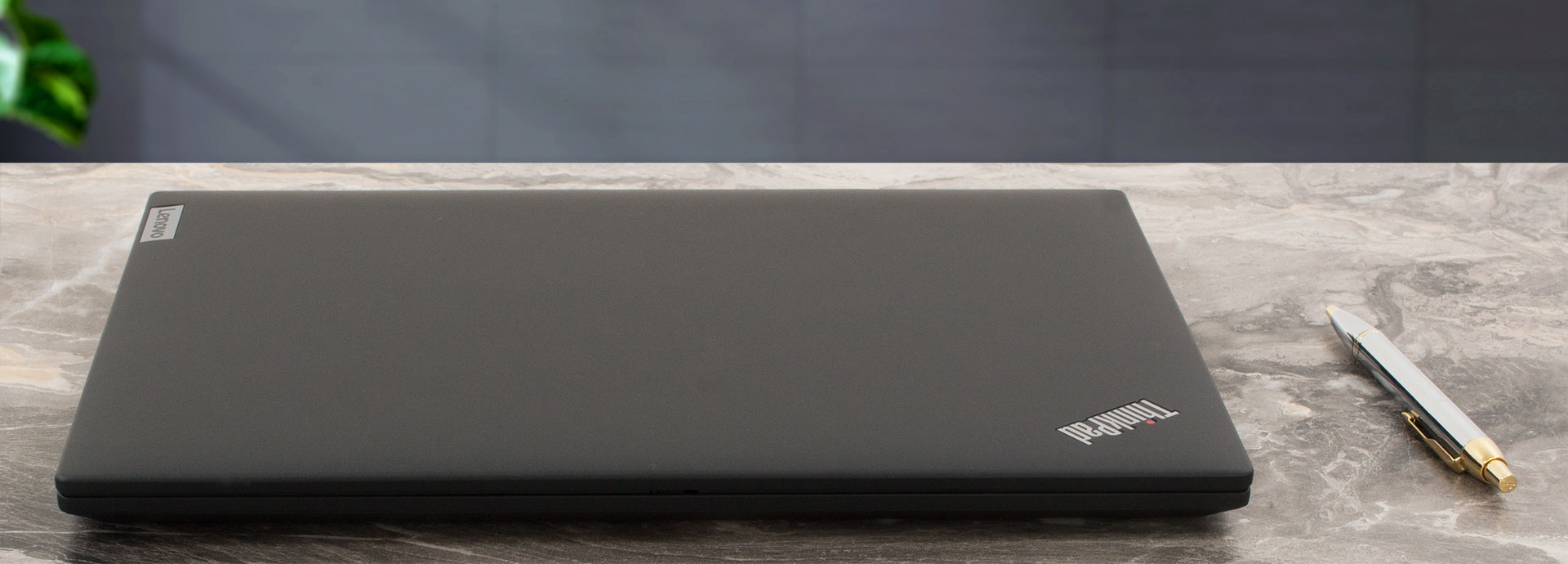
Now, the grey machines have a metal lid and a plastic (PPS) base. The same material is used for the body of the Thunder black iterration but they come with a carbon fiber lid. We have the same machine in front of us. The lid is stable when it’s closed and you apply pressure on it. However, in an open position, it’s more or less flexible which isn’t great considering the price class. The base can be flexed around the touchpad and between the two hinges but nothing too serious here.
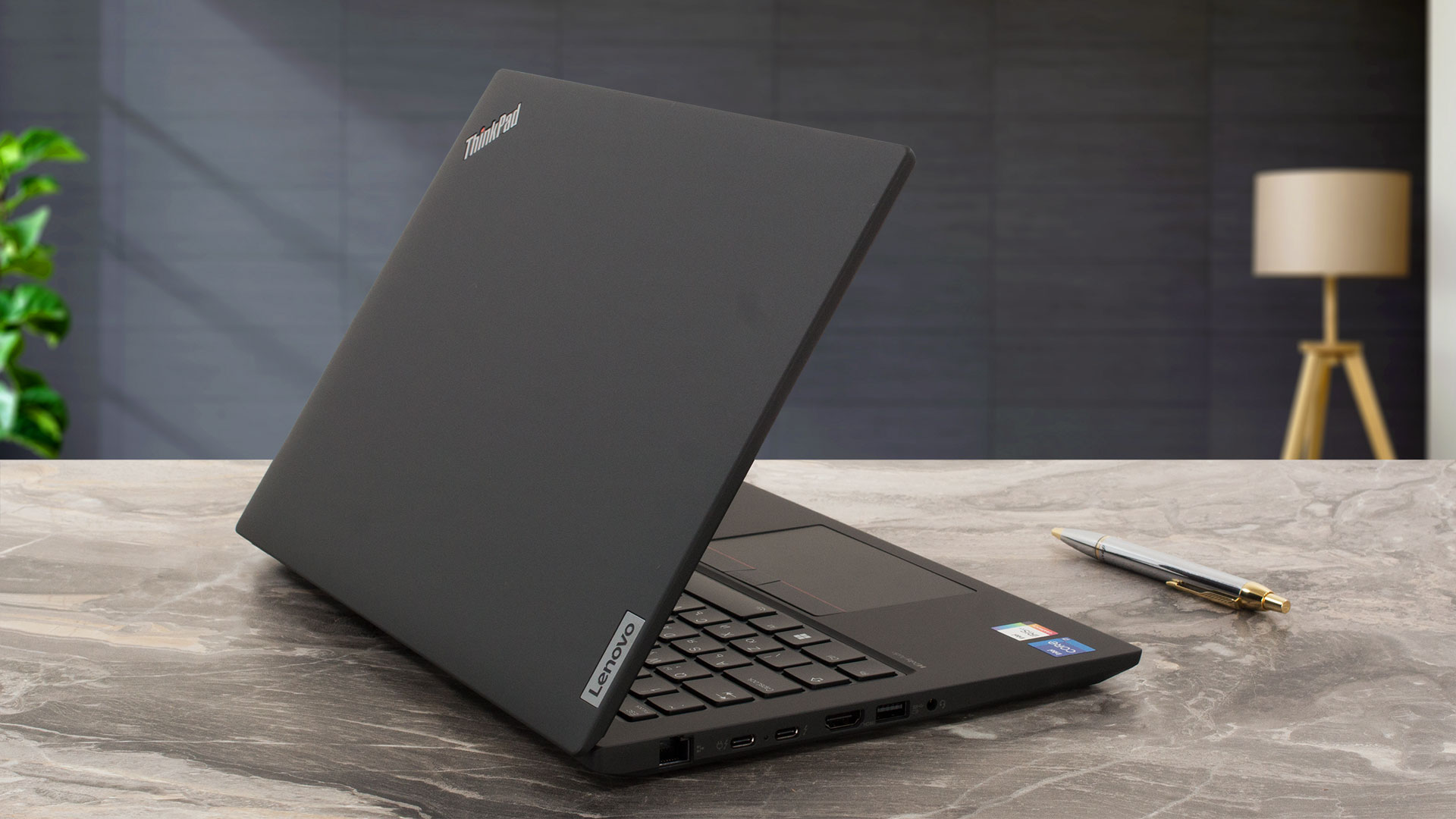
The top and the lower bezel aren’t among the thinnest that we have seen so far. The lid can’t be opened with a single hand because the hinges are too stiff.
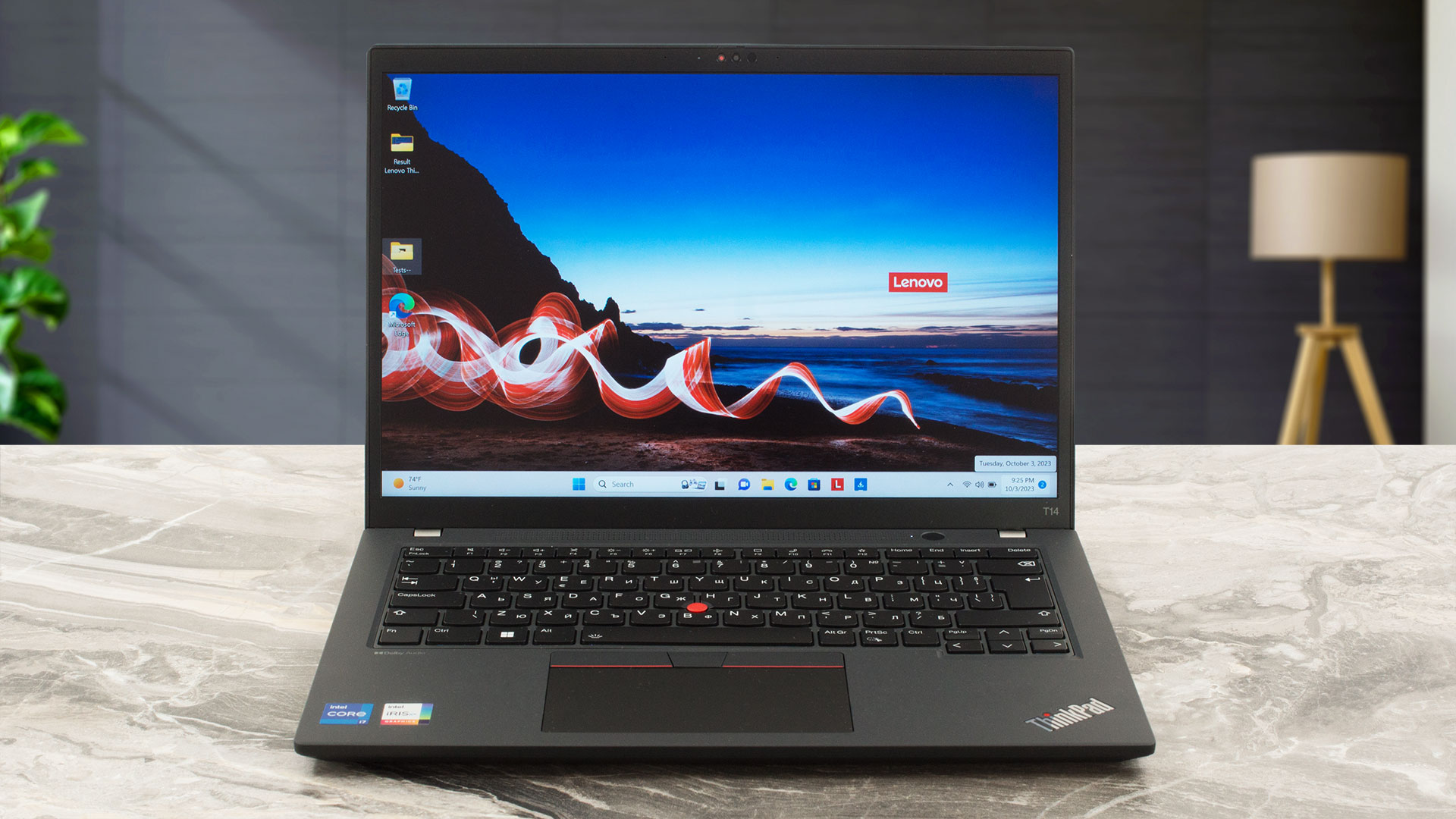
On the flip side, you can open it up to a 180-degree position. No sign of the modern lid lever design but the device performs well without this function.
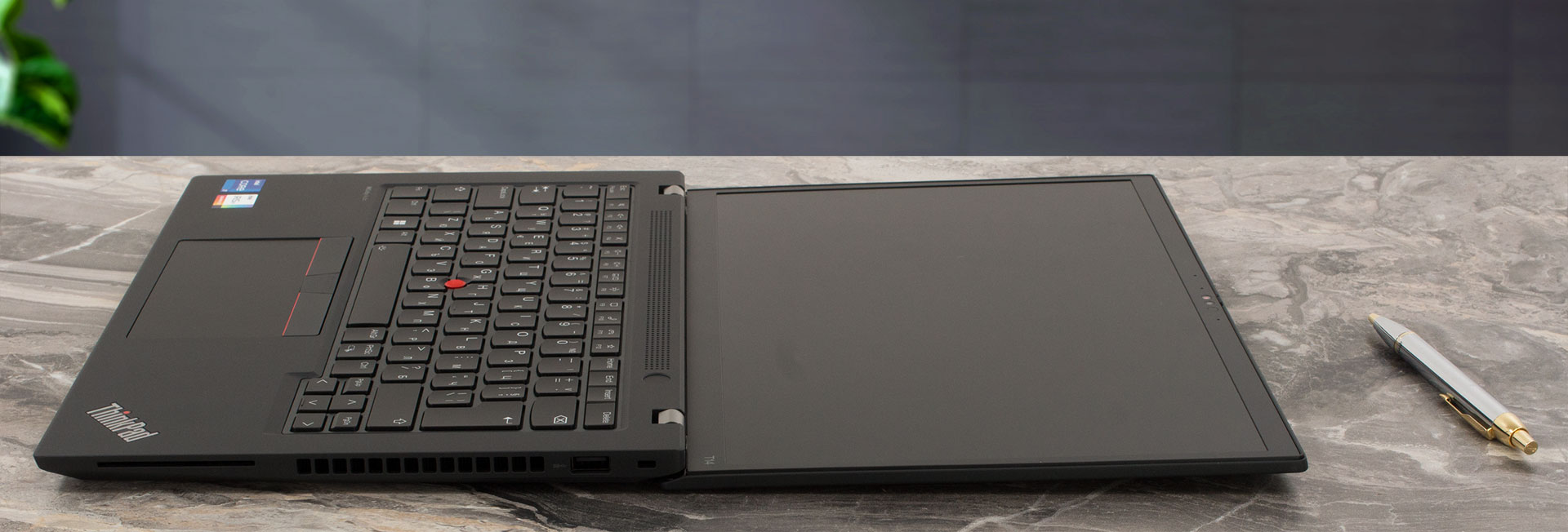
Above the display, you will spot the camera. It can be a 720p, a 1080p, or a 5MP model with a privacy shutter. The last two boast an IR face recognition scanner.
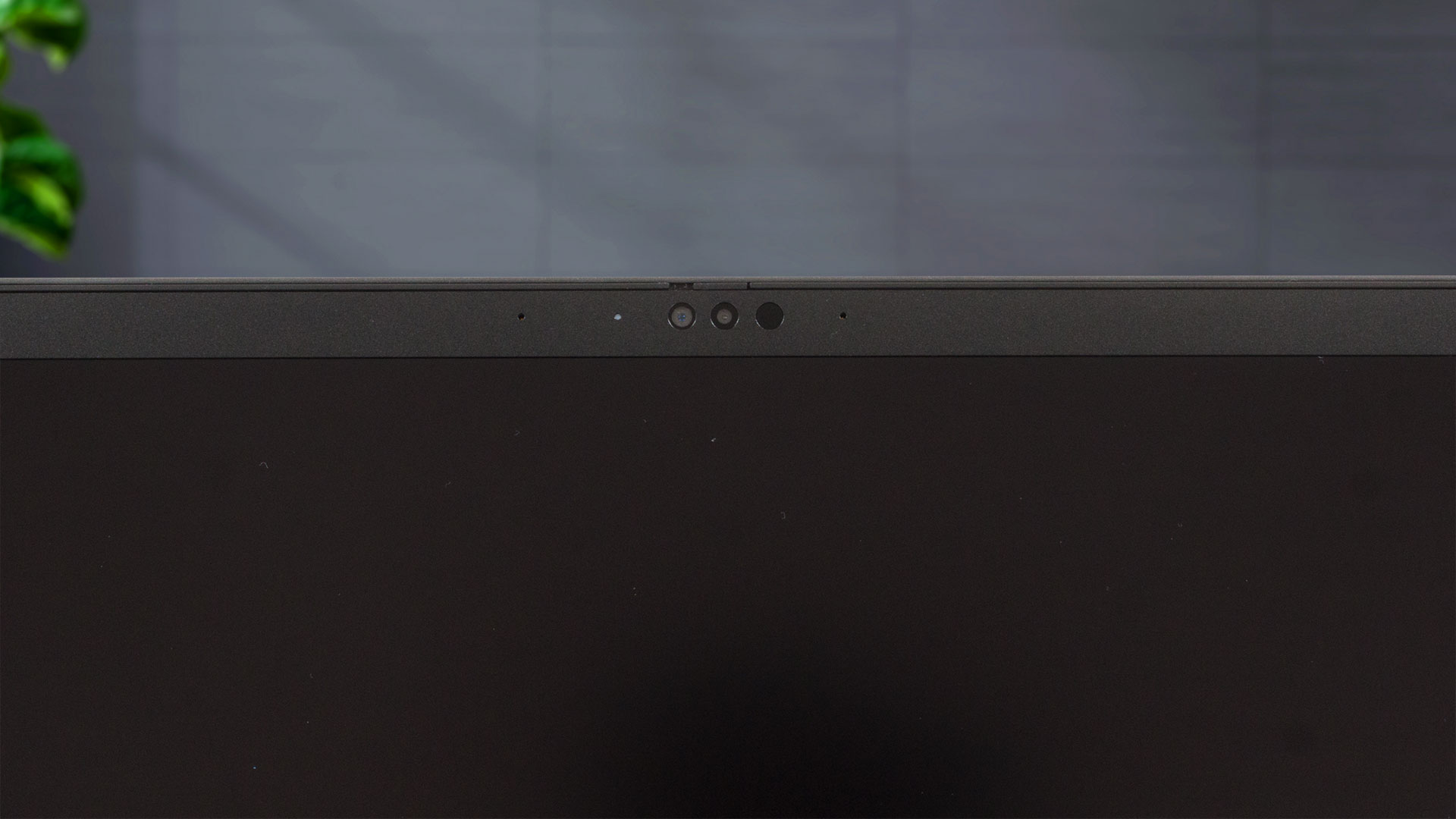
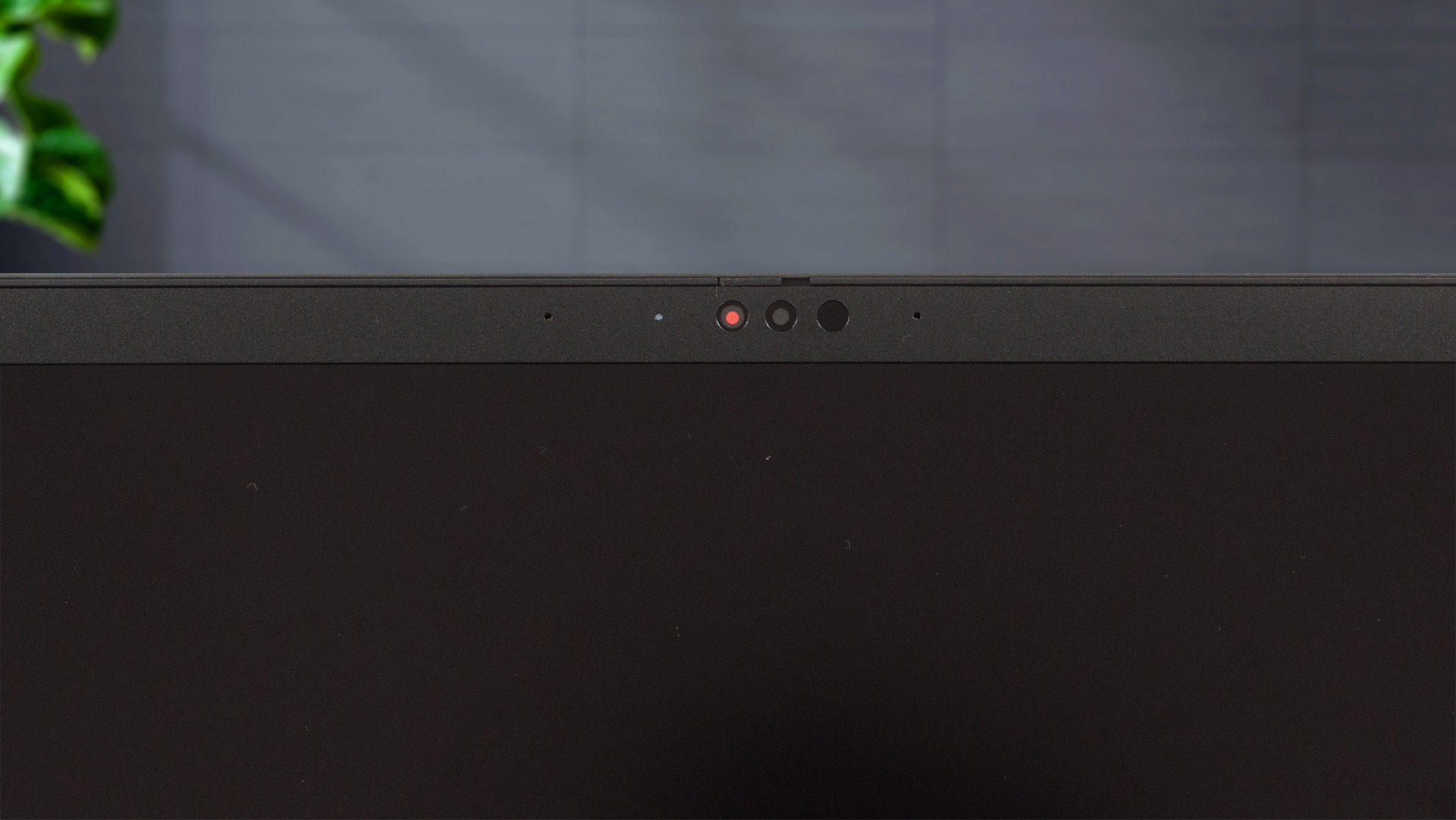
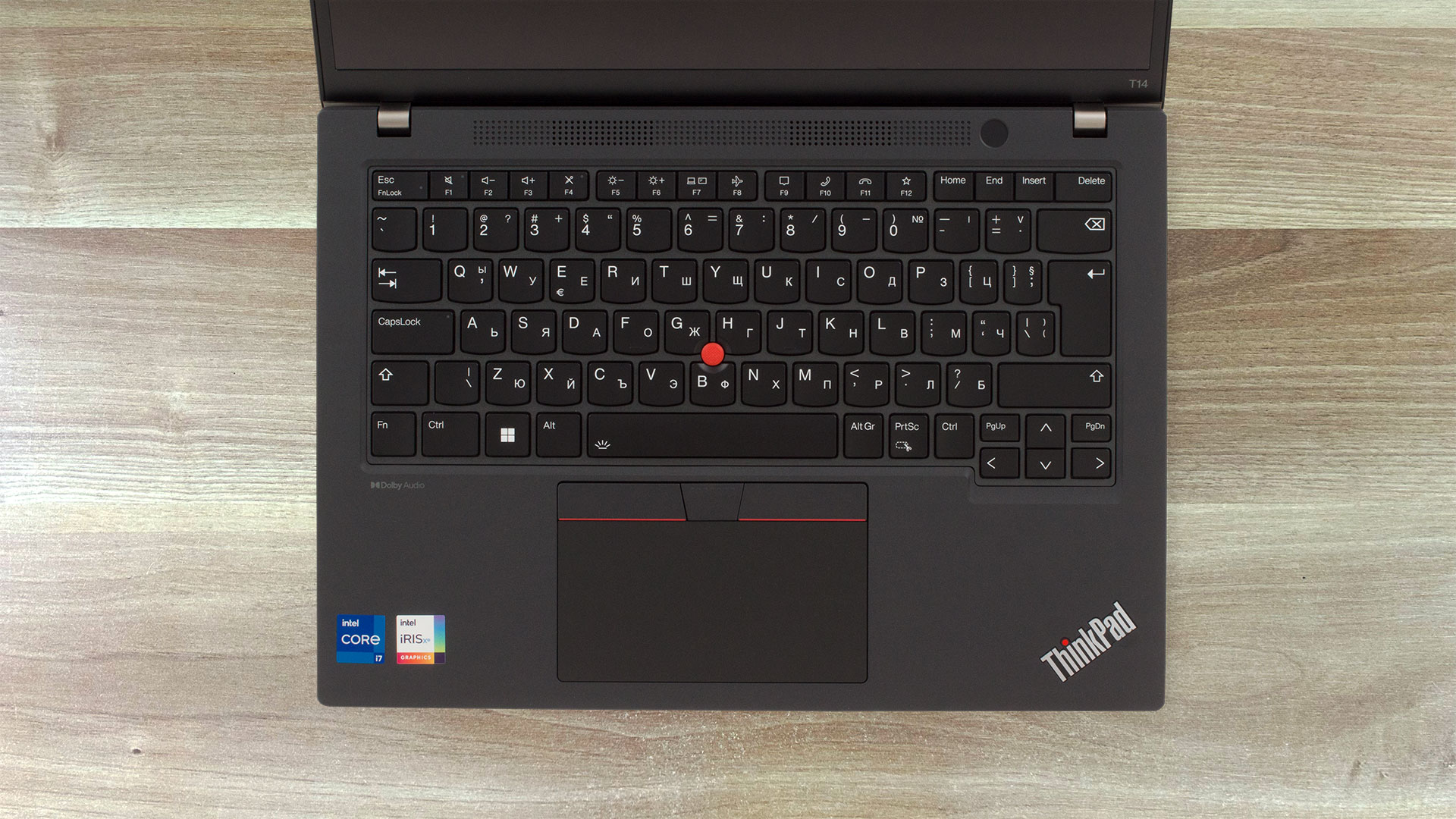
The two 2W DolbyAudio speakers are hidden in a grille above the keyboard. The latter is spill-resistant and features an optional backlight. It’s comfortable for typing because the keycaps have a long travel and clicky feedback. The power button that doubles as a fingerprint reader sits next to the speakers. The Trackpoint is positioned as always in the middle of the board and it works in a duo with the three buttons above the touchpad. The pad is big enough for comfortable work, it has a smooth Mylar surface – gliding feels great and we can say the same about the accuracy.
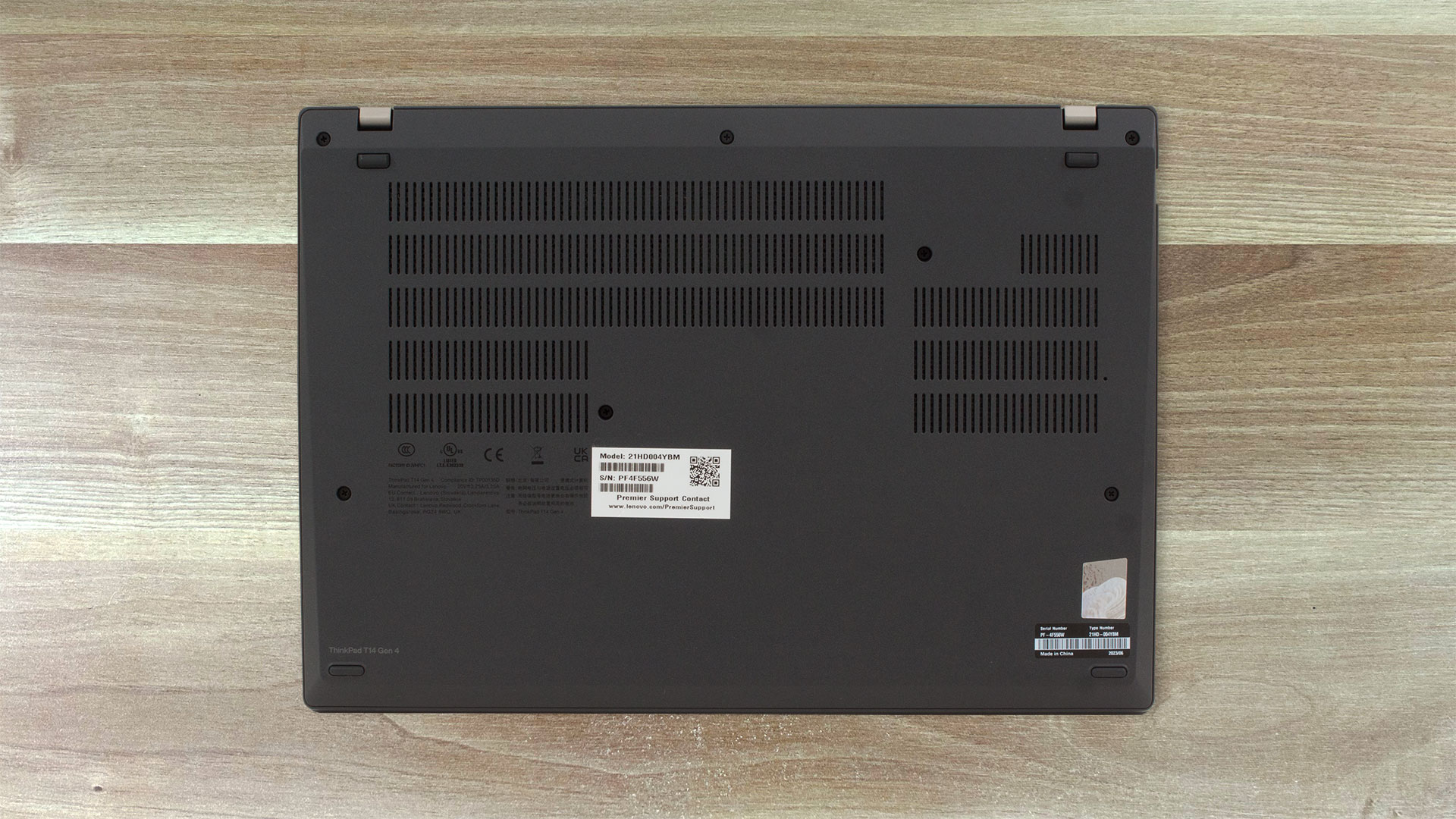
The big ventilation grills are on the bottom panel. The hot air is guided through a vent on the right side of the laptop.

Ports
The left side houses most of the ports – LAN, two Thunderbolt 4 connectors (with data transfer, Power Delivery 3.0, and DisplayPort 1.4 capabilities), an HDMI 2.1 port (for up to 4K 60Hz external panels), a USB Type-A 3.2 (Gen. 1) port that supports Always On functionality, and an Audio jack. On the right, we can see a Kensington Nano security lock slot, another USB Type-A 3.2 (Gen. 1) port, and an optional Smart Card reader. The SIM card tray for optional 4G LTE connectivity is located on the back of the laptop.



 Author: Nikolay Palaozov
 Author: eng. Kroum NikolovHead of Engineering at LaptopMedia.com, inventor and innovator with 40+ years of experience in electronics and high technology.

![[August 2026] Amazon Italy: Top 10 Best-Selling Laptops – Apple MacBook Neo Claims the Crown as Budget and Mid-Range Windows Machines Dominate Volume](https://laptopmedia.com/wp-content/uploads/2026/09/Best-Selling-Laptops-IT-Top-10-400x225.jpg)
![[August 2026] Amazon Italy: Top 7 Best-Selling Gaming Laptops – ASUS V16 Claims the #1 Spot Amid Strong Mid-Range Demand](https://laptopmedia.com/wp-content/uploads/2026/09/Best-Selling-Gaming-Laptops-IT-Top-10-400x225.jpg)
![[August 2026] Best-Selling Laptop Brands on Amazon Italy – Lenovo Dominates Market Share and Revenue Leadership](https://laptopmedia.com/wp-content/uploads/2026/09/IT-Best-Brands-400x225.jpg)
![[August 2026] Amazon India: Top 10 Best-Selling Laptops – Apple MacBook Neo Dominates the Charts with Massive Sales Lead](https://laptopmedia.com/wp-content/uploads/2026/09/Best-Selling-Laptops-IN-Top-10-400x225.jpg)
![[August 2026] Amazon India: Top 10 Best-Selling Gaming Laptops – HP Victus 15 Dominates the Market with Massive Unit Lead](https://laptopmedia.com/wp-content/uploads/2026/09/Best-Selling-Gaming-Laptops-IN-Top-10-400x225.jpg)

一派胡言,真是垃圾笔记本,不要只看配置,自用T14,32+1T,用了一年半,降频严重,发热严重,风扇声音巨大,不要踩坑。严重降低生产力,现在换mac了,丝滑。
The ThinkPad T14 that we tested was from a retailer, so it’s possible that your unit had a defect or another issue. Nevertheless, Macs are as good as it gets, so you’ve made a good choice.
—-
我们测试的 ThinkPad T14 是零售商提供的,因此你的设备可能存在缺陷或其他问题。尽管如此,Mac 还是很不错的,所以你的选择是正确的。