Lenovo ThinkPad T14 Gen 4 (Intel) review – another quiet and powerful business notebook
Temperatures and comfort, Battery Life
Max CPU load
In this test we use 100% on the CPU cores, monitoring their frequencies and chip temperature. The first column shows a computer’s reaction to a short load (2-10 seconds), the second column simulates a serious task (between 15 and 30 seconds), and the third column is a good indicator of how good the laptop is for long loads such as video rendering.
Average P-core frequency; Average E-core frequency; CPU temp.; Package Power
| Intel Core i7-1355U (15W TDP) | 0:02 – 0:10 sec | 0:15 – 0:30 sec | 10:00 – 15:00 min |
|---|---|---|---|
| Lenovo ThinkPad T14 Gen 4 | 3.83 GHz @ 2.89 GHz @ 78°C @ 51W | 3.7 GHz @ 2.82 GHz @ 93°C @ 49W | 2.38 GHz @ 1.75 GHz @ 64°C @ 21W |
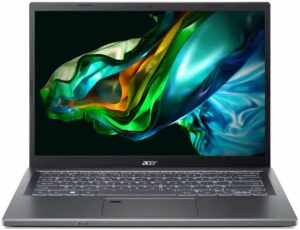
| Acer Aspire 5 (A514-56M) | 3.82 GHz @ 2.82 GHz @ 64°C @ 55W | 2.18 GHz @ 2.26 GHz @ 65°C @ 37W | 1.43 GHz @ 1.98 GHz @ 60°C @ 28W |
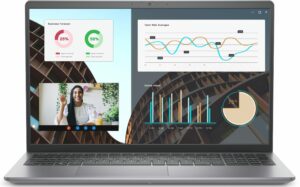
| Dell Vostro 15 3530 | 2.06 GHz @ 2.70 GHz @ 94°C @ 40W | 1.56 GHz @ 2.22 GHz @ 96°C @ 26W | 2.06 GHz @ 2.25 GHz @ 95°C @ 26W |
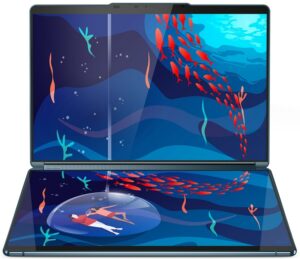
| Lenovo Yoga Book 9 (13IRU8) | 2.23 GHz @ 2.58 GHz @ 76°C @ 40W | 2.13 GHz @ 2.42 GHz @ 85°C @ 35W | 1.64 GHz @ 2.03 GHz @ 77°C @ 24W |
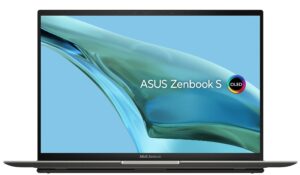
| ASUS Zenbook S 13 OLED (UX5304) | 3.46 GHz @ 2.47 GHz @ 80°C @ 41W | 3.06 GHz @ 2.24 GHz @ 91°C @ 31W | 2.36 GHz @ 1.68 GHz @ 75°C @ 21W |
The Core i7-1355U inside of the Lenovo ThinkPad T14 Gen 4 can maintain very high P and E core clocks in short and medium loads. Still, the processor’s temperature in the second column is going up. That’s why in longer stress, the CPU settles at 64°C which is good. Expectedly the clock is lower but note that the frequencies are still impressive given the 21W limit.
Comfort during full load
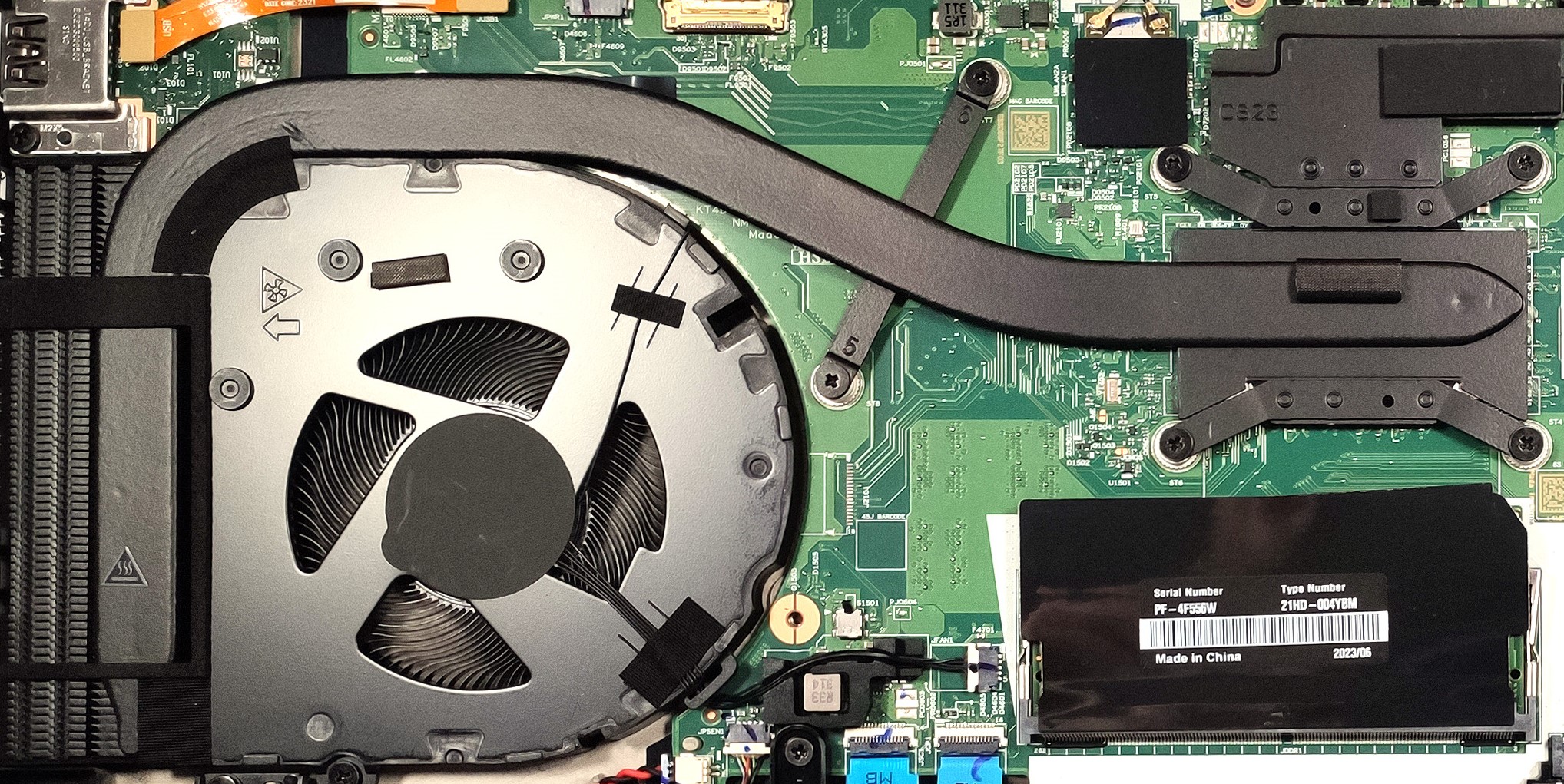
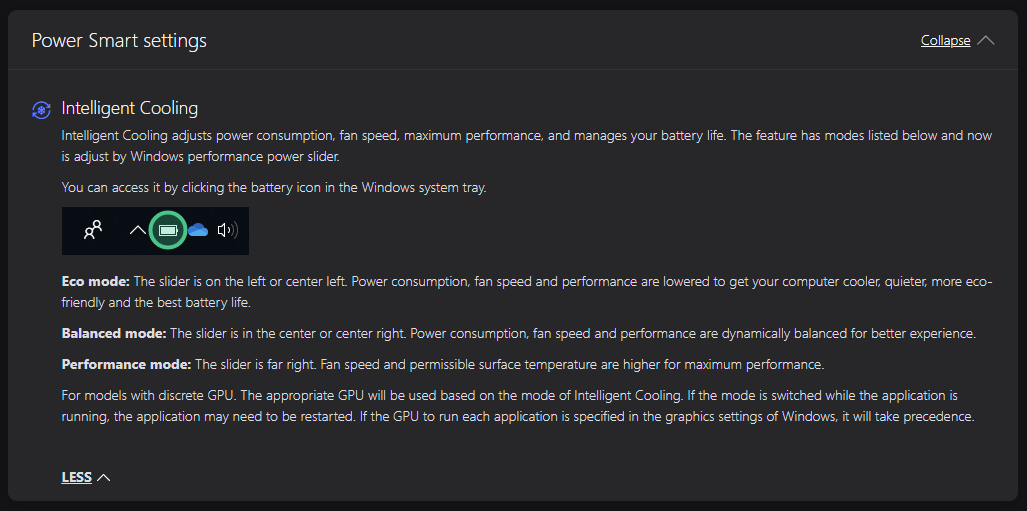
The single fan is almost quiet in Performance mode when the CPU is working at max load. Here, the performance presets are implemented in the Windows Power menu. The hotspot on the keyboard is located close to the WASD area, but the thermals are okay for normal usage. The two palm rest areas don’t feel hot at all.
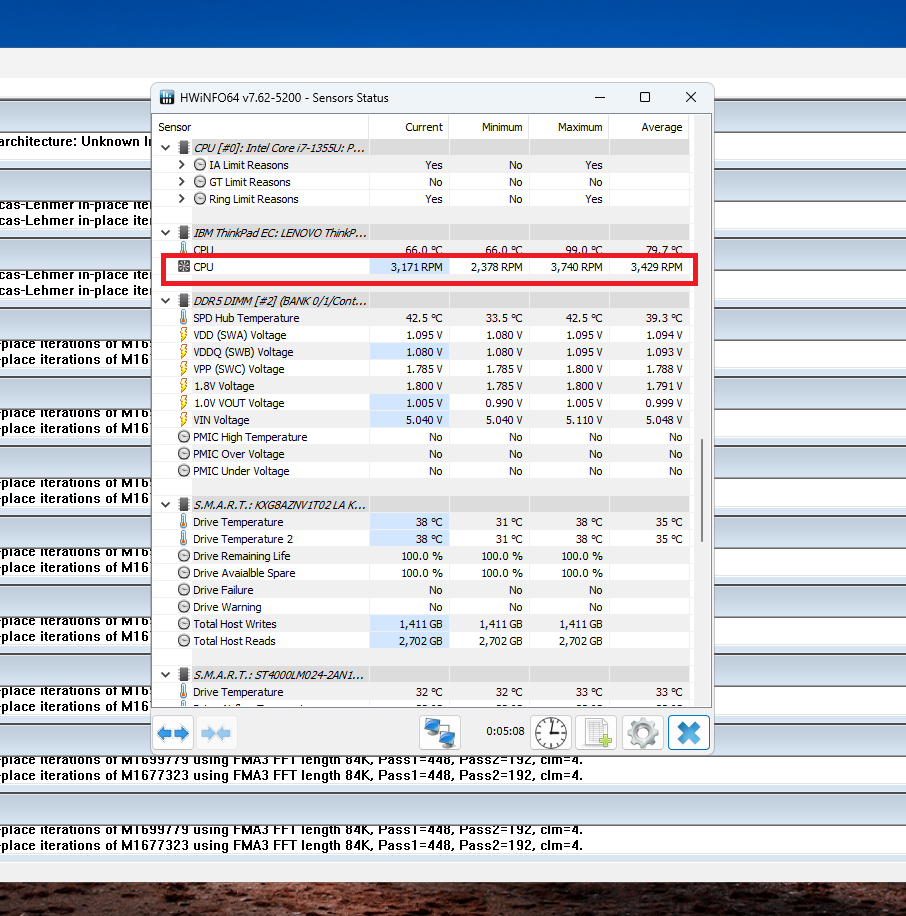
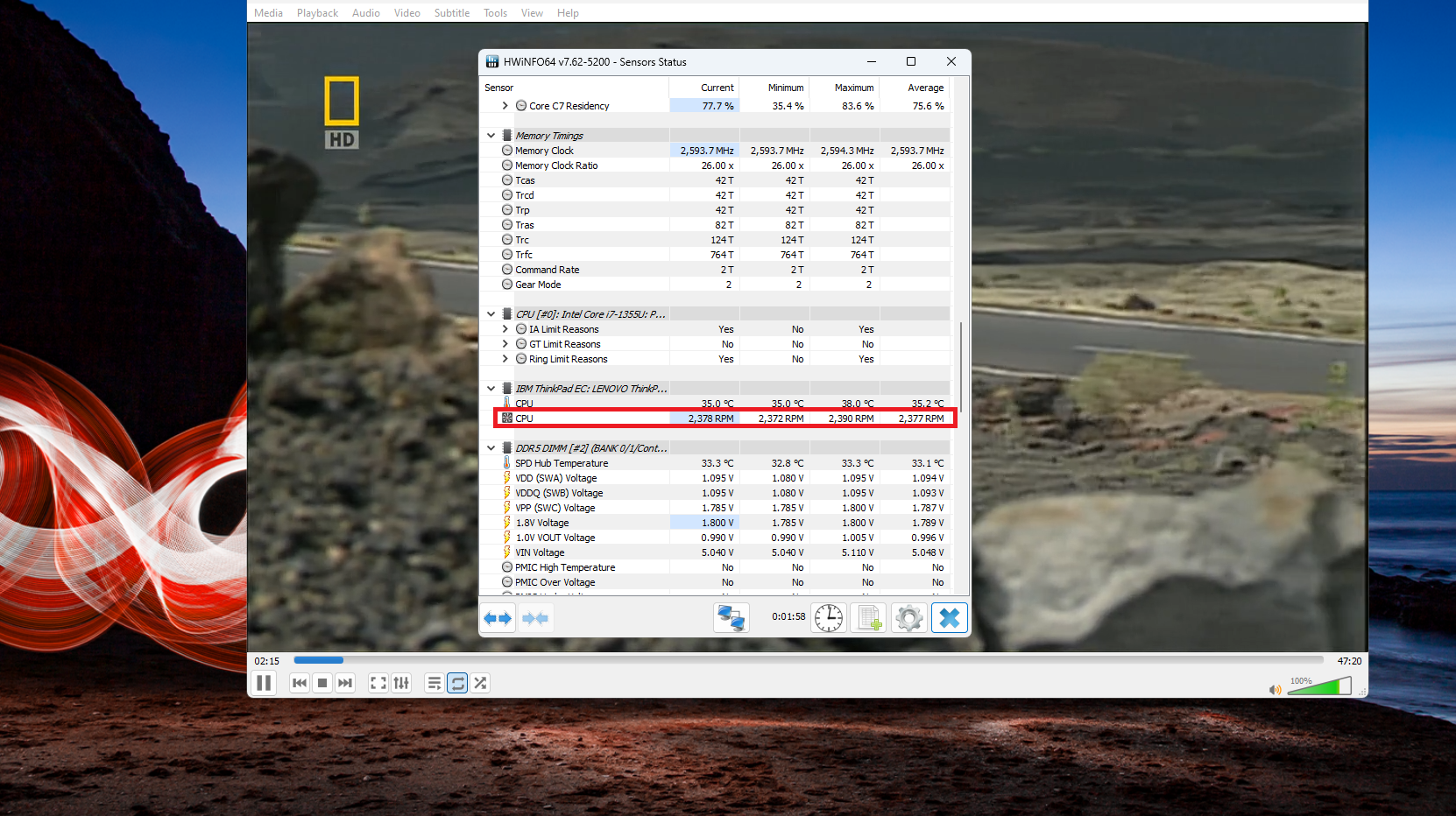
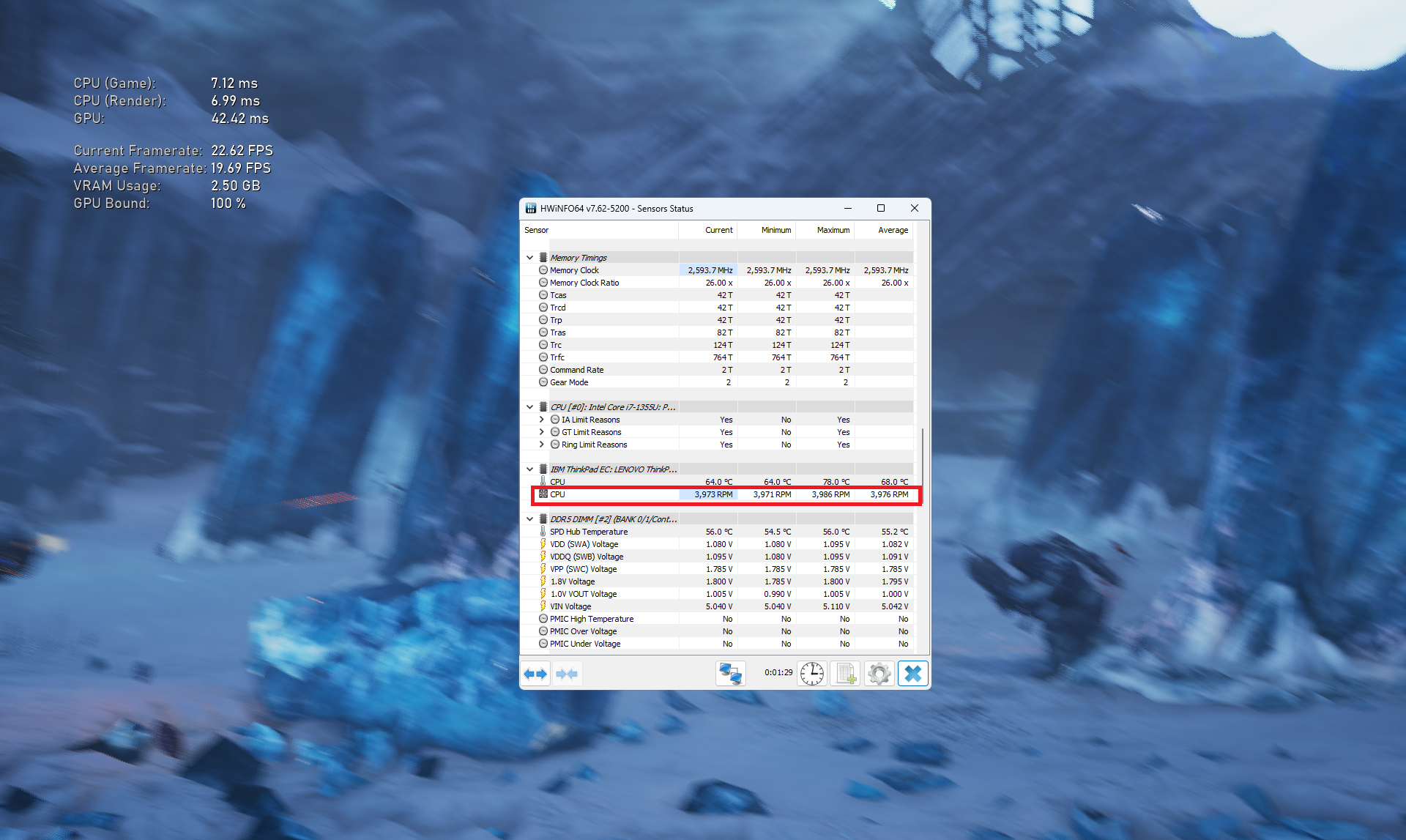
Let’s check the fan speed during different loads. We got ~3200 RPM in 100% CPU stress.
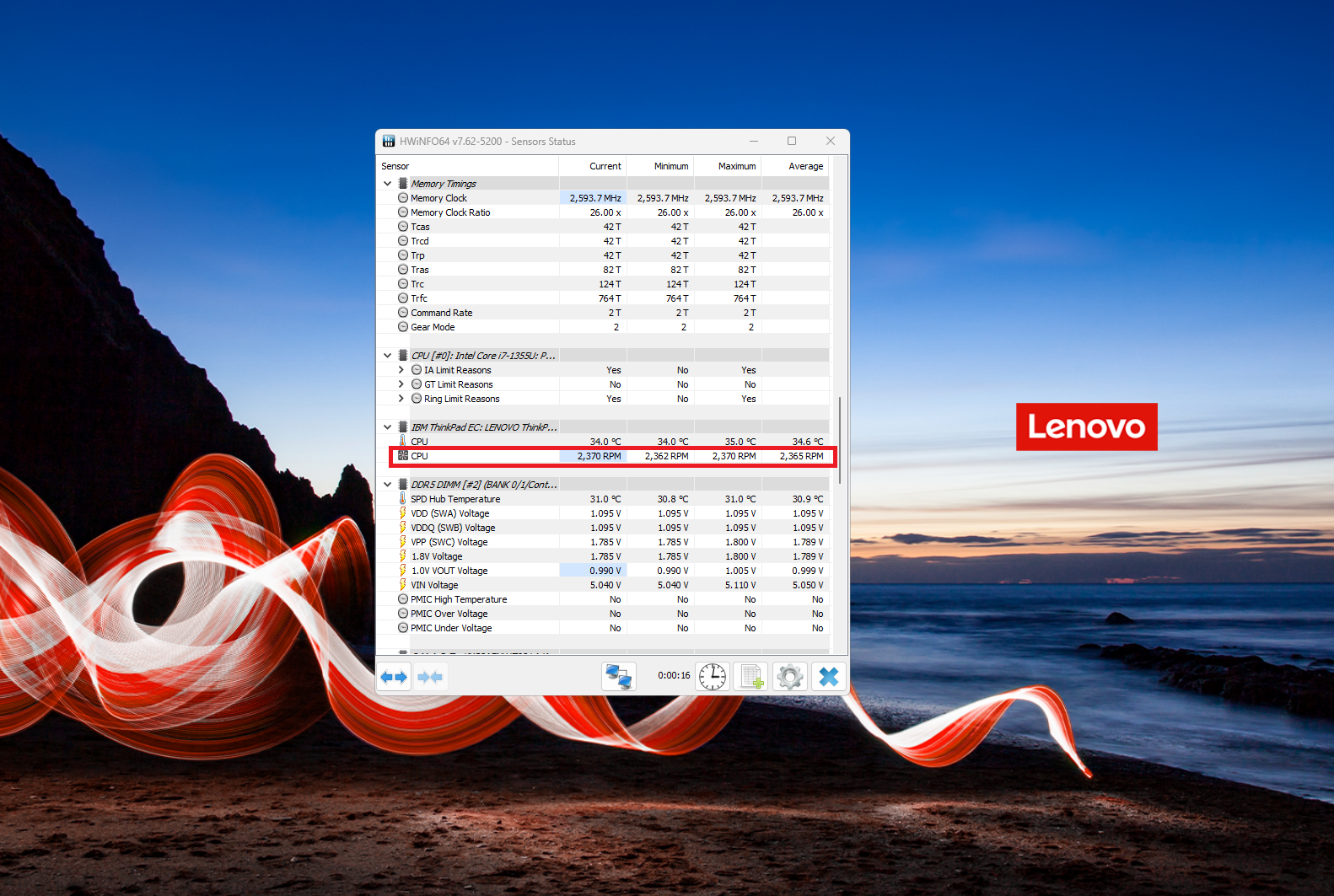
In idle, we can see ~2300 RPM and almost the same rotation speed applies to Web browsing and watching videos. The gaming test looks more challenging for the cooling than a 100% CPU load.
 Idle
Idle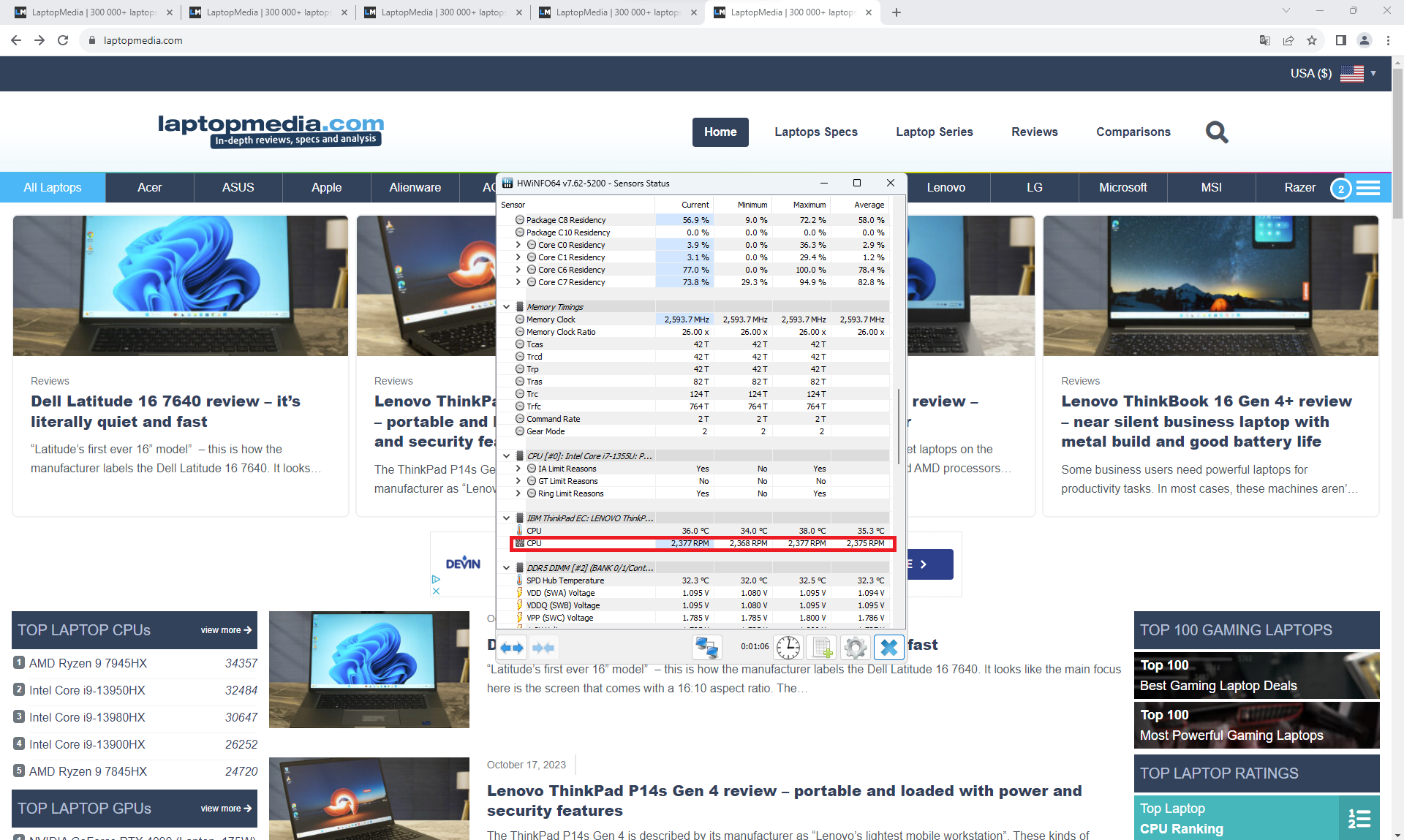 Web browsing
 Video playback
 Gaming
Battery
Now, we conduct the battery tests with the Windows Better performance setting turned on, screen brightness adjusted to 120 nits, and all other programs turned off except for the one we are testing the notebook with. This notebook’s 52.5Wh battery pack lasts for 11 hours and 7 minutes of Web browsing, or 7 hours and 42 minutes of video playback on a single charge.
Brightness: 180 nits; Display Mode: SDR
Time to Full Discharge: Higher is Better
In order to simulate real-life conditions, we used our own script for automatic web browsing through over 70 websites.
 Author: Nikolay Palaozov
 Author: eng. Kroum NikolovHead of Engineering at LaptopMedia.com, inventor and innovator with 40+ years of experience in electronics and high technology.

![[August 2026] Amazon Italy: Top 10 Best-Selling Laptops – Apple MacBook Neo Claims the Crown as Budget and Mid-Range Windows Machines Dominate Volume](https://laptopmedia.com/wp-content/uploads/2026/09/Best-Selling-Laptops-IT-Top-10-400x225.jpg)
![[August 2026] Amazon Italy: Top 7 Best-Selling Gaming Laptops – ASUS V16 Claims the #1 Spot Amid Strong Mid-Range Demand](https://laptopmedia.com/wp-content/uploads/2026/09/Best-Selling-Gaming-Laptops-IT-Top-10-400x225.jpg)
![[August 2026] Best-Selling Laptop Brands on Amazon Italy – Lenovo Dominates Market Share and Revenue Leadership](https://laptopmedia.com/wp-content/uploads/2026/09/IT-Best-Brands-400x225.jpg)
![[August 2026] Amazon India: Top 10 Best-Selling Laptops – Apple MacBook Neo Dominates the Charts with Massive Sales Lead](https://laptopmedia.com/wp-content/uploads/2026/09/Best-Selling-Laptops-IN-Top-10-400x225.jpg)
![[August 2026] Amazon India: Top 10 Best-Selling Gaming Laptops – HP Victus 15 Dominates the Market with Massive Unit Lead](https://laptopmedia.com/wp-content/uploads/2026/09/Best-Selling-Gaming-Laptops-IN-Top-10-400x225.jpg)

一派胡言,真是垃圾笔记本,不要只看配置,自用T14,32+1T,用了一年半,降频严重,发热严重,风扇声音巨大,不要踩坑。严重降低生产力,现在换mac了,丝滑。
The ThinkPad T14 that we tested was from a retailer, so it’s possible that your unit had a defect or another issue. Nevertheless, Macs are as good as it gets, so you’ve made a good choice.
—-
我们测试的 ThinkPad T14 是零售商提供的,因此你的设备可能存在缺陷或其他问题。尽管如此,Mac 还是很不错的,所以你的选择是正确的。