MSI Stealth 16 Studio (A13V) review – it has the power and it has the bling
Temperatures and comfort, Battery Life
Max CPU load
In this test we use 100% on the CPU cores, monitoring their frequencies and chip temperature. The first column shows a computer’s reaction to a short load (2-10 seconds), the second column simulates a serious task (between 15 and 30 seconds), and the third column is a good indicator of how good the laptop is for long loads such as video rendering.
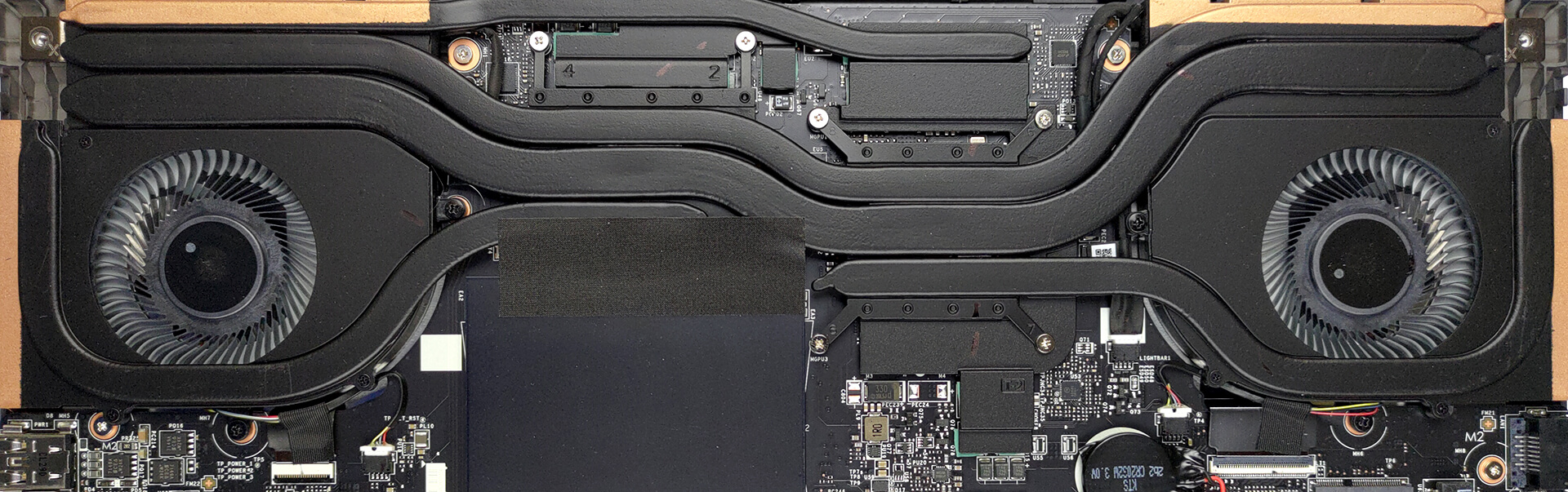
Average P-core frequency; Average E-core frequency; CPU temp.; Package Power
| Intel Core i7-13700H (45W TDP) | 0:02 – 0:10 sec | 0:15 – 0:30 sec | 10:00 – 15:00 min |
|---|---|---|---|
| MSI Stealth 16 Studio (A13V) | 3.77 GHz @ 2.34 GHz @ 87°C @ 101W | 3.61 GHz @ 2.32 GHz @ 87°C @ 91W | 3.62 GHz @ 2.43 GHz @ 87°C @ 92W |
| Acer Swift Go 14 (SFG14-71) | 3.13 GHz @ 2.34 GHz @ 75°C @ 67W | 3.08 GHz @ 2.32 GHz @ 91°C @ 66W | 2.46 GHz @ 1.83 GHz @ 89°C @ 43W |
| MSI Pulse 15 (B13V) | 3.70 GHz @ 2.36 GHz @ 86°C @ 96W | 3.52 GHz @ 2.37 GHz @ 87°C @ 89W | 3.23 GHz @ 2.54 GHz @ 77°C @ 87W |
| MSI Vector GP77 | 3.86 GHz @ 3.08 GHz @ 89°C @ 135W | 3.75 GHz @ 3.10 GHz @ 94°C @ 128W | 3.24 GHz @ 3.00 GHz @ 81°C @ 90W |
Interestingly, the MSI Stealth 16 Studio (A13V) has the highest P-core clock speeds of any device we’ve currently tested with this CPU. However, it trails behind the Vector GP77 by a big margin when it comes to E-core speeds. By the way, something you won’t see in the table above is that the clock speeds plummeted to about 2.50 GHz for the P-cores for about 5 minutes, before going back to the values we saw for the last 5 minutes of the test.
Real-life gaming
| NVIDIA GeForce RTX 4070 | GPU frequency/ Core temp (after 2 min) | GPU frequency/ Core temp (after 30 min) |
|---|---|---|
| MSI Stealth 16 Studio (A13V) | 2325 MHz @ 77°C @ 98W | 2325 MHz @ 80°C @ 99W |
| MSI Pulse 15 (B13V) | 2280 MHz @ 71°C @ 109W | 2280 MHz @ 70°C @ 109W |
| MSI Vector GP77 | 2295 MHz @ 61°C @ 95W | 2295 MHz @ 61°C @ 95W |
This laptop is both the best in terms of frequencies and the worst in terms of temperature when it comes to the RTX 4070 among the laptops we’ve tested with this GPU.
Gaming comfort
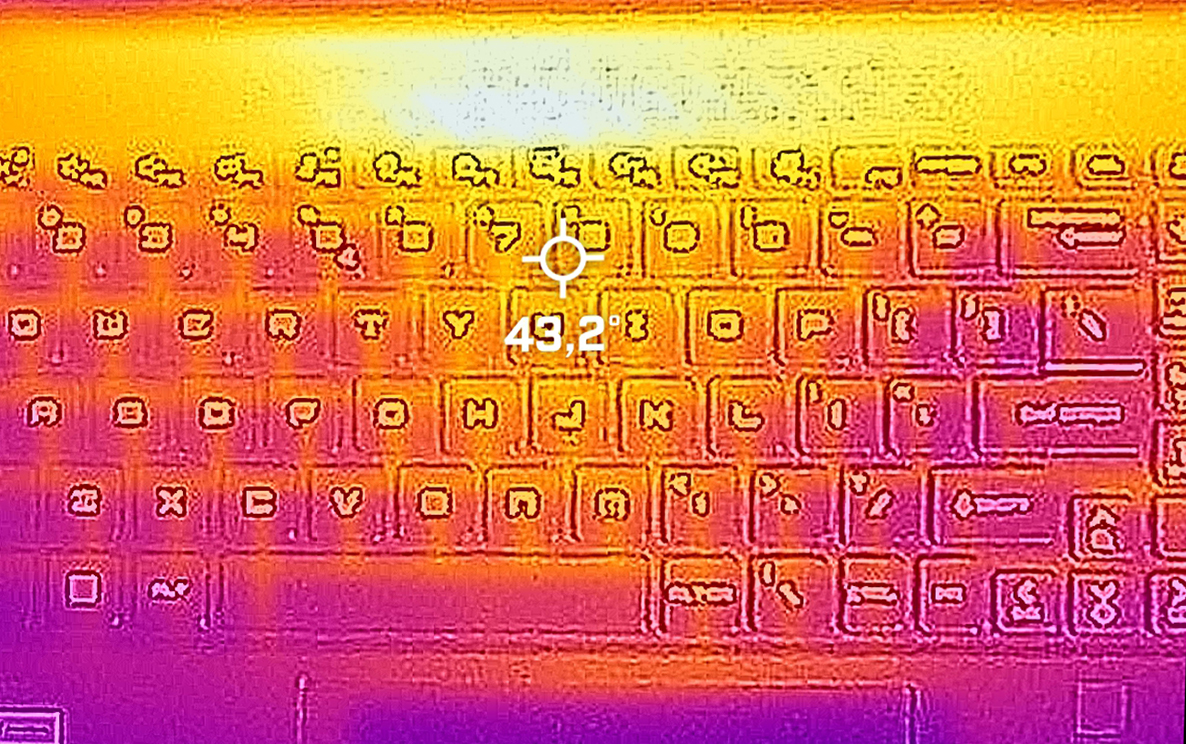
Interestingly, this laptop is not super loud. Also, the keyboard and the palm rest area are not too warm. However, you should be careful with the grill above the keyboard, which is really hot during gaming.
Battery
Now, we conduct the battery tests with the Windows Better performance setting turned on, screen brightness adjusted to 120 nits and all other programs turned off except for the one we are testing the notebook with. Here, you get a 99.9Wh battery pack. It lasts for 9 hours and 5 minutes of Web browsing, or 8 hours and 47 minutes of video playback.
Brightness: 180 nits; Display Mode: SDR
Time to Full Discharge: Higher is Better
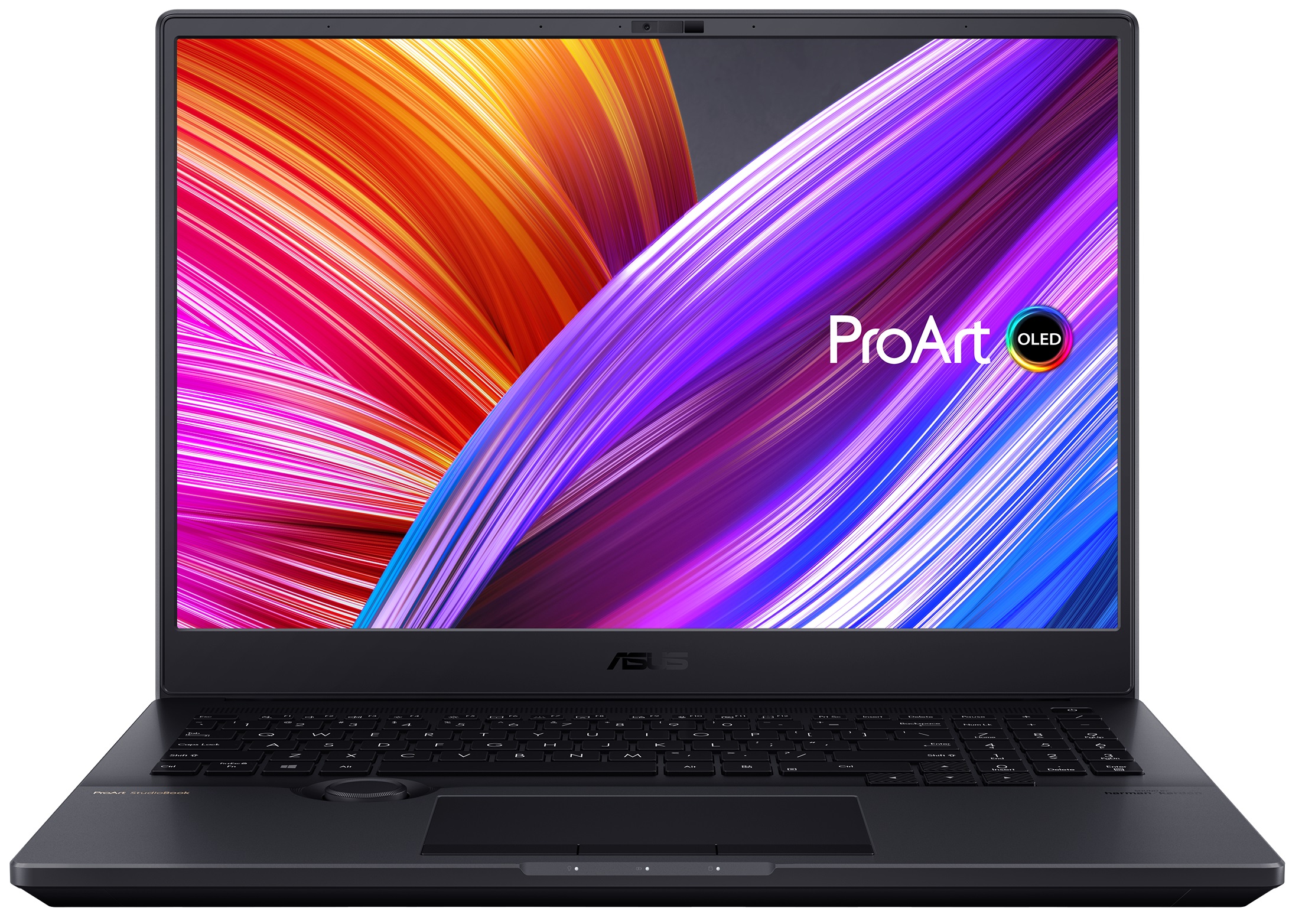
In order to simulate real-life conditions, we used our own script for automatic web browsing through over 70 websites.
 Author: Alex Iliev
 Author: eng. Kroum NikolovHead of Engineering at LaptopMedia.com, inventor and innovator with 40+ years of experience in electronics and high technology.

![[August 2026] Amazon Italy: Top 10 Best-Selling Laptops – Apple MacBook Neo Claims the Crown as Budget and Mid-Range Windows Machines Dominate Volume](https://laptopmedia.com/wp-content/uploads/2026/09/Best-Selling-Laptops-IT-Top-10-400x225.jpg)
![[August 2026] Amazon Italy: Top 7 Best-Selling Gaming Laptops – ASUS V16 Claims the #1 Spot Amid Strong Mid-Range Demand](https://laptopmedia.com/wp-content/uploads/2026/09/Best-Selling-Gaming-Laptops-IT-Top-10-400x225.jpg)
![[August 2026] Best-Selling Laptop Brands on Amazon Italy – Lenovo Dominates Market Share and Revenue Leadership](https://laptopmedia.com/wp-content/uploads/2026/09/IT-Best-Brands-400x225.jpg)
![[August 2026] Amazon India: Top 10 Best-Selling Laptops – Apple MacBook Neo Dominates the Charts with Massive Sales Lead](https://laptopmedia.com/wp-content/uploads/2026/09/Best-Selling-Laptops-IN-Top-10-400x225.jpg)
![[August 2026] Amazon India: Top 10 Best-Selling Gaming Laptops – HP Victus 15 Dominates the Market with Massive Unit Lead](https://laptopmedia.com/wp-content/uploads/2026/09/Best-Selling-Gaming-Laptops-IN-Top-10-400x225.jpg)

Una pregunta: cómo se puede activar la pantalla a 60hz?
Nvidia panel.
Hi, could you please help me. do set the GPU to hybrid mode or only integrated mode. I simply cant replicate the 9 hours of web browsing