Published:
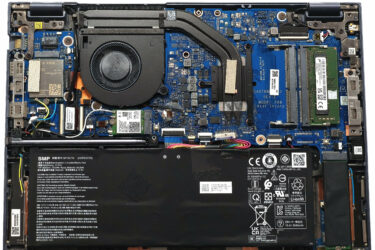
0How to open Acer TravelMate P4 Spin (TMP414RN-53) – disassembly and upgrade options
Opening the Acer TravelMate P4 Spin Hint: Ensure the laptop is powered off and unplugged before starting. Undo the 10 Torx-head screws securing the bottom panel of the laptop. Use a lever tool to pop…

Published:
0How to open Dell Precision 3591 – disassembly and upgrade options
Opening the Dell Precision 3591 Hint: Ensure the laptop is completely powered off and unplugged before starting. Undo the eight captive Phillips-head screws on the bottom panel of the laptop. Use a lever tool to…
Published:
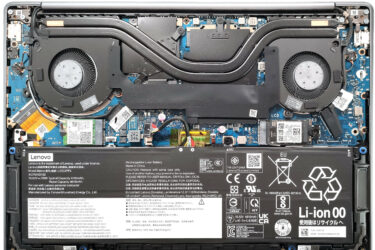
0How to open Lenovo Yoga Pro 7i (14″, Gen 9) – disassembly and upgrade options
Opening the Lenovo Yoga Pro 7i Hint: Ensure the laptop is powered off and unplugged before starting. Undo the six Phillips-head screws securing the bottom panel of the laptop. Pop the bottom panel near the…

Published:
0How to open Lenovo Yoga Slim 7x Gen 9 (14″ Snapdragon) – disassembly and upgrade options
Opening the Lenovo Yoga Slim 7x Gen 9 Hint: Ensure the laptop is powered off and unplugged before starting. Undo the four Torx-head screws securing the bottom panel of the laptop. Use a lever…

Published:
0How to open Dell Precision 5690 – disassembly and upgrade options
Opening the Dell Precision 5690 Hint: Ensure the laptop is completely powered off and unplugged before starting. Undo the eight Torx-head screws on the bottom panel of the laptop. Since there are no gaps between…

Published:
0How to open Lenovo Yoga Slim 7 (Gen 9, 15ILL9) – disassembly and upgrade options
Opening the Lenovo Yoga Slim 7 (Gen 9, 15ILL9) Hint: Ensure the laptop is powered off and unplugged before beginning. Undo the five Torx-head screws securing the bottom panel of the laptop. Use a thin…

Published:
0How to open HP OMEN 16 (16-xd0000) – disassembly and upgrade options
Opening the HP OMEN 16 (16-xd0000) Hint: Ensure the laptop is powered off and unplugged before starting. Undo the eight Phillips-head screws securing the bottom panel of the laptop. Identify the slight gaps around the…
Published:
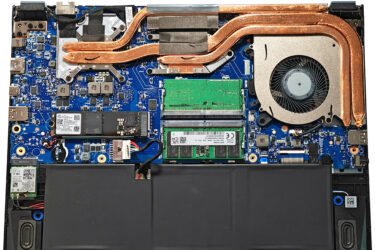
0How to open MSI Cyborg 14 A13V – disassembly and upgrade options
Opening the MSI Cyborg 14 A13V Hint: Ensure the laptop is completely powered off and unplugged before starting. Undo the eight Phillips-head screws securing the bottom panel of the laptop. Turn over the device and…
Published:
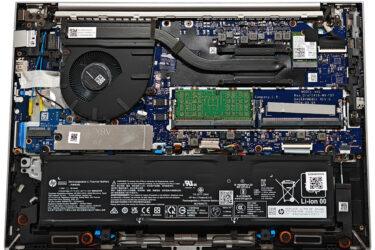
0How to open HP ProBook 440 G11 – disassembly and upgrade options
Opening the HP ProBook 440 G11 Hint: Ensure that the laptop is completely powered off and unplugged before beginning. Undo the five captive Phillips-head screws on the bottom panel of the laptop. Use a thin…
Published:
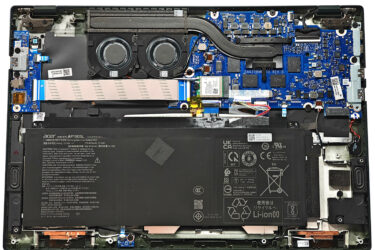
0How to open Acer Swift Edge (SFE16-44) – disassembly and upgrade options
Opening the Device Hint: Ensure the laptop is powered off and disconnected from any power source before starting. Undo the ten Torx-head screws on the bottom panel of the laptop. Use a lever tool to…
Published:
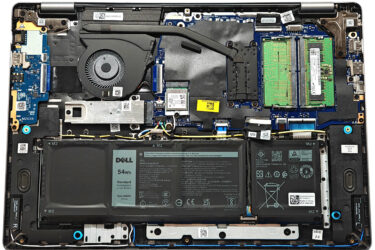
0How to open Dell Vostro 16 5640 – disassembly and upgrade options
Opening the Device Hint: Ensure the laptop is powered off and disconnected from any power source before starting. Undo the eight Phillips-head screws on the bottom panel of the laptop. Note that the two screws…
Published:
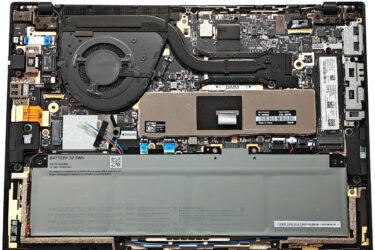
0How to open Lenovo ThinkPad T14 Gen 5 (Intel) – disassembly and upgrade options
Opening the Device Hint: Ensure the laptop is powered off and disconnected from any power source before starting. Undo the seven captive Phillips-head screws on the bottom panel of the laptop. Eject the SIM card…
Published:
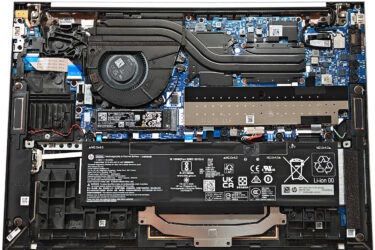
0How to open HP ZBook Firefly 16 G11 – disassembly and upgrade options
Opening the Device Hint: Ensure the laptop is powered off and disconnected from any power source before starting. Undo the five captive Phillips-head screws on the bottom panel of the laptop. Use a lever tool…
Published:
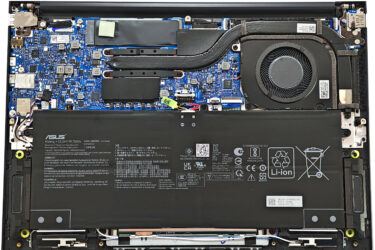
0How to open ASUS Zenbook 14 OLED UM3406 – disassembly and upgrade options
Opening the Device Hint: Ensure the laptop is powered off and disconnected from any power source before starting. Undo the seven Torx-head screws on the bottom panel of the laptop. Note that the bottom…
Published:
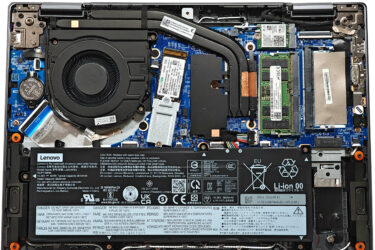
0How to open Lenovo ThinkBook 14 2-in-1 Gen 4 – disassembly and upgrade options
Opening the Device Hint: Ensure the laptop is powered off and disconnected from any power source before starting. Undo the nine Phillips-head screws on the bottom panel of the laptop. Note that the bottom screws…
Published:
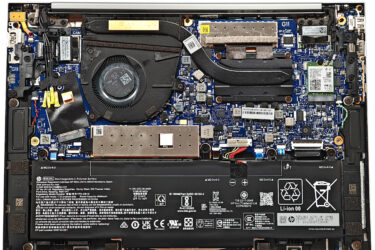
0How to open HP EliteBook 830 G11 – disassembly and upgrade options
Opening the Device Hint: Ensure the laptop is powered off and disconnected from any power source before starting. Undo the five captive Phillips-head screws on the bottom panel of the laptop. Use a lever tool…
Published:
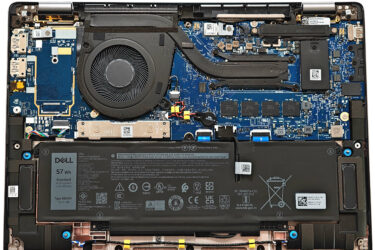
0How to open Dell Latitude 7450 – disassembly and upgrade options
Opening the Device Hint: Ensure the laptop is powered off and disconnected from any power source before starting. Undo the eight captive Phillips-head screws on the bottom panel of the laptop. Use a lever tool…
Published:
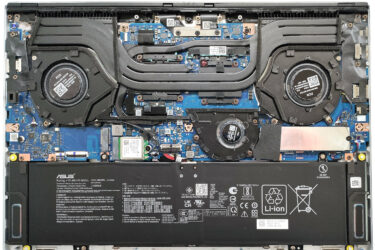
0How to open ASUS ROG Zephyrus G16 GA605 – disassembly and upgrade options
Opening the Device Hint: Ensure the laptop is powered off and disconnected from any power source before starting. Undo the eleven Torx-head screws on the bottom panel of the laptop. Note that the top two…
Published:
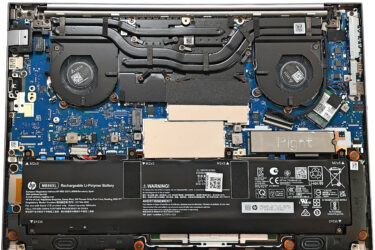
1How to open HP ZBook Power 16 G11 – disassembly and upgrade options
Opening the Device Hint: Ensure the laptop is powered off and disconnected from any power source before starting. Undo the five Phillips-head screws on the bottom of the laptop. Note that the screws on the…
Published:
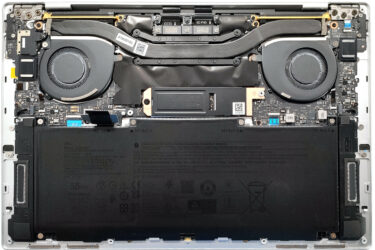
0How to open Dell XPS 13 9345 – disassembly and upgrade options
Opening the Device Hint: Ensure the laptop is powered off and disconnected from any power source before starting. Undo the six Torx-head screws on the bottom of the laptop. Insert a thin plastic tool close…




