Acer Aspire 5 (A515-58M) review – snappy device with very good display and low price
Temperatures and comfort, Battery Life
Max CPU load
In this test we use 100% on the CPU cores, monitoring their frequencies and chip temperature. The first column shows a computer’s reaction to a short load (2-10 seconds), the second column simulates a serious task (between 15 and 30 seconds), and the third column is a good indicator of how good the laptop is for long loads such as video rendering.
Average P-core frequency; Average E-core frequency; CPU temp.; Package Power
| Intel Core i5-1335U (15W TDP) | 0:02 – 0:10 sec | 0:15 – 0:30 sec | 10:00 – 15:00 min |
|---|---|---|---|
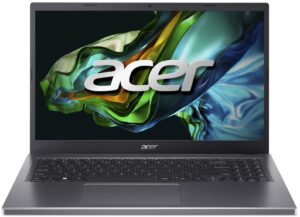
| Acer Aspire 5 (A515-58M) | 2.05 GHz @ 2.74 GHz @ 61°C @ 47W | 1.81 GHz @ 2.54 GHz @ 64°C @ 40W | 1.22 GHz @ 2.23 GHz @ 61°C @ 28W |
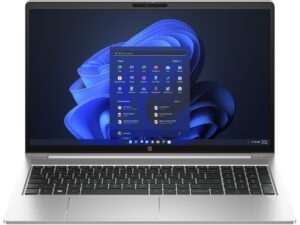
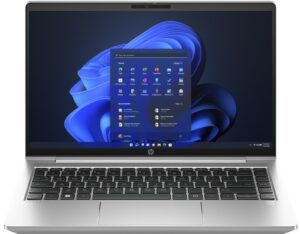
| HP ProBook 440 G10 | 2.39 GHz @ 2.93 GHz @ 93°C @ 50W | 1.51 GHz @ 2.29 GHz @ 92°C @ 30W | 0.94 GHz @ 1.87 GHz @ 72°C @ 19W |
| HP ProBook 450 G10 | 3.41 GHz @ 2.79 GHz @ 94°C @ 48W | 2.80 GHz @ 2.17 GHz @ 94°C @ 31W | 1.87 GHz @ 2.04 GHz @ 81°C @ 23W |
| Acer Swift Go 16 (SFG16-71) | 3.29 GHz @ 2.46 GHz @ 65°C @ 45W | 3.06 GHz @ 2.37 GHz @ 71°C @ 42W | 1.80 GHz @ 1.98 GHz @ 61°C @ 28W |
| Lenovo ThinkBook 14s Yoga Gen 3 | 1.91 GHz @ 1.20 GHz @ 63°C @ 19W | 1.86 GHz @ 0.90 GHz @ 74°C @ 14W | 1.83 GHz @ 0.90 GHz @ 60°C @ 13W |
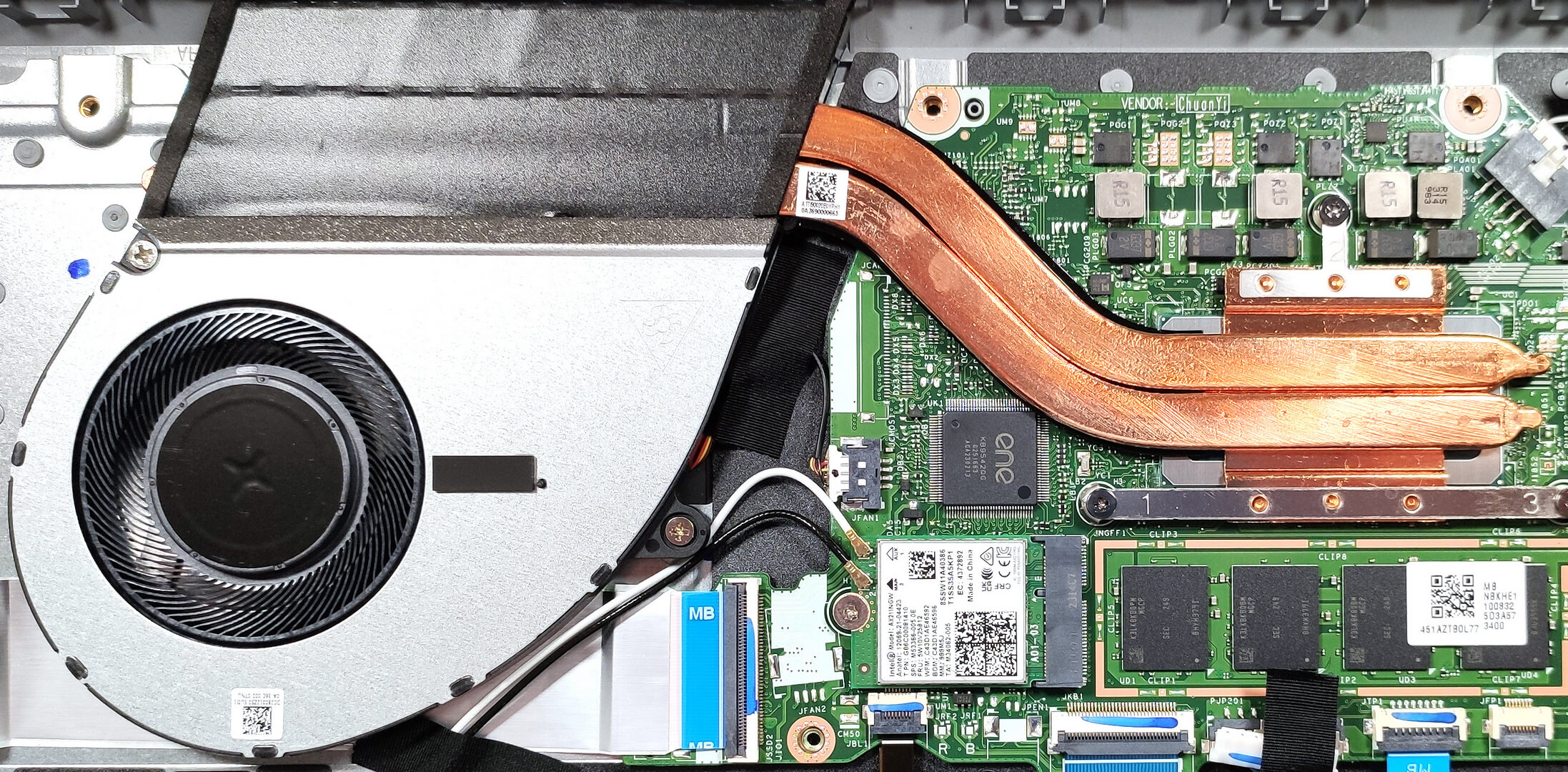
The cooling system may look a bit weak but in reality is doing a good job. The Core i5-1335U can sustain a high E Core and decent P core clock under any kind of load. The processor temperatures are surprisingly low and the chip can maintain 28W in long periods of stress which is good for a cooling solution with just one fan.
Comfort during combined load
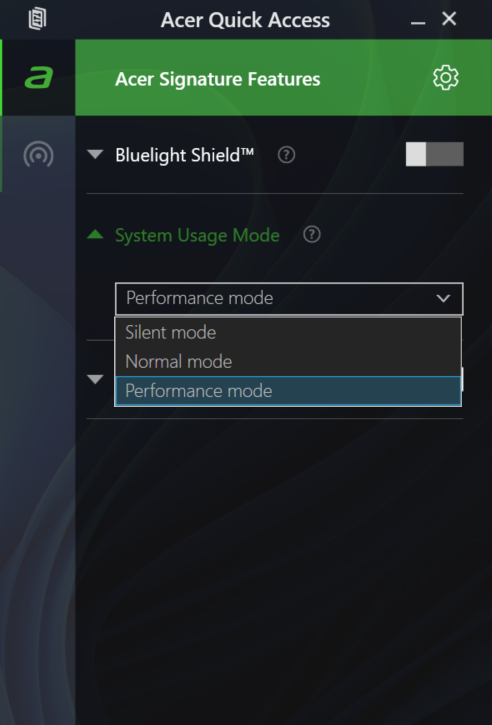
On top of that, the single fan isn’t noisy at all in “Performance mode”. You can hear it when the processor is stressed at max but the noise is normal. For casual daily tasks, the “Silent mode” is probably the right choice for most people because the fan speed is more relaxed in this scenario. The cooling fan is sucking air through the keyboard deck and that’s why the board is comfortable for usage even if the CPU is working hard.
Battery
Now, we conduct the battery tests with the Windows Better performance setting turned on, screen brightness adjusted to 120 nits, and all other programs turned off except for the one we are testing the notebook with. This laptop has a 53Wh battery model. It lasts for 12 hours and 30 minutes of Web browsing, or 8 hours and 20 minutes of video playback. The result is very good.
Brightness: 180 nits; Display Mode: SDR
Time to Full Discharge: Higher is Better
In order to simulate real-life conditions, we used our own script for automatic web browsing through over 70 websites.
 Author: Nikolay Palaozov
 Author: eng. Kroum NikolovHead of Engineering at LaptopMedia.com, inventor and innovator with 40+ years of experience in electronics and high technology.

![[August 2026] Best-Selling Laptop Brands on Amazon Japan – Apple Dominates Market Share and Revenue Led by Strong Unit Sales](https://laptopmedia.com/wp-content/uploads/2026/09/CO.JP-Best-Brands-1-400x225.jpg)
![[August 2026] Best-Selling Laptop Brands on Amazon USA – Apple Dominates Market Revenue and Volume Despite Lower Model Diversity](https://laptopmedia.com/wp-content/uploads/2026/09/COM-Best-Brands-1-400x225.jpg)
![[August 2026] Amazon Germany: Top 8 Best-Selling Gaming Laptops – Acer Dominates the Market as the Premium Nitro V 17 AI Takes the #1 Spot](https://laptopmedia.com/wp-content/uploads/2026/09/Best-Selling-Gaming-Laptops-DE-Top-10-1-400x225.jpg)
![[August 2026] Best-Selling Laptop Brands on Amazon France – Apple Dominates Revenue Despite Lenovo and HP Leading in Catalog Breadth and Volume](https://laptopmedia.com/wp-content/uploads/2026/09/FR-Best-Brands-1-400x225.jpg)
![[August 2026] Amazon Italy: Top 10 Best-Selling Laptops – Apple MacBook Neo Claims the Crown as Budget and Mid-Range Windows Machines Dominate Volume](https://laptopmedia.com/wp-content/uploads/2026/09/Best-Selling-Laptops-IT-Top-10-400x225.jpg)

Bewertung für Acer Notebook – Aspire A515-58M-77DY (gekauft im 7. März 2024) Leider kann ich dieses Acer Notebook nicht empfehlen. Schon beim Kauf in Malaysia wurde ich falsch beraten. Mir wurde versichert, dass das Gerät leistungsstark und zuverlässig sei, doch meine Erfahrungen sind anders. Das größte Problem ist die Hitzeentwicklung. Das Notebook wird sehr schnell sehr warm, vor allem auf der linken Seite, wo die Festplatte sich befindet. Ich war überrascht, dass eine Festplatte so viel Wärme produzieren kann. Diese Hitzeentwicklung beeinträchtigt die Nutzung erheblich, da es unangenehm wird, das Notebook auf dem Schoß zu haben oder auch auf dem… Read more »