Acer Nitro 16 (AN16-72) Review – Surprises With Hidden Gems for Gamers and Designers
Design and construction
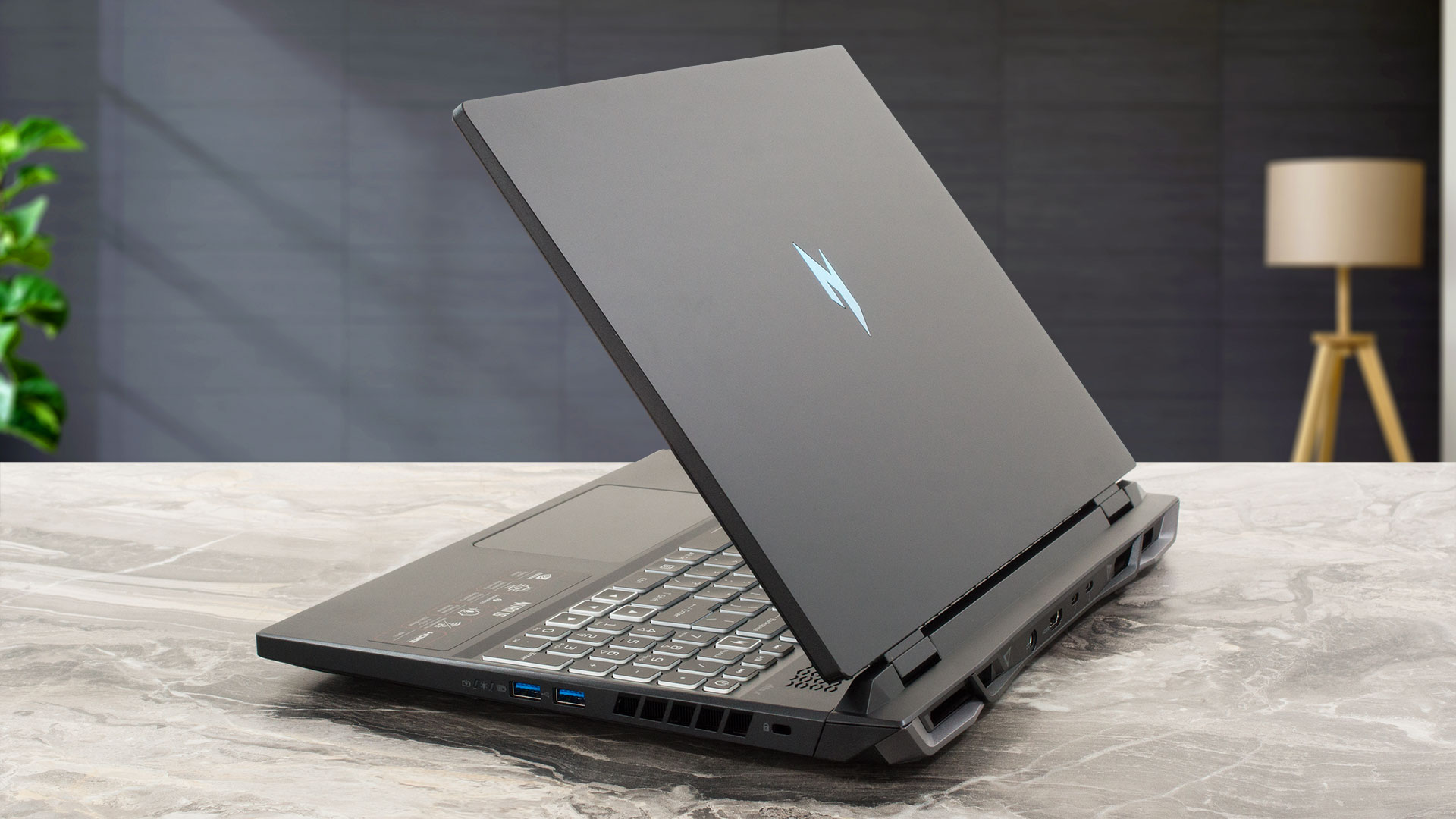
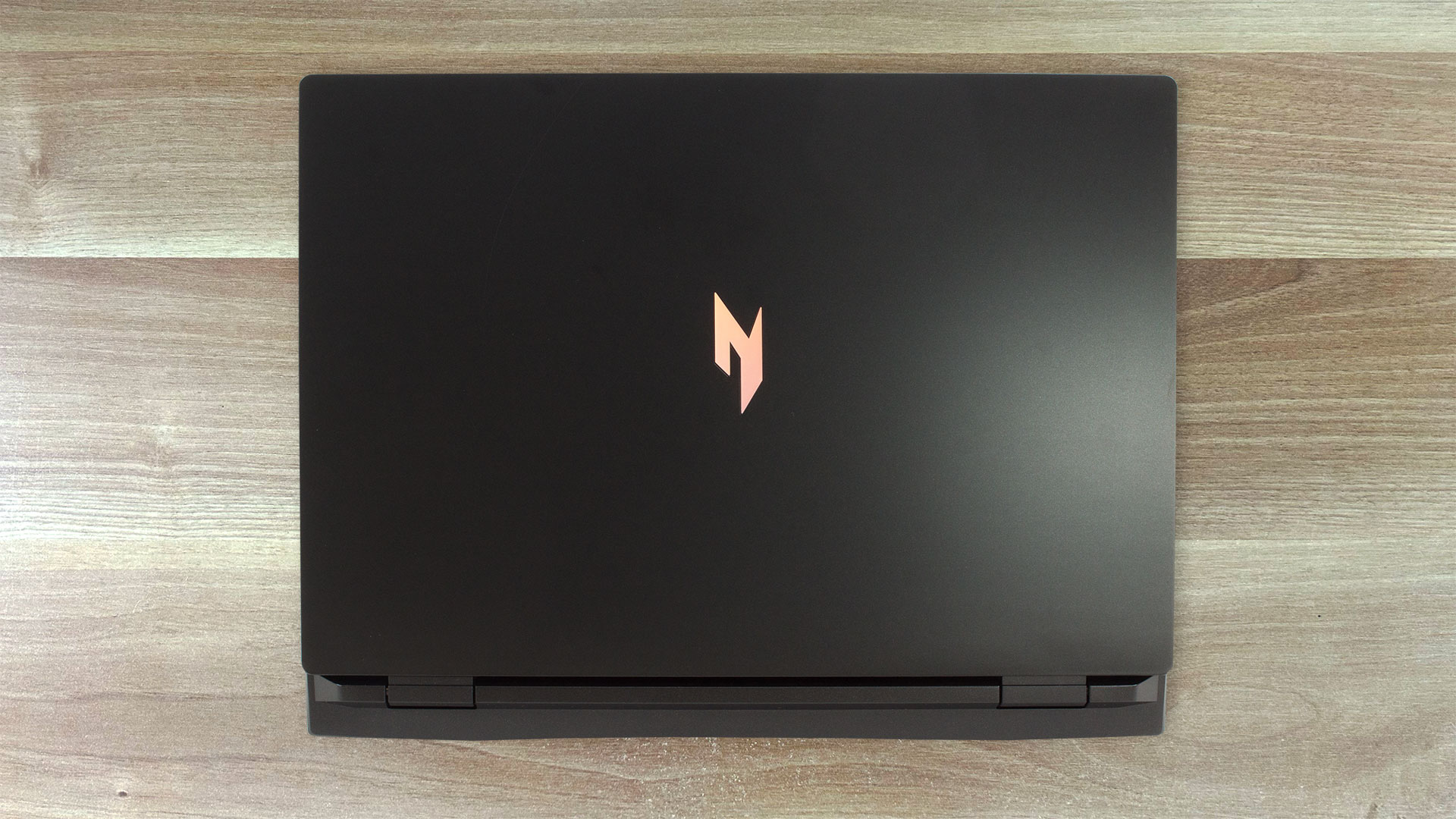
The Acer Nitro 16 (AN16-72) looks very similar to the Nitro 16 (AN16-41) and Nitro 16 (AN16-51) but the device in front of us lacks the pink and blue accent lines on the lid which leads to a cleaner and mature look. Of course, the new Nitro logo is placed right in the center of the lid to remind us that it’s a gaming laptop. The machine is entirely made of plastic and it stops the sacles at 2.45 kilos which is adequate for a 16-incher with snappy hardware and big cooling. The profile thickness is 22.7 – 22.4 mm.
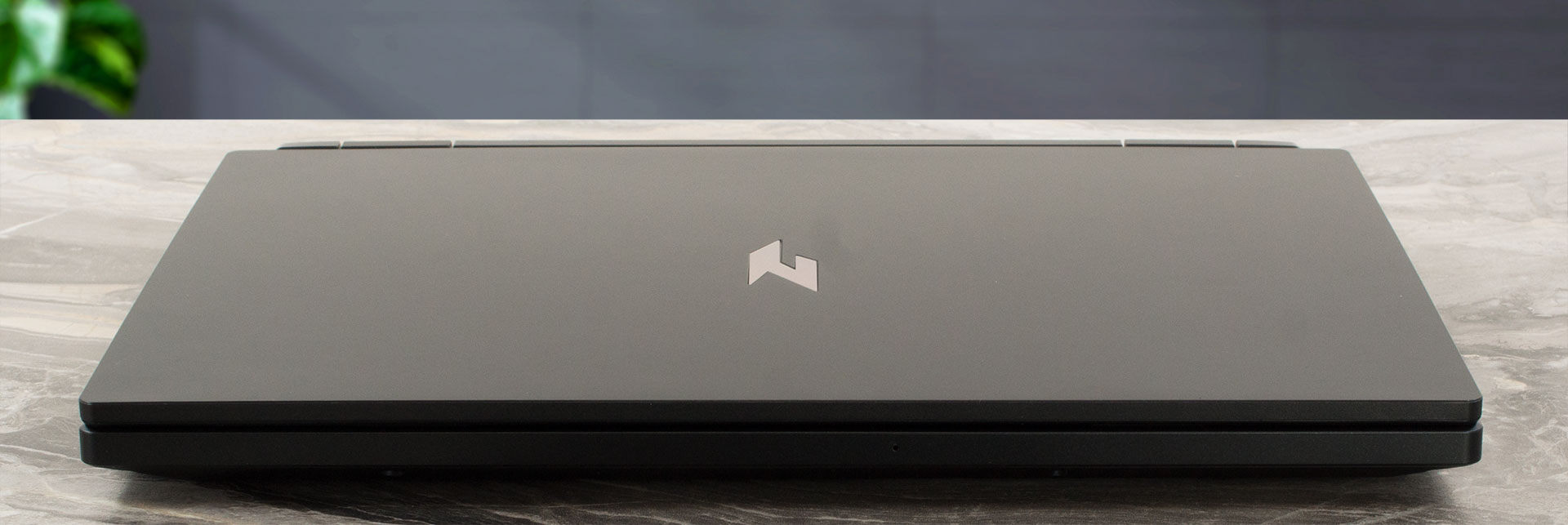
The lid can be opened with a single hand and you can also flex the unit relatively easily. On the other hand, the body is rigid.
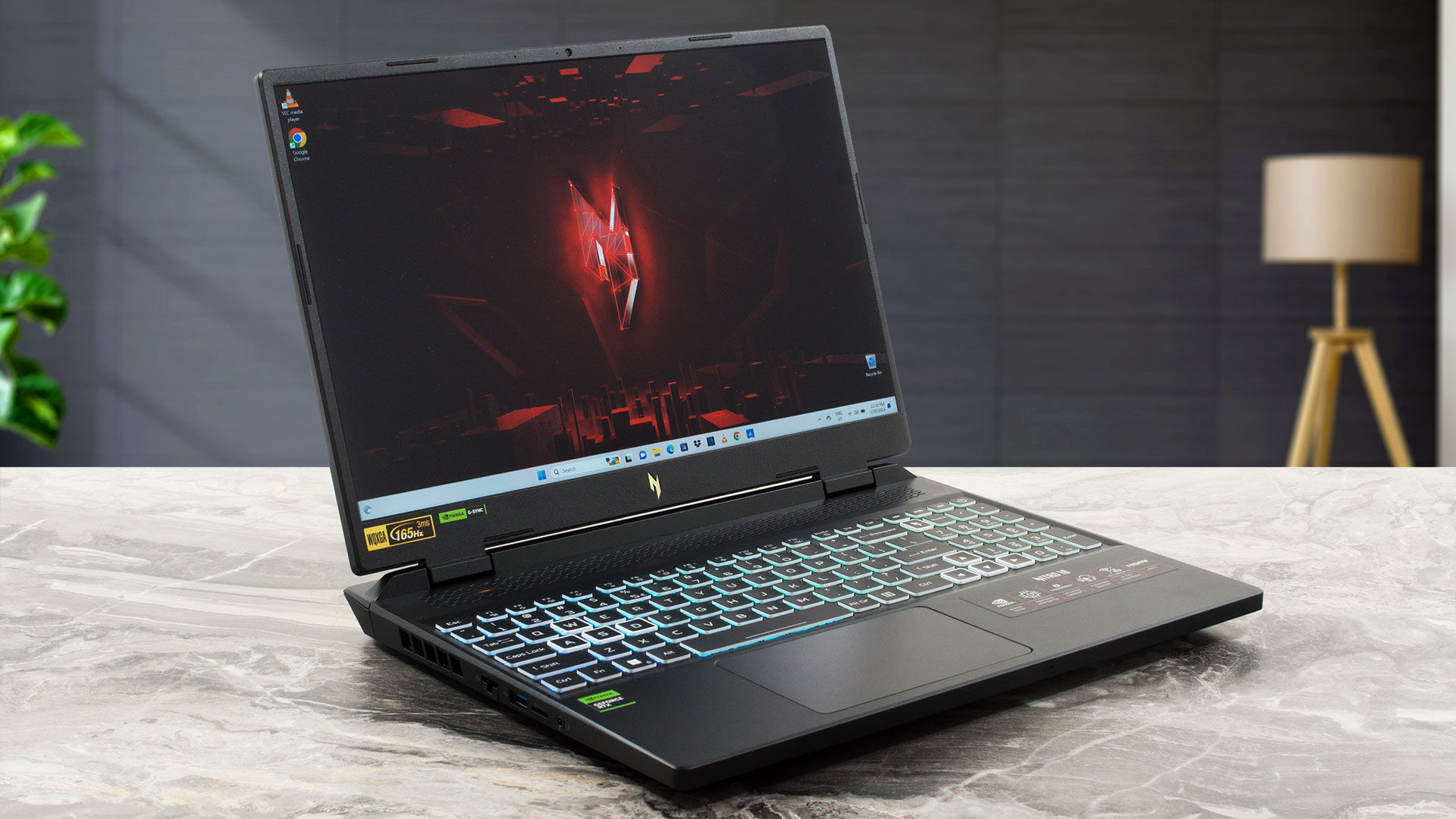
The bezels that surround the display are thin except the lower one which houses another Nitro insignia. Above the panel, you can see a dual-mic 720p 30 FPS Web camera with Temporal Noise Reduction.
Beneath the screen, you can spot the long ventilation grill that is also home to the “Mode” key. The latter can bump the fans to their maximum speed or you can tune it for faster power preset changing. This keyboard and touchpad can be seen in many other devices from the same brand and that’s good because the board is comfortable for both typing and gaming thanks to the long key travel and clicky feedback. The unit also has a NumPad section, full-sized Arrows keys, and a dedicated “Nitro Sense” button. No complaints regarding the touchpad – it’s wide, smooth, and decently sized. The pad is also accurate.
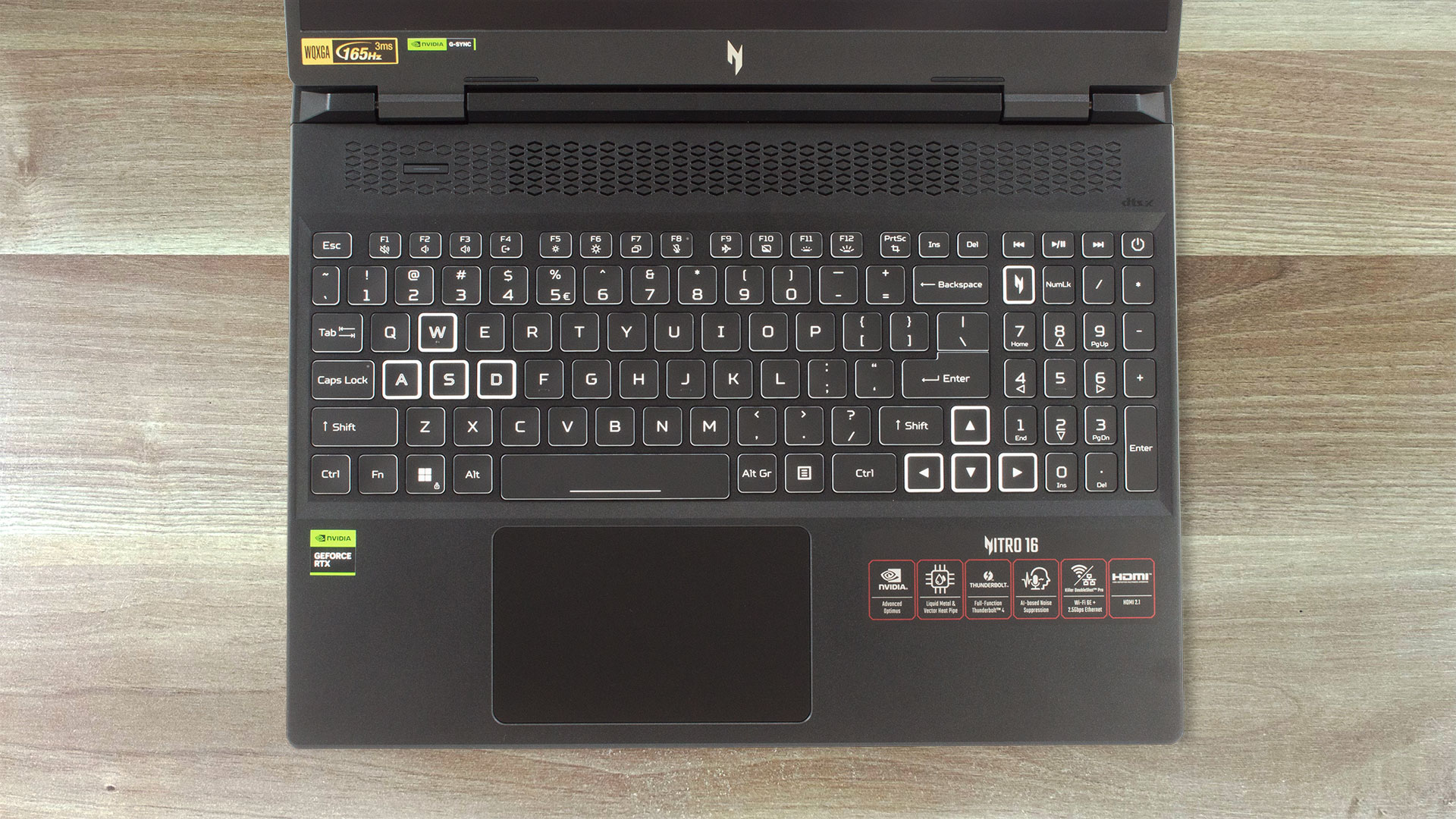
The optional 4-zone RGB backlight can be tuned with the aid of the Acer software.


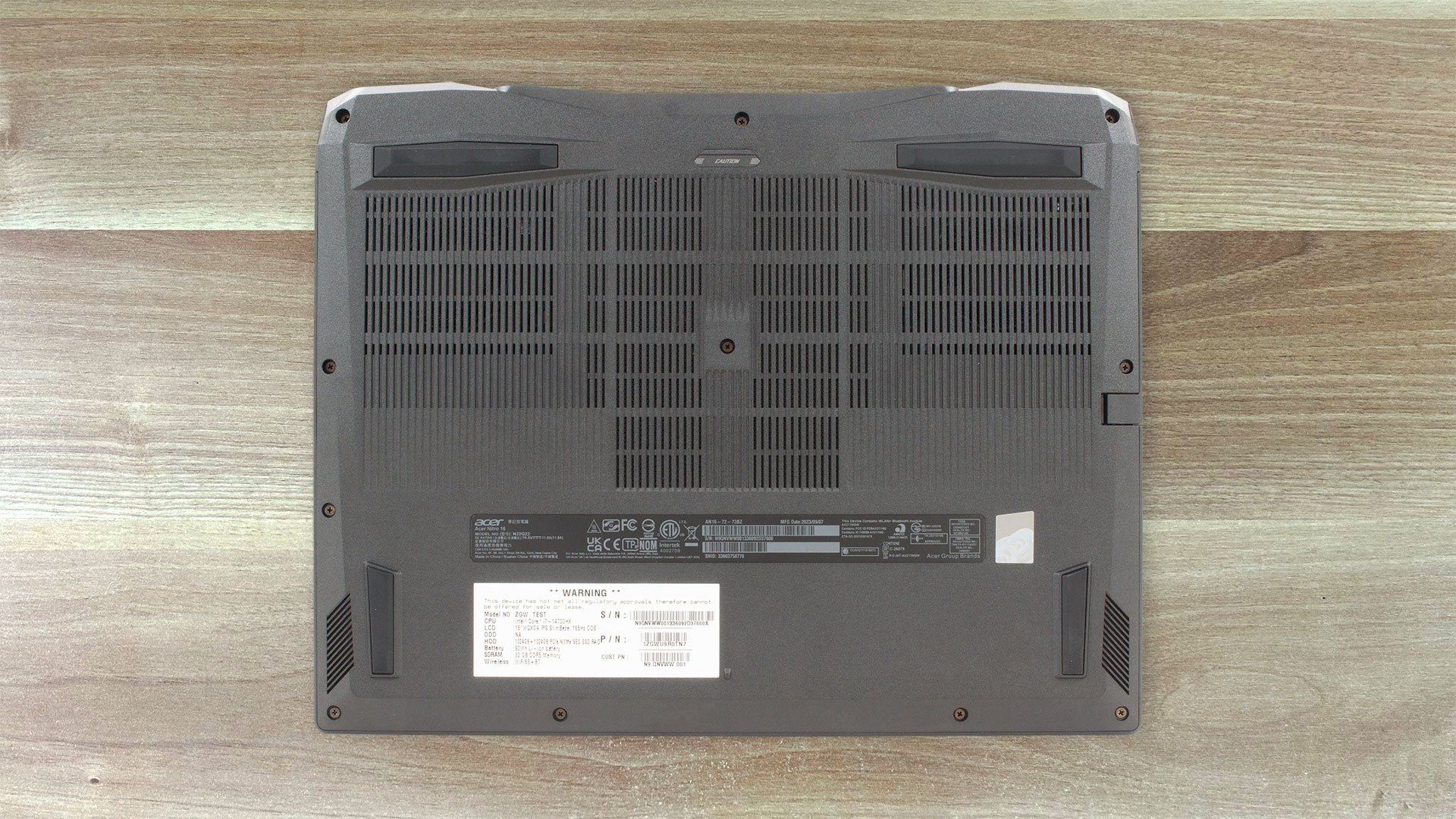
The sizable ventilation grill and four rubber feet can be seen on the bottom plate. The hot air is pushed through four vents – two on the sides and two on the back of the device.
Ports
On the left side, we can spot a 2.5Gbps LAN, a USB Type-A 3.2 (Gen. 2) port, a MicroSD card slot, and an Audio combo jack. The back houses a power plug, an HDMI 2.1 connector, and two Thunderbolt 4 ports with DisplayPort and charging capabilities (65W). On the right, you get two USB Type-A 3.2 (Gen. 1) ports (the latter supports power-off charging functionality).



 Author: Nikolay Palaozov
 Author: eng. Kroum NikolovHead of Engineering at LaptopMedia.com, inventor and innovator with 40+ years of experience in electronics and high technology.

![[August 2026] Amazon Italy: Top 10 Best-Selling Laptops – Apple MacBook Neo Claims the Crown as Budget and Mid-Range Windows Machines Dominate Volume](https://laptopmedia.com/wp-content/uploads/2026/09/Best-Selling-Laptops-IT-Top-10-400x225.jpg)
![[August 2026] Amazon Italy: Top 7 Best-Selling Gaming Laptops – ASUS V16 Claims the #1 Spot Amid Strong Mid-Range Demand](https://laptopmedia.com/wp-content/uploads/2026/09/Best-Selling-Gaming-Laptops-IT-Top-10-400x225.jpg)
![[August 2026] Best-Selling Laptop Brands on Amazon Italy – Lenovo Dominates Market Share and Revenue Leadership](https://laptopmedia.com/wp-content/uploads/2026/09/IT-Best-Brands-400x225.jpg)
![[August 2026] Amazon India: Top 10 Best-Selling Laptops – Apple MacBook Neo Dominates the Charts with Massive Sales Lead](https://laptopmedia.com/wp-content/uploads/2026/09/Best-Selling-Laptops-IN-Top-10-400x225.jpg)
![[August 2026] Amazon India: Top 10 Best-Selling Gaming Laptops – HP Victus 15 Dominates the Market with Massive Unit Lead](https://laptopmedia.com/wp-content/uploads/2026/09/Best-Selling-Gaming-Laptops-IN-Top-10-400x225.jpg)
