Acer Predator Triton 14 (PT14-51) review – compact powerhouse
Design and construction
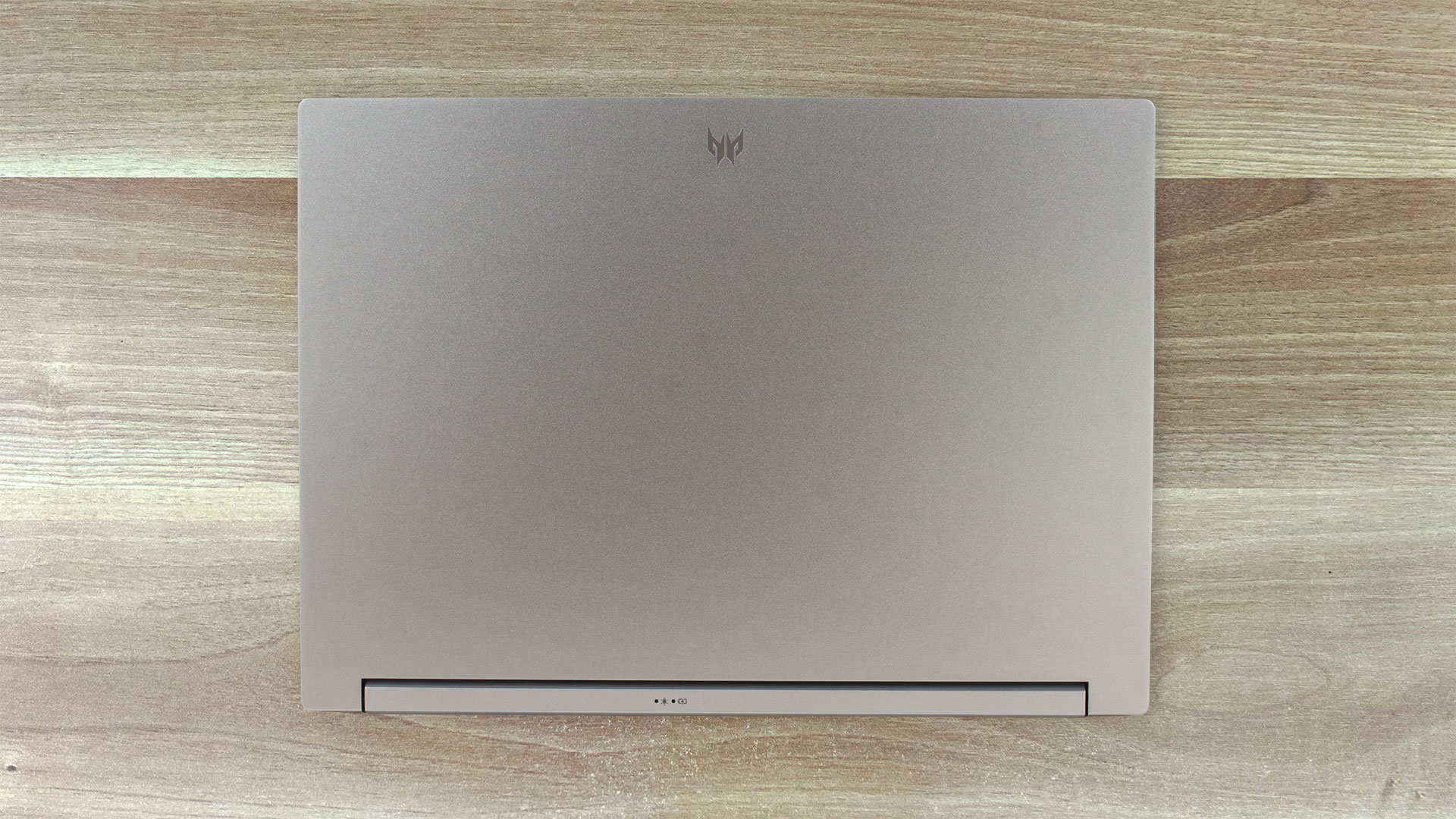
When the lid is closed, the laptop looks clean with its grey color and anodized finish. Only the small Predator logo on the top indicated that this is a gaming device. The build is made of aluminum except for the plastic bezels around the panel. The weight is 1.7 kilos and the profile thickness is 18.9 – 19.9 mm. Not the thinnest machine out there, but that’s okay considering the high-end hardware under the bonnet and the big thermal system.
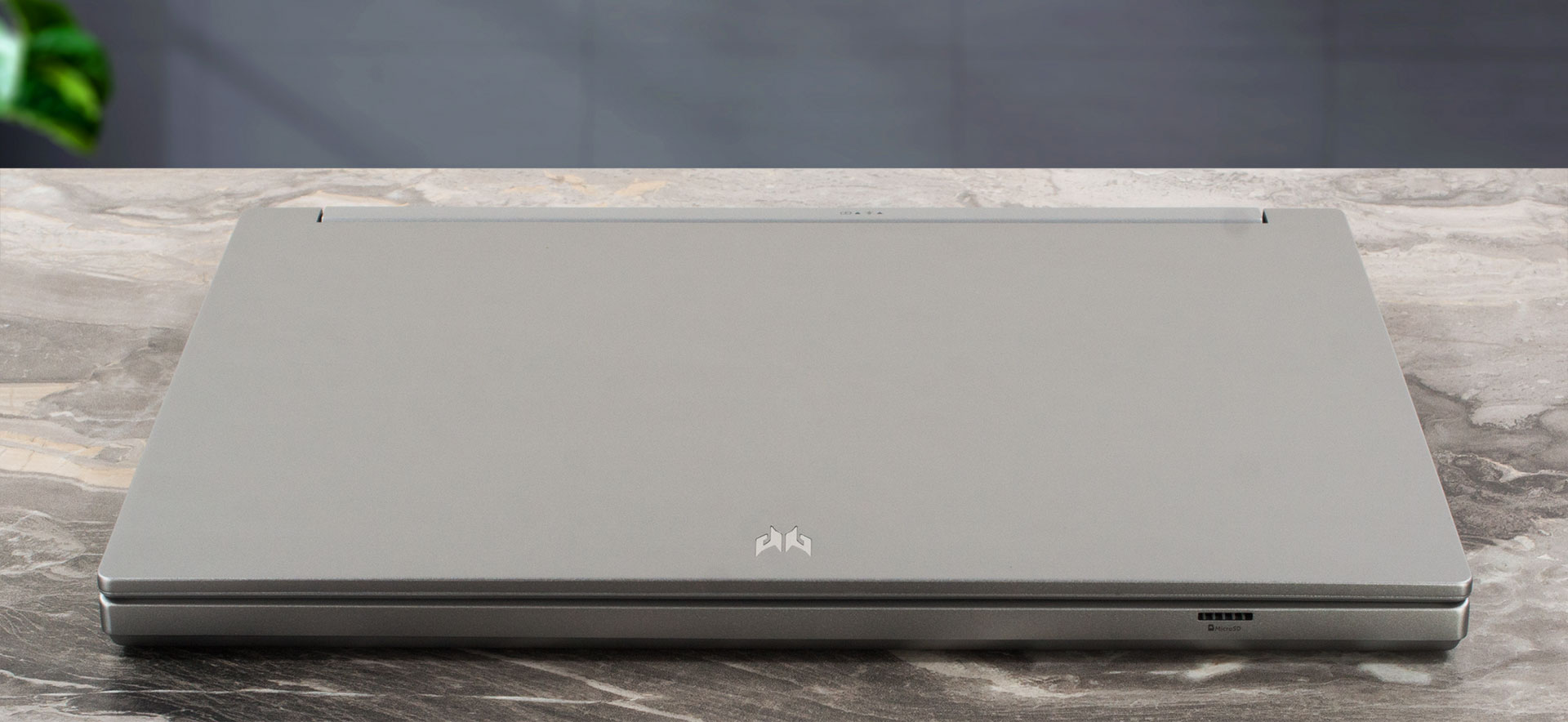
You need one hand to open the lid and you can twist the unit but not too much. The base is solid, we just spot a small amount of flex between the Space key and the touchpad.
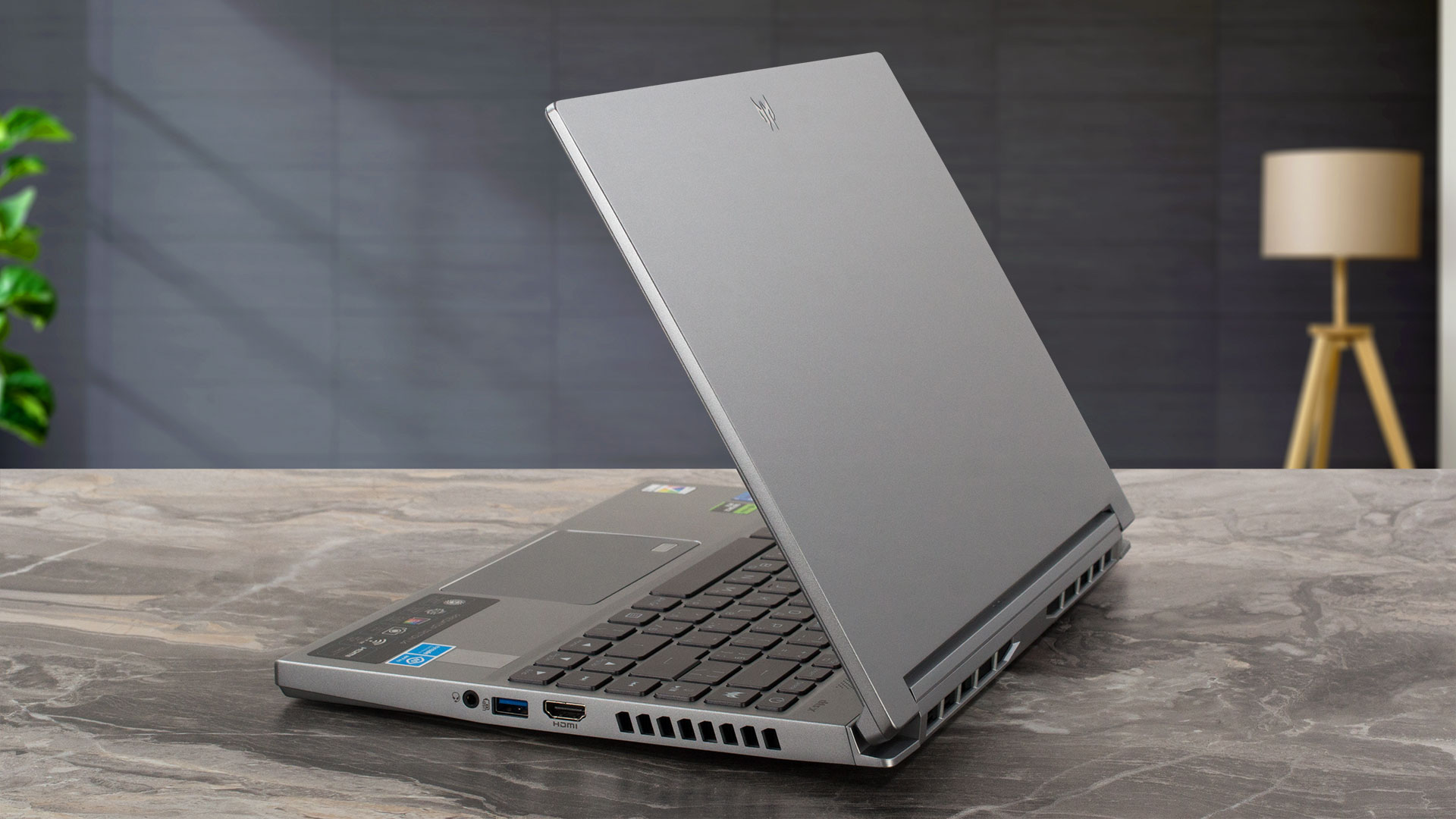
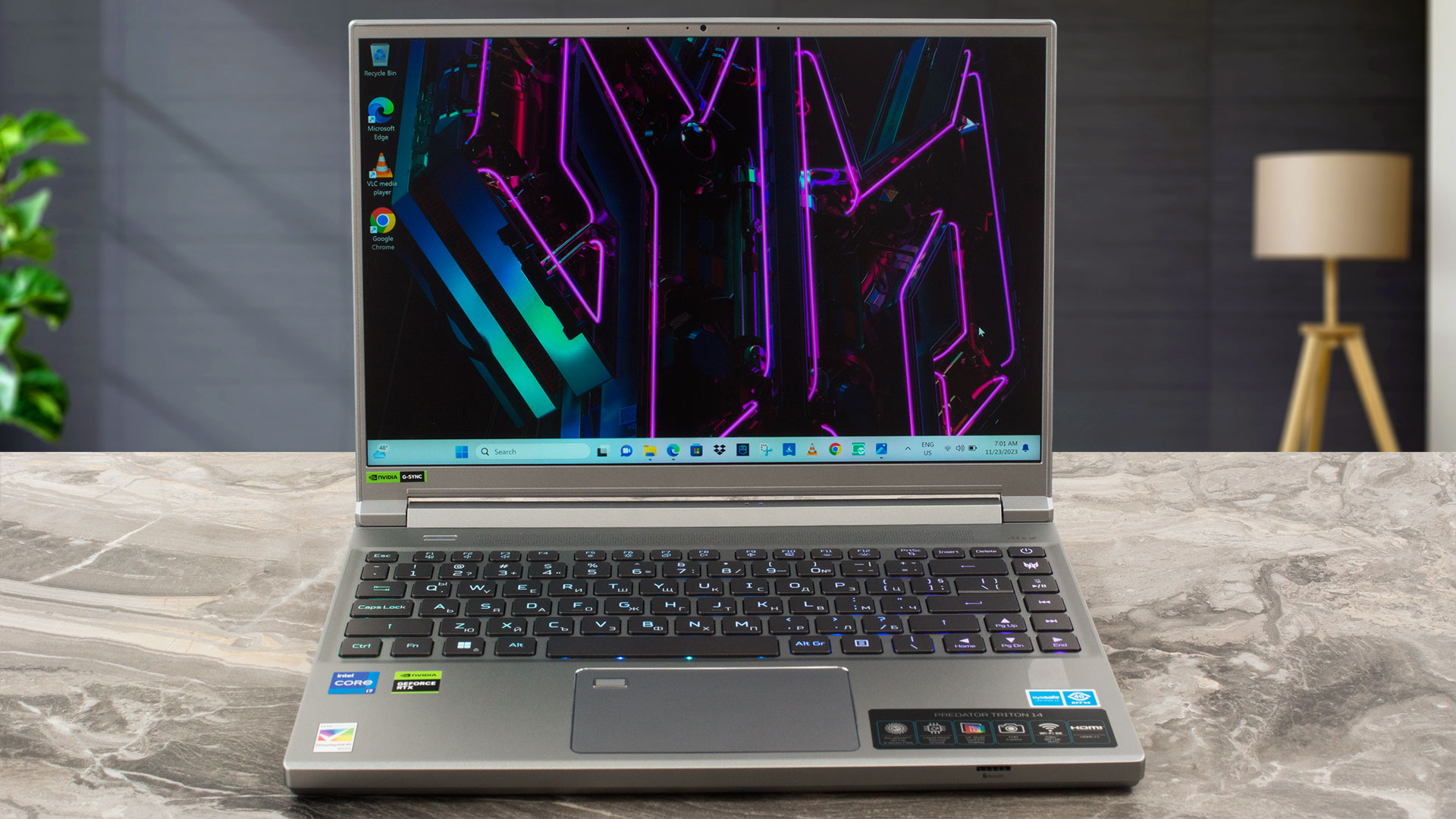
The bezels around the display are thin and the top one houses a 1080p 60FPS Web camera with Temporal Noise Reduction.
The angle of opening almost reaches the 180-degree mark and there is no sign of a lid lever system. It’s not a needed thing – the cooling is capable enough to deal with the powerful internals.
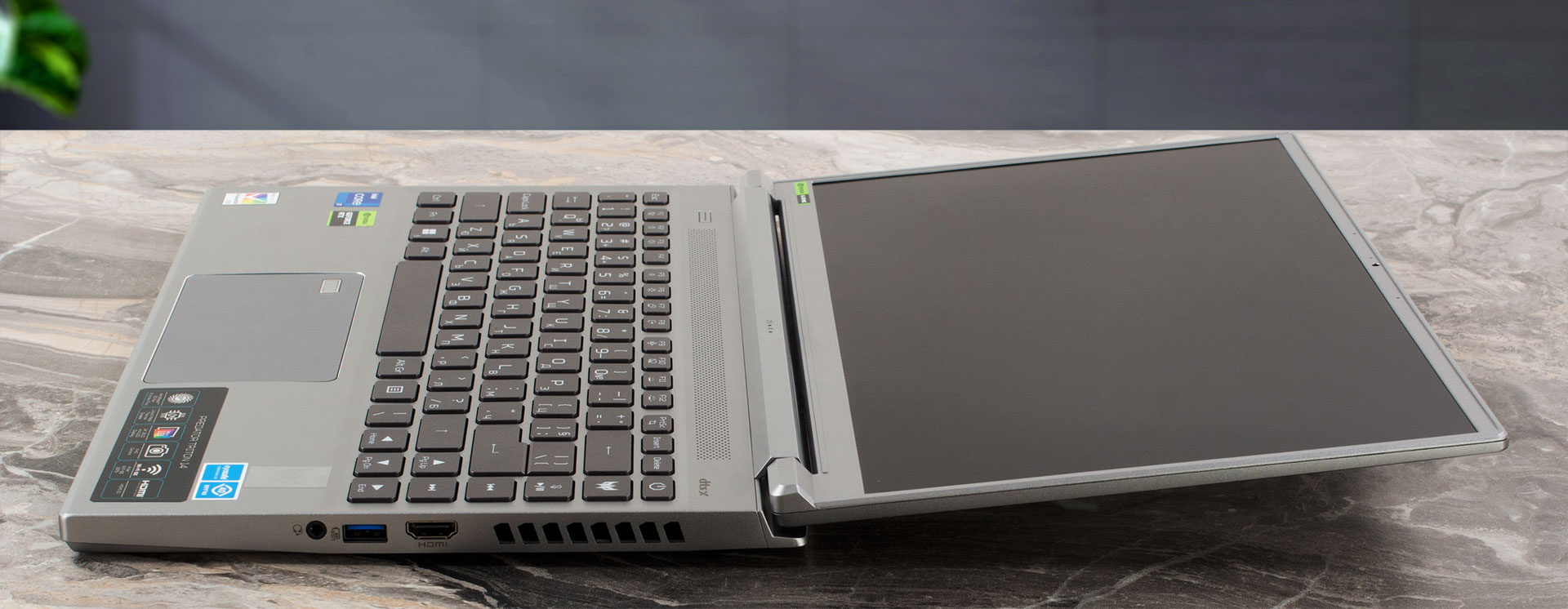
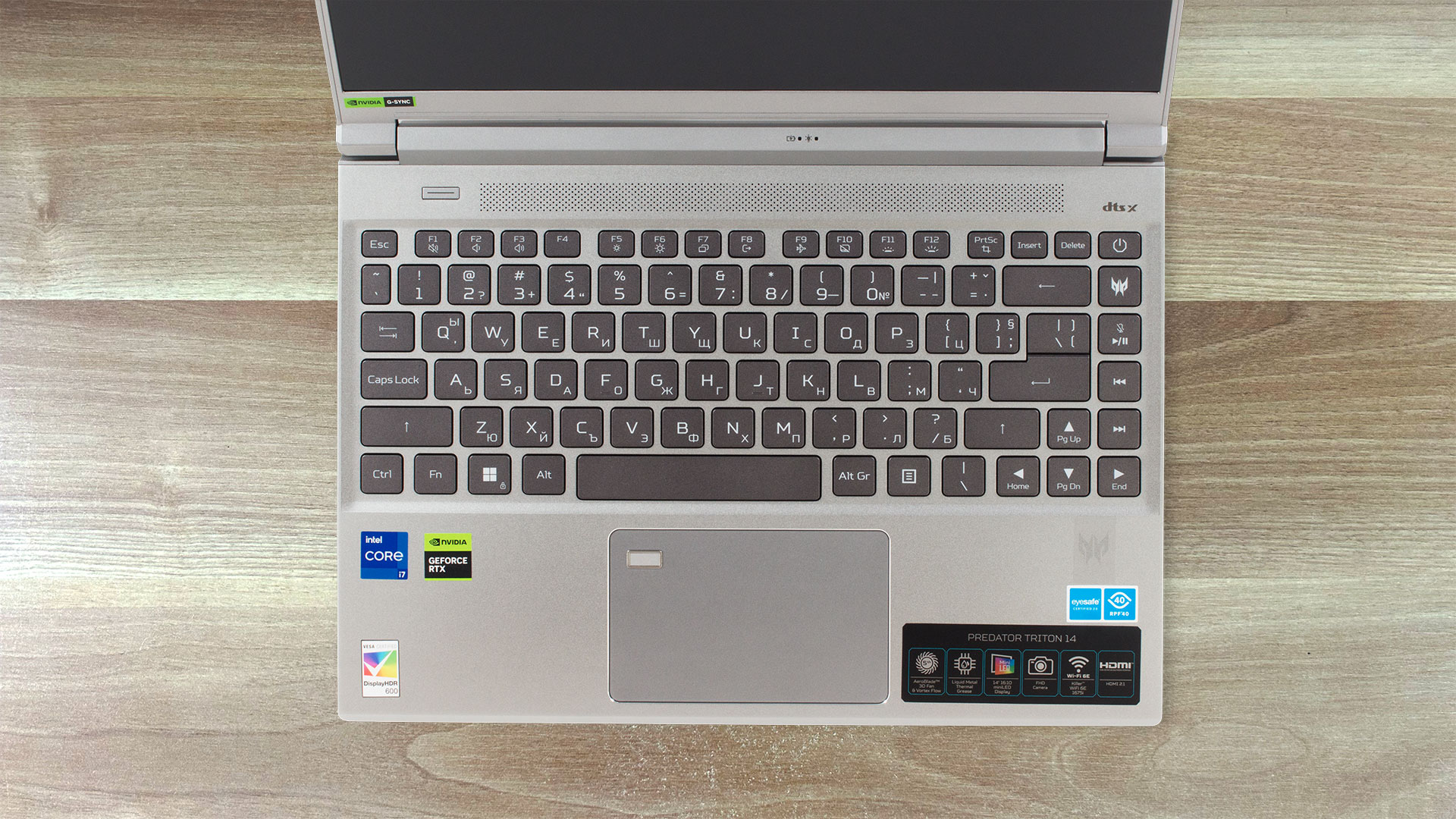
On the base, we can see a long ventilation grill below the hinge cover. On the left, you can see the Mode key that can be used for switching between the power presets or max out the fan speed. The 3-zone per-key RGB keyboard has large keycaps with generous space between them – that’s good news for people with big hands. The board is quiet during typing and it’s pretty comfortable because it has long key travel and clicky feedback. The Arrows keys are big and there is a dedicated PredatorSense button that will “summon” the PredatorSense app. The touchpad has a Corning Gorilla Glass surface. The pad is very fast and smooth and has a built-in fingerprint reader.
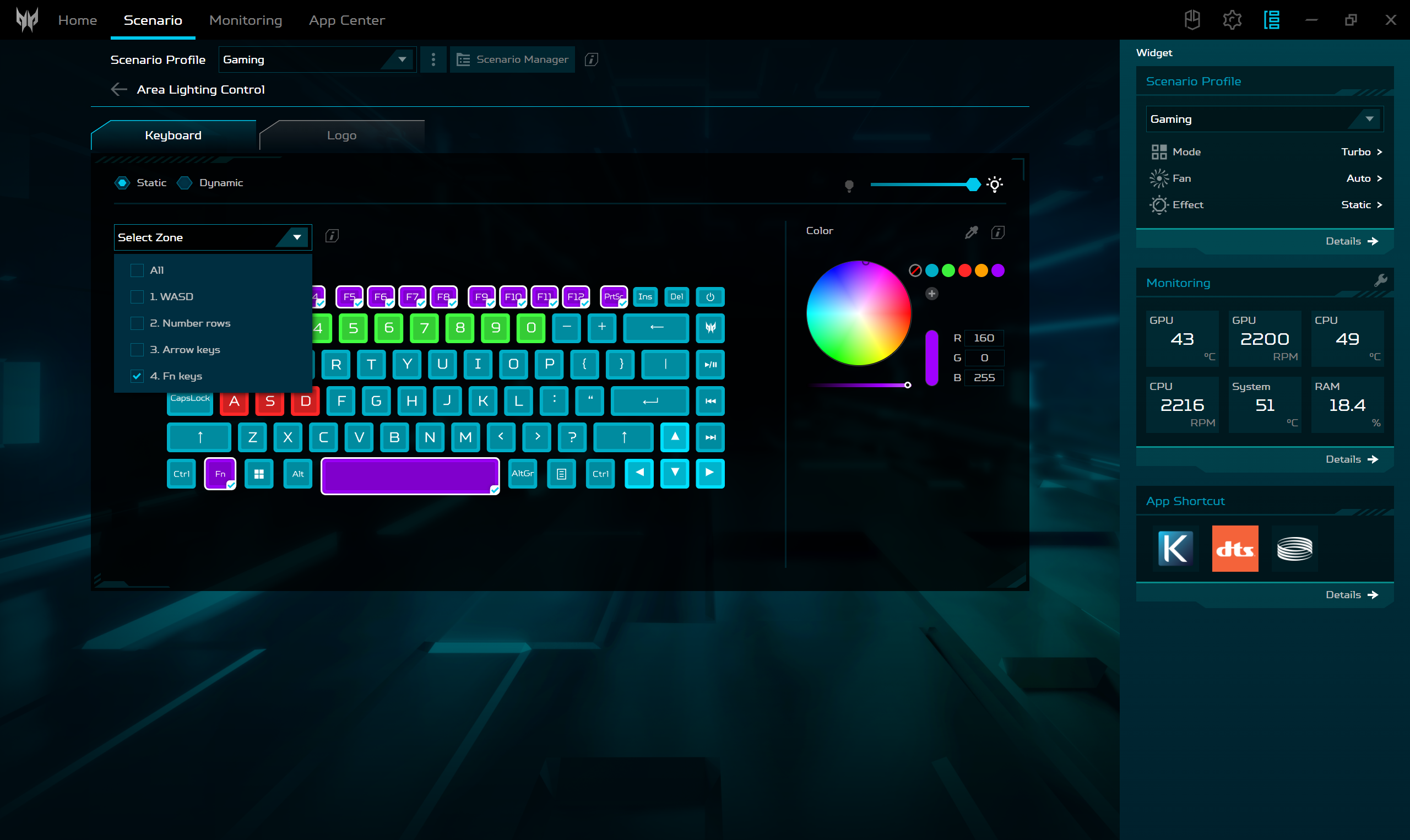
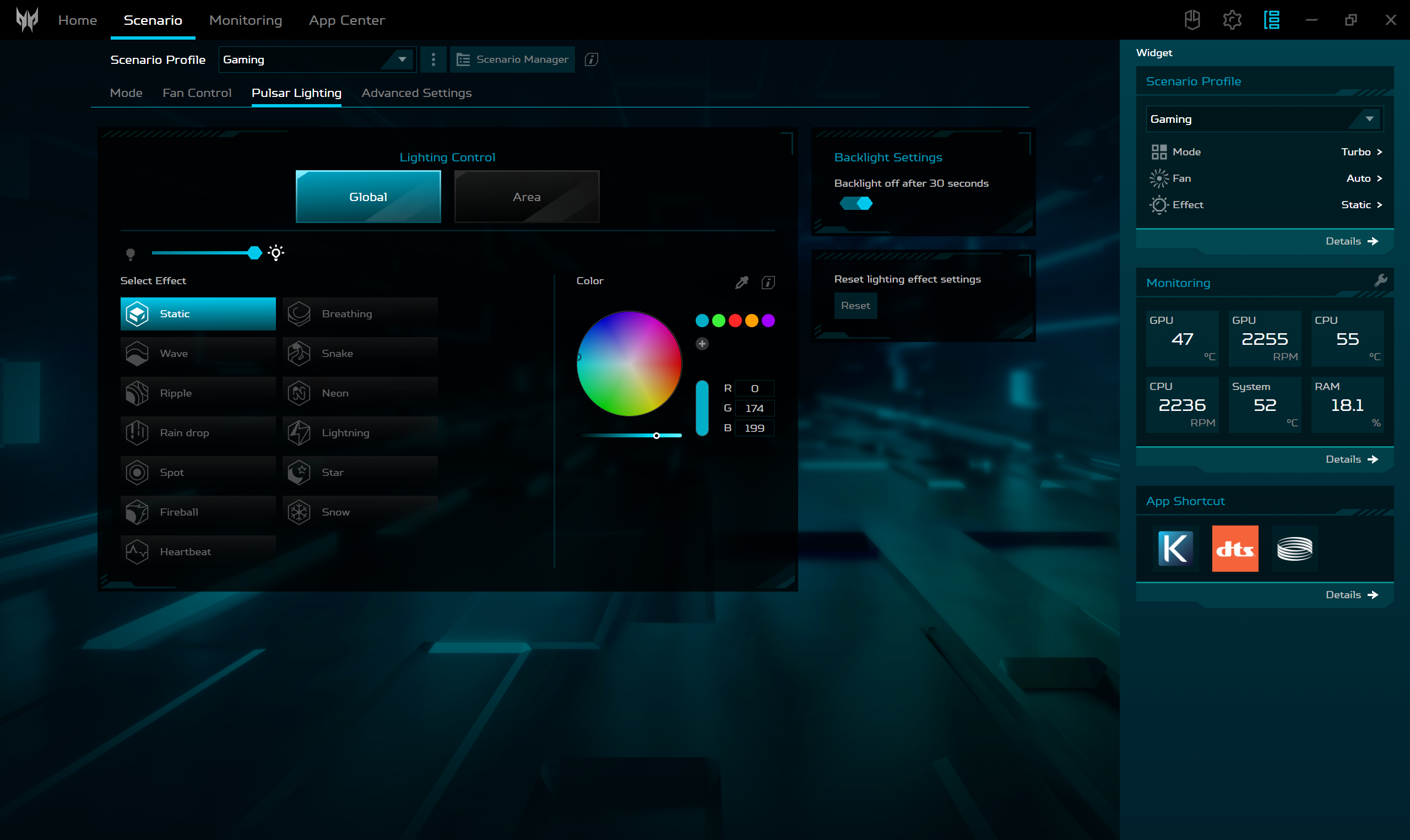
With the aid of the Acer software, you can customize the keyboard by applying different lighting effects.
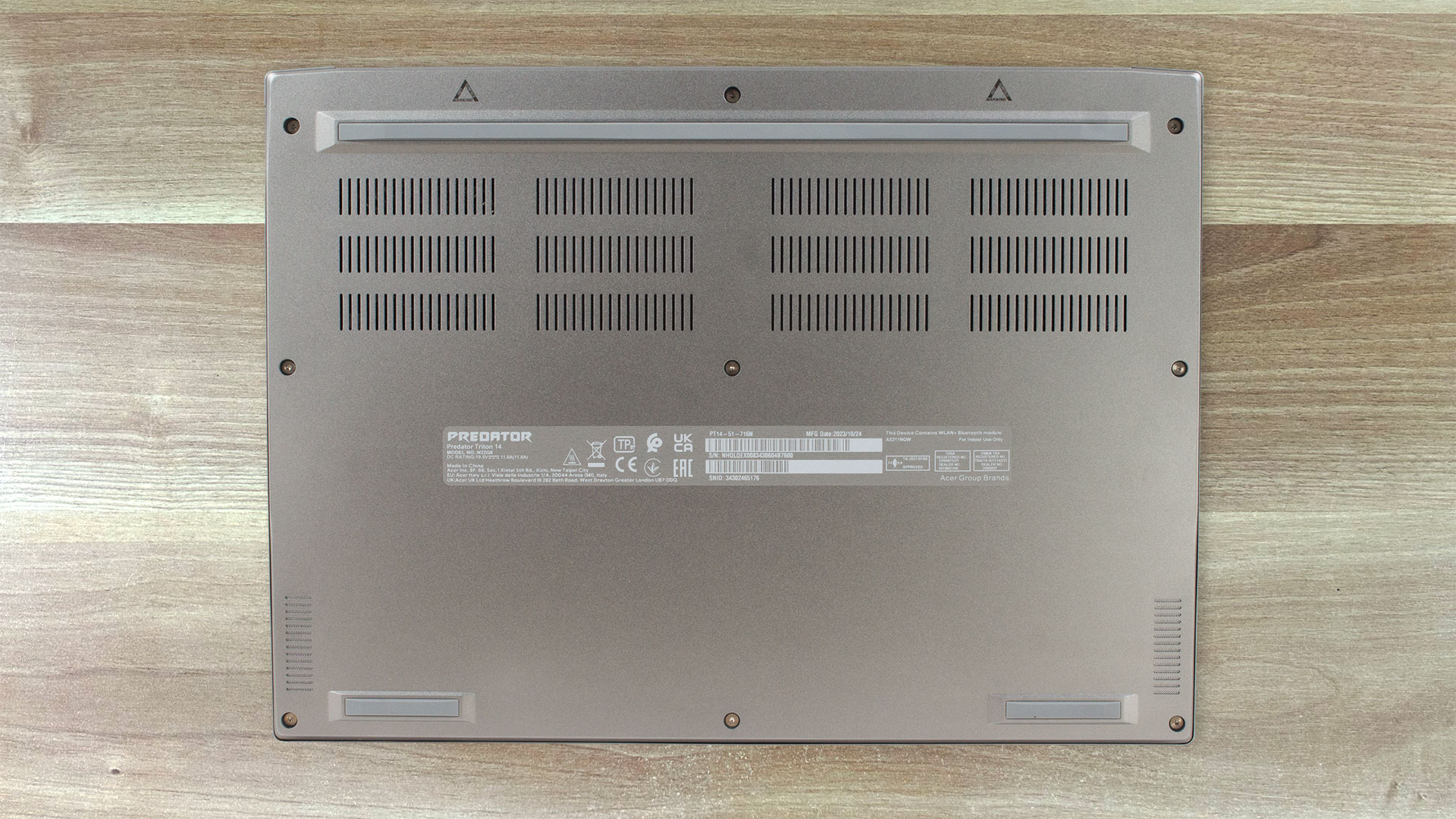
The bottom panel is a home of three rubber and two speaker cutouts. The hot air is exhausted through four vents – two on the back and two on the sides.

Ports
On the left, there is a Kensington lock slot, a power plug, a USB Type-A 3.2 (Gen. 2) port, and a Thunderbolt 4 connector with DisplayPort and charging capabilities (65W). On the front, you’ll find a MicroSD card reader. Then, on the right, we can spot an HDMI 2.1 connector, a USB Type-A 3.2 (Gen. 2) port with a power-off charging function, and an Audio combo jack.



 Author: Nikolay Palaozov
 Author: eng. Kroum NikolovHead of Engineering at LaptopMedia.com, inventor and innovator with 40+ years of experience in electronics and high technology.

![[June 2026] Best-Selling Laptop Brands on Amazon Global – Apple’s Unrivaled Dominance in Units and Revenue](https://laptopmedia.com/wp-content/uploads/2026/07/GLOBAL-Best-Brands-400x225.jpg)
![[June 2026] Amazon Global: Top 10 Best-Selling Laptops – Apple’s New MacBook Neo Storms to #1, Reshaping the Market with Affordability](https://laptopmedia.com/wp-content/uploads/2026/07/Best-Selling-Laptops-GLOBAL-Top-10-400x225.jpg)
![[June 2026] Amazon Global: Top 10 Best-Selling Gaming Laptops – Acer’s Nitro V 16S AI Dominates Sales, While ASUS Leads Overall Revenue](https://laptopmedia.com/wp-content/uploads/2026/07/Best-Selling-Gaming-Laptops-GLOBAL-Top-10-400x225.jpg)
![[June 2026] Global Ranking of Best-Selling Laptop GPUs on Amazon – NVIDIA RTX 5060 is the Top-Selling Dedicated GPU](https://laptopmedia.com/wp-content/uploads/2026/07/Best-Selling-GPUs-GLOBAL-Top-10-400x225.jpg)
![[June 2026] Global Ranking of Best-Selling Laptop CPUs on Amazon – Apple M5 Dominates, AMD Ryzen 7 260 Gets Solid Premium Share](https://laptopmedia.com/wp-content/uploads/2026/07/Best-Selling-CPUs-GLOBAL-Top-10-400x225.jpg)

I went laptop free please give me a on laptop