Acer Predator Triton 14 (PT14-51) review – compact powerhouse
Temperatures and comfort, Battery Life
Max CPU load
In this test we use 100% on the CPU cores, monitoring their frequencies and chip temperature. The first column shows a computer’s reaction to a short load (2-10 seconds), the second column simulates a serious task (between 15 and 30 seconds), and the third column is a good indicator of how good the laptop is for long loads such as video rendering.
Average P-core frequency; Average E-core frequency; CPU temp.; Package Power
| Intel Core i7-13700H (45W TDP) | 0:02 – 0:10 sec | 0:15 – 0:30 sec | 10:00 – 15:00 min |
|---|---|---|---|
| Acer Predator Triton 14 (PT14-51) | 3.59 GHz @ 2.84 GHz @ 72°C @ 105W | 3.57 GHz @ 2.86 GHz @ 85°C @ 104W | 3.30 GHz @ 2.56 GHz @ 94°C @ 85W |
| Lenovo ThinkPad P1 Gen 6 | 3.71 GHz @ 2.18 GHz @ 91°C @ 107W | 3.41 GHz @ 2.22 GHz @ 93°C @ 91W | 3.07 GHz @ 2.12 GHz @ 88°C @ 72W |
| Lenovo ThinkBook 16p Gen 4 | 3.94 GHz @ 3.04 GHz @ 75°C @ 114W | 3.88 GHz @ 3.03 GHz @ 85°C @ 110W | 2.88 GHz @ 2.95 GHz @ 83°C @ 95W |
| HP ZBook Power G10 | 2.93 GHz @ 2.16 GHz @ 62°C @ 54W | 2.98 GHz @ 2.14GHz @ 68°C @ 54W | 2.46 GHz @ 1.99 GHz @ 79°C @ 45W |
| HP ZBook Studio 16 G10 | 3.50 GHz @ 2.91 GHz @ 72°C @ 88W | 3.49 GHz @ 2.88 GHz @ 87°C @ 88W | 2.96 GHz @ 2.45 GHz @ 81°C @ 60W |
| Dell XPS 15 9530 | 3.28 GHz @ 2.57 GHz @ 94°C @ 85W | 2.95 GHz @ 2.20 GHz @ 95°C @ 65W | 2.51 GHz @ 1.90 GHz @ 82°C @ 45W |
| MSI Stealth 16 Studio (A13V) | 3.77 GHz @ 2.34 GHz @ 87°C @ 101W | 3.61 GHz @ 2.32 GHz @ 87°C @ 91W | 3.62 GHz @ 2.43 GHz @ 87°C @ 92W |
| Acer Nitro 17 (AN17-51) “Turbo” preset | 3.91 GHz @ 2.93 GHz @ 66°C @ 115W | 3.90 GHz @ 2.93 GHz @ 76°C @ 115W | 3.70 GHz @ 2.85 GHz @ 76°C @ 100W |
| Acer Nitro 17 (AN17-51) “Performance” preset | 3.92 GHz @ 2.95 GHz @ 70°C @ 115W | 3.89 GHz @ 2.93 GHz @ 81°C @ 115W | 3.34 GHz @ 2.61 GHz @ 74°C @ 80W |
| Acer Nitro 16 (AN16-51) | 3.08 GHz @ 3.10 GHz @ 68°C @ 115W | 3.59 GHz @ 3.04 GHz @ 79°C @ 115W | 3.53 GHz @ 2.94 GHz @ 81°C @ 100W |
| Acer Swift X 14 (SFX14-71G) | 1.36 GHz @ 3.23 GHz @ 80°C @ 80W | 0.40 GHz @ 1.95 GHz @ 54°C @ 20W | 0.60 GHz @ 3.16 GHz @ 83°C @ 50W |
| Acer Swift Go 14 (SFG14-71) | 3.13 GHz @ 2.34 GHz @ 75°C @ 67W | 3.08 GHz @ 2.32 GHz @ 91°C @ 66W | 2.46 GHz @ 1.83 GHz @ 89°C @ 43W |
| MSI Pulse 15 (B13V) | 3.70 GHz @ 2.36 GHz @ 86°C @ 96W | 3.52 GHz @ 2.37 GHz @ 87°C @ 89W | 3.23 GHz @ 2.54 GHz @ 77°C @ 87W |
| MSI Vector GP77 | 3.86 GHz @ 3.08 GHz @ 89°C @ 135W | 3.75 GHz @ 3.10 GHz @ 94°C @ 128W | 3.24 GHz @ 3.00 GHz @ 81°C @ 90W |
The Core i7-13700H inside this machine can maintain impressively high frequencies (for such a small device) in any kind of load. Still, the thermals in the last column are high but that’s kind of okay given the small chassis.
Real-life gaming
| NVIDIA GeForce RTX 4070 | GPU frequency/ Core temp (after 2 min) | GPU frequency/ Core temp (after 30 min) |
|---|---|---|
| Acer Predator Triton 14 (PT14-51) | 2162 MHz @ 77°C @ 105W | 2148 MHz @ 81°C @ 105W |
| Acer Nitro 17 (AN17-41) “Turbo” preset | 2535 MHz @ 66°C @ 121W | 2535 MHz @ 67°C @ 122W |
| Acer Nitro 17 (AN17-41) “Performance” preset | 2475 MHz @ 72°C @ 123W | 2475 MHz @ 73°C @ 123W |
So, the GPU is mentioned as a 105W variant and it really can maintain this power limit during long gaming sessions – good!
Gaming comfort
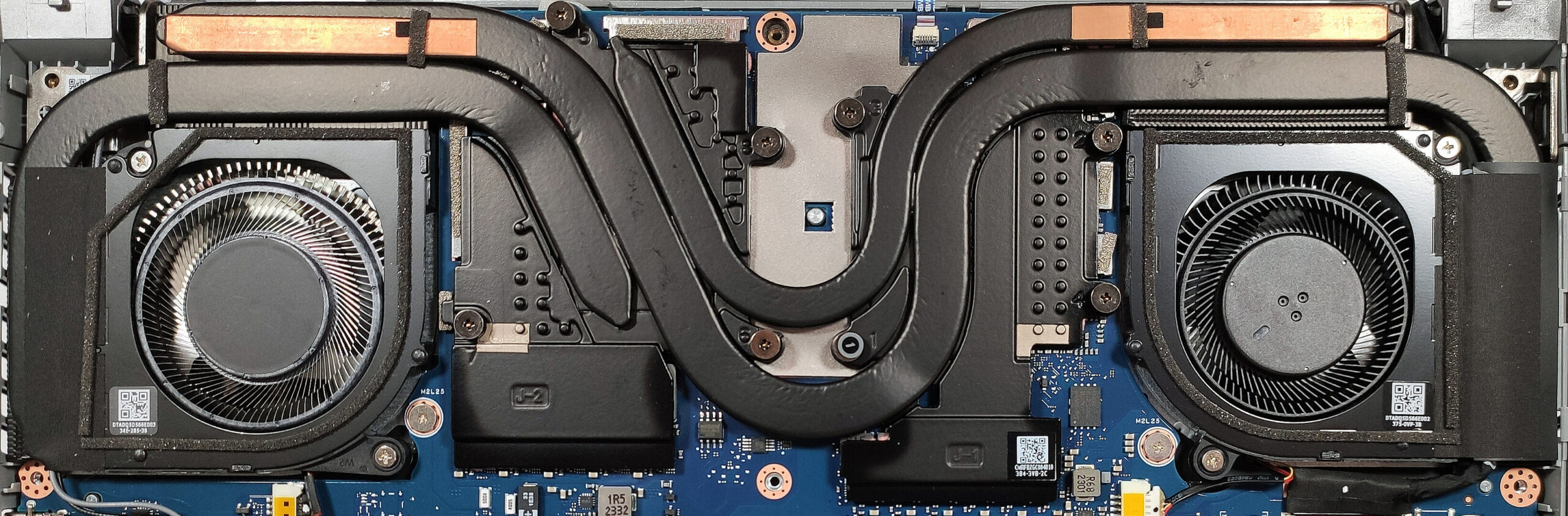
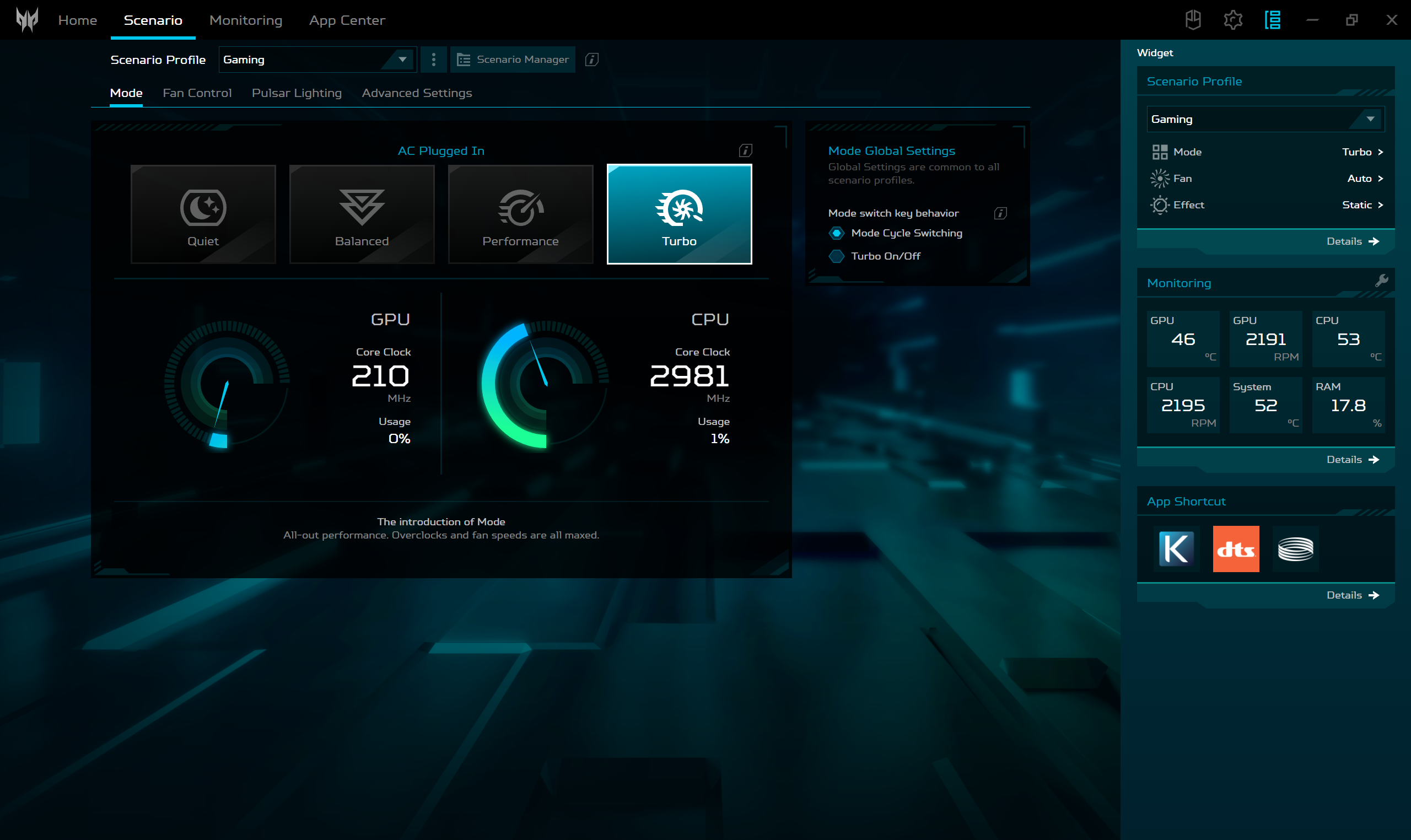
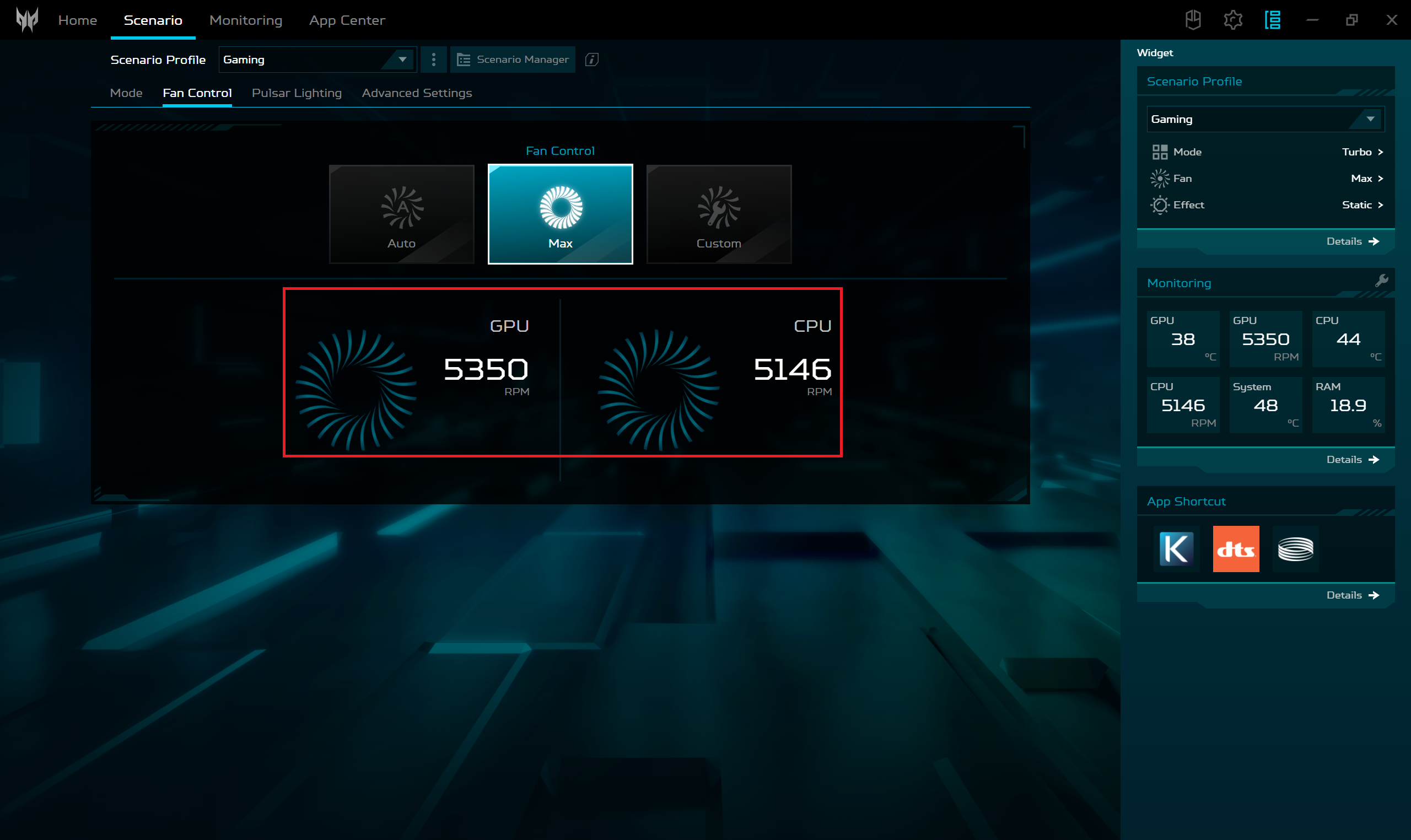
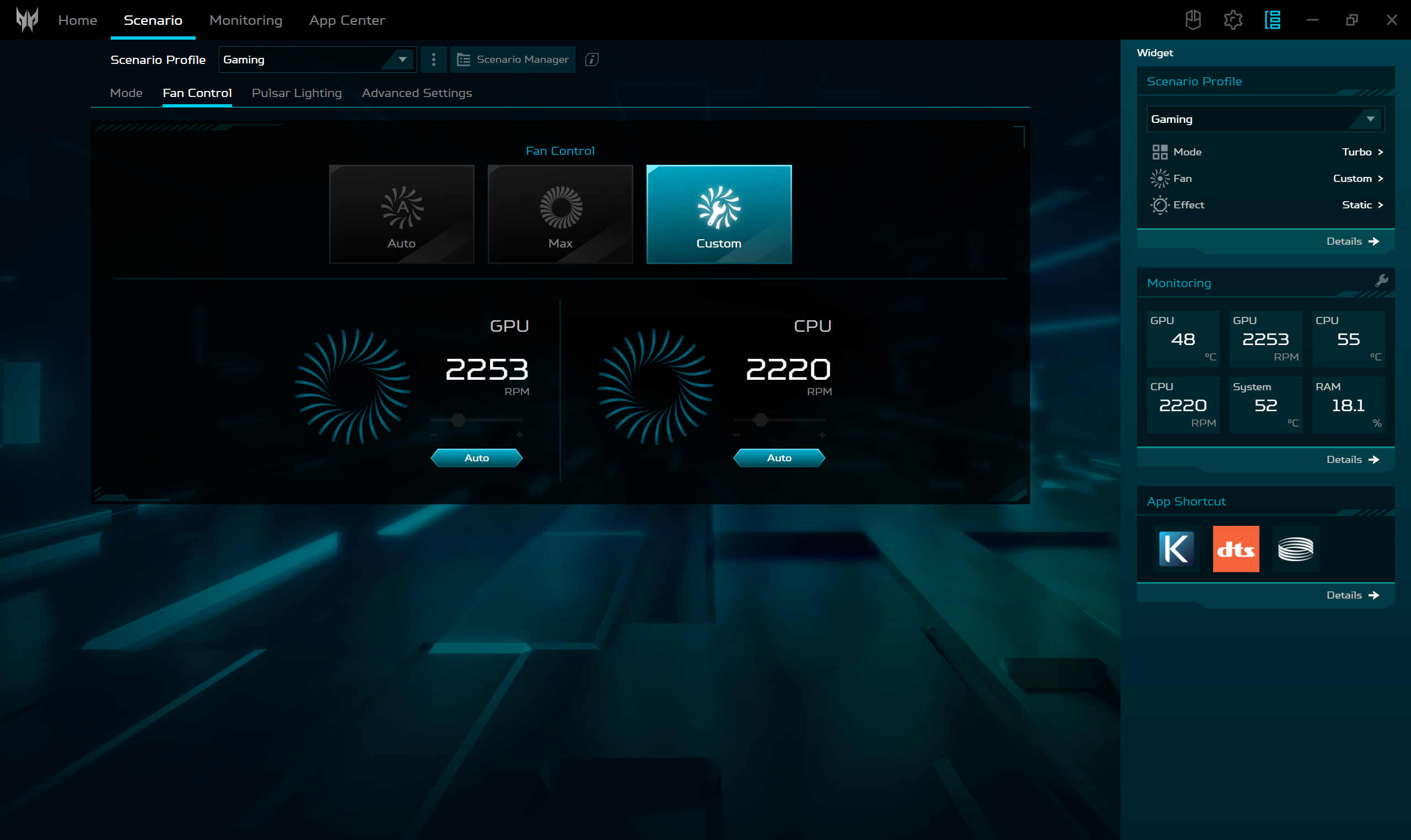
You can fine-tune the device’s performance with the aid of the PredatorSense app. It offers four presets. You can ramp up the fans to their max speed, set a desired RPM value, or just leave the Auto mode to do its job. On the outside, the chassis doesn’t feel hot because the cooling fans are sucking air through the keyboard deck.
 Presets
 Max fan speed
 Custom fan speed
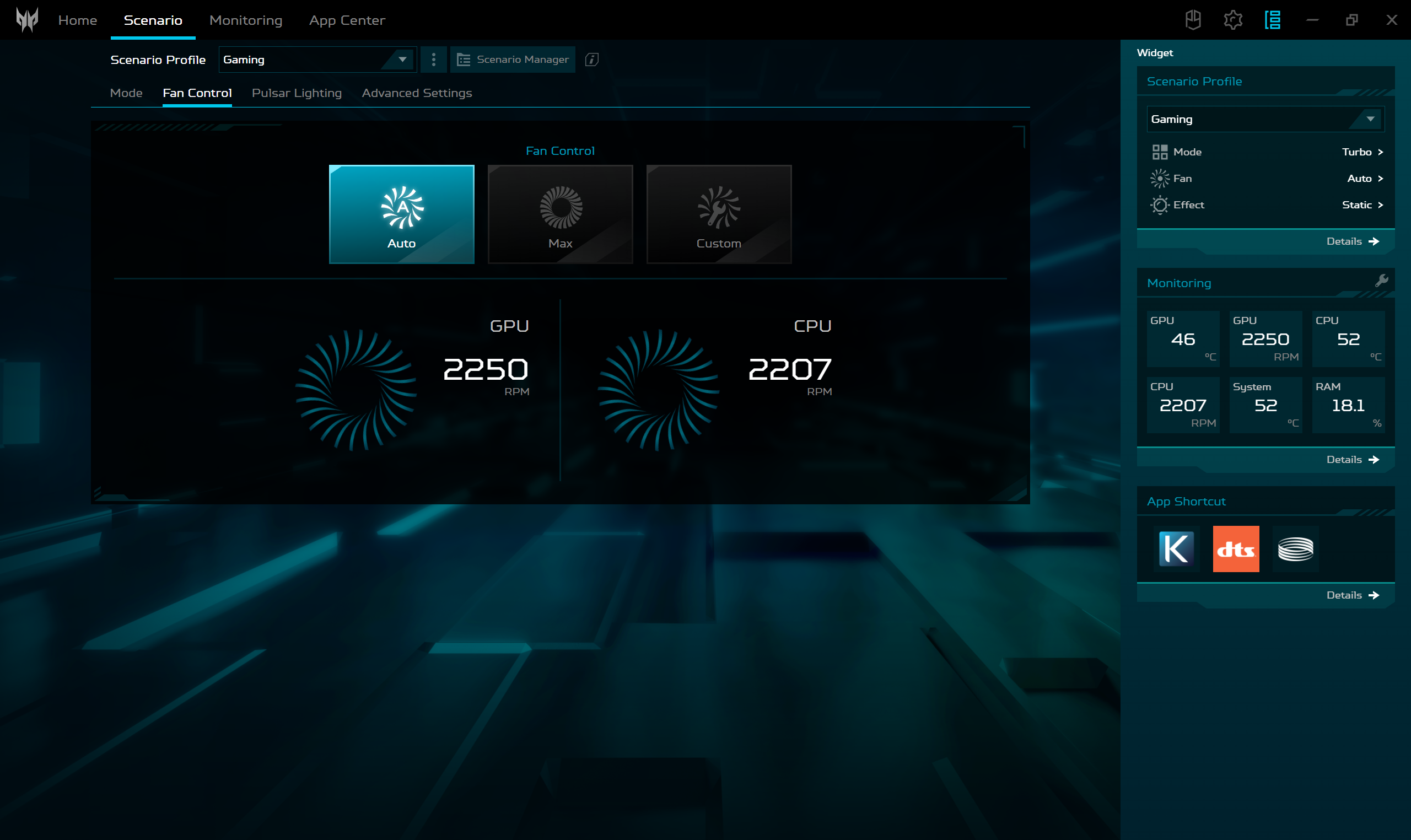 Auto fan mode
For normal work, the “Quiet” preset is the way to go – the fans are always quiet. If you need the full power of the laptop, you have to use the “Turbo” mode. This will bump the GPU TGP to 105W and the fan speed is around 4900 RPM in CPU-intensive tasks or while playing games.
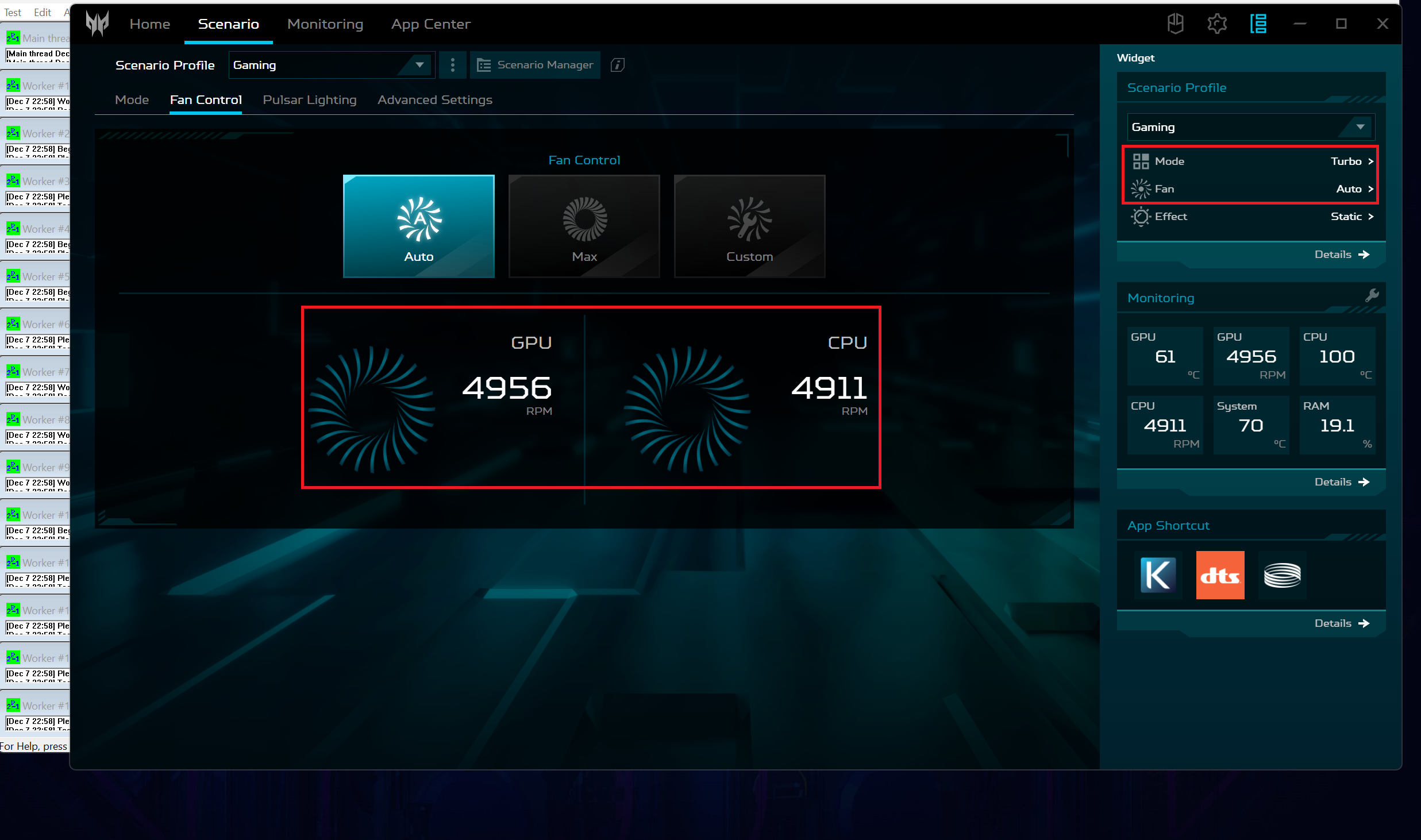 Max CPU load Turbo preset
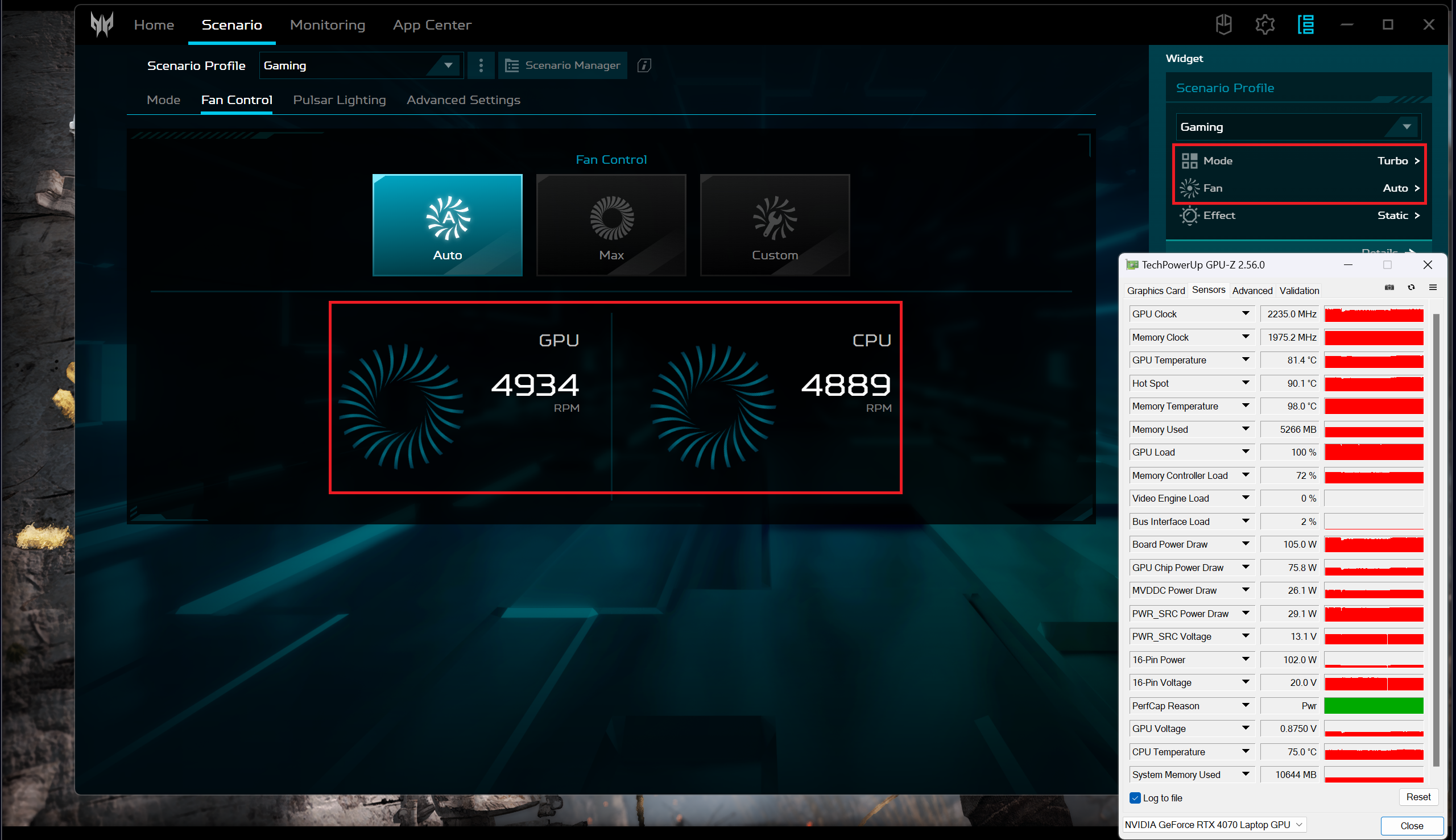 Gaming Turbo preset
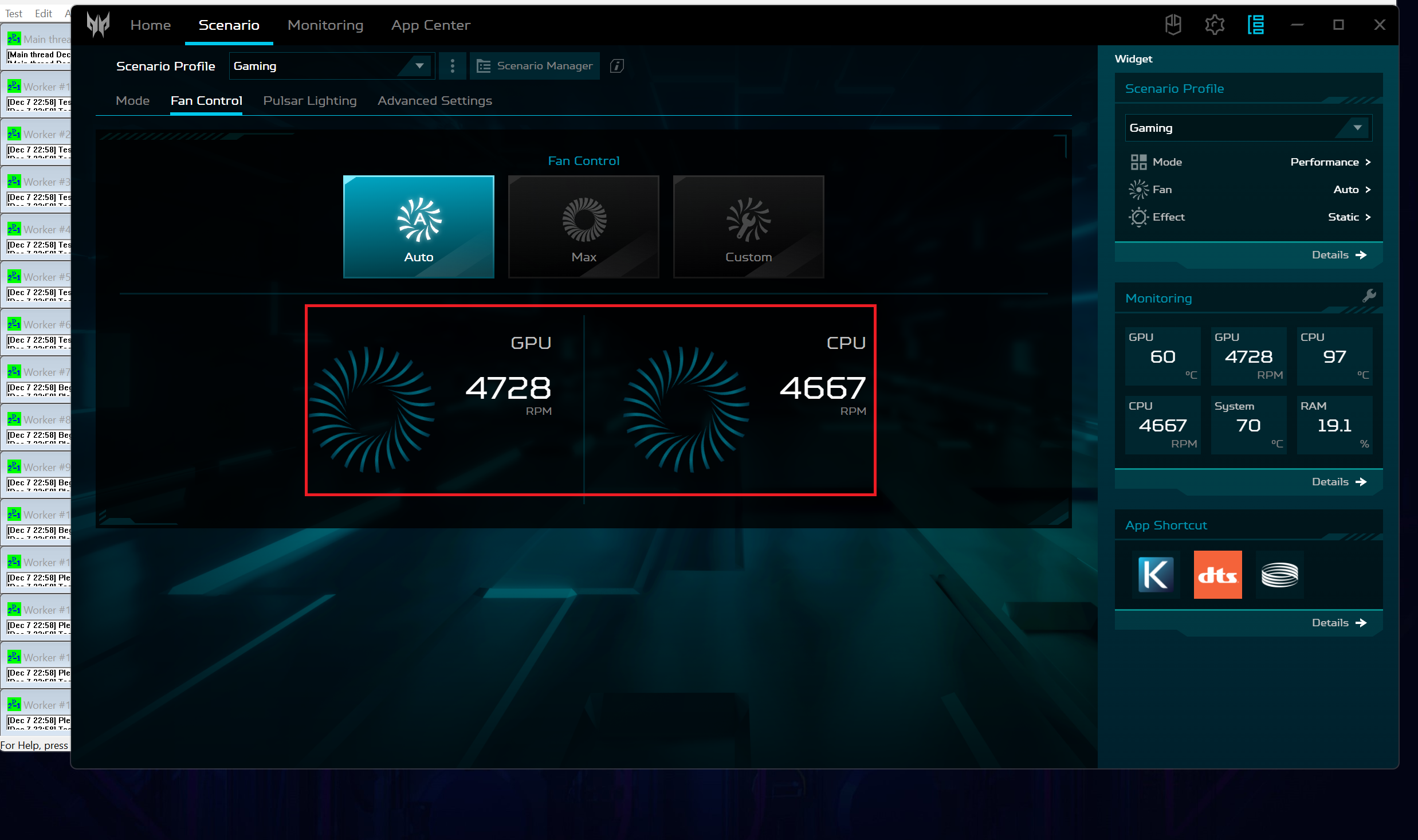
The Performance mode offers a bit lower noise and CPU power, as well as a 95W TGP for the video card.
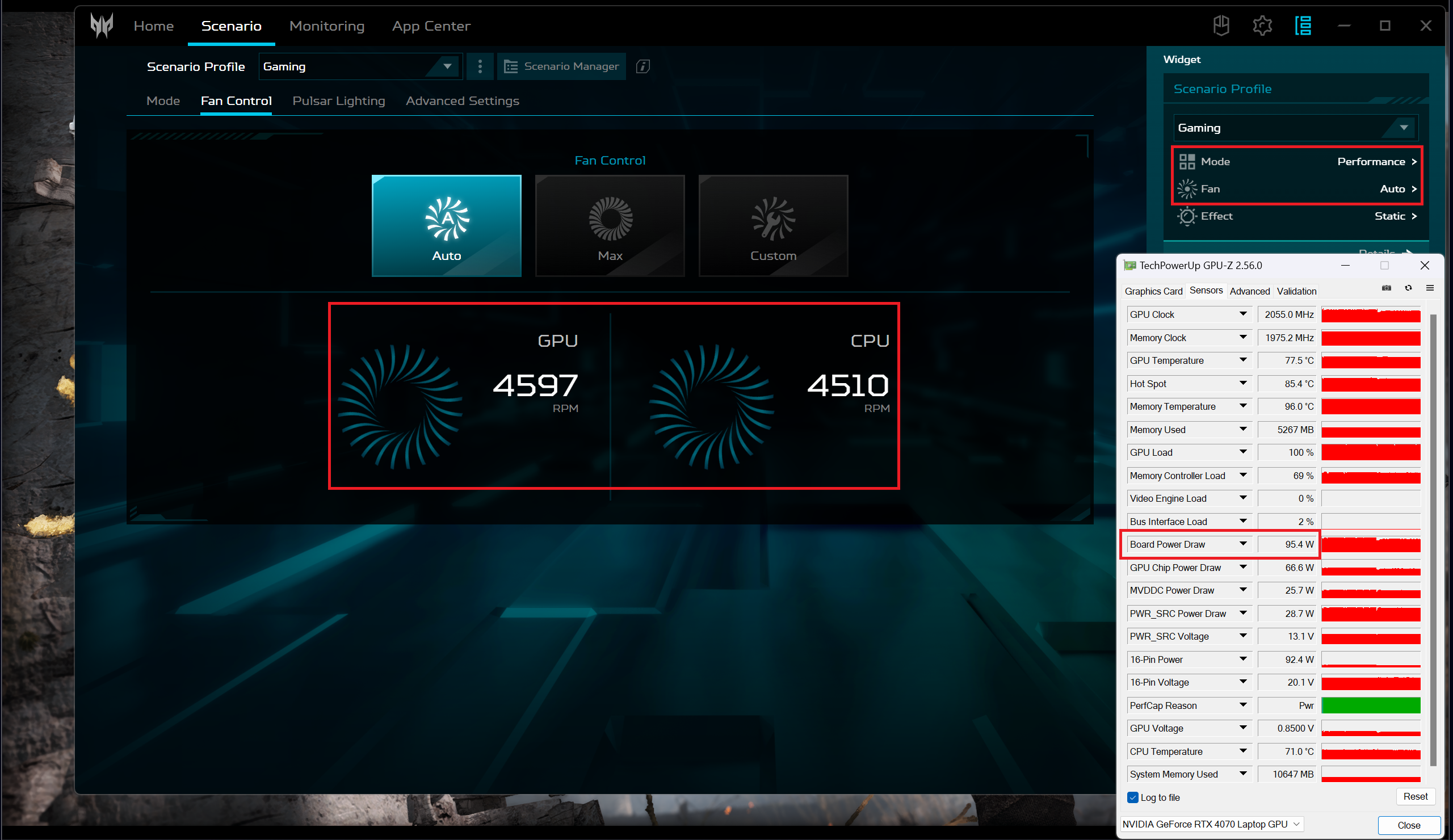
Battery
Now, we conduct the battery tests with the Windows Better performance setting turned on, screen brightness adjusted to 120 nits and all other programs turned off except for the one we are testing the notebook with. The 76Wh battery pack lasts for 6 hours and 40 minutes of Web browsing, or 5 hours and 53 minutes of video playback.
Brightness: 180 nits; Display Mode: SDR
Time to Full Discharge: Higher is Better
In order to simulate real-life conditions, we used our own script for automatic web browsing through over 70 websites.
 Author: Nikolay Palaozov
 Author: eng. Kroum NikolovHead of Engineering at LaptopMedia.com, inventor and innovator with 40+ years of experience in electronics and high technology.

![[August 2026] Amazon USA: Top 10 Best-Selling Laptops – Apple MacBook Neo Dominates the Market with Massive Unit Sales!](https://laptopmedia.com/wp-content/uploads/2026/09/Best-Selling-Laptops-COM-Top-10-400x225.jpg)
![[August 2026] Amazon USA: Top 10 Best-Selling Gaming Laptops – ASUS ROG Strix G16 Dominates the Market with Massive Unit Sales](https://laptopmedia.com/wp-content/uploads/2026/09/Best-Selling-Gaming-Laptops-COM-Top-10-400x225.jpg)
![[July 2026] Amazon Global: Top 10 Best-Selling Laptops – Apple MacBook Neo Dominates the Charts as Budget and Premium Notebooks Split the Market](https://laptopmedia.com/wp-content/uploads/2026/08/Best-Selling-Laptops-GLOBAL-Top-10-400x225.jpg)
![[July 2026] Amazon Global: Top 10 Best-Selling Gaming Laptops – ASUS ROG Strix G16 Dominates the Global Market with Record-Breaking Unit Sales](https://laptopmedia.com/wp-content/uploads/2026/08/Best-Selling-Gaming-Laptops-GLOBAL-Top-10-400x225.jpg)
![[July 2026] Global Ranking of Best-Selling Laptop GPUs on Amazon – RTX 5060 Dominate Premium, Intel Still Rules Budget](https://laptopmedia.com/wp-content/uploads/2026/08/Best-Selling-GPUs-GLOBAL-Top-10-400x225.jpg)

I went laptop free please give me a on laptop
Hi!
I have an Acer Predator Triton 14 (PT14-51) with RTX 4070.
I’ve already made a full backup of my original vBIOS.
In your MAX OUT guide for this model you mention the custom vBIOS
Acer-Predator-Triton-14-PT14-51-LM-EDITION.rom.
Could you please share it or tell me how I can get it?
I’m aware of the risks and ready to take full responsibility.
Thanks in advance!