Acer Predator Triton 14 (PT14-51) review – compact powerhouse
Disassembly, Upgrade options, and Maintenance
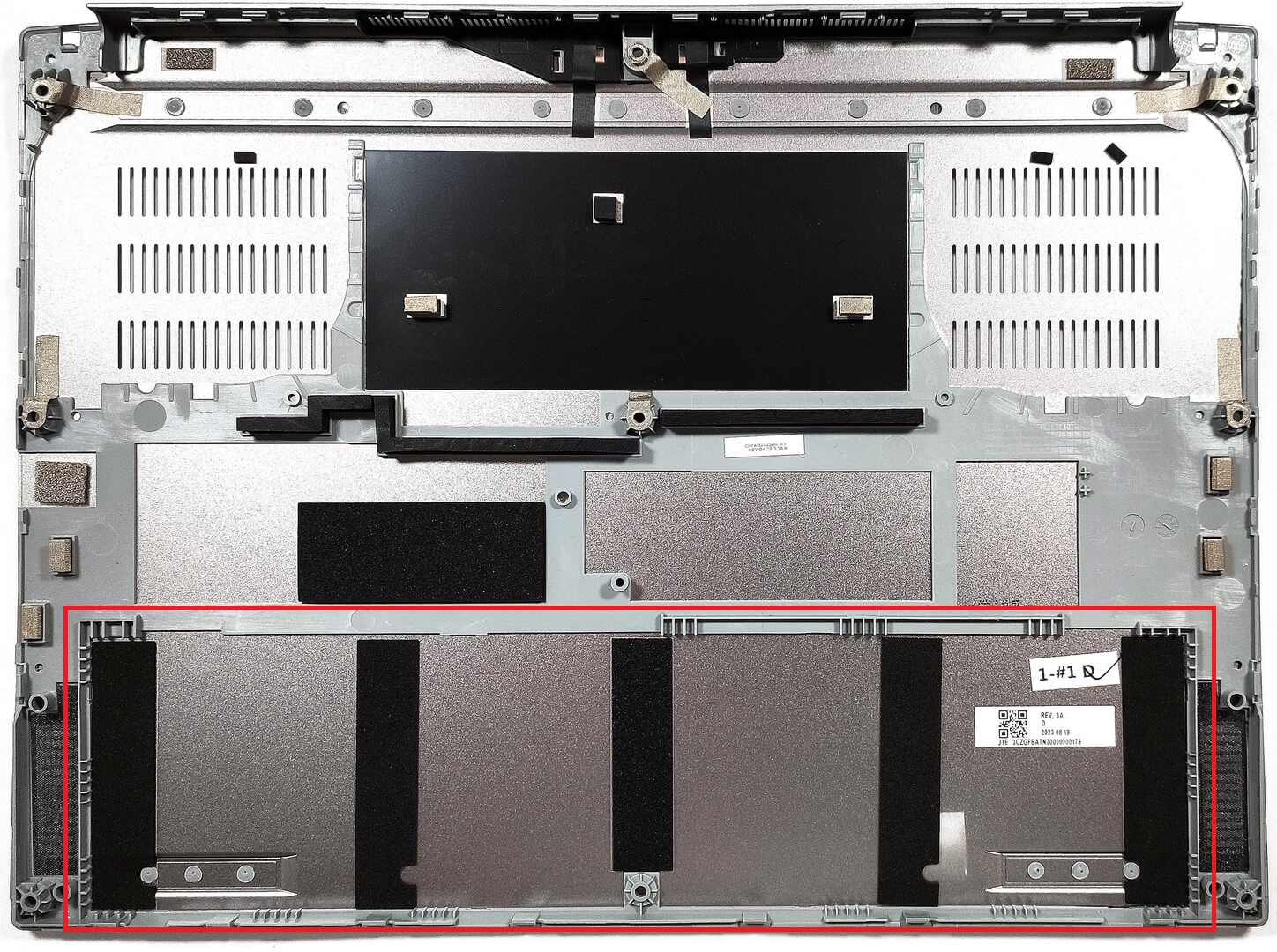
To open this notebook, you need to undo 9 Torx-head screws. Then, you can start prying the bottom panel from the front or you can just pop up the plate by carefully raising it while holding firmly the two plastic vents on the back.

The battery isn’t held in place with screws because there is a dedicated socket for it on the inside of the bottom panel that is keeping the unit fixed to the chassis.
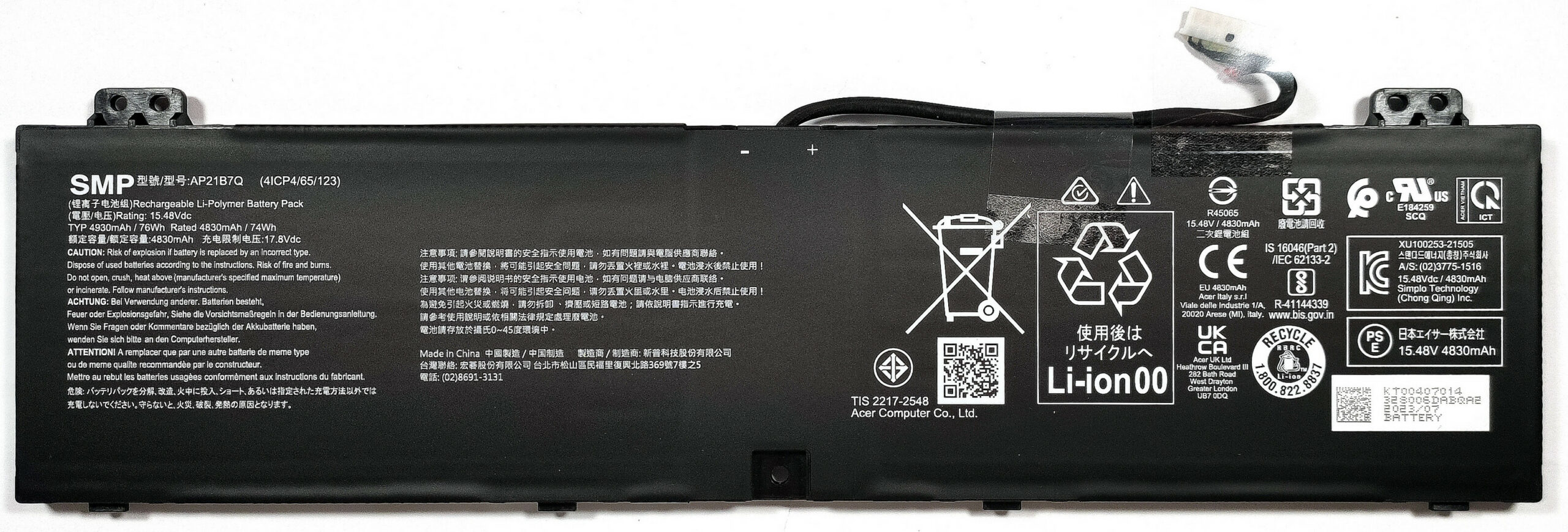
The battery is a 76Wh model. If you want to take it out, detach the connector from the motherboard and lift it away. The capacity is enough for 6 hours and 40 minutes of Web browsing, or 5 hours and 53 minutes of video playback.
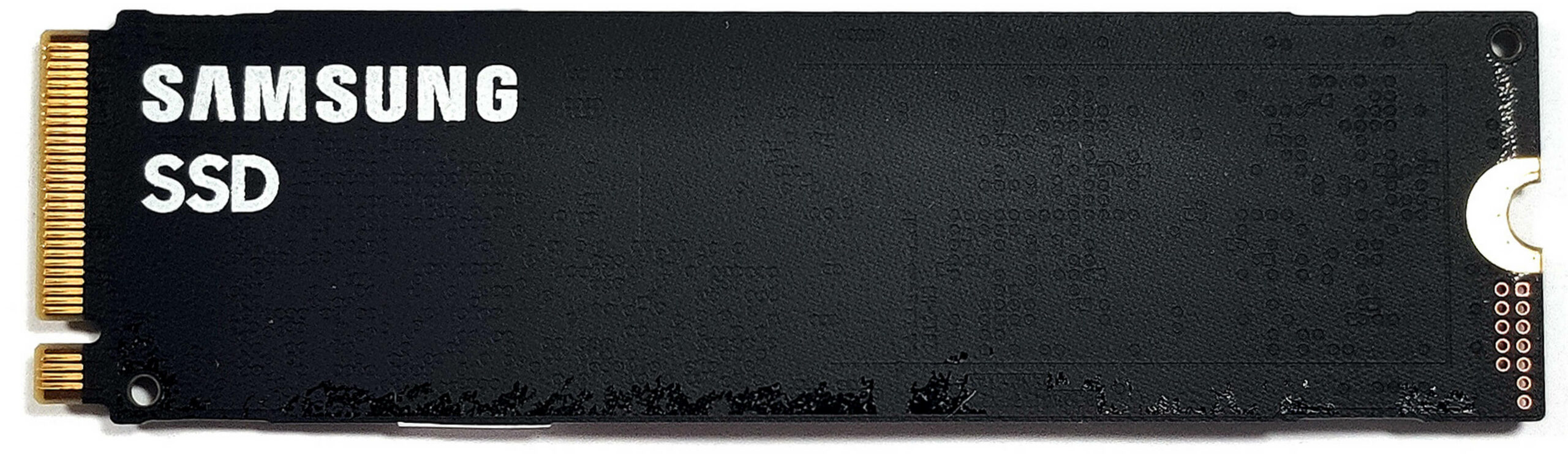
The memory is soldered but you get up to 32GB of LPDDR5-6000 MHz RAM which sounds plenty. For storage, there is just one M.2 slot compatible with Gen 4 SSDs.

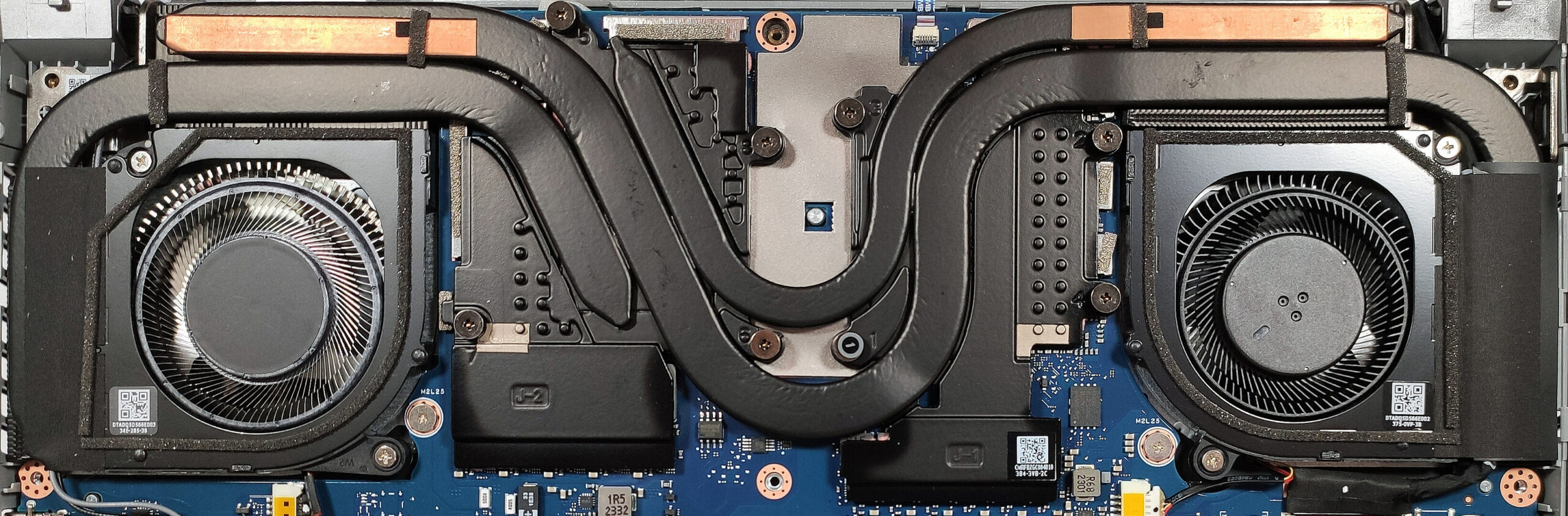
This device’s cooling solution seems sufficient for the powerful hardware under the bonnet. It comprises two fans, three heat pipes, four heat sinks, and two large heat spreaders.
 Author: Nikolay Palaozov
 Author: eng. Kroum NikolovHead of Engineering at LaptopMedia.com, inventor and innovator with 40+ years of experience in electronics and high technology.

![[August 2026] Amazon Italy: Top 10 Best-Selling Laptops – Apple MacBook Neo Claims the Crown as Budget and Mid-Range Windows Machines Dominate Volume](https://laptopmedia.com/wp-content/uploads/2026/09/Best-Selling-Laptops-IT-Top-10-400x225.jpg)
![[August 2026] Amazon Italy: Top 7 Best-Selling Gaming Laptops – ASUS V16 Claims the #1 Spot Amid Strong Mid-Range Demand](https://laptopmedia.com/wp-content/uploads/2026/09/Best-Selling-Gaming-Laptops-IT-Top-10-400x225.jpg)
![[August 2026] Best-Selling Laptop Brands on Amazon Italy – Lenovo Dominates Market Share and Revenue Leadership](https://laptopmedia.com/wp-content/uploads/2026/09/IT-Best-Brands-400x225.jpg)
![[August 2026] Amazon India: Top 10 Best-Selling Laptops – Apple MacBook Neo Dominates the Charts with Massive Sales Lead](https://laptopmedia.com/wp-content/uploads/2026/09/Best-Selling-Laptops-IN-Top-10-400x225.jpg)
![[August 2026] Amazon India: Top 10 Best-Selling Gaming Laptops – HP Victus 15 Dominates the Market with Massive Unit Lead](https://laptopmedia.com/wp-content/uploads/2026/09/Best-Selling-Gaming-Laptops-IN-Top-10-400x225.jpg)

I went laptop free please give me a on laptop
Hi!
I have an Acer Predator Triton 14 (PT14-51) with RTX 4070.
I’ve already made a full backup of my original vBIOS.
In your MAX OUT guide for this model you mention the custom vBIOS
Acer-Predator-Triton-14-PT14-51-LM-EDITION.rom.
Could you please share it or tell me how I can get it?
I’m aware of the risks and ready to take full responsibility.
Thanks in advance!