Acer Predator Triton 17X (PTX17-71) review – Mini LED screen with an absurdly powerful hardware
Design and construction
This device’s unibody is made out of CNC-milled aluminum. It is extremely rigid and weighs 3 kilos. As you can imagine, this is quite substantial, and the thickness of only 22mm further adds to the hefty feel of the machine.
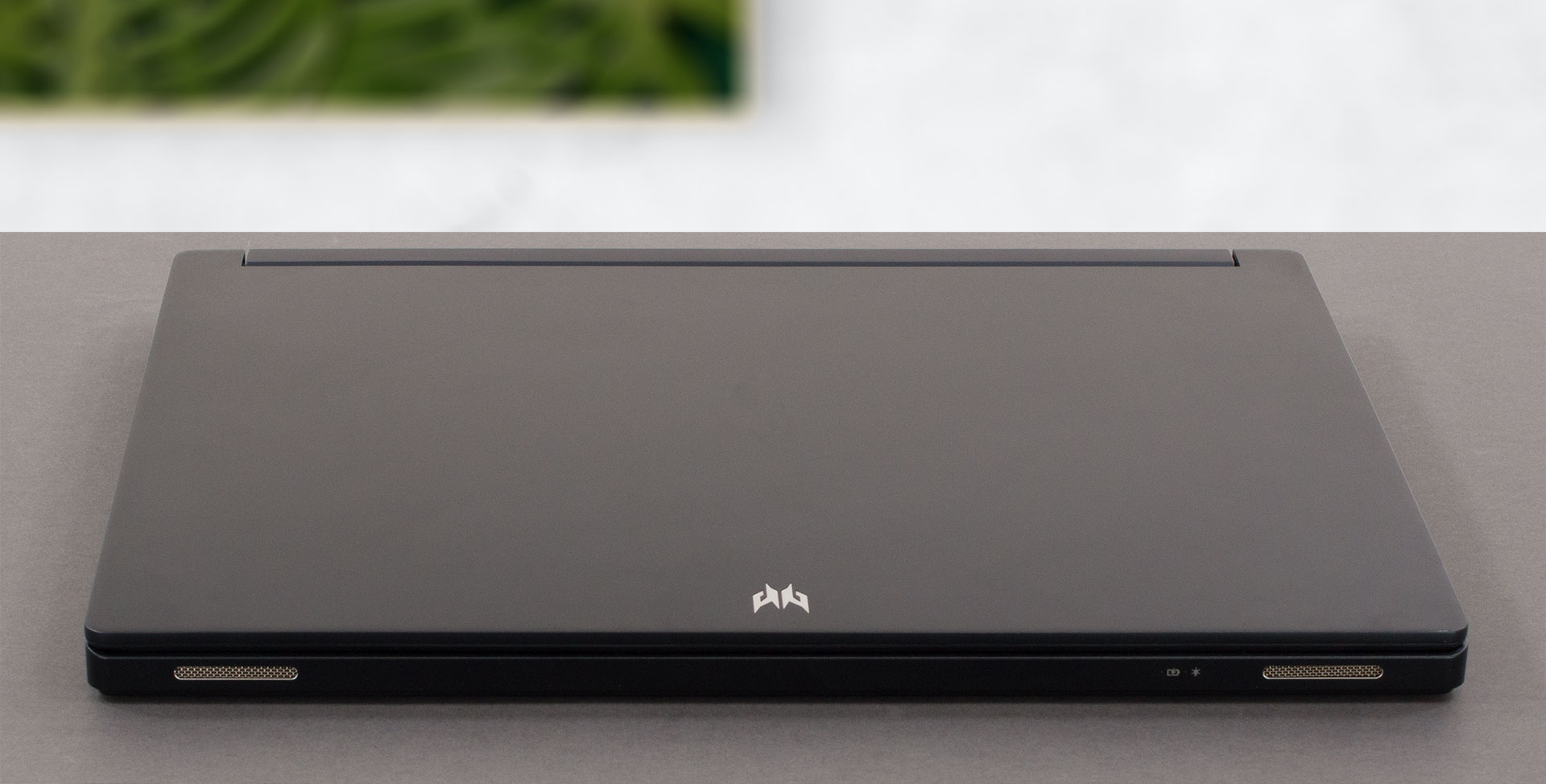
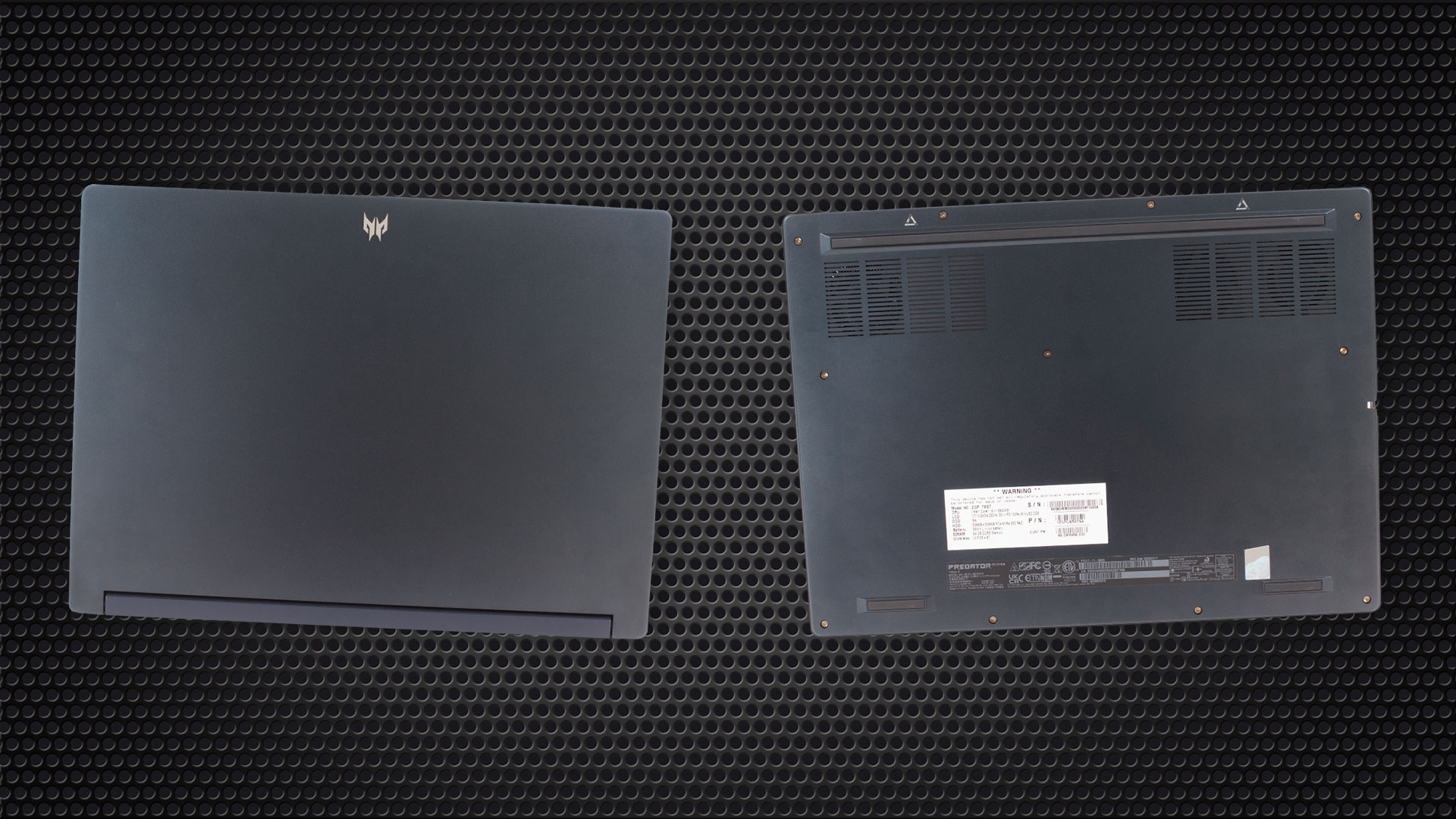
By the way, the lid is also made out of metal, but it doesn’t have nearly as much rigidity as the base. Once you open it, you can see that the backside of the base is cut in the shape of the hinge cover on the inside of the lid.
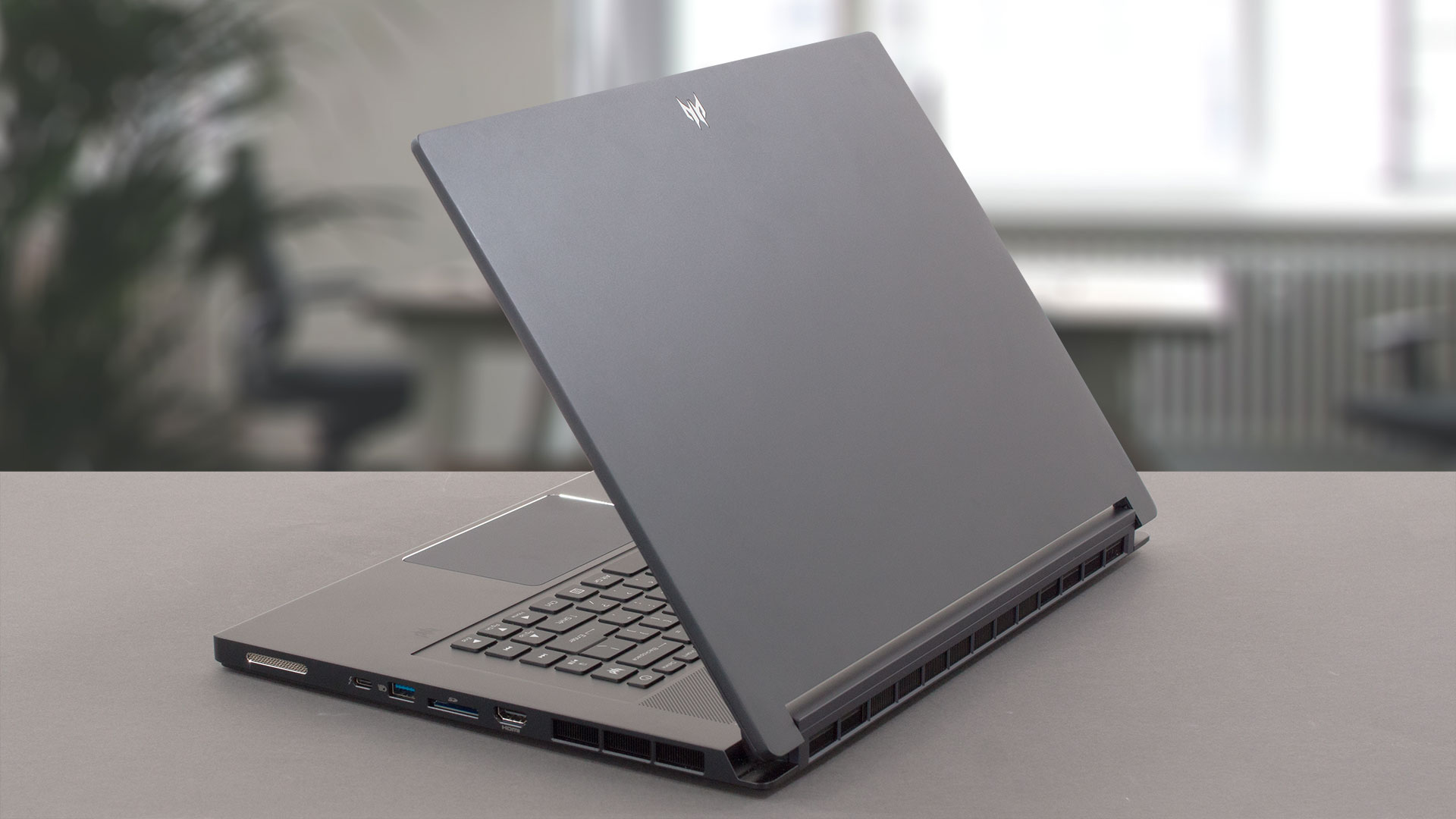
By the way, it is pretty easy to open the lid with one hand. Once you do it, you will see the thin bezels all around the matte display. Interestingly, the top one houses a Full HD Web camera.

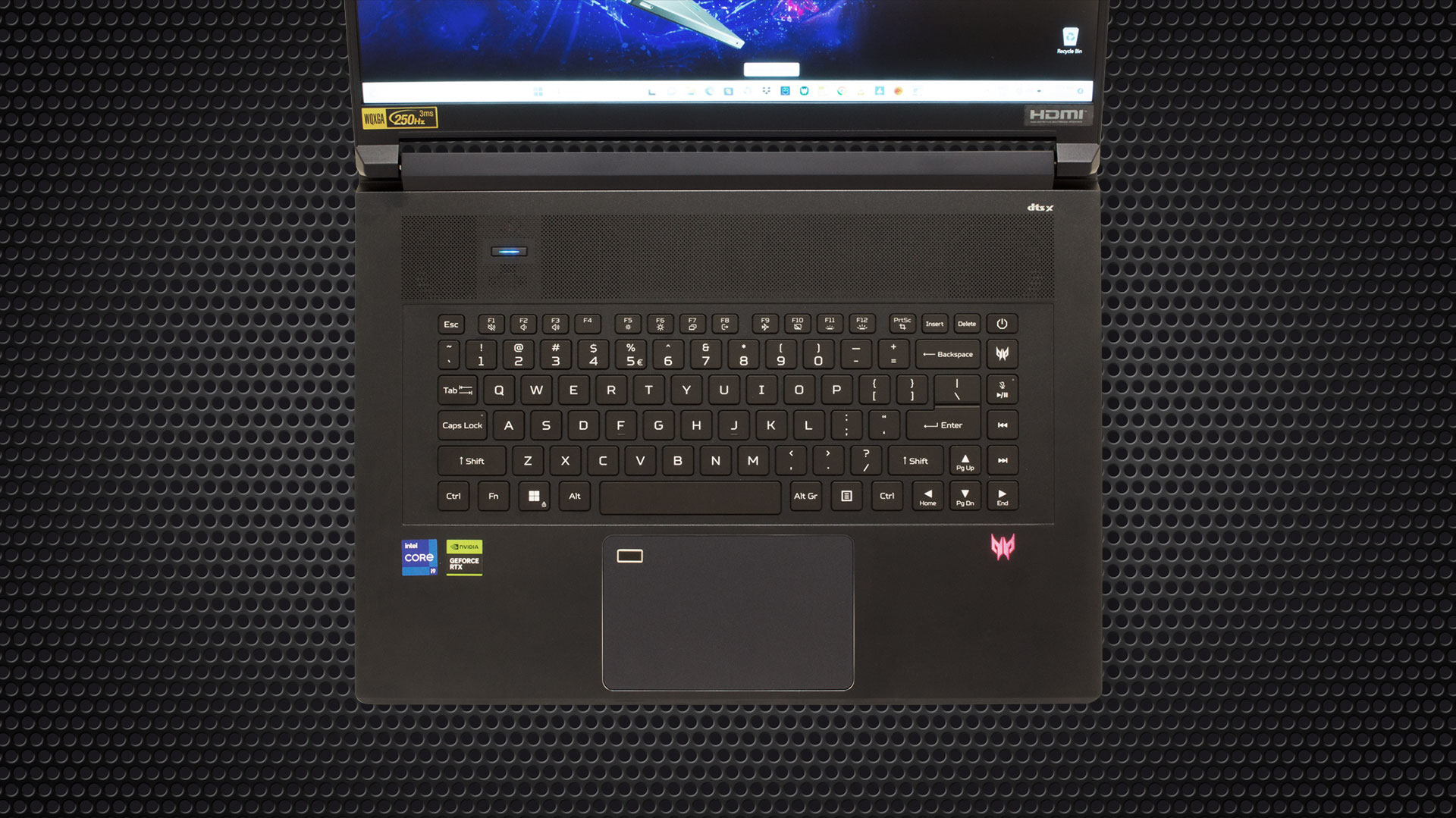
Moving to the base, the situation becomes more interesting. First, there is a huge grill, which is used for ventilation. You can also see the dedicated Turbo button on the left part of the grill.

Move a little further down below, and you will find the keyboard. It is a Per-Key RGB backlit unit. The key travel is decent, while the feedback is clicky, yet quiet. You don’t get a NumberPad, but what you do get is a column of multimedia keys, as well as the power button and a Predator Sense shortcut.
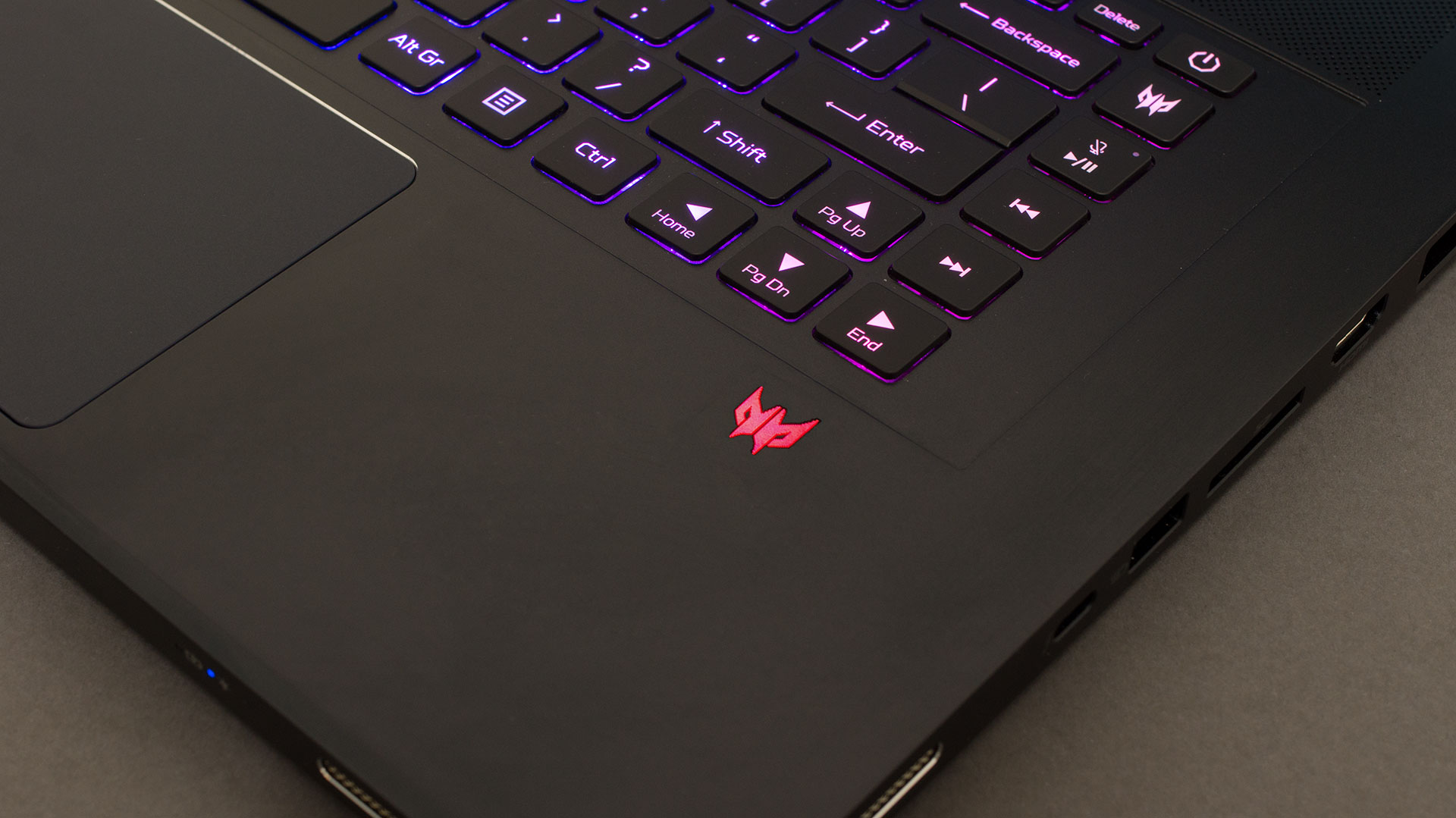
As you can see, there is a Predator logo right below the “Right” Arrow key. It is etched into the surface and has an LED illumination. This notebook’s touchpad is extremely smooth. In addition, it is extremely fast and accurate. Furthermore, it sports a fingerprint reader in the top-left corner, which doesn’t impede the tracking capability of the area in any way.
A look at the bottom panel reveals only a set of ventilation grills. That’s because the speaker cutouts are placed on the front and on either side of the machine. Hot air vents, respectively find their way on the back, and on the two sides of the device.
Ports
Speaking of the sides, the left is home to a Kensington lock slot, the power plug, a LAN port, a USB Type-A 3.2 (Gen. 2) port, a Thunderbolt 4 connector, and an Audio jack. Then, on the right, you get an HDMI 2.1 connector, an SD card slot, a USB Type-A 3.2 (Gen. 2) port, and another Thunderbolt 4 connector.


 Author: Alex Iliev
 Author: eng. Kroum NikolovHead of Engineering at LaptopMedia.com, inventor and innovator with 40+ years of experience in electronics and high technology.

![[June 2026] Best-Selling Laptop Brands on Amazon Global – Apple’s Unrivaled Dominance in Units and Revenue](https://laptopmedia.com/wp-content/uploads/2026/07/GLOBAL-Best-Brands-400x225.jpg)
![[June 2026] Amazon Global: Top 10 Best-Selling Laptops – Apple’s New MacBook Neo Storms to #1, Reshaping the Market with Affordability](https://laptopmedia.com/wp-content/uploads/2026/07/Best-Selling-Laptops-GLOBAL-Top-10-400x225.jpg)
![[June 2026] Amazon Global: Top 10 Best-Selling Gaming Laptops – Acer’s Nitro V 16S AI Dominates Sales, While ASUS Leads Overall Revenue](https://laptopmedia.com/wp-content/uploads/2026/07/Best-Selling-Gaming-Laptops-GLOBAL-Top-10-400x225.jpg)
![[June 2026] Global Ranking of Best-Selling Laptop GPUs on Amazon – NVIDIA RTX 5060 is the Top-Selling Dedicated GPU](https://laptopmedia.com/wp-content/uploads/2026/07/Best-Selling-GPUs-GLOBAL-Top-10-400x225.jpg)
![[June 2026] Global Ranking of Best-Selling Laptop CPUs on Amazon – Apple M5 Dominates, AMD Ryzen 7 260 Gets Solid Premium Share](https://laptopmedia.com/wp-content/uploads/2026/07/Best-Selling-CPUs-GLOBAL-Top-10-400x225.jpg)

I have one of these on order. I couldn’t find any information if it has a Mux switch and thank goodness you mentioned it at the end of your view. So Thank you.
I am sadden by the lackluster performance. How and which mode is used? Are they hitting thermal throttling or power limit? Which mode was used for all the benchmarking?
As I recall the 2023 Asus Zephyrus Duo 16 only does the 175w CPU+GPU if it is in Turbo mode. Could it be possible Acer only allows 175w on CPU+GPU the same way?
Any updates on your purchase?