ASUS ExpertBook B1 (B1502) review – business features on the budget
Design and construction
Purely in terms of design, this laptop is nothing special. However, this is exactly how a business-grade device should be. Of course, this doesn’t mean that it looks bad – in fact, its simplicity is really attractive, while its Star Black color (it is dark blue actually), really suits the exterior.
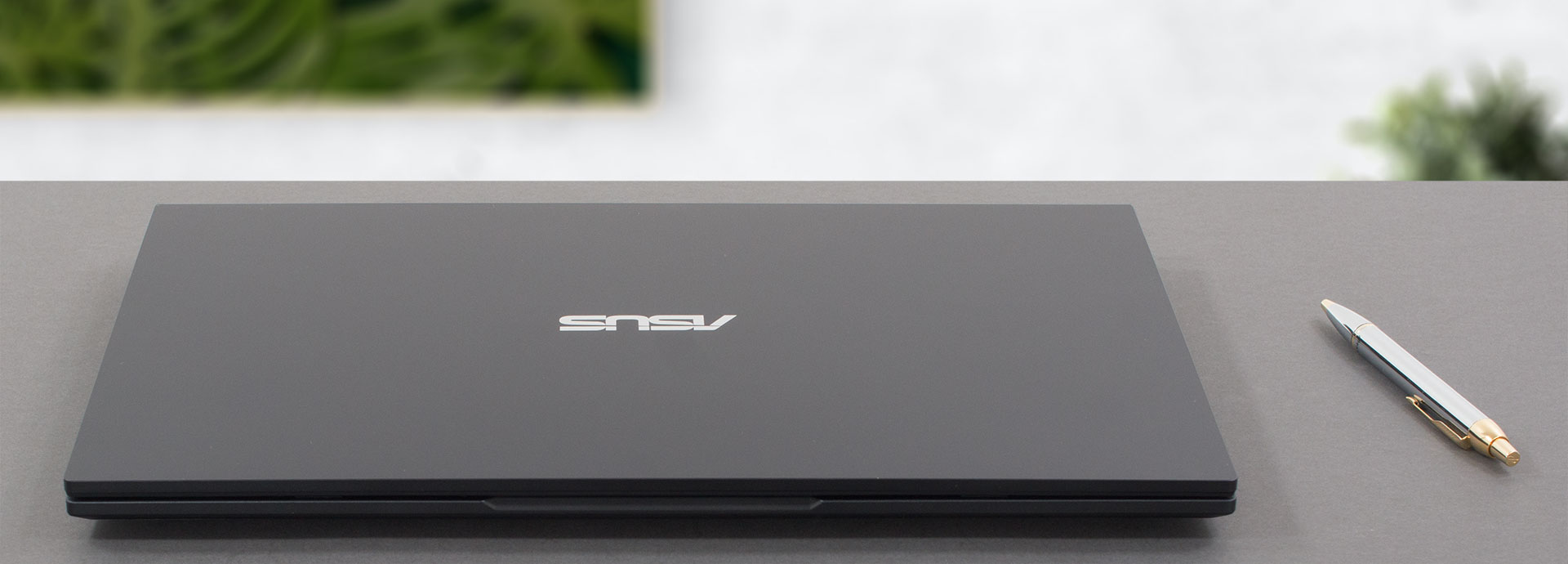
Ultimately, the entire machine is made out of plastic. This makes it not very rigid in terms of flex. Interestingly, despite its smoothness, fingerprints find it tough to attach to its surface. Not bad!
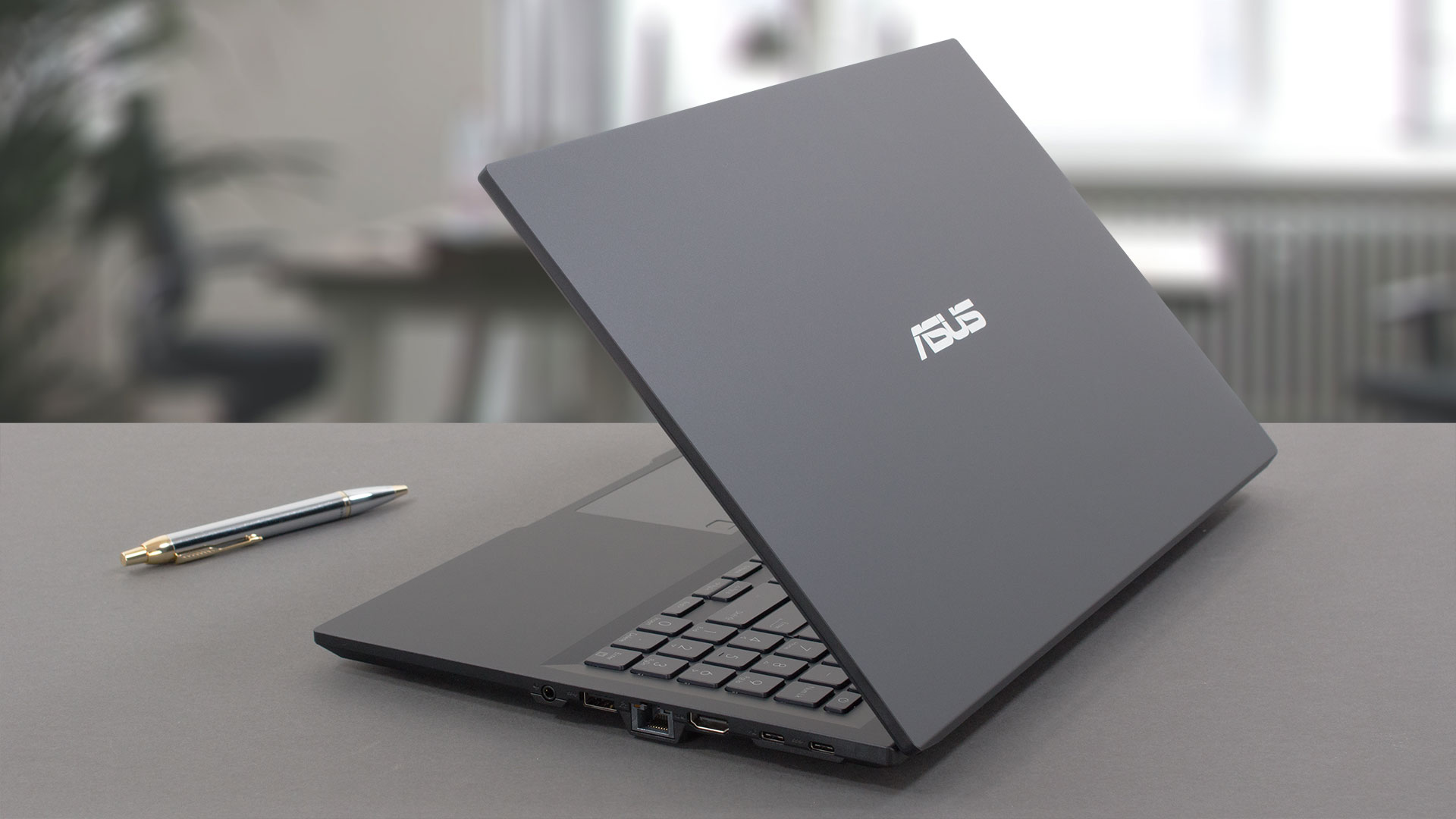
As for the measurements, the device weighs 1.69 kg, while its profile is 19.9mm. For sure, the ExpertBook B1 (B1502) looks a lot thinner, thanks to the sides, which are brought outwards and have very thin borders.
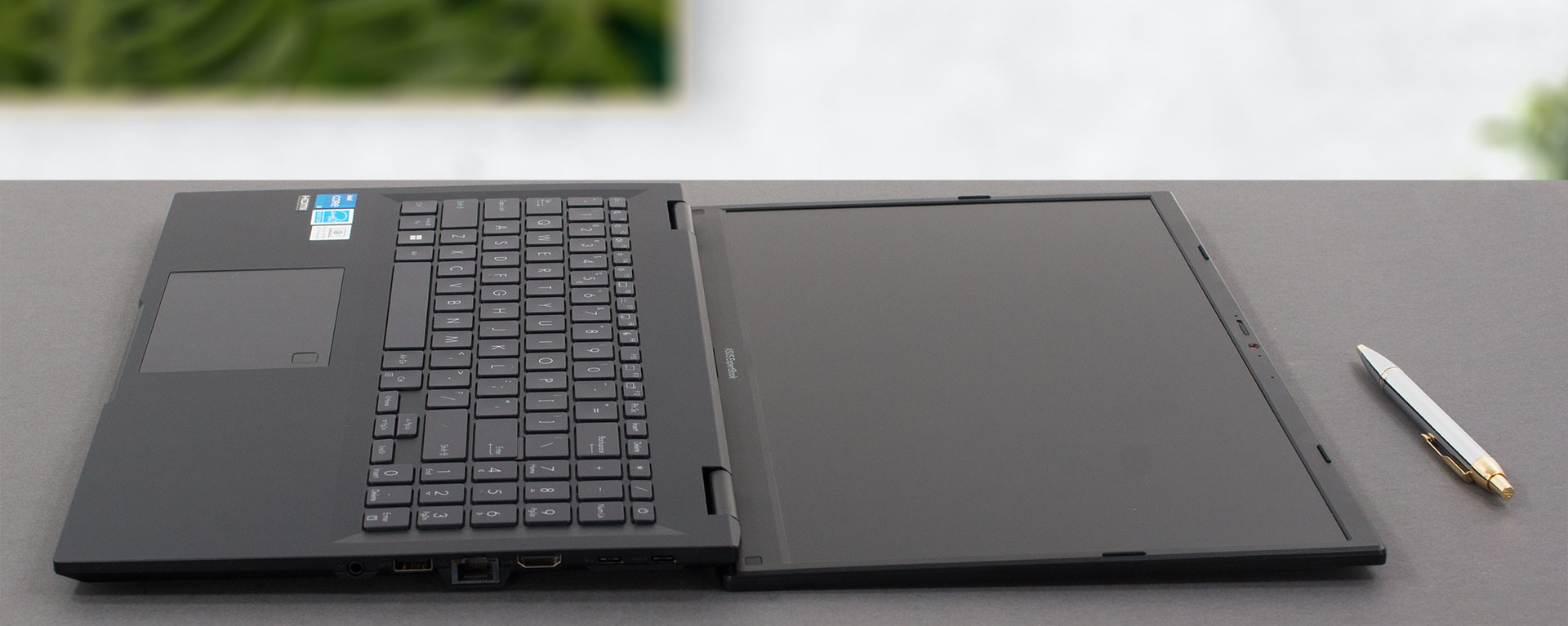
Unfortunately, opening the lid is not a task for one hand. Once you open it, though, you will meet the matte display, which is surrounded by bezels that are neither super thin nor too thick. In addition, the top one houses the HD Web camera, its privacy shutter, and optionally – an IR face recognition scanner.

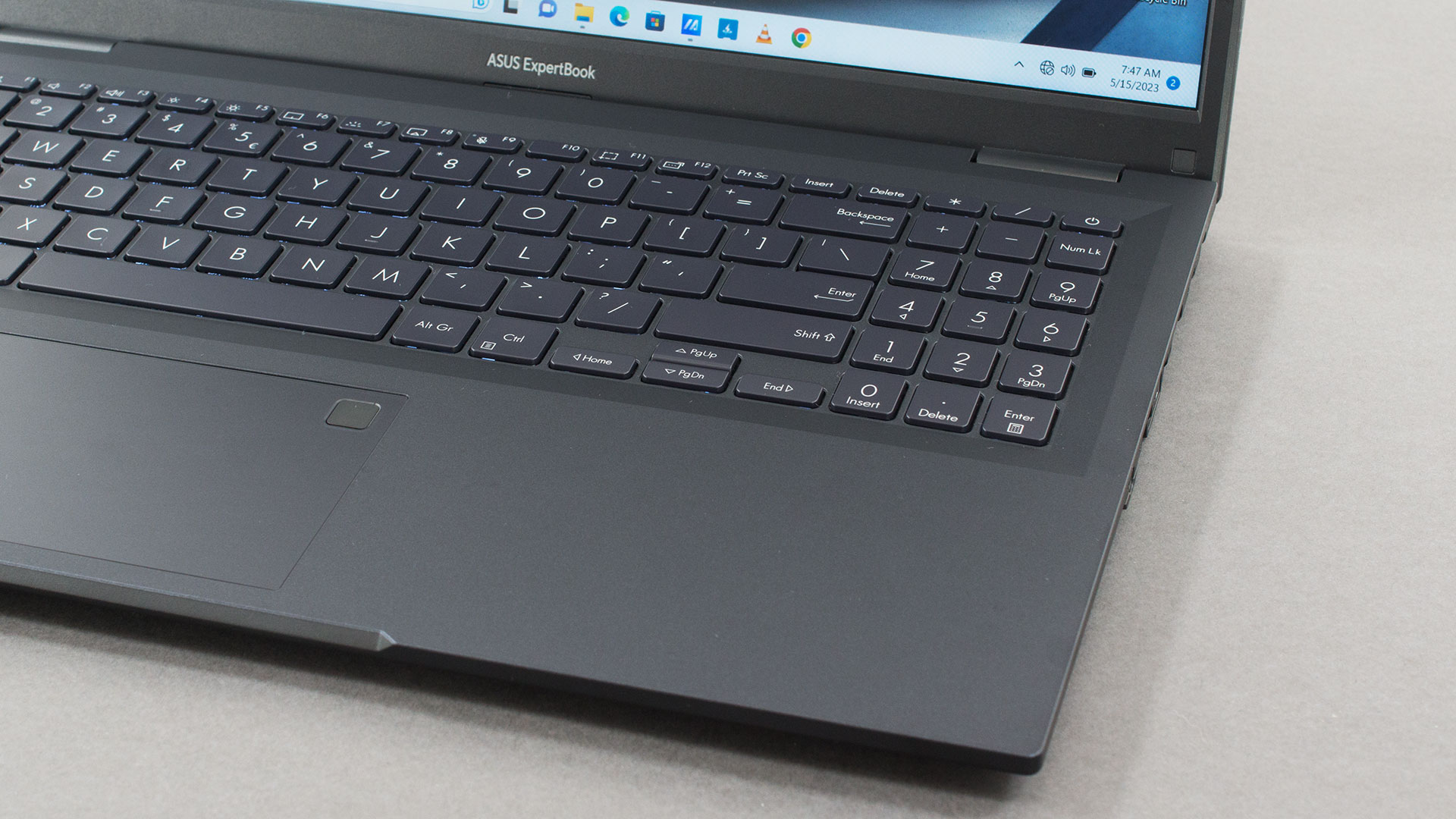
Now, let’s take a look at the base. As usual, it is home to the keyboard, which has a backlight, and a NumberPad, and offers spill-resistance for good measure. Its key travel is not very long, but it compensates with clicky feedback.
Here, the touchpad is relatively smooth. Its clicking mechanism is okay, but what is more important is that the tracking is super accurate, while the response rate is very fast.

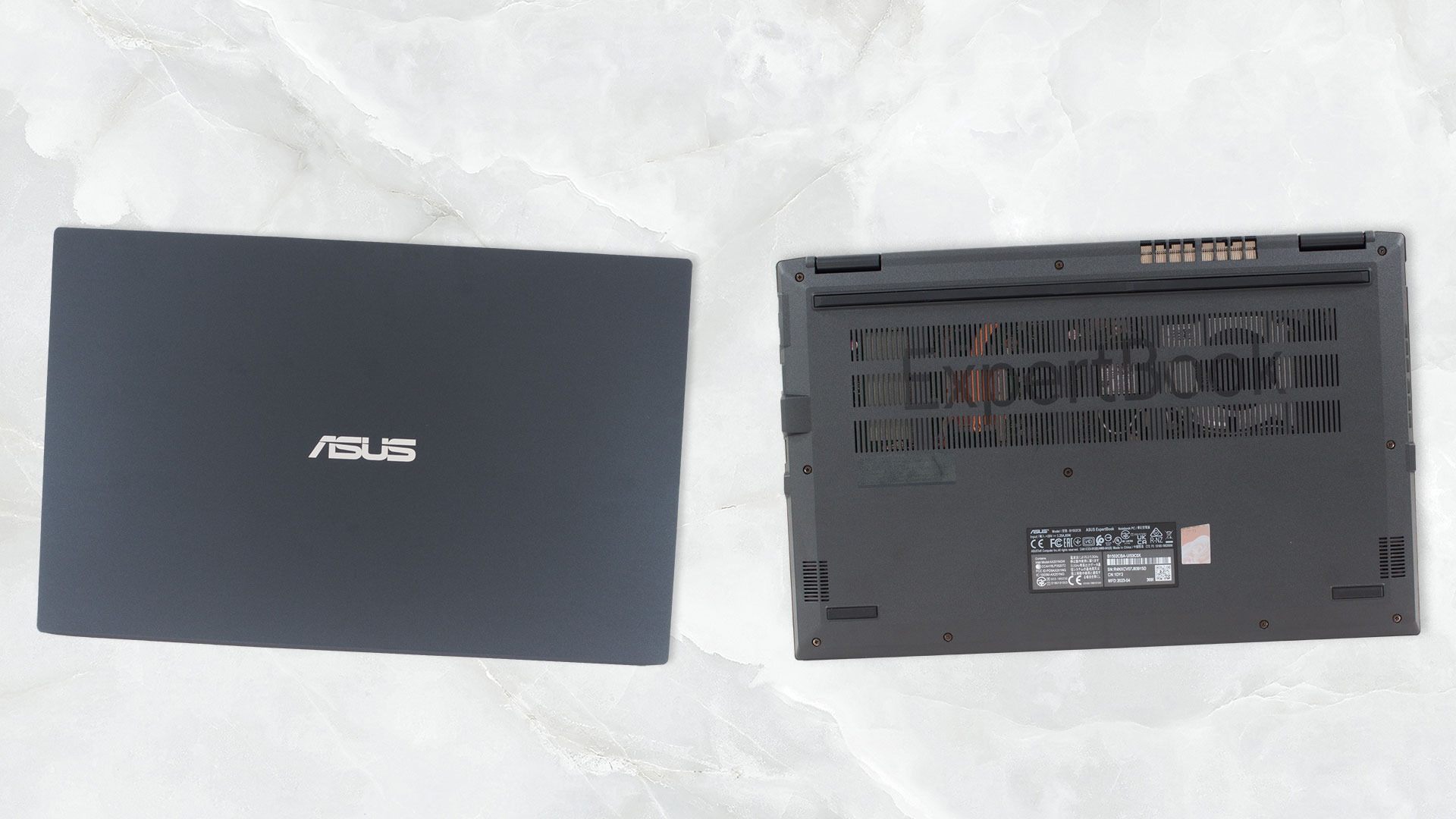
Turn the laptop upside down and you will find the two speaker cutouts. In addition, there is a huge ventilation grill, that supplies cool air to the fan. Hot air, respectively, is exhausted through two vents – one on the left side, and one on the back of the base.
Ports
On the left side, you get a USB Type-A 2.0 port, as well as a Kensington lock slot. Then, on the right, there is a USB Type-C 3.2 (Gen. 1) port with Power Delivery, a USB Type-C 3.2 (Gen. 2) port with Power Delivery and DisplayPort functions, followed by an HDMI 1.4 connector, a LAN port, a USB Type-A 3.2 (Gen. 1) port, and an Audio jack.


 Author: Alex Iliev
 Author: eng. Kroum NikolovHead of Engineering at LaptopMedia.com, inventor and innovator with 40+ years of experience in electronics and high technology.

![[June 2026] Best-Selling Laptop Brands on Amazon Global – Apple’s Unrivaled Dominance in Units and Revenue](https://laptopmedia.com/wp-content/uploads/2026/07/GLOBAL-Best-Brands-400x225.jpg)
![[June 2026] Amazon Global: Top 10 Best-Selling Laptops – Apple’s New MacBook Neo Storms to #1, Reshaping the Market with Affordability](https://laptopmedia.com/wp-content/uploads/2026/07/Best-Selling-Laptops-GLOBAL-Top-10-400x225.jpg)
![[June 2026] Amazon Global: Top 10 Best-Selling Gaming Laptops – Acer’s Nitro V 16S AI Dominates Sales, While ASUS Leads Overall Revenue](https://laptopmedia.com/wp-content/uploads/2026/07/Best-Selling-Gaming-Laptops-GLOBAL-Top-10-400x225.jpg)
![[June 2026] Global Ranking of Best-Selling Laptop GPUs on Amazon – NVIDIA RTX 5060 is the Top-Selling Dedicated GPU](https://laptopmedia.com/wp-content/uploads/2026/07/Best-Selling-GPUs-GLOBAL-Top-10-400x225.jpg)
![[June 2026] Global Ranking of Best-Selling Laptop CPUs on Amazon – Apple M5 Dominates, AMD Ryzen 7 260 Gets Solid Premium Share](https://laptopmedia.com/wp-content/uploads/2026/07/Best-Selling-CPUs-GLOBAL-Top-10-400x225.jpg)

que voltaje tienen los altavoces? en la pagina oficial no aparecen
Sorry but I find the backlit keyboard pathetically dim. Tried forcing the registry key to a higher level but didn’t work. Called support…they said this laptop only has on or off…but you’ll see that when restarting the notebook the intensity is decent but then fades. Will need to buy another laptop for my client.