HP Envy x360 15 (15-fe0000) review – Unleashing the Hidden Color Accuracy Capabilities of This 2-in-1 Laptop
Design and construction
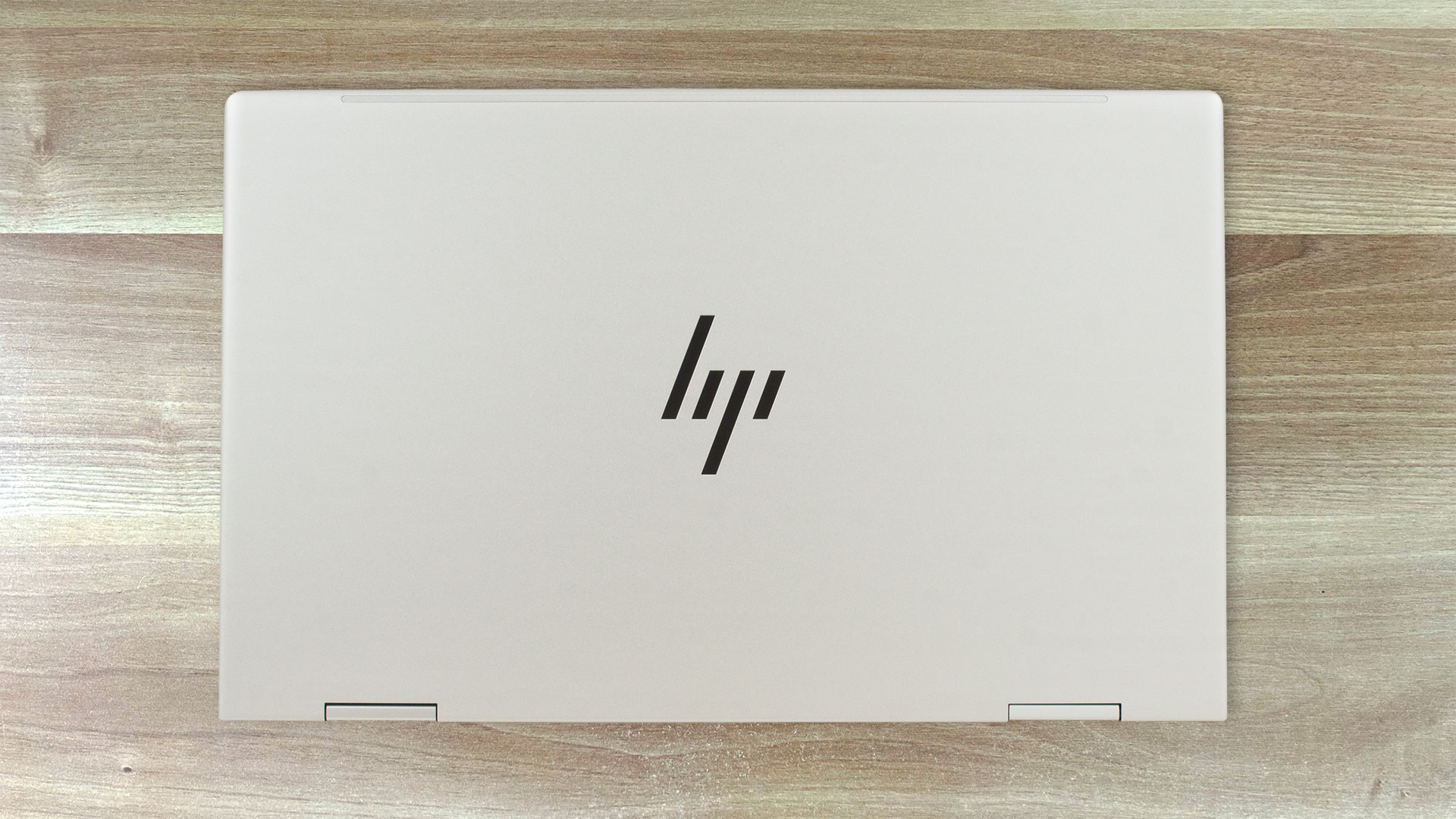
On the outside, the Envy x360 15 (15-fe0000) looks like a typical HP business device. The build is of aluminum and the matte finish doesn’t attract many smudges. This machine weighs 1.77 kg and has a profile of 18.3 mm which isn’t bad at all for a 15.6 laptop with transforming capabilities.
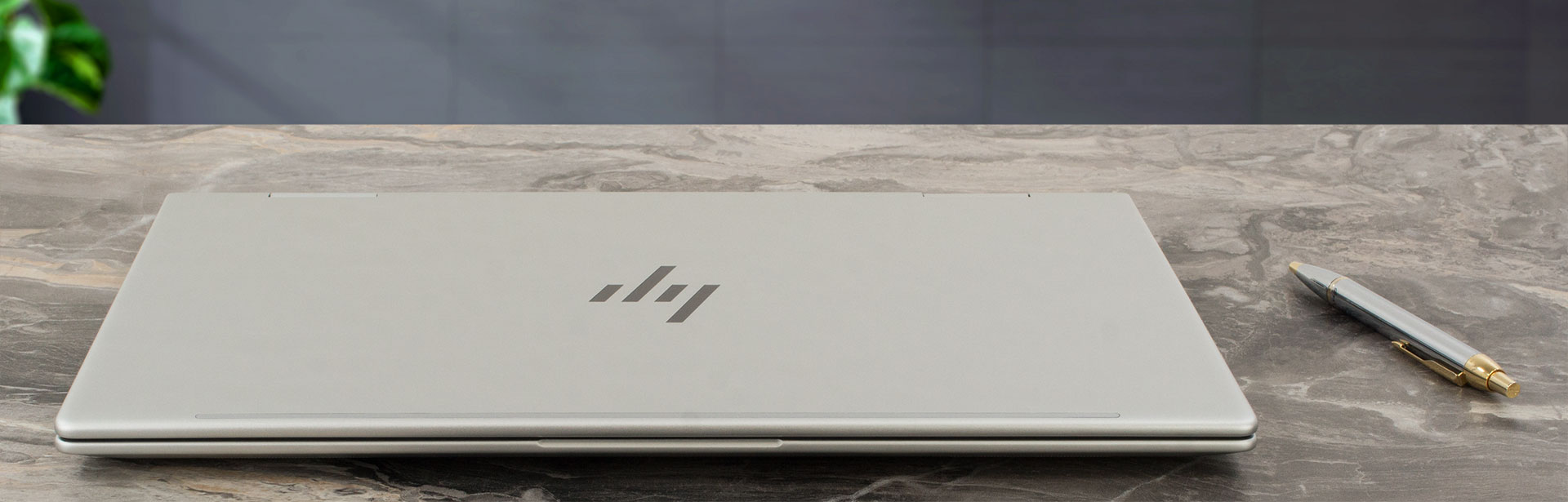
The lid can’t be opened with a single hand which is something normal for a 2-in-1 device – the hinges are very stiff. The lid can be pressed down in the center and you can also twist it a bit but overall it’s not too spongy. The base is solid except for the spot between the touchpad and the Space key. Still, during typing, the keyboard deck remains stable.
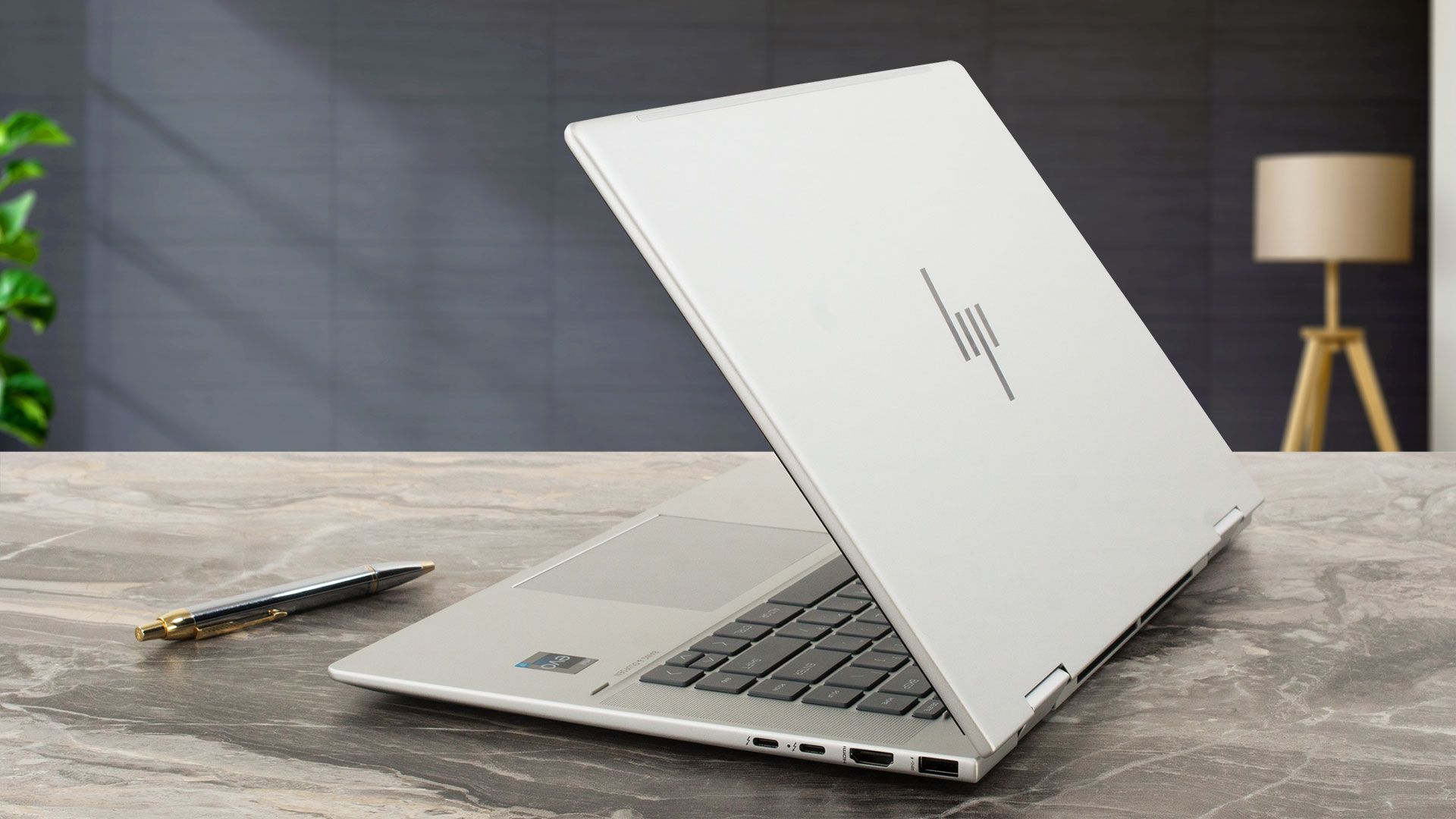
The side bezels around the glossy display are thin while the other two are more or less thick-ish.
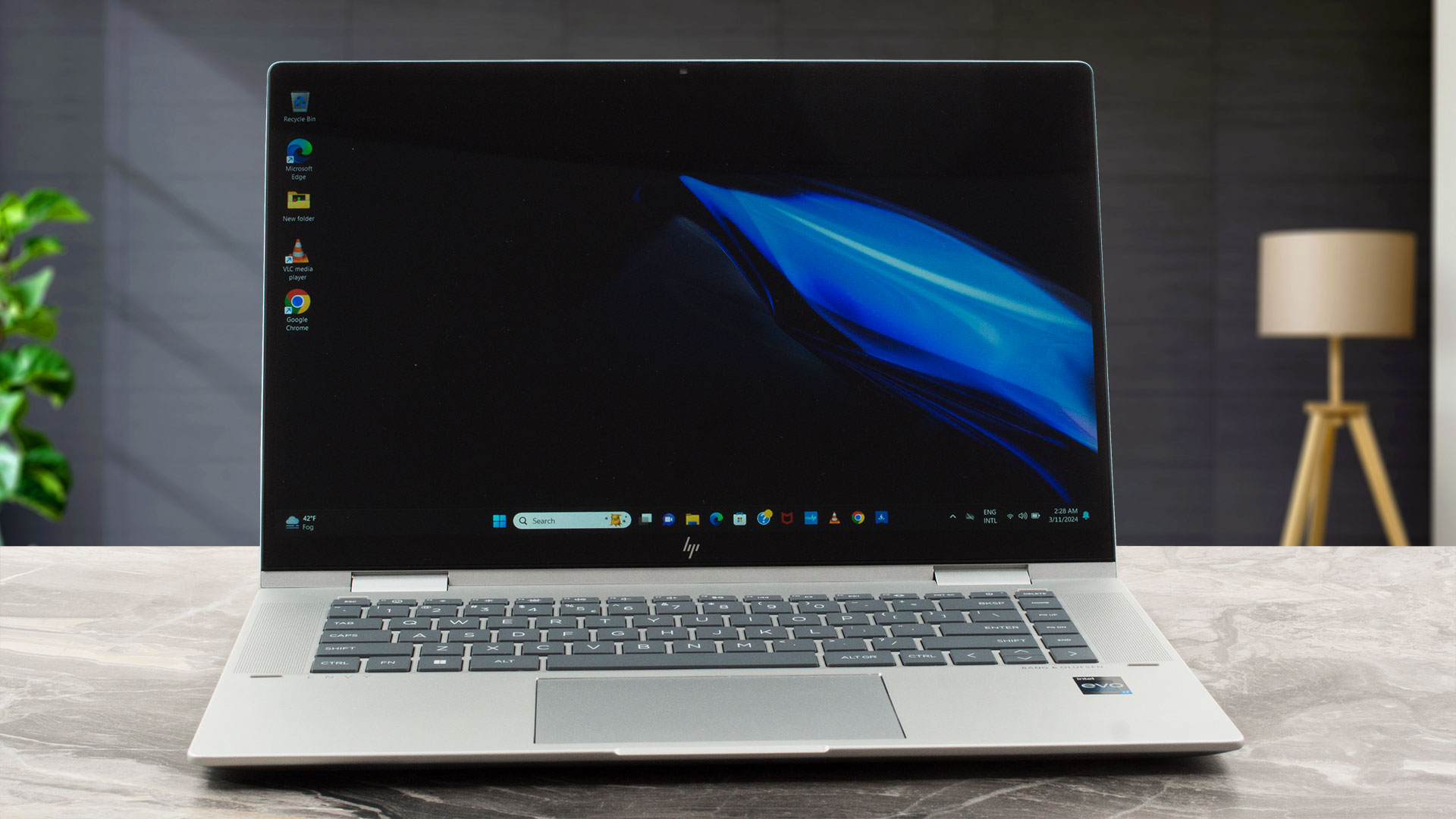
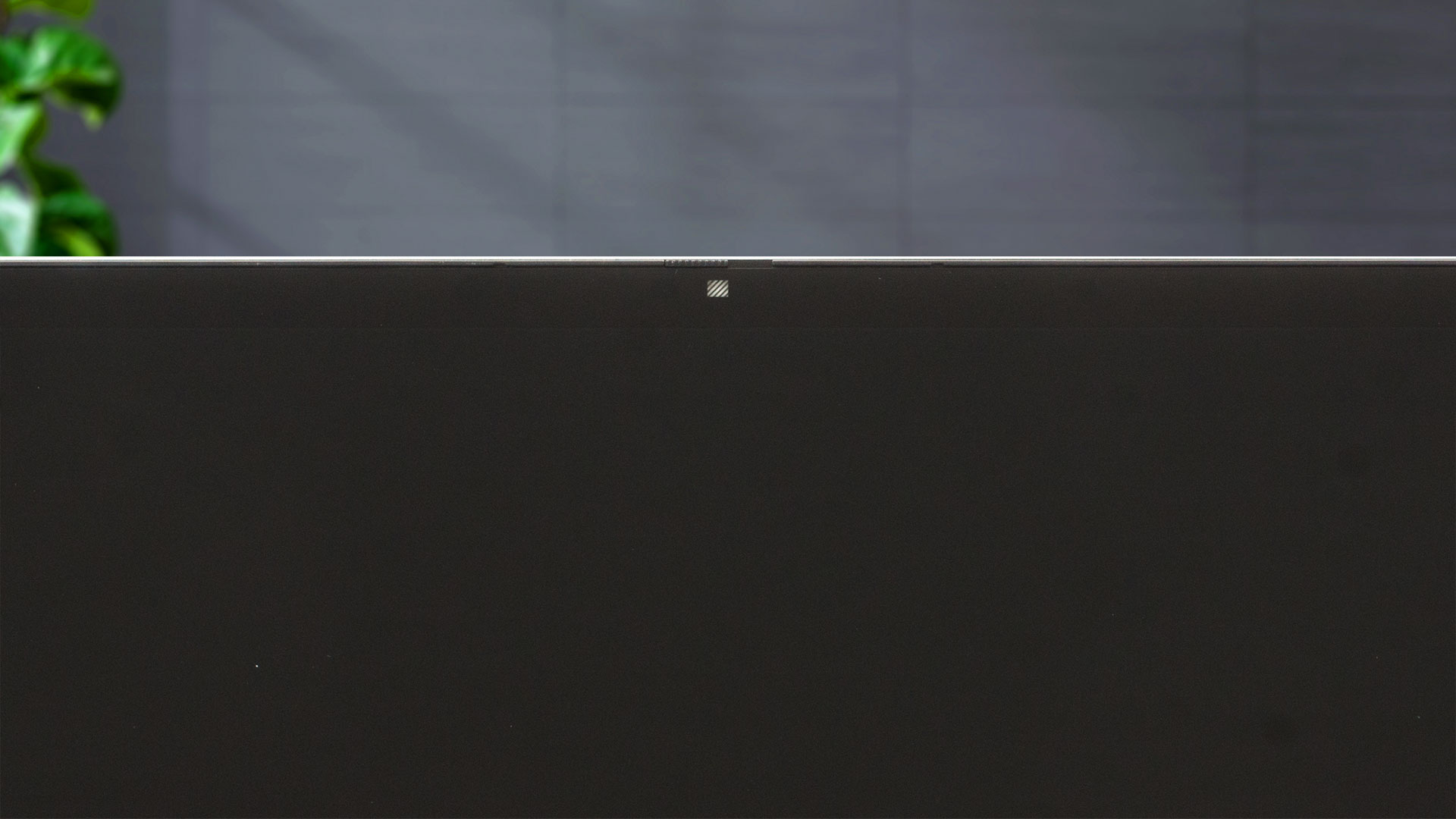
Above the panel is placed a 5MP IR Web camera with a privacy shutter and temporal noise reduction.
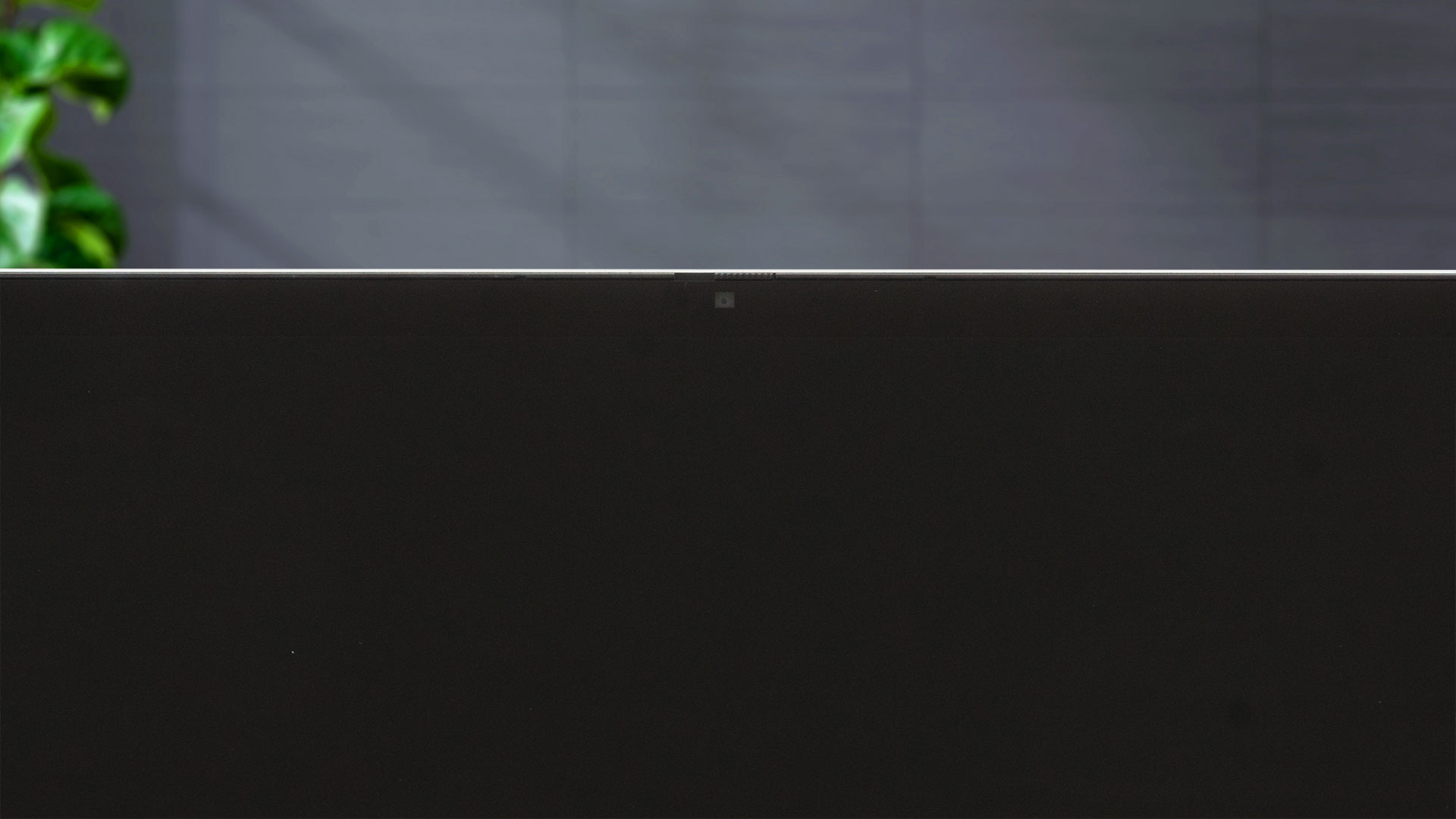
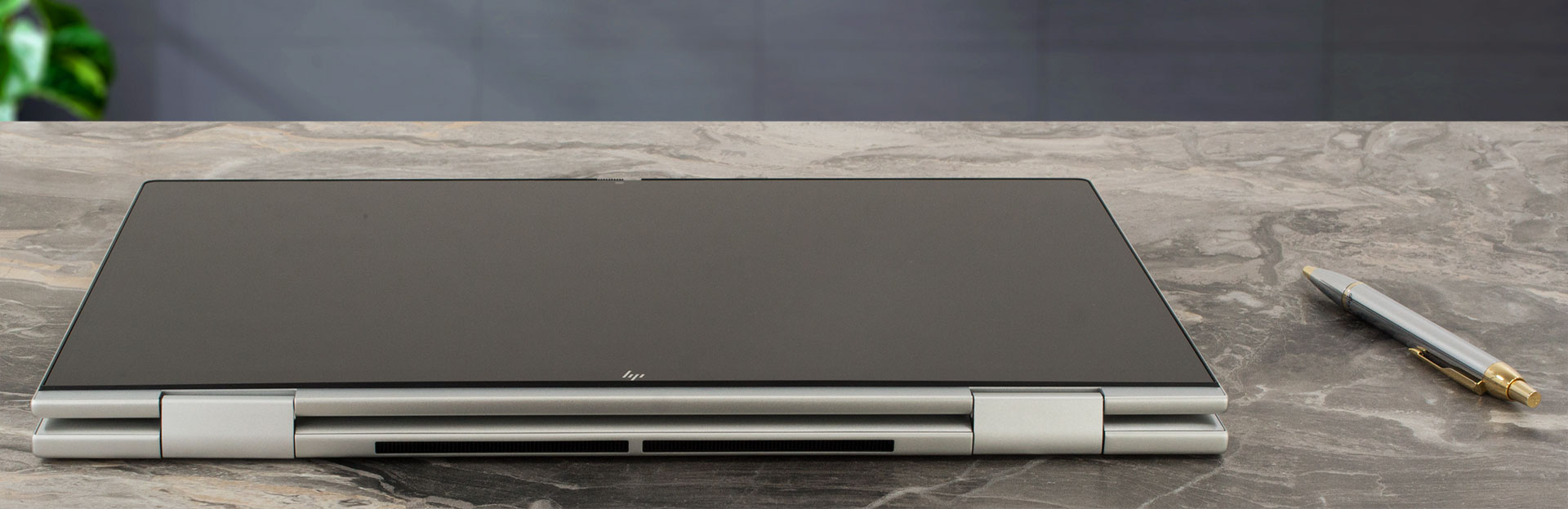
Because of the fancy 360-degree hinge, you can use this laptop as a normal clamshell machine, but you can quickly transform it into a tablet or draw something on the screen when the device is in tent mode. The gadget can lay fully flat on an even surface (for easier on-screen content sharing with people around you).
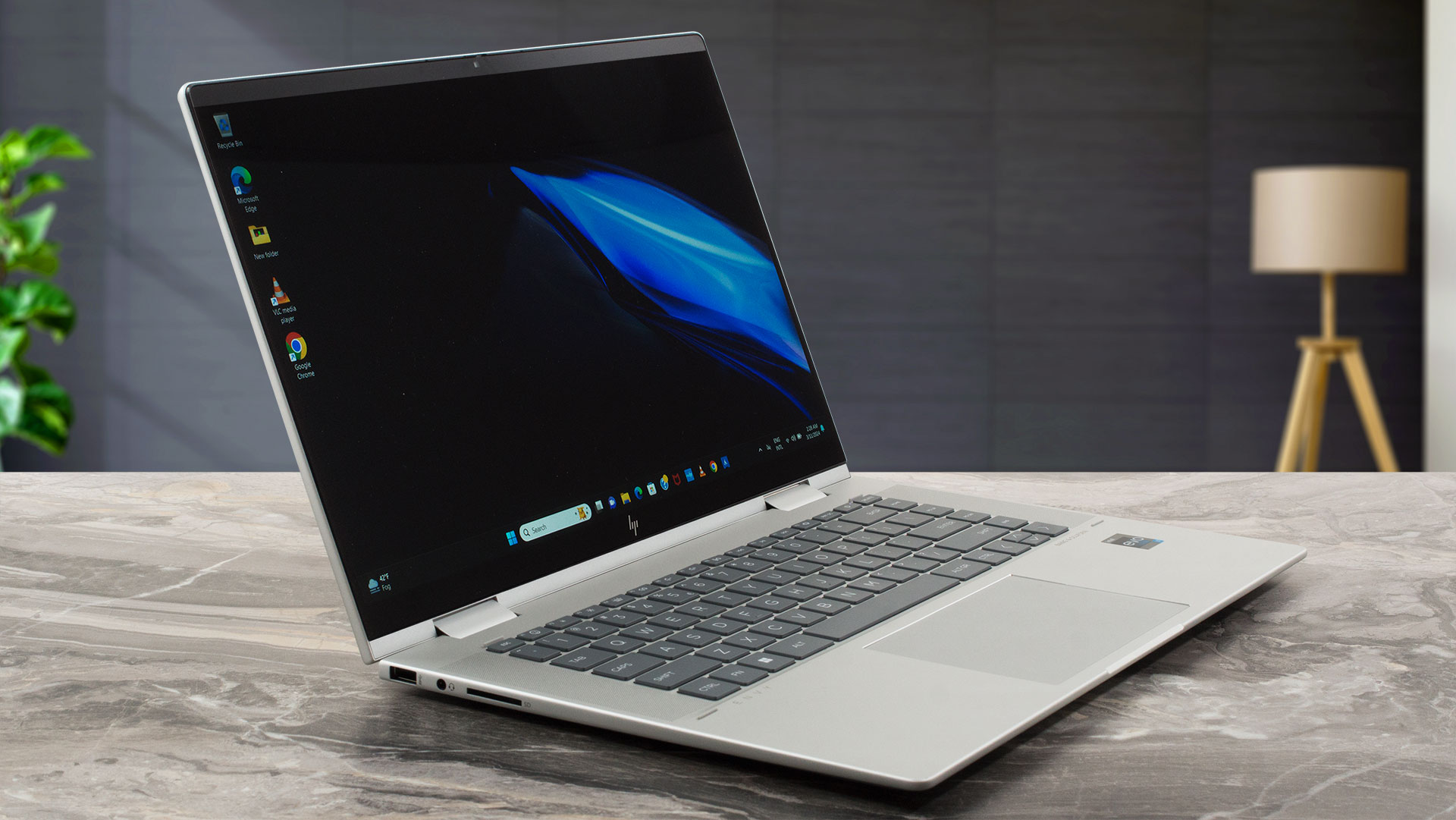
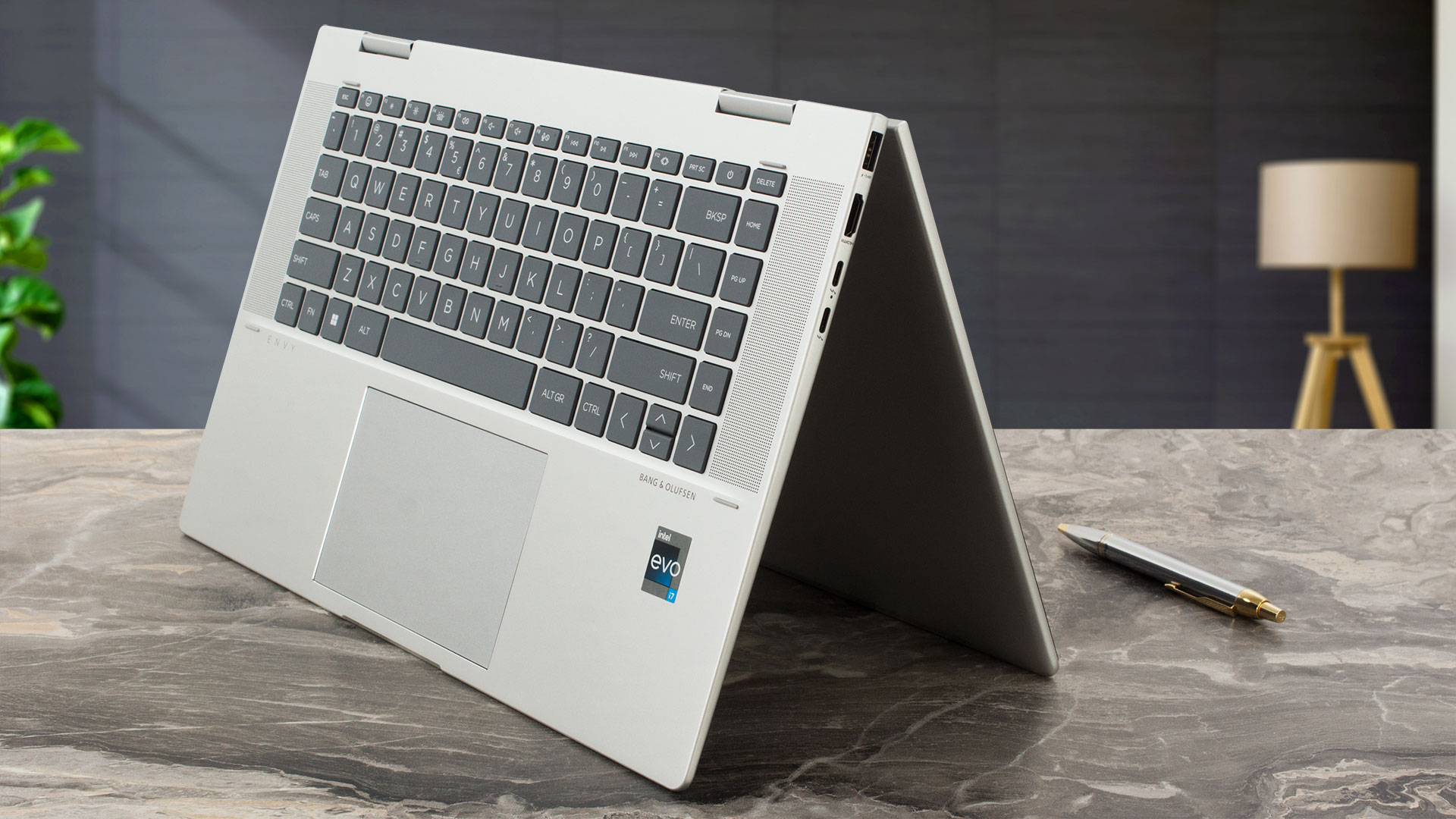
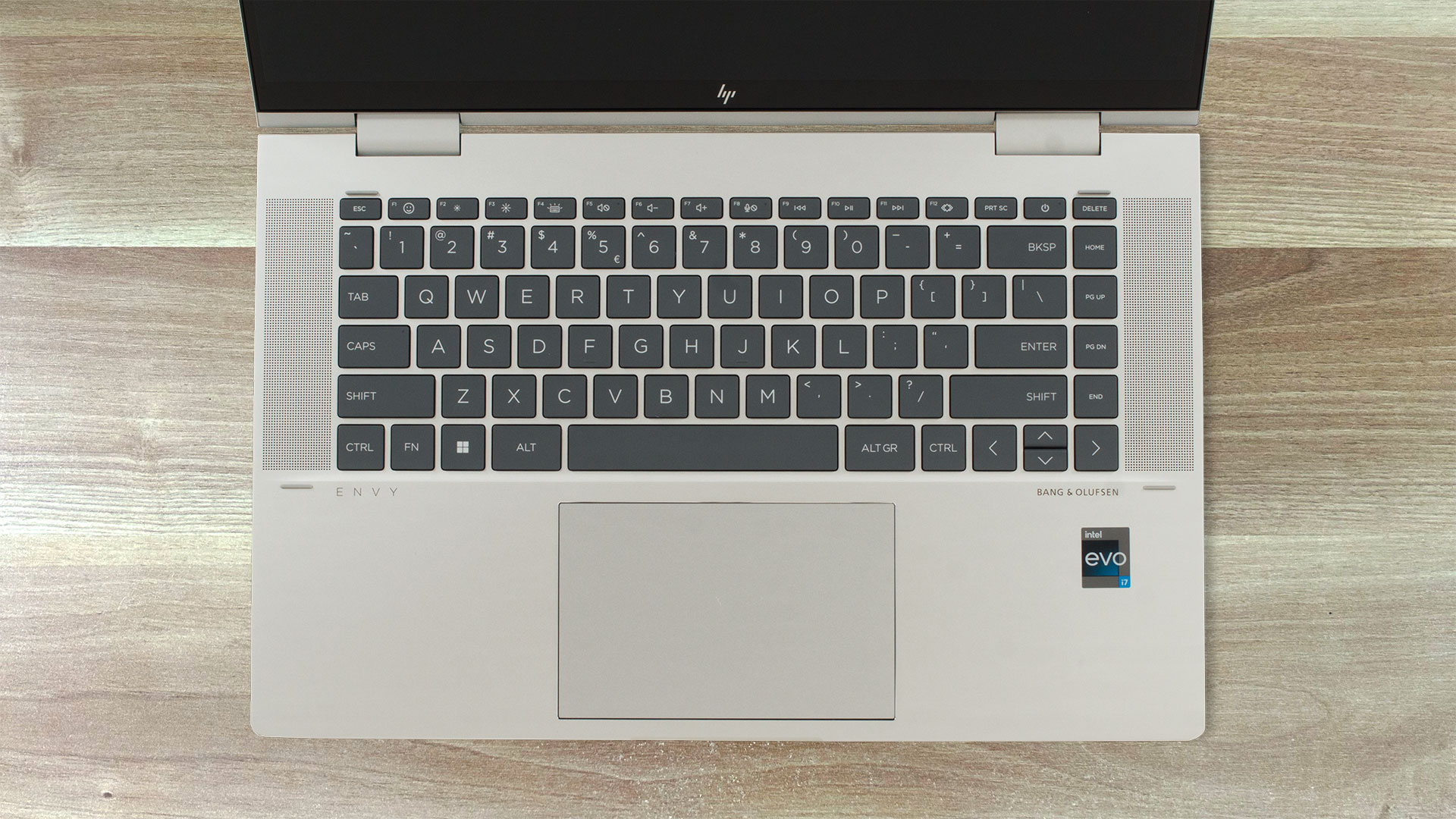
The backlit keyboard is surrounded by two tall speaker grills. The board lacks a NumPad and the “Up” and “Down” Arrows are half-sized. The key travel and the feedback are average at best but that’s still fine for normal work. The touchpad could be bigger. Its surface isn’t very smooth but the pad will do the job for daily usage.
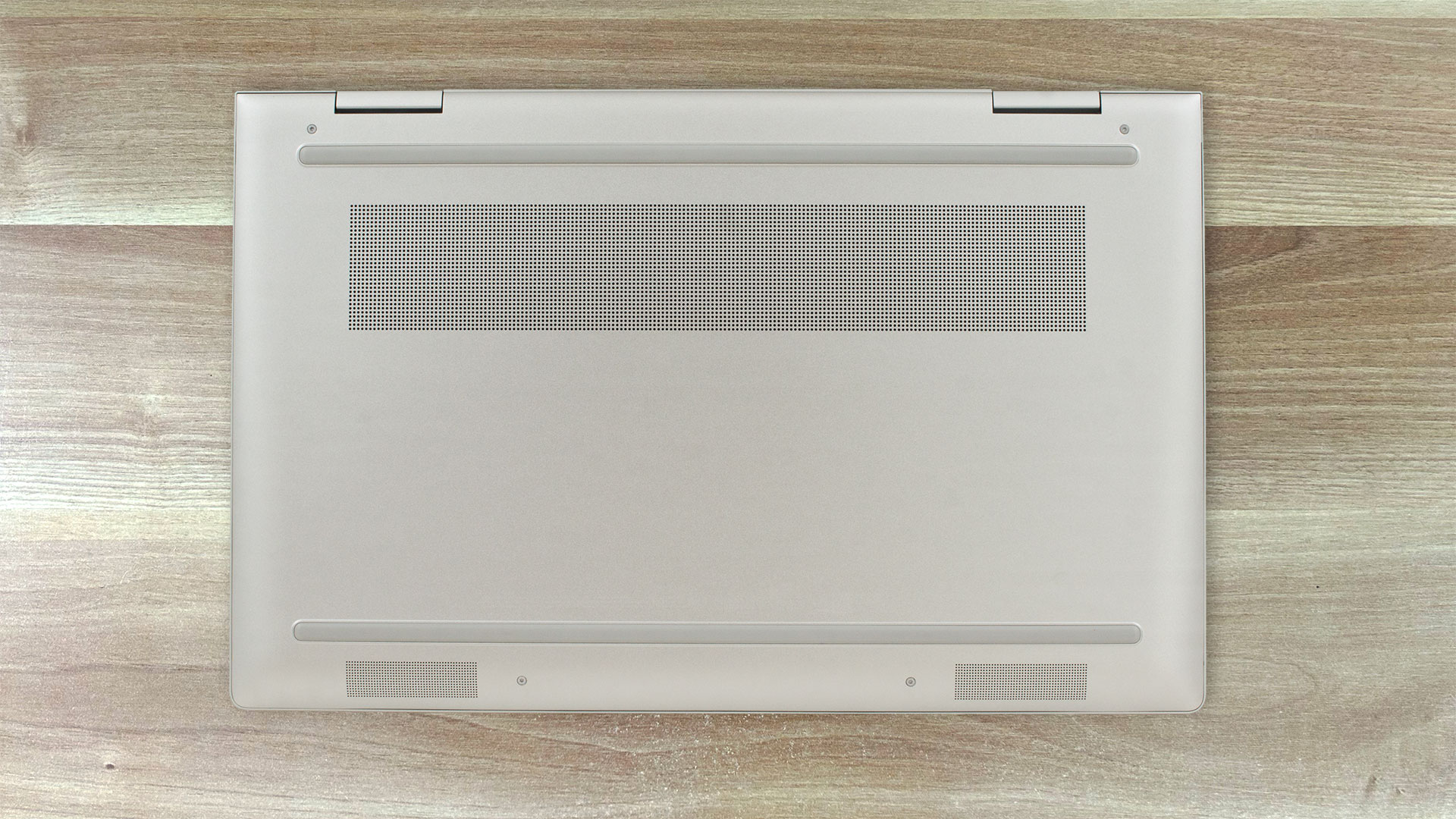
The bottom plate is business as usual – two long rubber feet, one ventilation grill, and two speaker cutouts. The heat is guided via a vent on the back of the laptop. When you use the laptop in a clamshell mode and the angle of opening is bigger, some heat can reach the display during full CPU loads.

Ports
On the left side, you get a USB Type-A 3.2 (Gen. 2) port, an Audio combo jack, and an SD Card reader. The right side houses another USB Type-A 3.2 (Gen. 2) port with HP Sleep & Charge function, an HDMI 2.1, and two Thunderbolt 4 / USB4 40 Gbps that support USB Power Delivery, DisplayPort 1.4, and HP Sleep and Charge.


 Author: Nikolay Palaozov
 Author: eng. Kroum NikolovHead of Engineering at LaptopMedia.com, inventor and innovator with 40+ years of experience in electronics and high technology.

![[August 2026] Amazon USA: Top 10 Best-Selling Laptops – Apple MacBook Neo Dominates the Market with Massive Unit Sales!](https://laptopmedia.com/wp-content/uploads/2026/09/Best-Selling-Laptops-COM-Top-10-400x225.jpg)
![[August 2026] Amazon USA: Top 10 Best-Selling Gaming Laptops – ASUS ROG Strix G16 Dominates the Market with Massive Unit Sales](https://laptopmedia.com/wp-content/uploads/2026/09/Best-Selling-Gaming-Laptops-COM-Top-10-400x225.jpg)
![[July 2026] Amazon Global: Top 10 Best-Selling Laptops – Apple MacBook Neo Dominates the Charts as Budget and Premium Notebooks Split the Market](https://laptopmedia.com/wp-content/uploads/2026/08/Best-Selling-Laptops-GLOBAL-Top-10-400x225.jpg)
![[July 2026] Amazon Global: Top 10 Best-Selling Gaming Laptops – ASUS ROG Strix G16 Dominates the Global Market with Record-Breaking Unit Sales](https://laptopmedia.com/wp-content/uploads/2026/08/Best-Selling-Gaming-Laptops-GLOBAL-Top-10-400x225.jpg)
![[July 2026] Global Ranking of Best-Selling Laptop GPUs on Amazon – RTX 5060 Dominate Premium, Intel Still Rules Budget](https://laptopmedia.com/wp-content/uploads/2026/08/Best-Selling-GPUs-GLOBAL-Top-10-400x225.jpg)

Es Windows o Mac?