Lenovo Legion Slim 5 (14, Gen 8) review – the overall performance is great but the Zen 4 CPU gets hot in CPU-intensive tasks
Design and construction
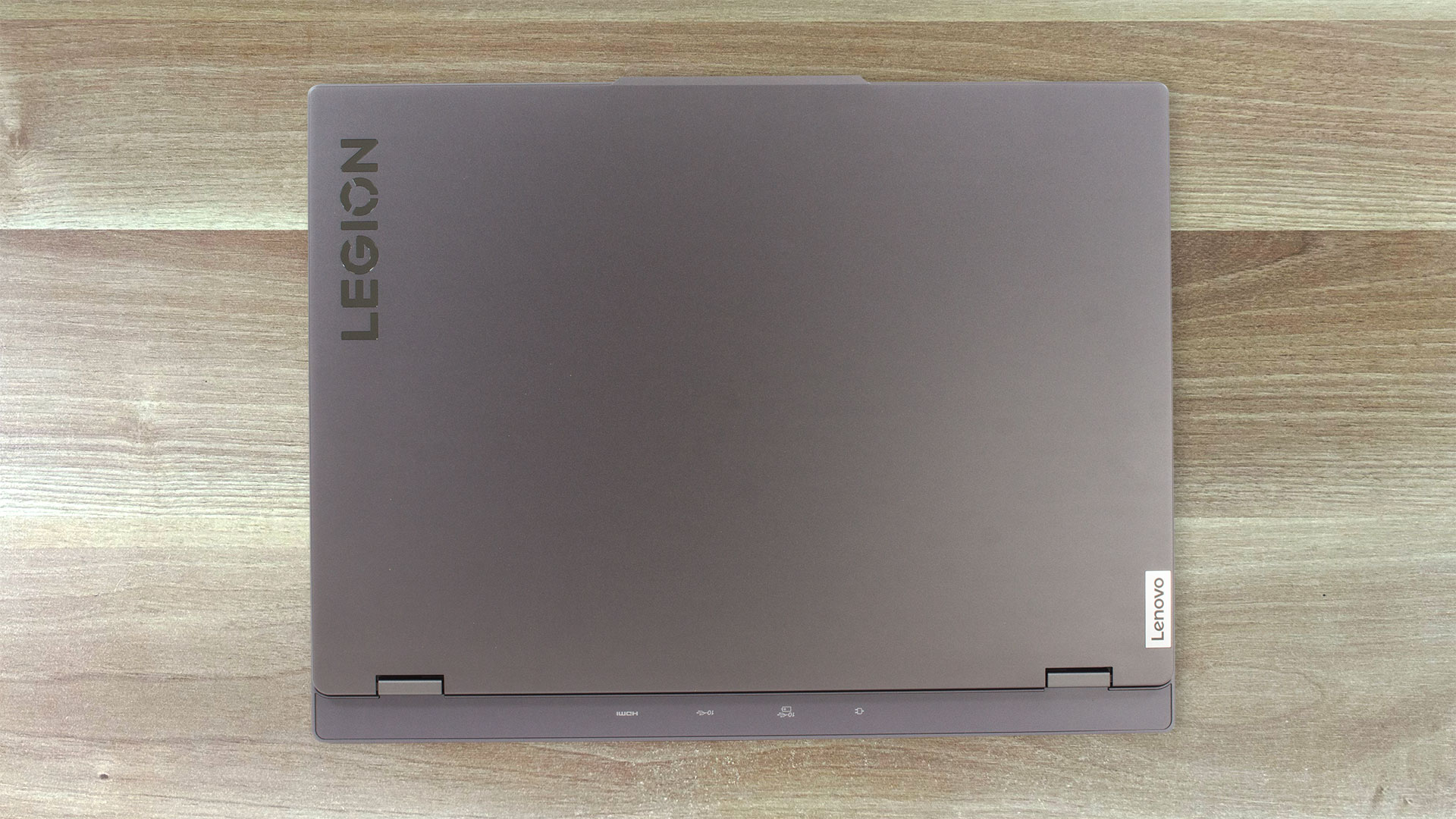
Interestingly, Lenovo describes this laptop as meant for “on-the-go creators, gamers, and students”. That’s why the notebook doesn’t look like the typical modern gaming device. Thanks to the Storm grey color and the anodized finish, this fella can be used even in an office environment because it has a clean and neutral design. The machine weighs just 1.75 kg and has a profile of 17.9 – 21.29 mm. The dimensions are good given the hardware under the hood. Here, we have an all-aluminum build which is good news.
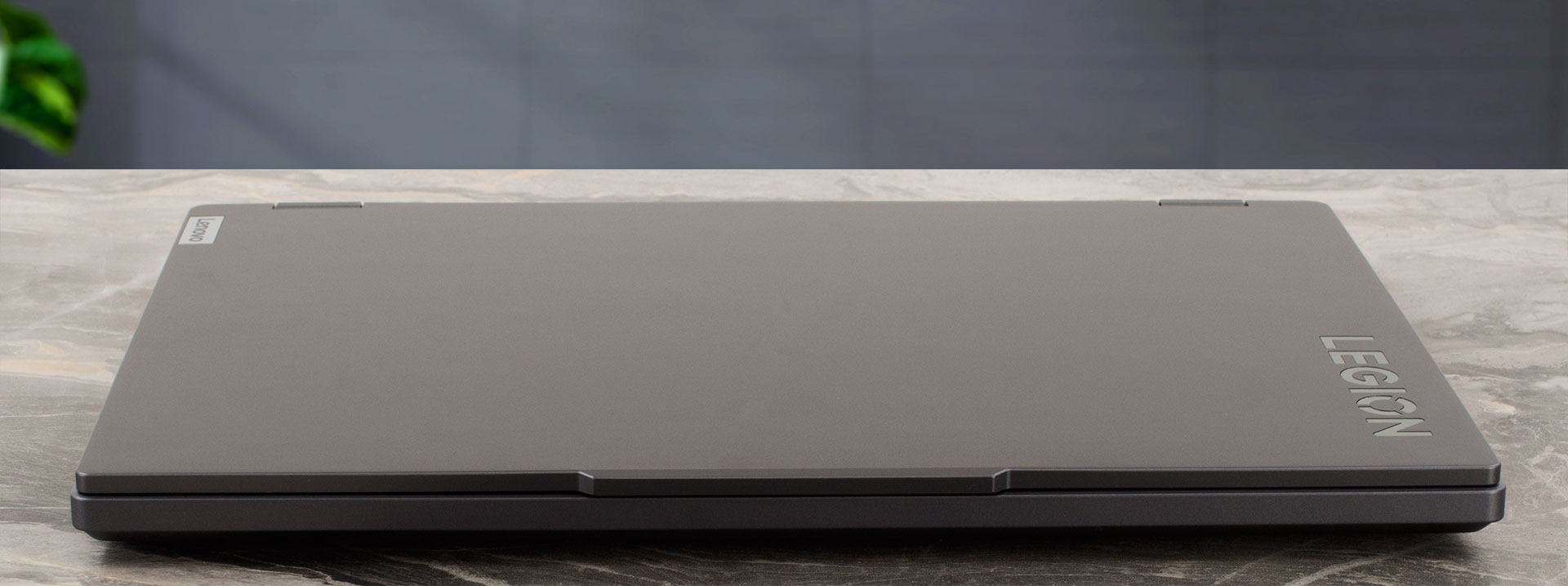
However, if you press the lid in the middle it will bend. You can open it with a single hand and it feels bouncy while changing the angle. The unit is also average flexible. The base is solid except for the whole zone above the keyboard which can be bent if you apply some pressure on it. Still, even during harsh typing, the keyboard deck remains stable. The overall rigidity of this device isn’t bad but we’re expecting better build quality.
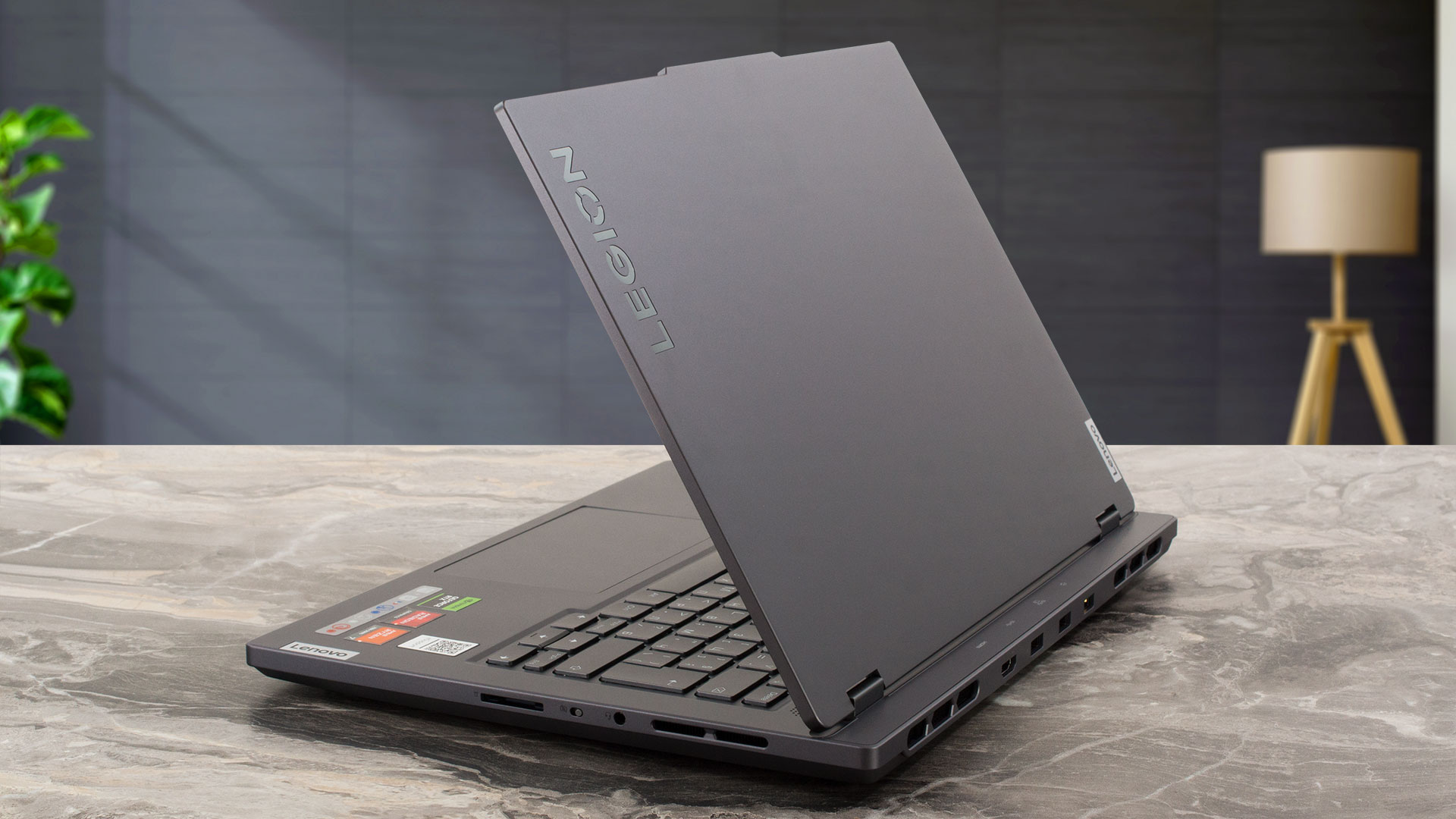
As you can see, the “chin” below the panel is noticeably thicker than the other three bezels that are thin. The top one has a “hump” in the center for easier opening. It also houses a 1080p Web camera with an E-shutter switch placed on the right side of the laptop.

The angle of opening is 180 degrees. On the base, right below the hinges is positioned a long grill that is used for faster heat dissipation. In the middle of this section, you’ll find the Power button that doubles as a fingerprint reader.
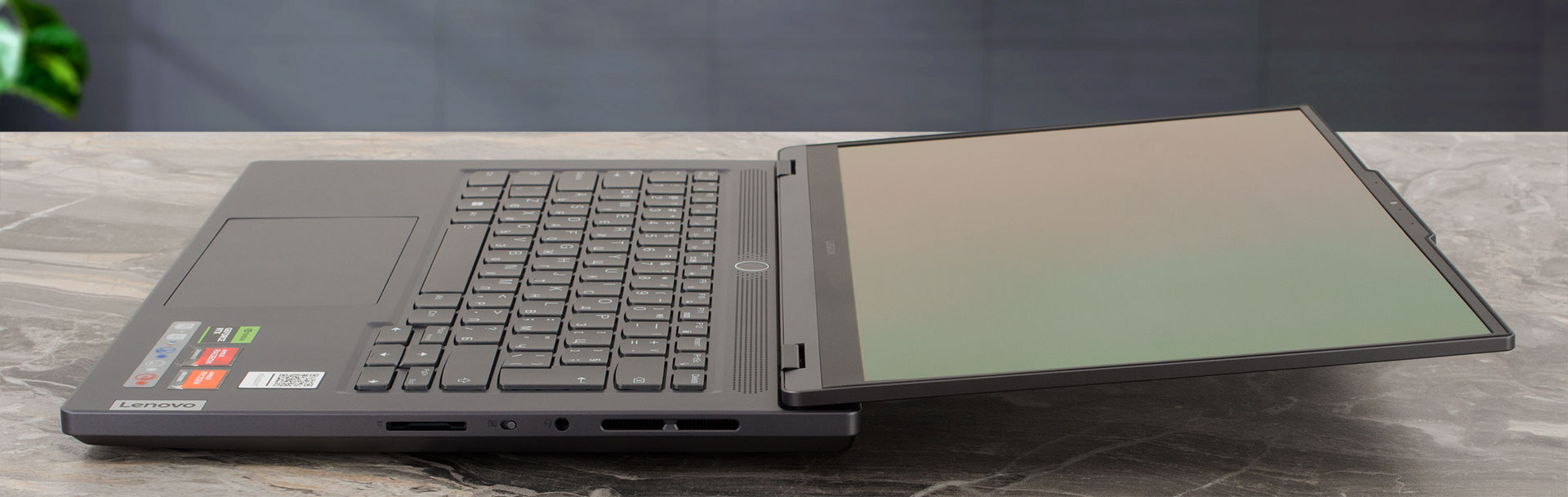
The spill-resistant keyboard has a white backlight. The unit is comfortable for typing because of the long key travel and the clicky feedback. The PgUp and PgDn keycaps are non-optimally placed around the Arrow keys, that aren’t full-sized.
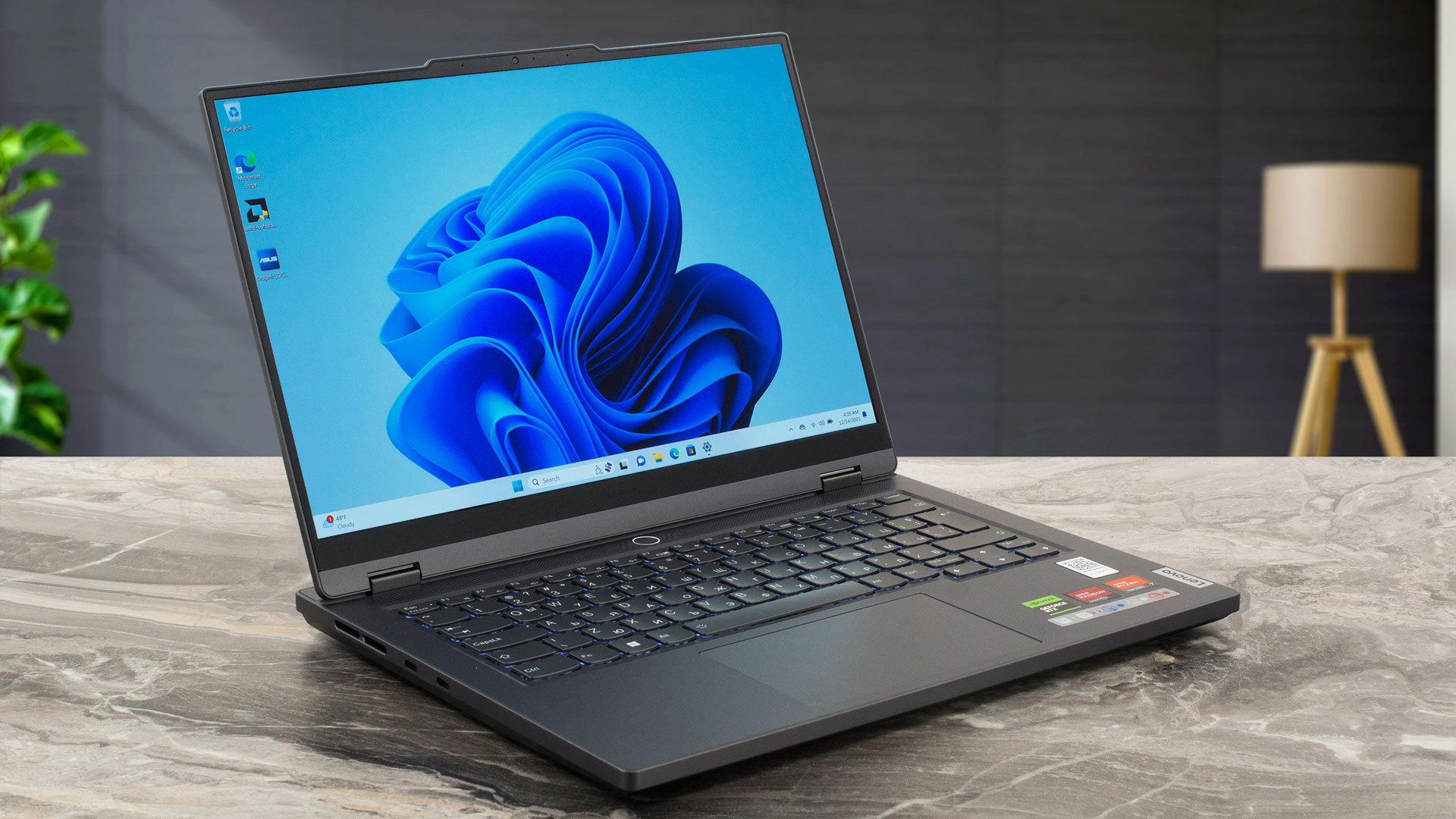
The touchpad is decently big – 75 x 120 mm. It has a smooth glass surface that allows great gliding and good accuracy. In addition, the unit is quiet during work.

Flipping the laptop upside down reveals three rubber feet, a big ventilation grill, and speaker cutouts for the two 2W units. The heat has been exhausted through four vents, two on the back and two on the sides.

Ports
On the left, we can see two USB Type-C 3.2 (Gen. 2) ports that support DisplayPort 1.4 (the latter boasts a 140W Power Delivery). The majority of the ports can be found on the back – an HDMI 2.1 for up to 8k 60Hz external displays, two USB Type-A 3.2 (Gen. 2) ports (the second one comes with Always On functionality), and a power connector. On the right, you get an Audio combo jack, an E-shutter switch, and a 4-in-1 Card reader (SD, SDHC, SDXC, MMC).



 Author: Nikolay Palaozov
 Author: eng. Kroum NikolovHead of Engineering at LaptopMedia.com, inventor and innovator with 40+ years of experience in electronics and high technology.

![[June 2026] Best-Selling Laptop Brands on Amazon Global – Apple’s Unrivaled Dominance in Units and Revenue](https://laptopmedia.com/wp-content/uploads/2026/07/GLOBAL-Best-Brands-400x225.jpg)
![[June 2026] Amazon Global: Top 10 Best-Selling Laptops – Apple’s New MacBook Neo Storms to #1, Reshaping the Market with Affordability](https://laptopmedia.com/wp-content/uploads/2026/07/Best-Selling-Laptops-GLOBAL-Top-10-400x225.jpg)
![[June 2026] Amazon Global: Top 10 Best-Selling Gaming Laptops – Acer’s Nitro V 16S AI Dominates Sales, While ASUS Leads Overall Revenue](https://laptopmedia.com/wp-content/uploads/2026/07/Best-Selling-Gaming-Laptops-GLOBAL-Top-10-400x225.jpg)
![[June 2026] Global Ranking of Best-Selling Laptop GPUs on Amazon – NVIDIA RTX 5060 is the Top-Selling Dedicated GPU](https://laptopmedia.com/wp-content/uploads/2026/07/Best-Selling-GPUs-GLOBAL-Top-10-400x225.jpg)
![[June 2026] Global Ranking of Best-Selling Laptop CPUs on Amazon – Apple M5 Dominates, AMD Ryzen 7 260 Gets Solid Premium Share](https://laptopmedia.com/wp-content/uploads/2026/07/Best-Selling-CPUs-GLOBAL-Top-10-400x225.jpg)

Do something prevents me to upgrade the sodimm slot with a 32GB stick? The PC does not detects more than 24GB of ram, does not starts or is possible to have it with 40GB of total system memory?
There are no SODIMM slots, only the soldered LPDDR5x-6400 memory, so it’s not upgradable. Or do you have the 16-inch variant which has two SODIMM slots?