Lenovo Legion Slim 5 (14, Gen 8) review – the overall performance is great but the Zen 4 CPU gets hot in CPU-intensive tasks
Performance: CPU, GPU, Gaming Tests
All benchmarks and tests were conducted with the “Performance” preset activated in the Lenovo Vantage app. There, the “GPU Overclock” and the “dGPU” modes are applied too. You can find these two functions in the BIOS as well as the “Performance mode setting” that is set to “Extreme”. Last but not least, the “Best performance” preset is activated in the Windows “Power & Battery” menu.




CPU options
Three AMD Zen 4 (Phoenix-HS) CPUs are available – Ryzen 5 7640HS, Ryzen 7 7840HS, and Ryzen 9 7940HS. We picked a device with a Ryzen 7 since it has the same core count as the Ryzen 9 model.
Here, we evaluate the CPU's performance using a real-world 3D rendering task, assessing its ability to handle complex computations and rendering workloads efficiently.
Results are from the Cinebench 2024 Multi-Core test (higher is better)
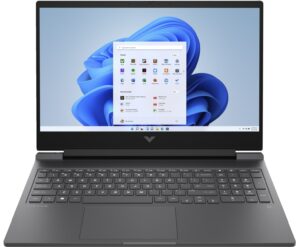
GPU options
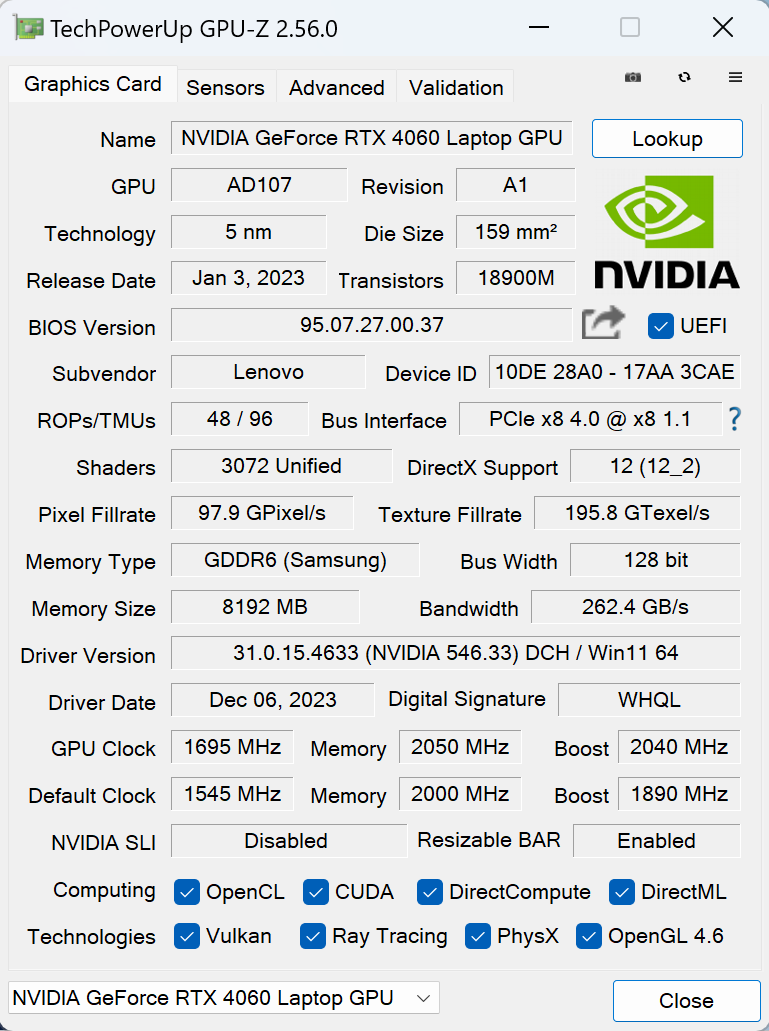
The base GPU is the NVIDIA GeForce RTX 3050 (Laptop, 95W). There are two optional Ada Lovelace chips, both with 105W TGP – NVIDIA GeForce RTX 4050 (Laptop) and NVIDIA GeForce RTX 4060 (Laptop). We bought a machine with the latter because we want to see how good the cooling solution is.
The results are from 3DMark Time Spy (Graphics). Higher is better.
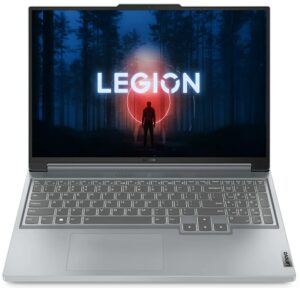
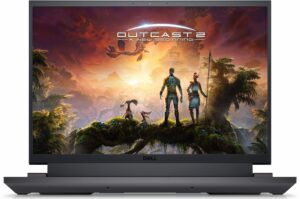
Results are from 3DMark Fire Strike (Graphics) benchmark (higher the score, the better)
The results are from 3DMark Wild Life Extreme Unlimited. Higher is better.
Results are from the Unigine Superposition benchmark (higher the score, the better)
Gaming tests


| Assassin’s Creed Valhalla | Full HD, Low (Check settings) | Full HD, Medium (Check settings) | Full HD, High (Check settings) | Full HD, Ultra (Check settings) |
|---|---|---|---|---|
| Average FPS | 177 fps | 150 fps | 124 fps | 108 fps |

| Borderlands 3 | Full HD, V.Low (Check settings) | Full HD, Medium (Check settings) | Full HD, High (Check settings) | Full HD, Badass (Check settings) |
|---|---|---|---|---|
| Average FPS | 143 fps | 130 fps | 107 fps | 88 fps |

| Far Cry 6 | Full HD, Low (Check settings) | Full HD, High (Check settings) | Full HD, Ultra (Check settings) |
|---|---|---|---|
| Average FPS | 121 fps | 102 fps | 96 fps |

| Gears 5 | Full HD, Low (Check settings) | Full HD, Medium (Check settings) | Full HD, High (Check settings) | Full HD, Ultra (Check settings) |
|---|---|---|---|---|
| Average FPS | 215 fps | 165 fps | 152 fps | 131 fps |
The 105W version of the GeForce RTX 4060 (Laptop) performs very well in the four gaming benchmarks. The GPU can deliver high FPS on max details in many heavy titles.
 Author: Nikolay Palaozov
 Author: eng. Kroum NikolovHead of Engineering at LaptopMedia.com, inventor and innovator with 40+ years of experience in electronics and high technology.

![[August 2026] Best-Selling Laptop Brands on Amazon Japan – Apple Dominates Market Share and Revenue Led by Strong Unit Sales](https://laptopmedia.com/wp-content/uploads/2026/09/CO.JP-Best-Brands-1-400x225.jpg)
![[August 2026] Best-Selling Laptop Brands on Amazon USA – Apple Dominates Market Revenue and Volume Despite Lower Model Diversity](https://laptopmedia.com/wp-content/uploads/2026/09/COM-Best-Brands-1-400x225.jpg)
![[August 2026] Amazon Germany: Top 8 Best-Selling Gaming Laptops – Acer Dominates the Market as the Premium Nitro V 17 AI Takes the #1 Spot](https://laptopmedia.com/wp-content/uploads/2026/09/Best-Selling-Gaming-Laptops-DE-Top-10-1-400x225.jpg)
![[August 2026] Best-Selling Laptop Brands on Amazon France – Apple Dominates Revenue Despite Lenovo and HP Leading in Catalog Breadth and Volume](https://laptopmedia.com/wp-content/uploads/2026/09/FR-Best-Brands-1-400x225.jpg)
![[August 2026] Amazon Italy: Top 10 Best-Selling Laptops – Apple MacBook Neo Claims the Crown as Budget and Mid-Range Windows Machines Dominate Volume](https://laptopmedia.com/wp-content/uploads/2026/09/Best-Selling-Laptops-IT-Top-10-400x225.jpg)

Do something prevents me to upgrade the sodimm slot with a 32GB stick? The PC does not detects more than 24GB of ram, does not starts or is possible to have it with 40GB of total system memory?
There are no SODIMM slots, only the soldered LPDDR5x-6400 memory, so it’s not upgradable. Or do you have the 16-inch variant which has two SODIMM slots?