Lenovo Legion Slim 5 (14, Gen 8) review – the overall performance is great but the Zen 4 CPU gets hot in CPU-intensive tasks
Disassembly, Upgrade options, and Maintenance
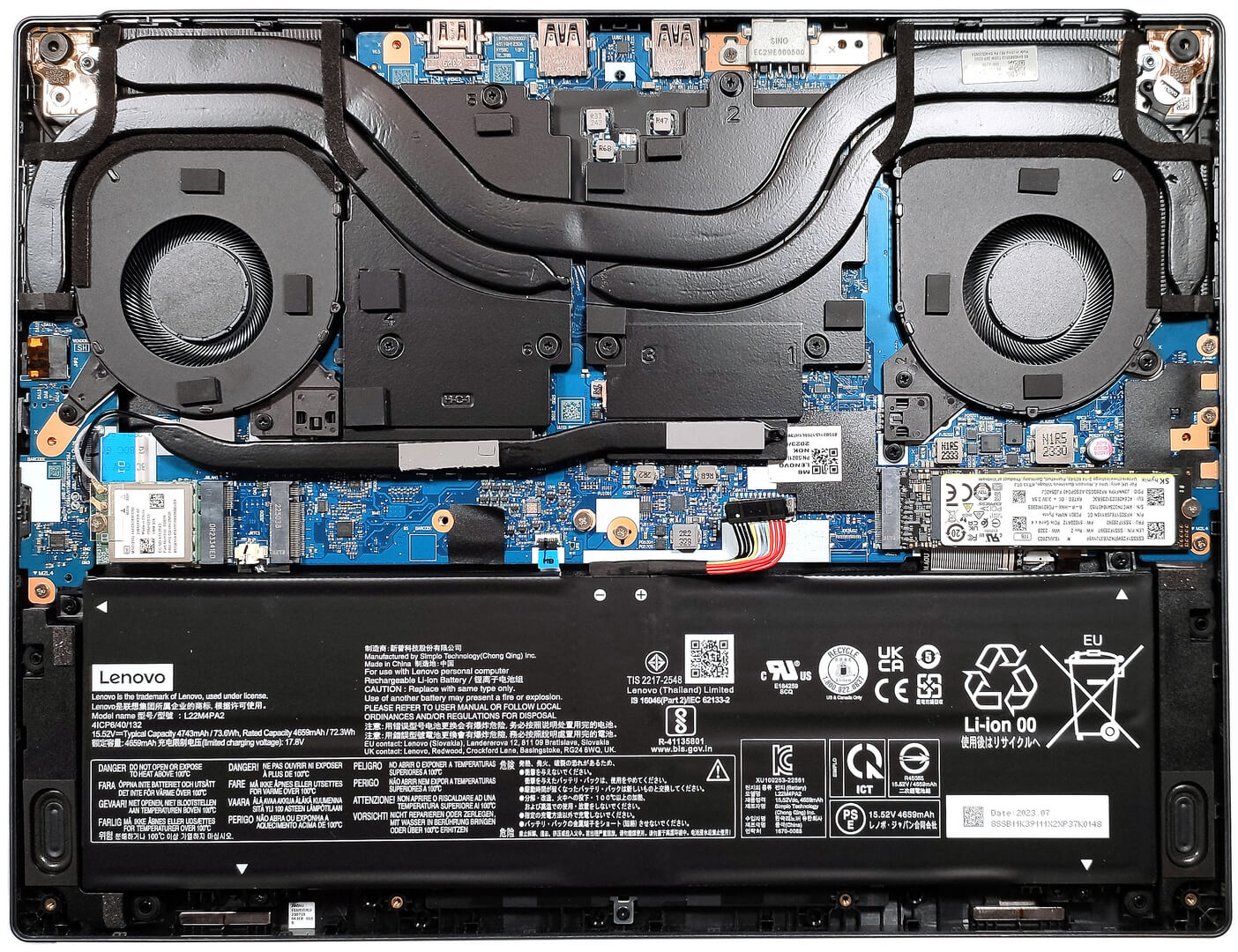
To open this laptop, you have to undo 10 Phillips-head screws. Then, pop the bottom panel from one of the top two corners, and after that pry the plate with a thin plastic tool starting from the back.
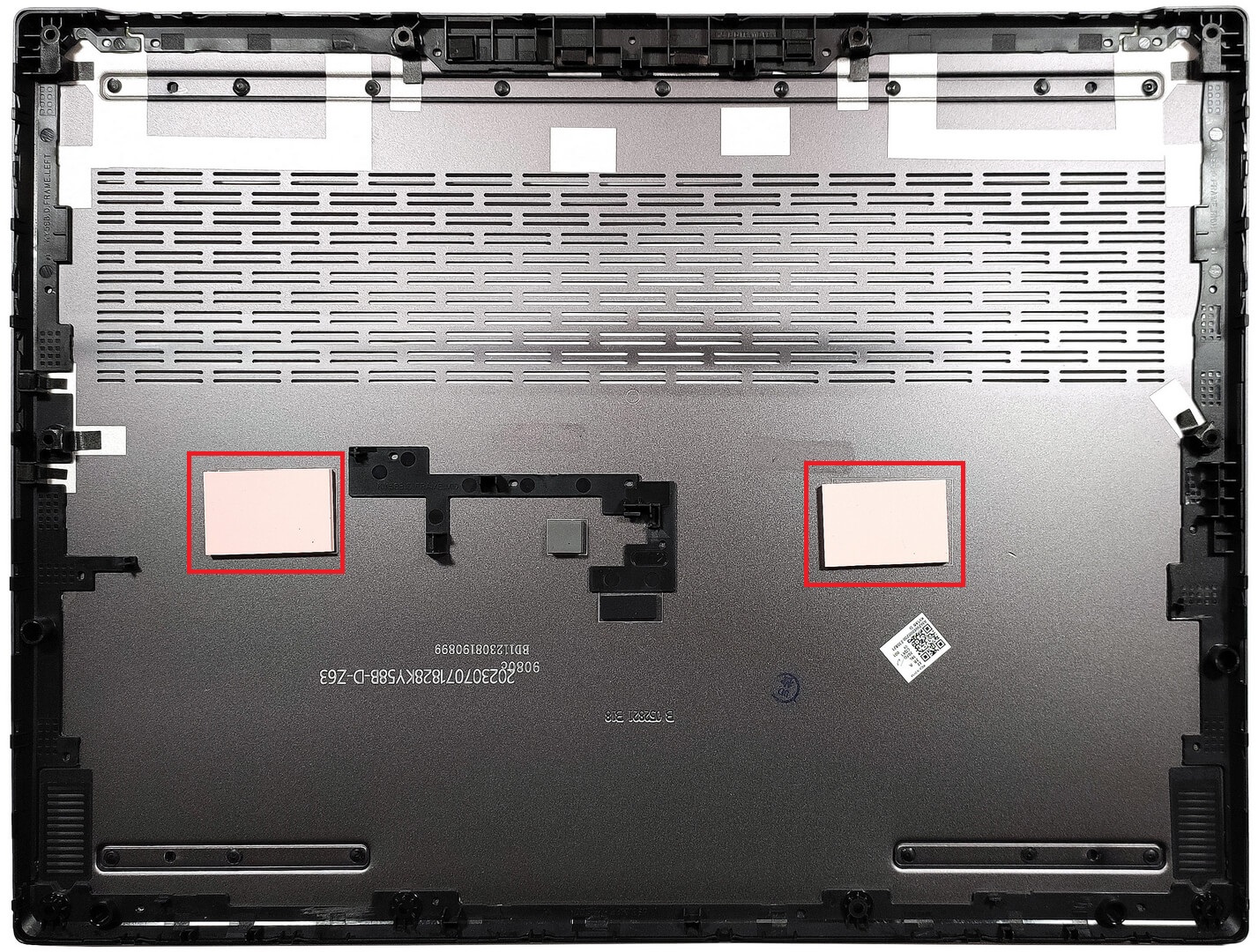
There are two thermal pads on the inside of the metal bottom panel for cooling the SSDs.
This device has a 73.6Wh battery pack. If you want to take it out, detach the connector from the motherboard and undo the 4 Phillips-head screws that are fixing the unit to the chassis. The battery lasts for 9 hours and 5 minutes of either Web browsing or video playback.

The memory is soldered. However, the maximum possible amount of 32GB of LPDDR5x-6400MHZ RAM should be enough for most users. For storage, you get two M.2 slots compatible with Gen 4 SSDs.


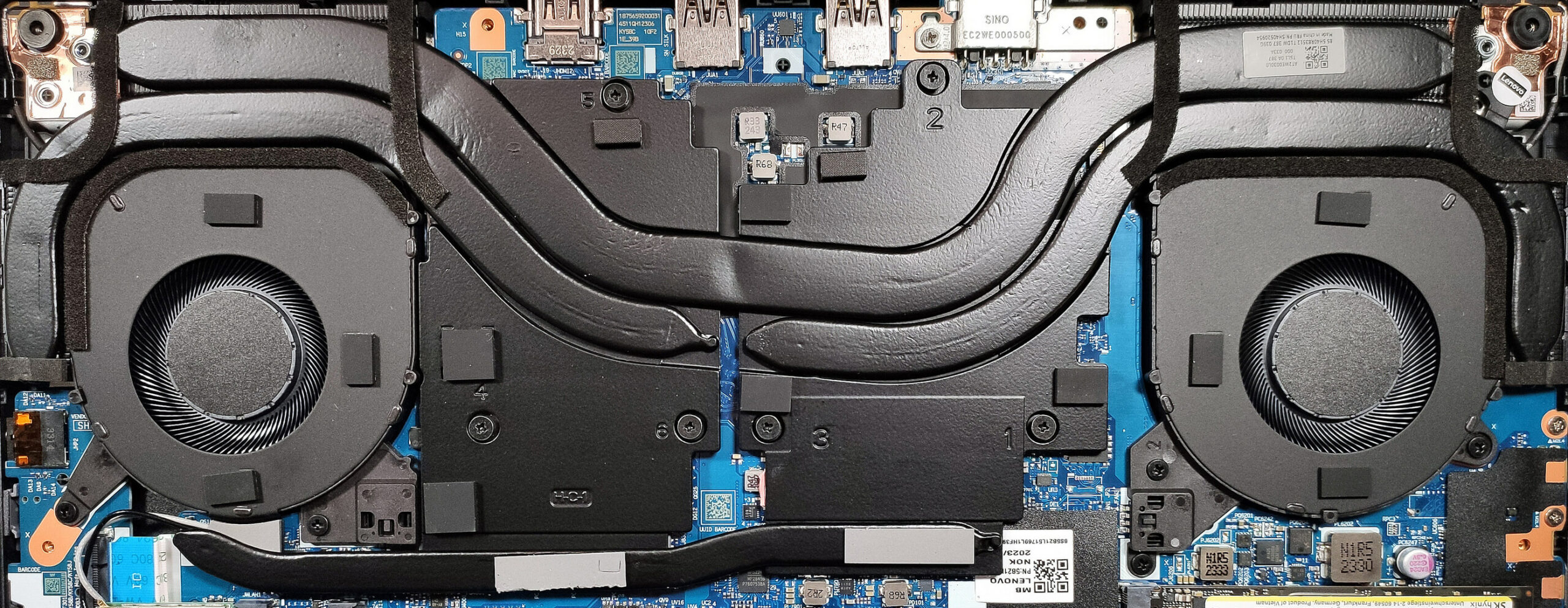
The cooling solution seems massive for such a device. It has a pair of fans, a thick heat pipe shared between the CPU and the GPU, and one more for each chip. The fourth pipe connects the two large metal cooling plates. We can also spot four heat sinks.
 Author: Nikolay Palaozov
 Author: eng. Kroum NikolovHead of Engineering at LaptopMedia.com, inventor and innovator with 40+ years of experience in electronics and high technology.

![[August 2026] Best-Selling Laptop Brands on Amazon Japan – Apple Dominates Market Share and Revenue Led by Strong Unit Sales](https://laptopmedia.com/wp-content/uploads/2026/09/CO.JP-Best-Brands-1-400x225.jpg)
![[August 2026] Best-Selling Laptop Brands on Amazon USA – Apple Dominates Market Revenue and Volume Despite Lower Model Diversity](https://laptopmedia.com/wp-content/uploads/2026/09/COM-Best-Brands-1-400x225.jpg)
![[August 2026] Amazon Germany: Top 8 Best-Selling Gaming Laptops – Acer Dominates the Market as the Premium Nitro V 17 AI Takes the #1 Spot](https://laptopmedia.com/wp-content/uploads/2026/09/Best-Selling-Gaming-Laptops-DE-Top-10-1-400x225.jpg)
![[August 2026] Best-Selling Laptop Brands on Amazon France – Apple Dominates Revenue Despite Lenovo and HP Leading in Catalog Breadth and Volume](https://laptopmedia.com/wp-content/uploads/2026/09/FR-Best-Brands-1-400x225.jpg)
![[August 2026] Amazon Italy: Top 10 Best-Selling Laptops – Apple MacBook Neo Claims the Crown as Budget and Mid-Range Windows Machines Dominate Volume](https://laptopmedia.com/wp-content/uploads/2026/09/Best-Selling-Laptops-IT-Top-10-400x225.jpg)

Do something prevents me to upgrade the sodimm slot with a 32GB stick? The PC does not detects more than 24GB of ram, does not starts or is possible to have it with 40GB of total system memory?
There are no SODIMM slots, only the soldered LPDDR5x-6400 memory, so it’s not upgradable. Or do you have the 16-inch variant which has two SODIMM slots?