ASUS ROG Zephyrus G16 GU605 review – Thin on Size, Big on Power, This OLED Laptop is a Gaming Beast
Design and construction
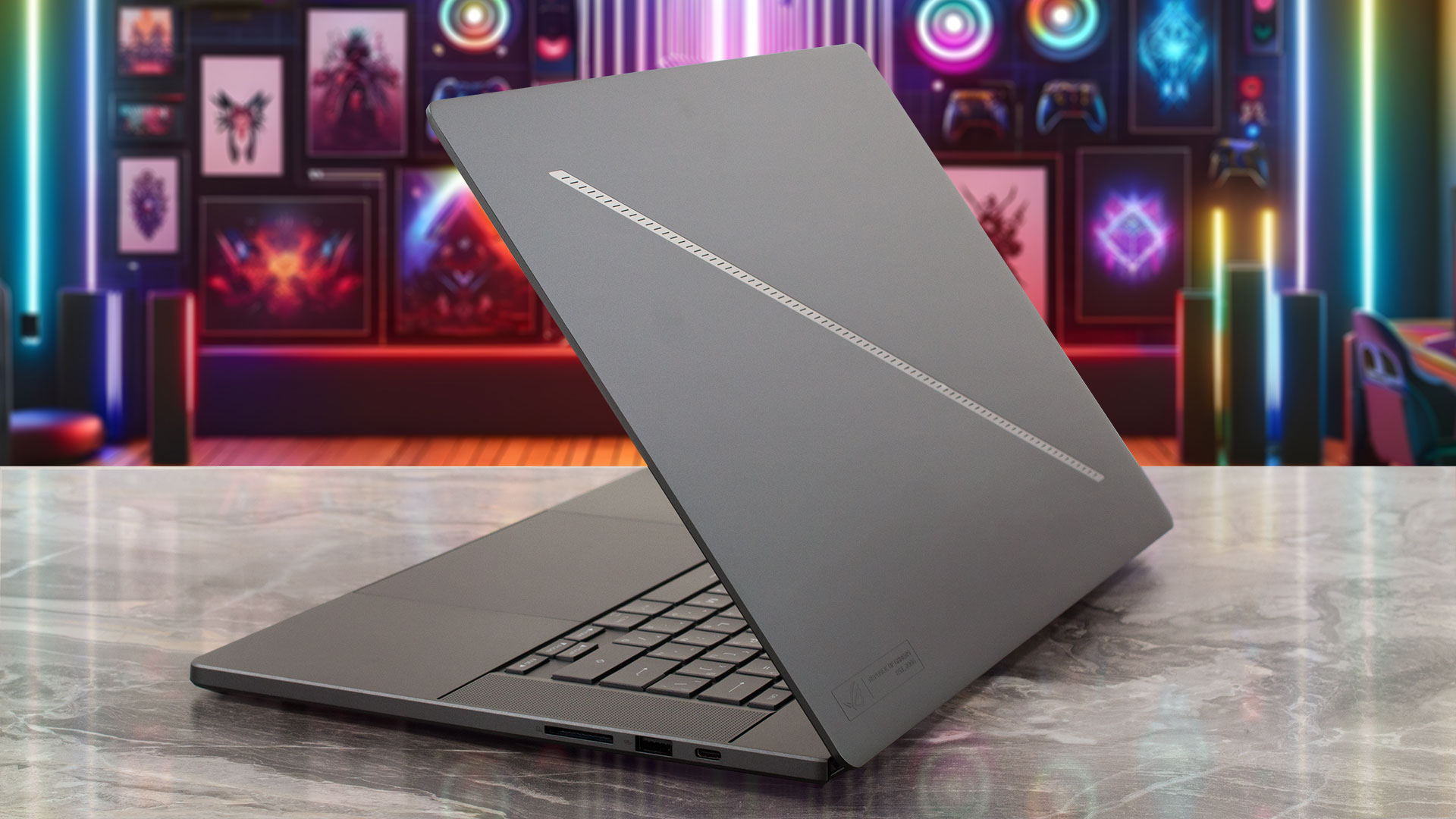
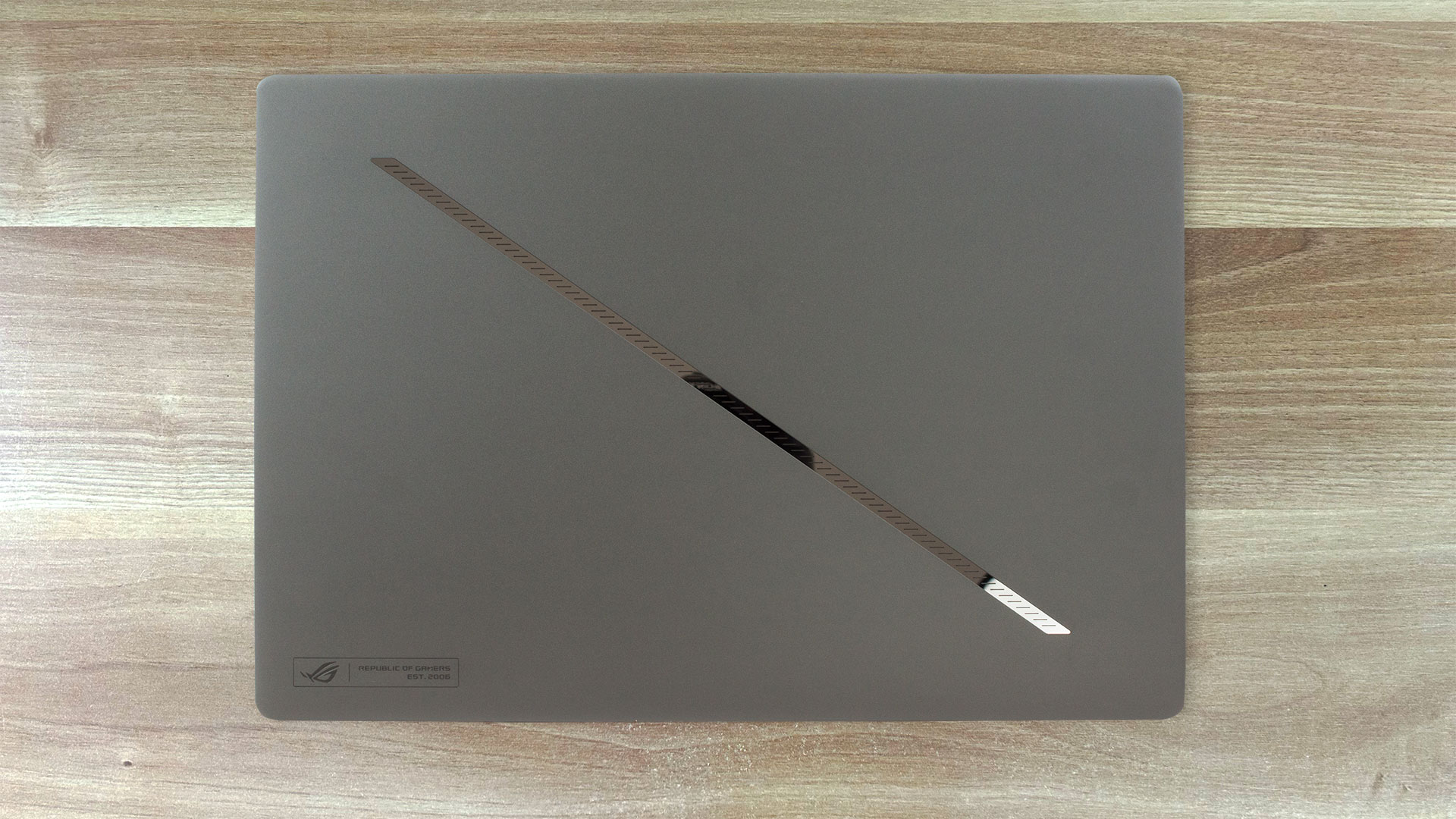
The ASUS ROG Zephyrus G16 GU605 features a clean design and only the illuminated strap on the lid hints that this is not a normal laptop. The all-aluminum build feels smooth and premium and the finish attracts almost zero fingerprints.
It’s impressive how thin and stable the lid is. The base is also sturdy.
The iterations with GeForce RTX 4080 and 4090 weigh 1.95 kg and their profile is 14.9 – 17.4 mm. The machines that aren’t configured with the two most powerful GPUs for the series weigh 1.85 kg. With an IPS display, the profile thickness is 16.2 – 17.2 mm but if you opt for an OLED panel, your device will be thinner – 14.9 – 16.4 mm.
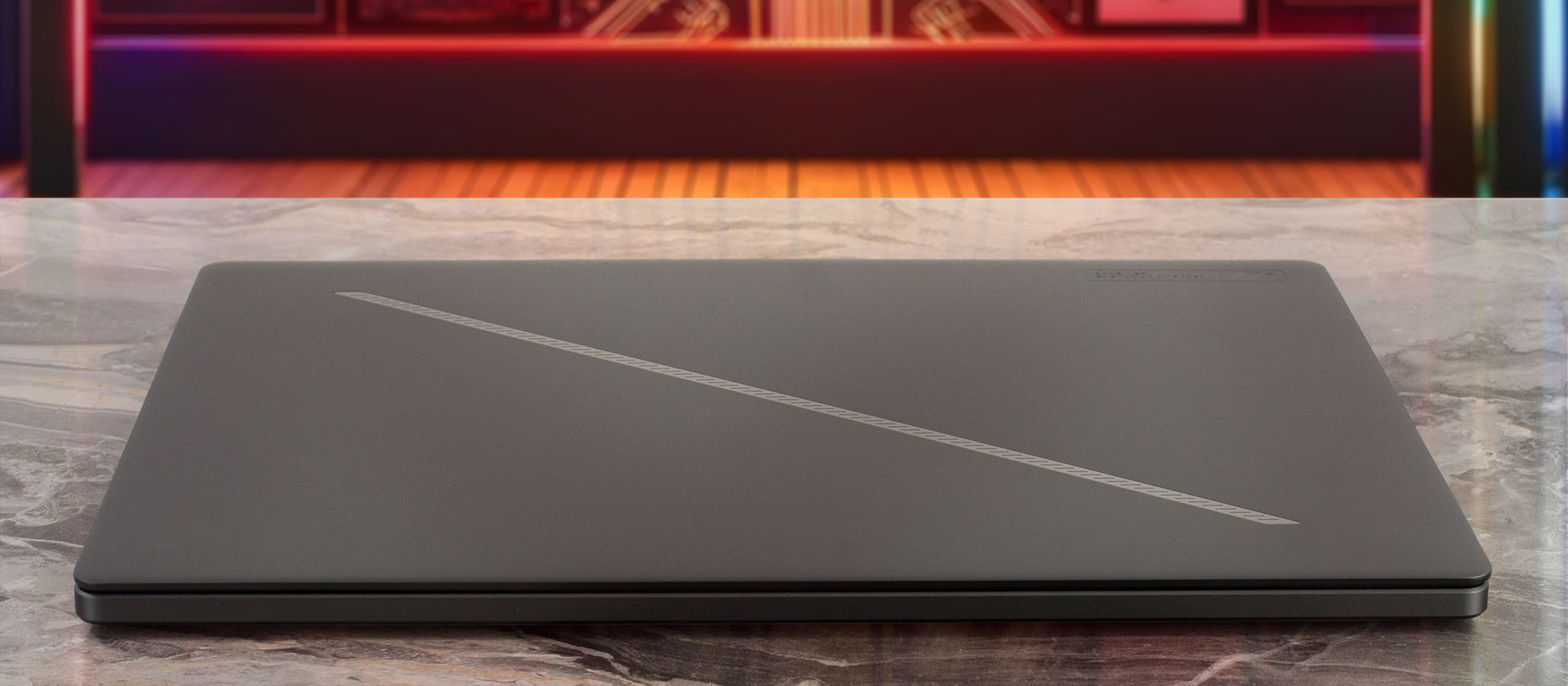
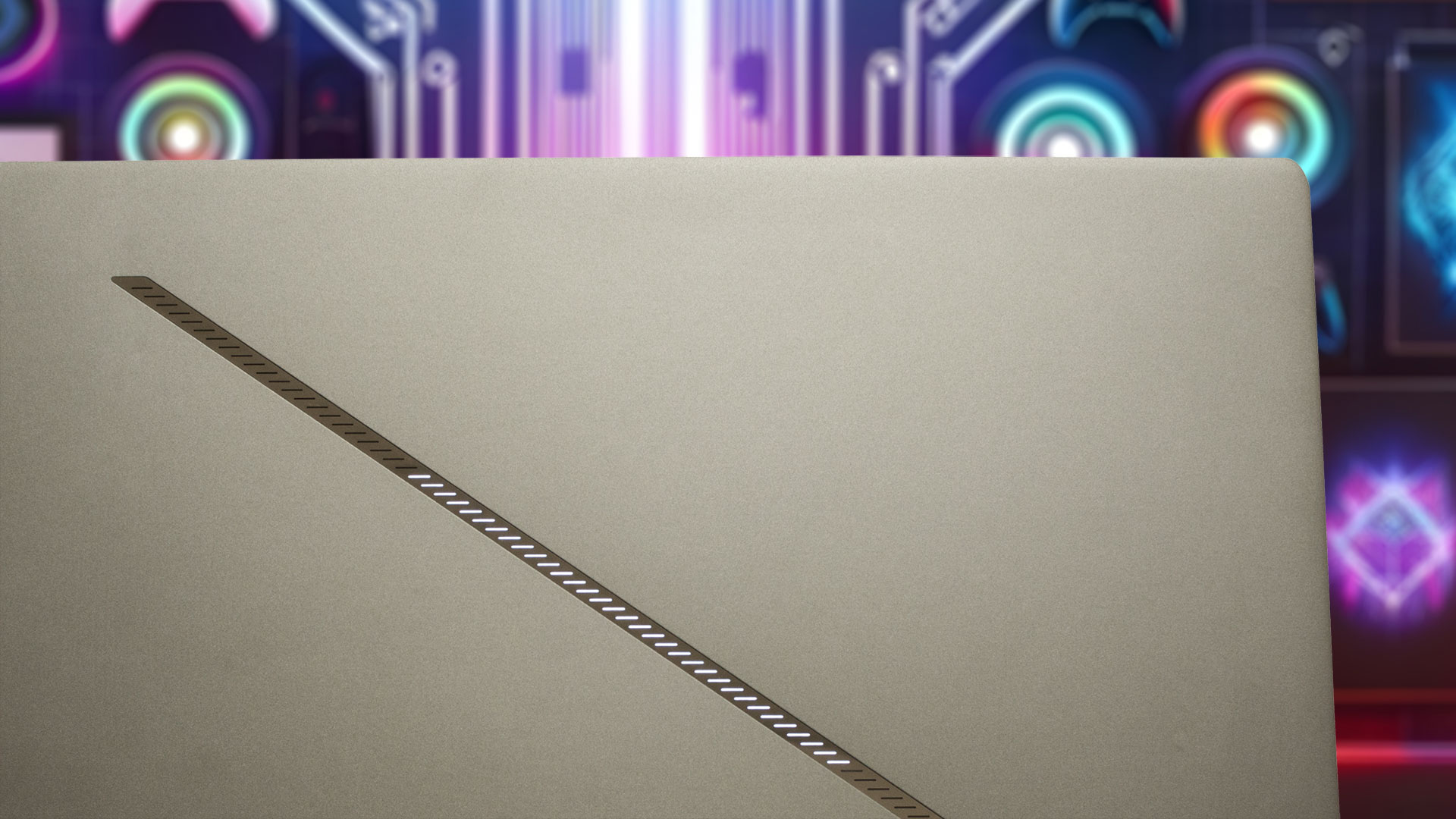
The “Slash Lighting” array features 15 preprogrammed animations and has a notifications mode which sounds cool and can be useful for some users.
The lid can be opened with one hand and that happens smoothly – the hinge stiffness is well-tuned.
The bezels around the panel are very thin. The top one is home to a 1080p IR Web camera for Windows Hello. Unfortunately, the unit lacks a privacy or E-shutter switch.
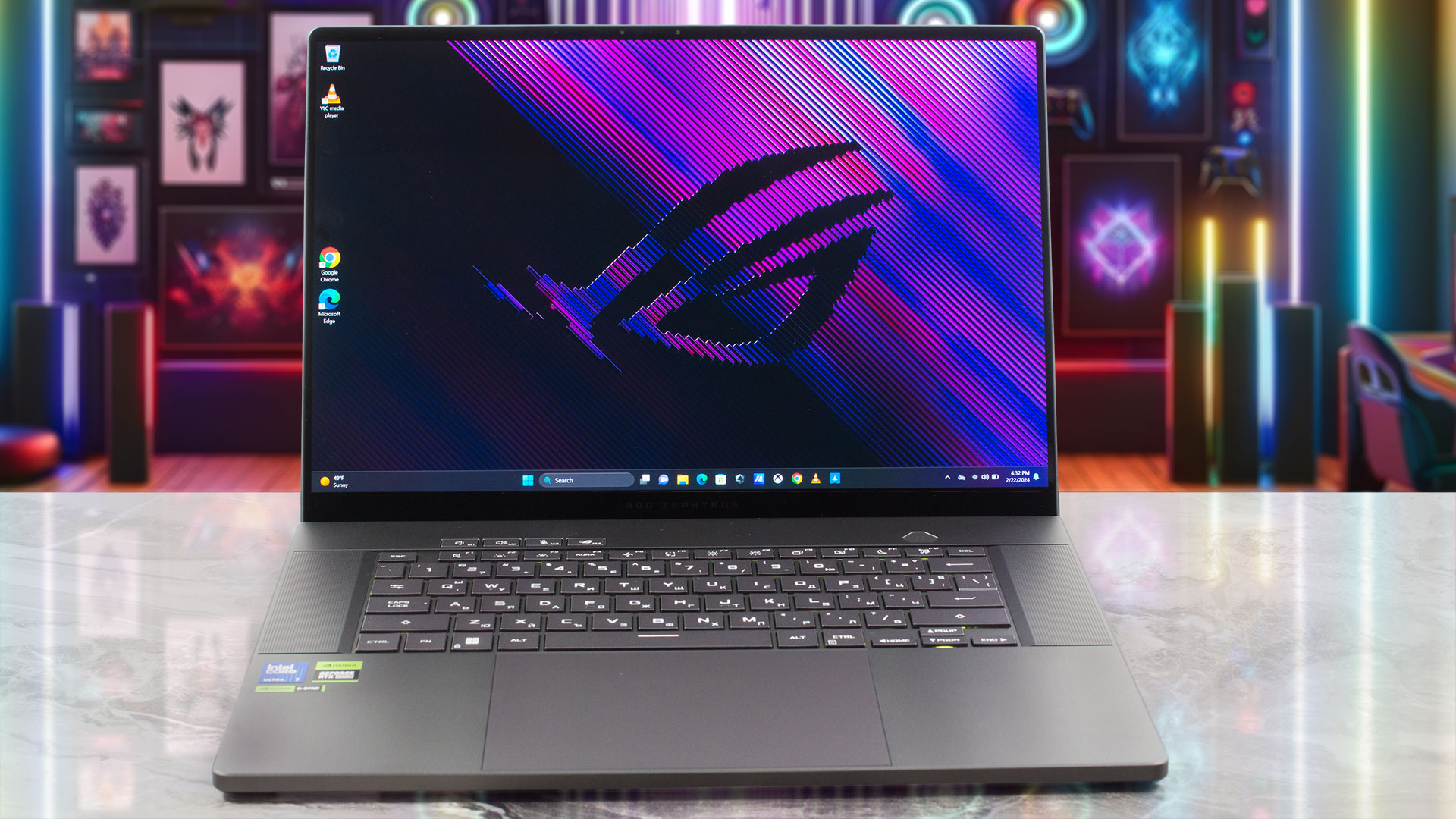
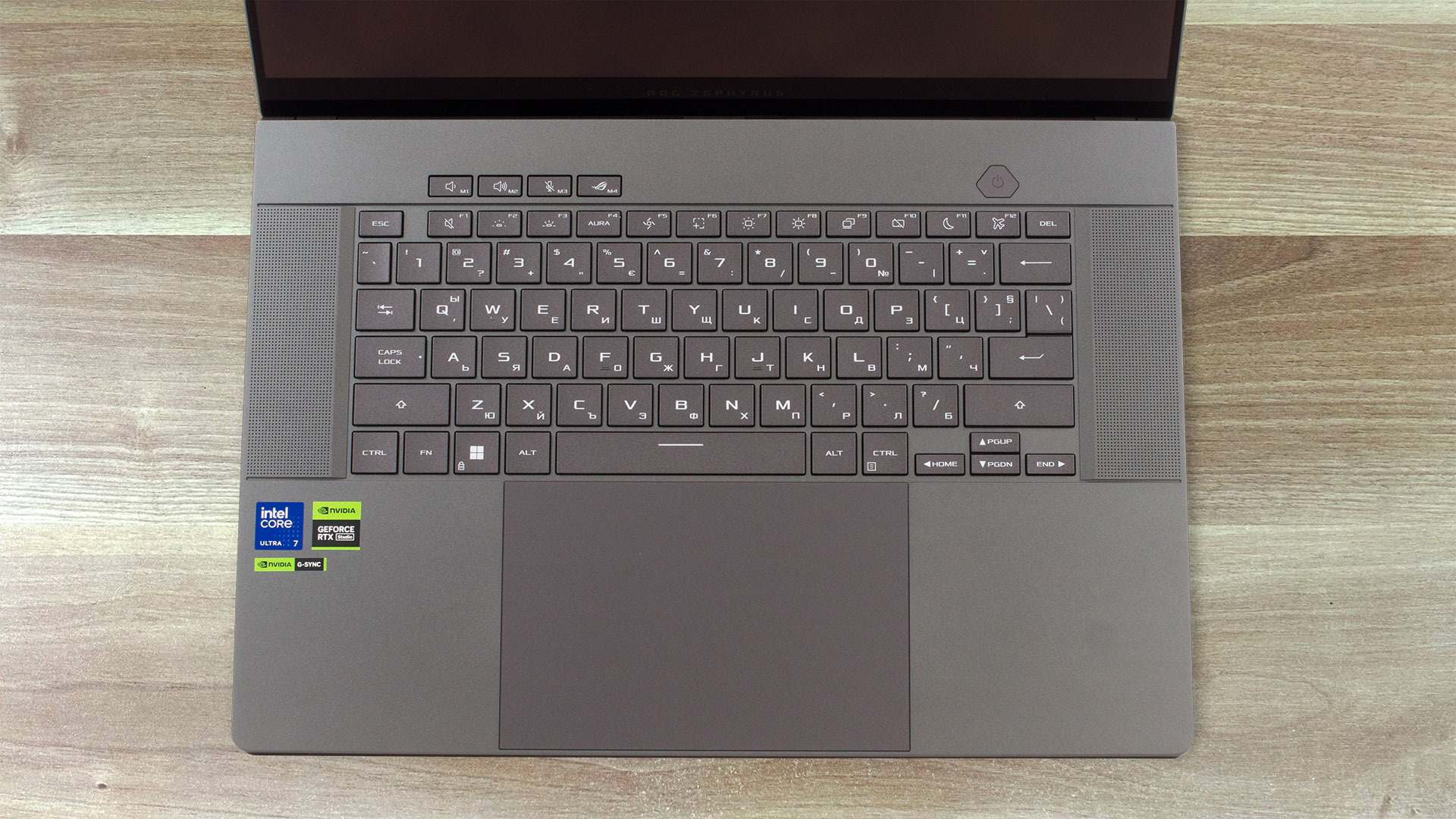
The base design with rectangular shapes looks fresh and distinctive. The glass-covered Power button and the quartet of multimedia keys are separated from the keyboard deck. One of these keycaps “summons” the Armoury Crate app. Two pairs of dual-force woofers surround the keyboard. The latter glows in a single color. The big keycaps have surprisingly long travel for such a thin profile and the feedback is clicky. That’s pretty comfortable for both typing and gaming.
We were blown away by the touchpad size of the 18″ Acer Predator Helios 18 (PH18-72) but the unit here is even bigger and we are talking about a 16-inch laptop. It is smooth and fast, that’s all you need for comfortable work.
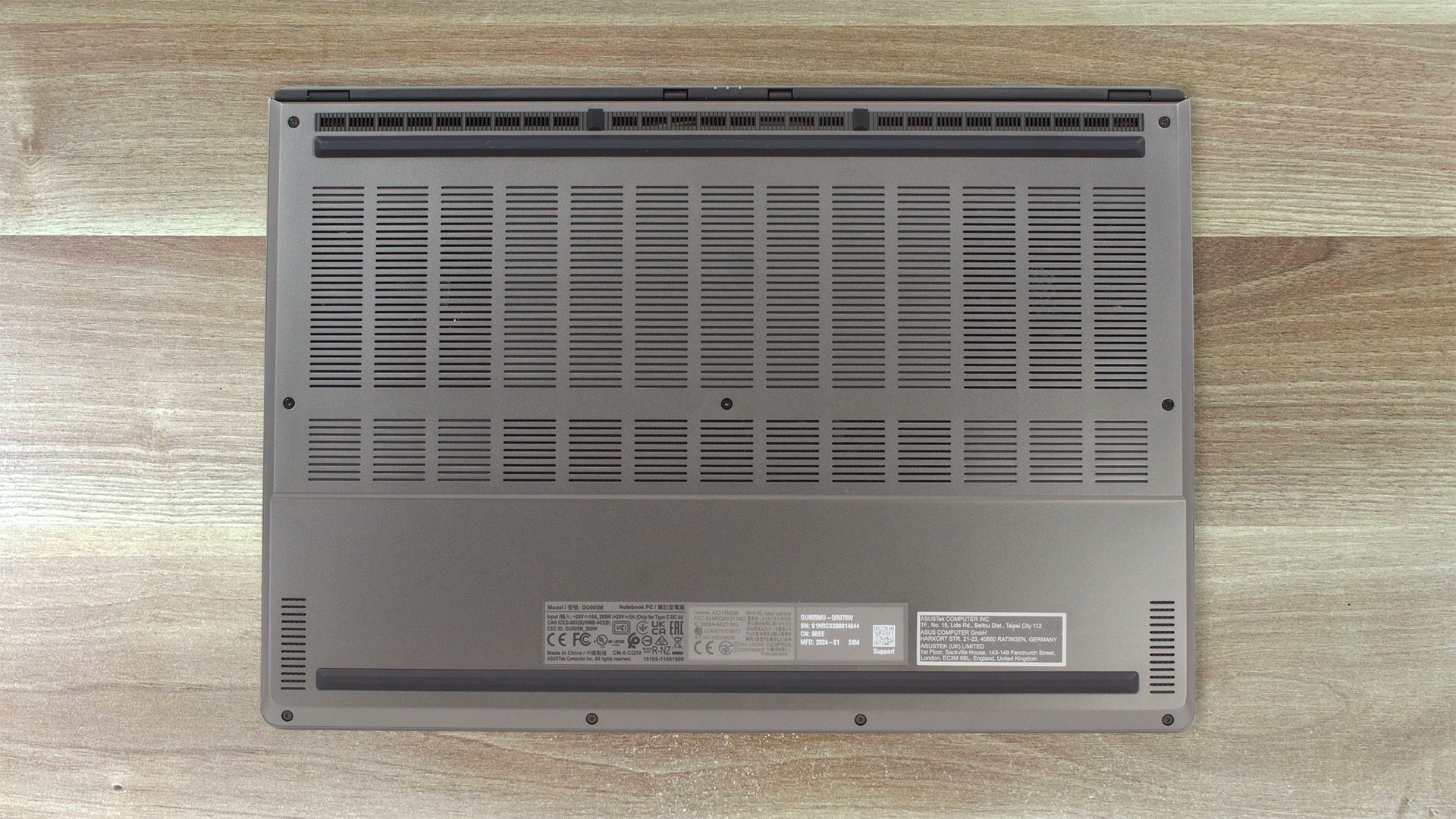
The bottom plate houses two long rubber feet, two cutouts for the tweeters, and an enormous ventilation grill. The hot air is pushed through two vents on the back and via the other three that aim at the ground.

Ports
On the left, there is a power plug, an HDMI 2.1 FRL, a Thunderbolt 4 port with DisplayPort 2.1 and Power Delivery 3.0, a USB Type-A 3.2 (Gen. 2) port, and an Audio combo jack. On the right side, you get a USB Type-C 3.2 (Gen. 2) that supports DisplayPort 1.4 and Power Delivery 3.0, a USB Type-A 3.2 (Gen. 2) port, and an SD card slot.


 Author: Nikolay Palaozov
 Author: eng. Kroum NikolovHead of Engineering at LaptopMedia.com, inventor and innovator with 40+ years of experience in electronics and high technology.

![[August 2026] Best-Selling Laptop Brands on Amazon Japan – Apple Dominates Market Share and Revenue Led by Strong Unit Sales](https://laptopmedia.com/wp-content/uploads/2026/09/CO.JP-Best-Brands-1-400x225.jpg)
![[August 2026] Best-Selling Laptop Brands on Amazon USA – Apple Dominates Market Revenue and Volume Despite Lower Model Diversity](https://laptopmedia.com/wp-content/uploads/2026/09/COM-Best-Brands-1-400x225.jpg)
![[August 2026] Amazon Germany: Top 8 Best-Selling Gaming Laptops – Acer Dominates the Market as the Premium Nitro V 17 AI Takes the #1 Spot](https://laptopmedia.com/wp-content/uploads/2026/09/Best-Selling-Gaming-Laptops-DE-Top-10-1-400x225.jpg)
![[August 2026] Best-Selling Laptop Brands on Amazon France – Apple Dominates Revenue Despite Lenovo and HP Leading in Catalog Breadth and Volume](https://laptopmedia.com/wp-content/uploads/2026/09/FR-Best-Brands-1-400x225.jpg)
![[August 2026] Amazon Italy: Top 10 Best-Selling Laptops – Apple MacBook Neo Claims the Crown as Budget and Mid-Range Windows Machines Dominate Volume](https://laptopmedia.com/wp-content/uploads/2026/09/Best-Selling-Laptops-IT-Top-10-400x225.jpg)

OH WOW THE BATTERY IS NOT BAD AT ALL
Definitely impressive to fit a 90Wh battery in such a thin chassis!
Where is the Prime95 test with temperatures/clocks/power?
I’m considering to purchase this ASUS Zephyrus ROG G16 2025, but I’ve never used an OLED laptop before and worrying that I’ll feel uncomfortable using the screen for long periods of time (at least 8h daily). My main doubt is PWM, but I’ve also read that OLED might be bad for working with text. I’m planning to use the laptop for work/home/gaming. Any suggestions for people like me who think about their first OLED? Due to my location and purchase method I’ll not be able to return the item after real life test. Thanks in advance.