ASUS ROG Zephyrus G16 GU605 review – Thin on Size, Big on Power, This OLED Laptop is a Gaming Beast
Disassembly, Upgrade options, and Maintenance
To get inside this laptop, you need to undo 11 Torx-head screws. The pair in the middle of the top is hidden below small rubber caps. Then, lift the bottom panel with a lever tool or a spudger in one of the top two corners to create a gap. After that, pry the back and work your way around the sides and the front.
The cooling system in the RTX 4090 and RTX 4080 configurations feature a vapor chamber for maximum effectiveness. The RTX 4050, 4060, and 4070 variants don’t have one but are equipped with a three-fan design for faster heat dissipation.
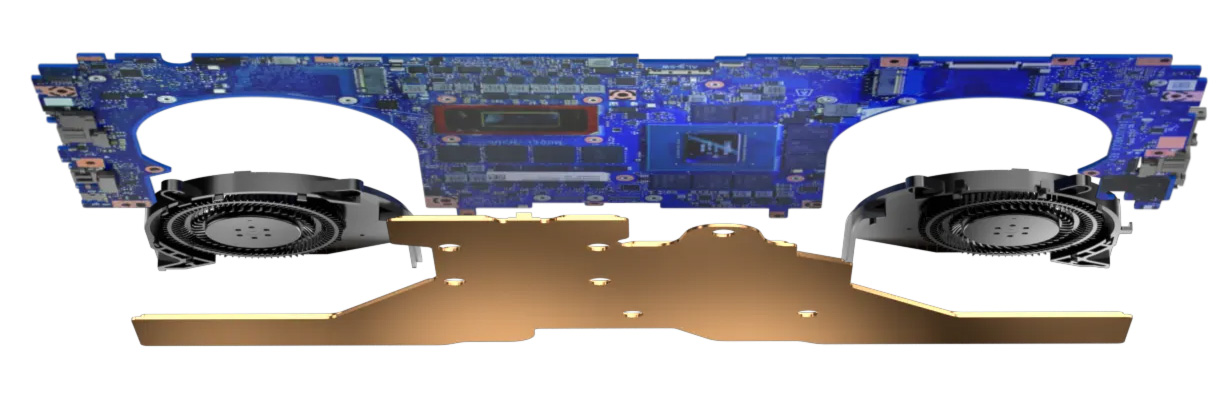
ASUS ROG G16 GU605 with RTX 4090/4080
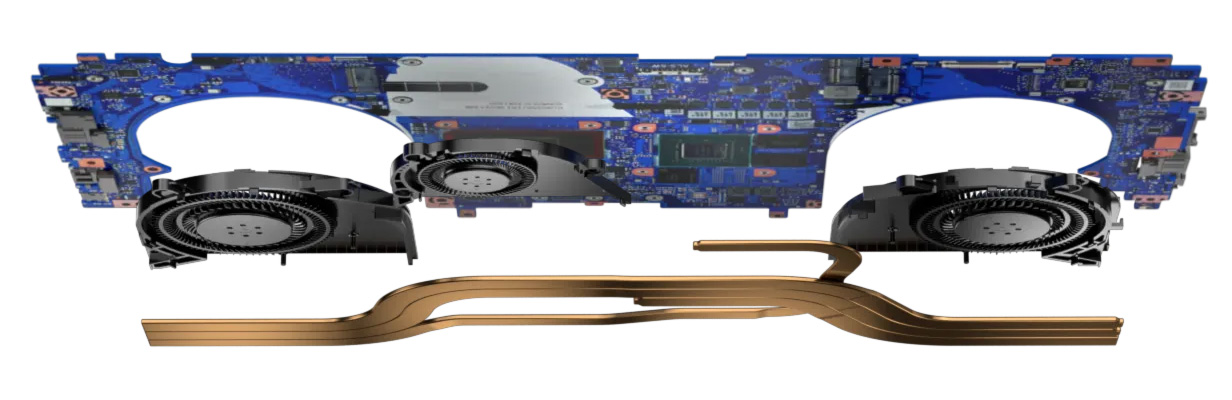
ASUS ROG G16 GU605 with RTX 4050/4060/4070
Here, two heat pipes are shared between the CPU and the GPU, the third one cools down the processor, the graphics card memory, and voltage regulators. The fourth pipe is solely dedicated to the GPU. We can also spot two heat sinks and a bunch of heat spreaders. ASUS has preapplied liquid metal on the CPU chip.
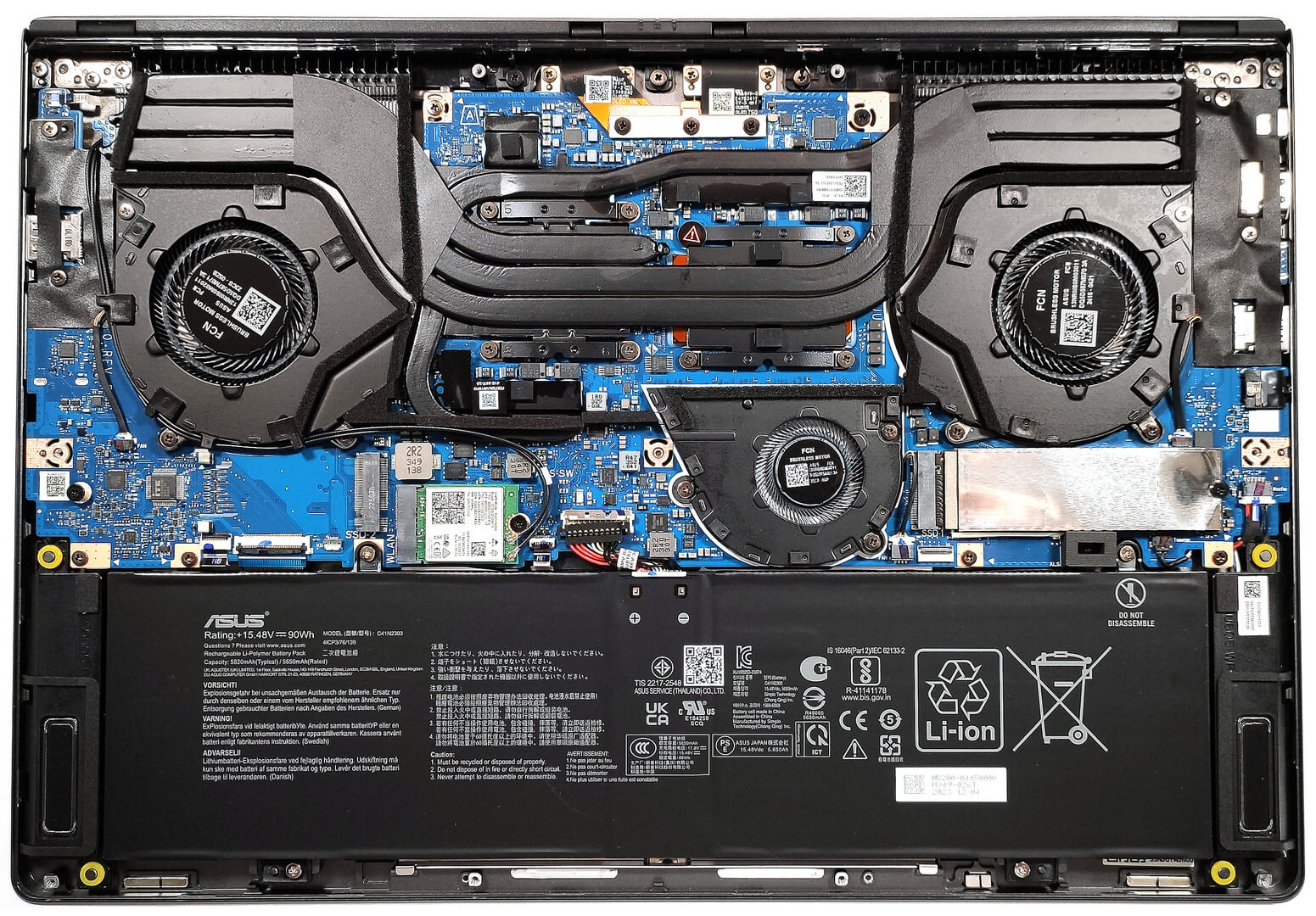
On the inside, the bottom plate has dust filters in front of the vents.
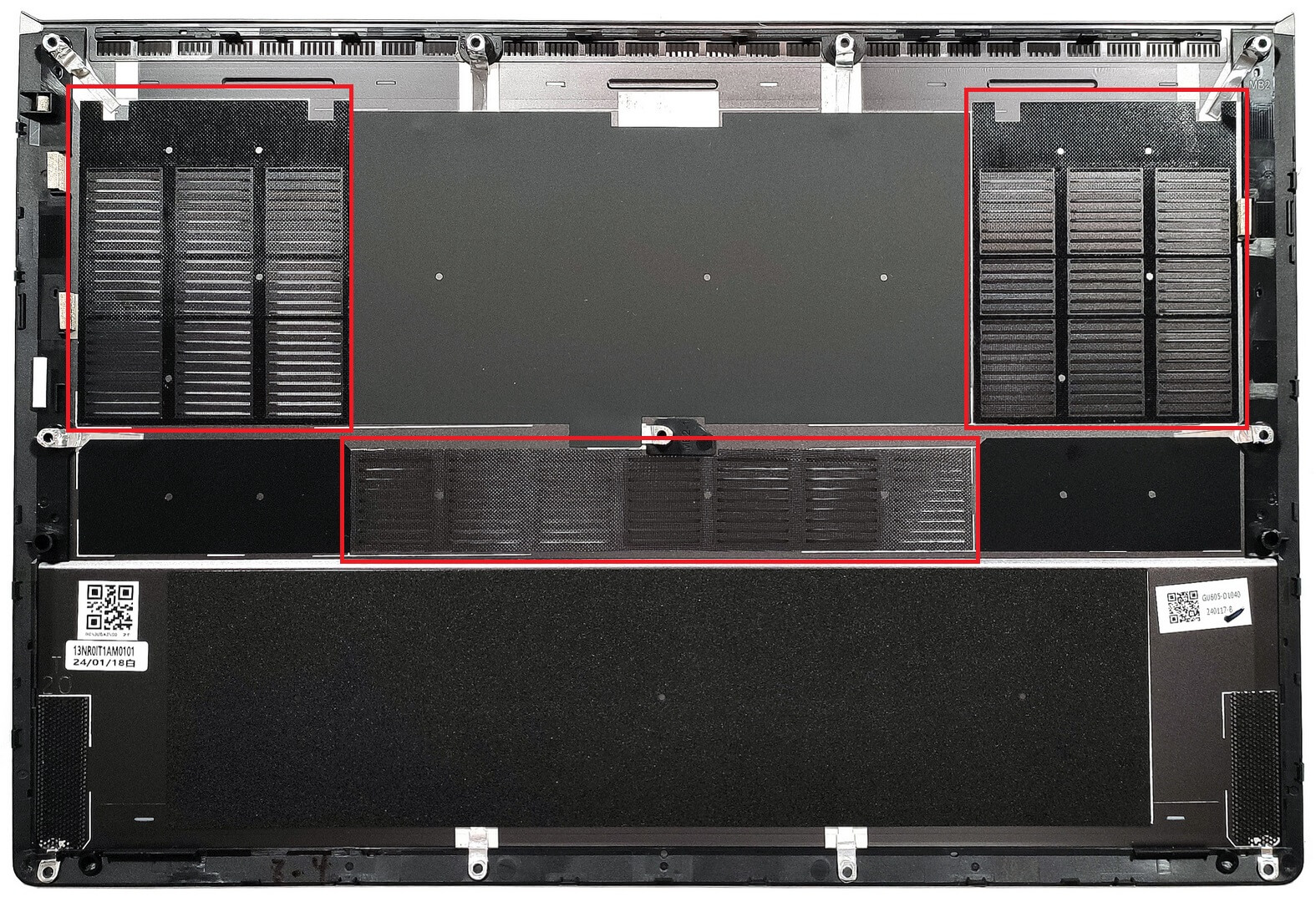
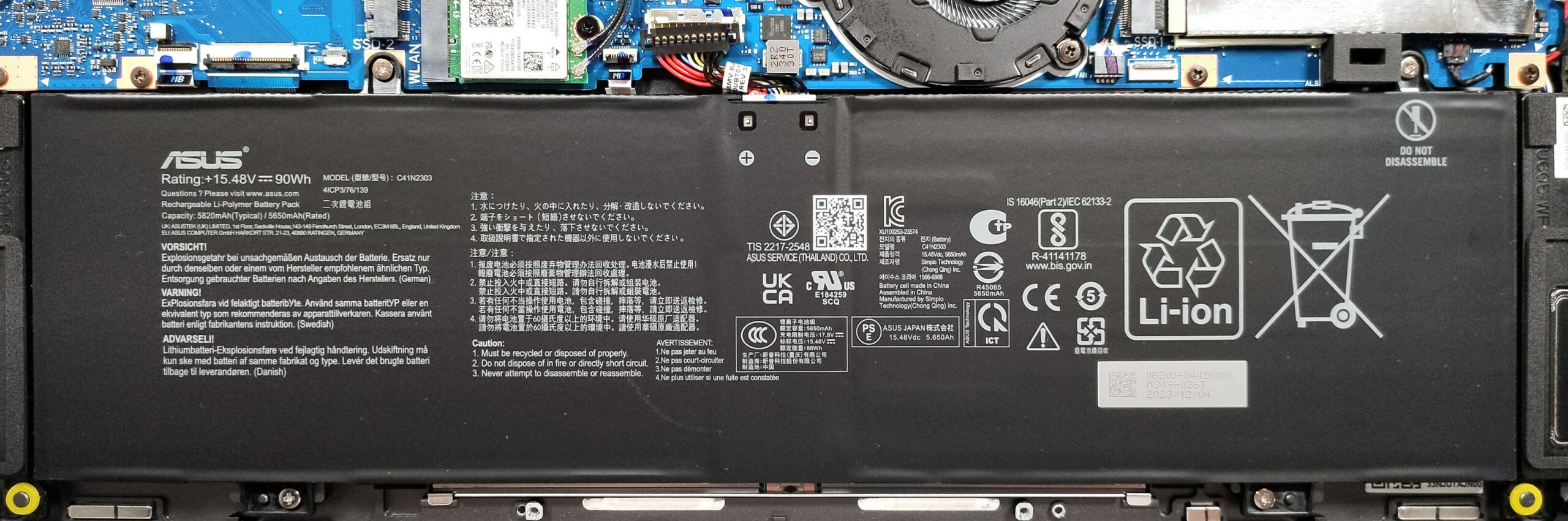
This device has a 90Wh battery. To remove it, unplug the connector from the mainboard, and undo the four Phillips-head screws, which fix the battery to the chassis.
The battery pack lasts for 20 hours of Web browsing, or 7 hours and 42 minutes of video playback on a single charge. The result is very good! To achieve that, you have to apply the “Balanced” preset in the Windows “Power & Battery” menu and select the “Performance” mode in the Armoury Crate app. There, apply the “Eco” mode to use the iGPU. You also have to turn off the “AI Noise Canceling for the speaker and microphone and the “Slash Lighting” to save power. In addition, the DC fan operation mode is set to “Windows” preset.
The memory is soldered. You get up to 16GB of LPDDR5x RAM for the device with a GeForce RTX 4050. The laptops with more powerful GPUs can be ordered with up to 32GB of RAM. Here, the memory chips are rated at 7467MHz but they operate at 5600MHz.
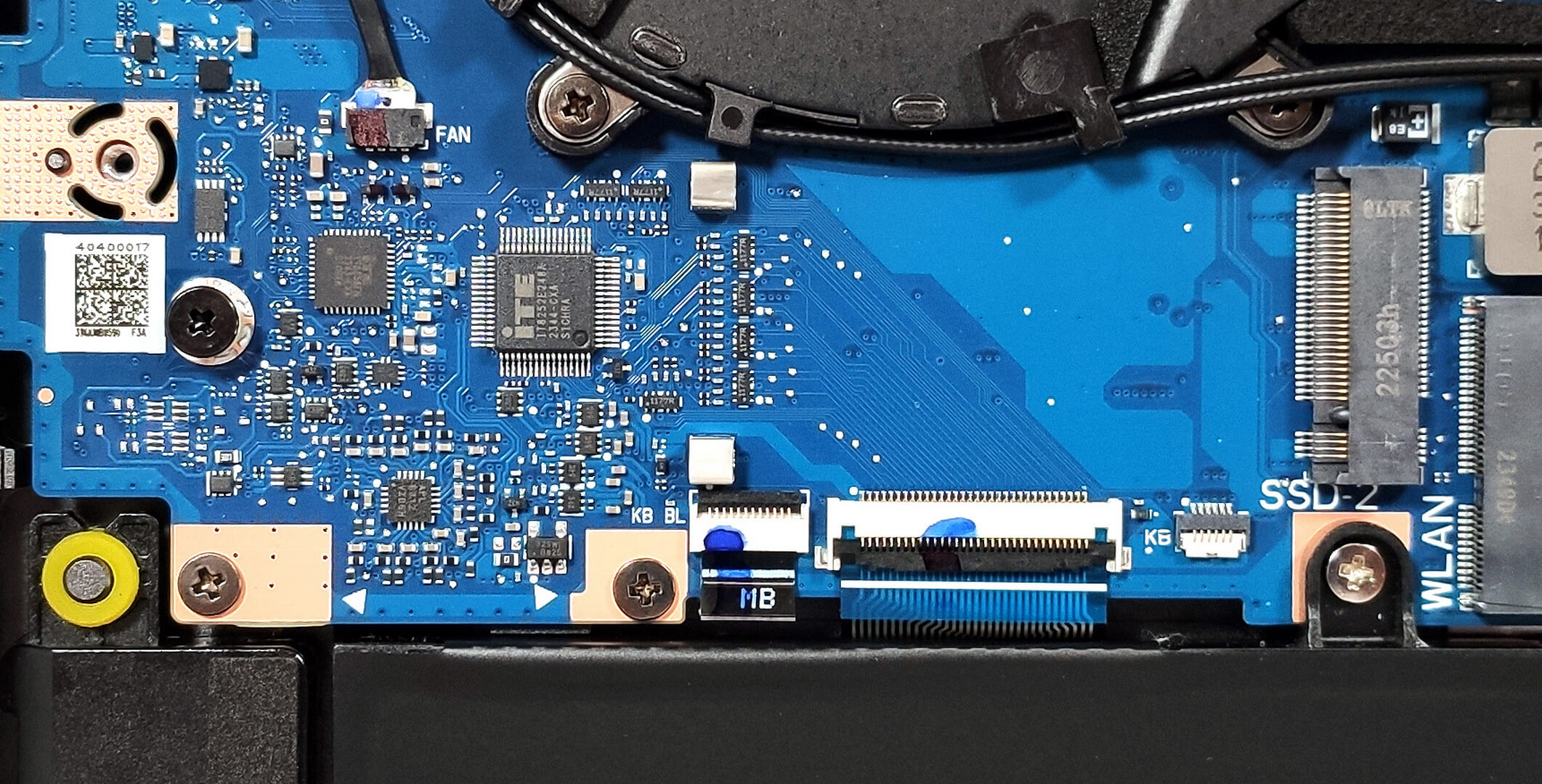
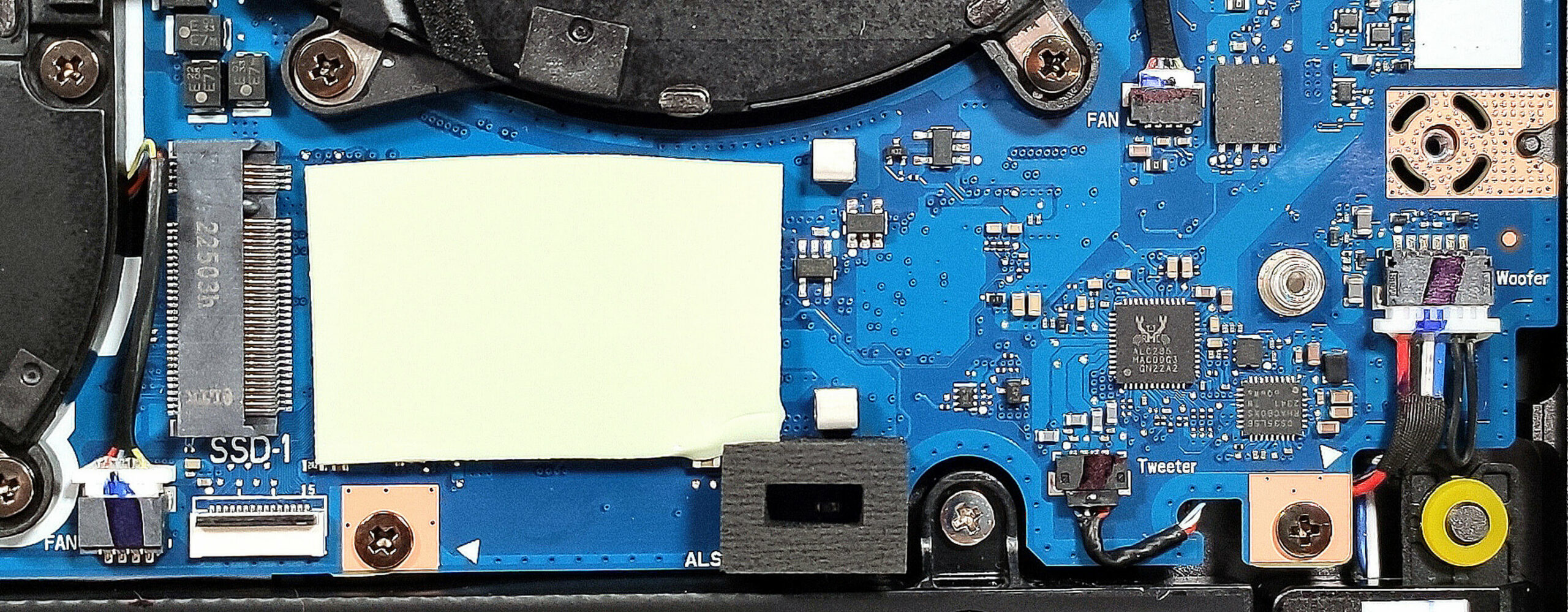
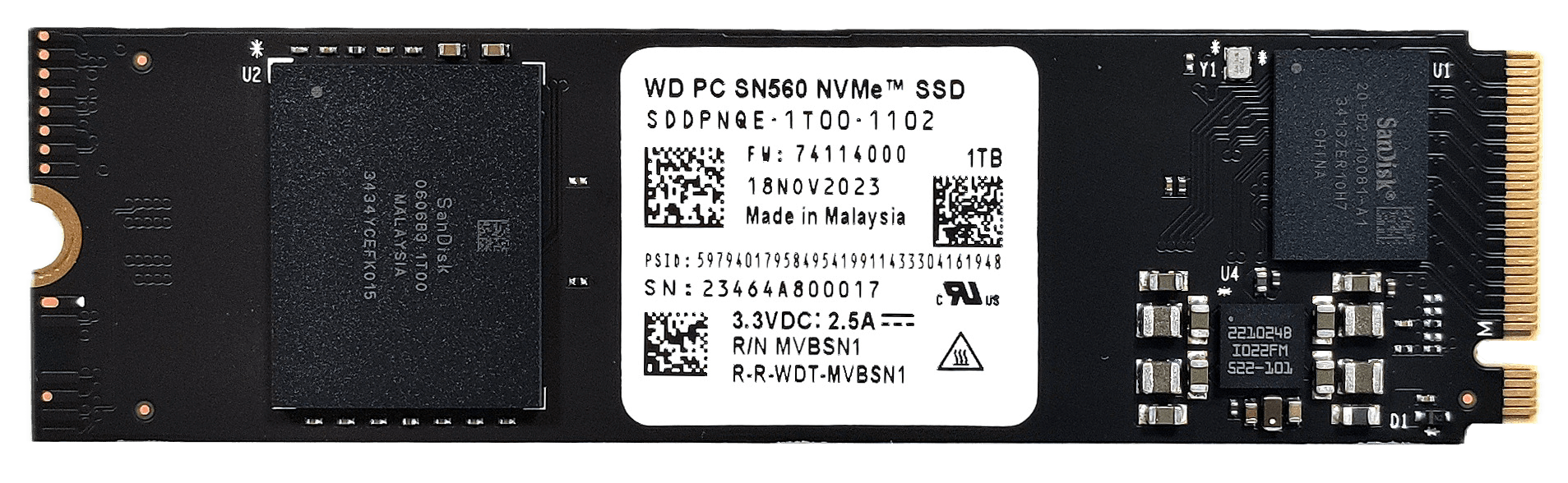
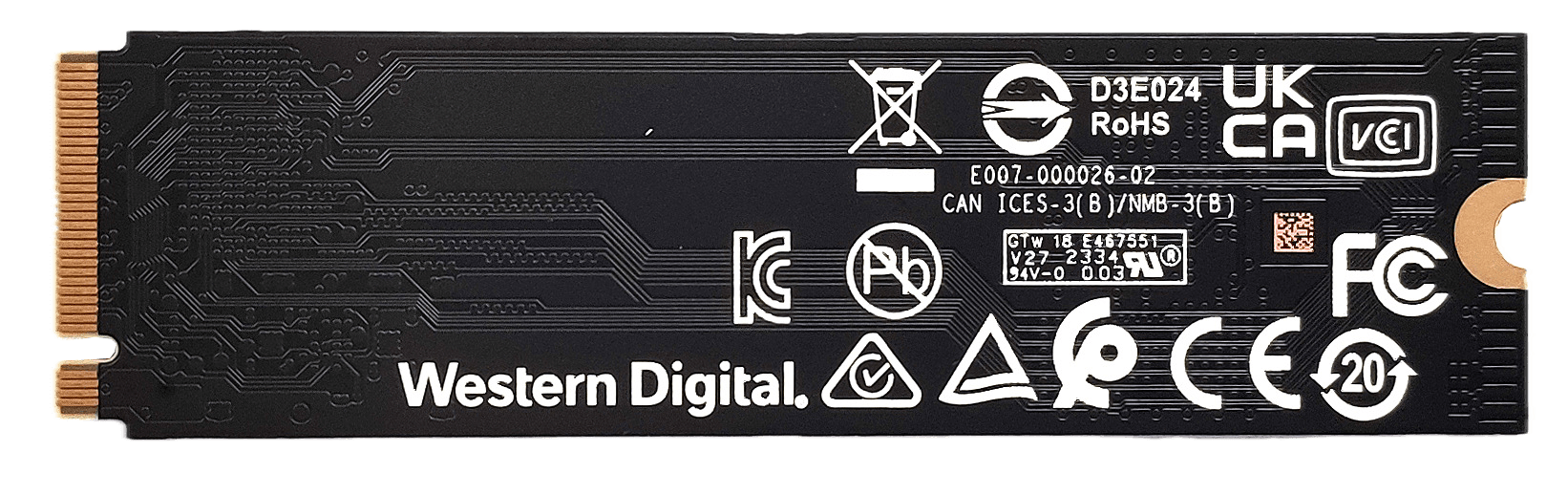
For storage, you can rely on two M.2 slots for 2280 Gen 4 SSDs. There is a cooling pad beneath the NVMe.
 Author: Nikolay Palaozov
 Author: eng. Kroum NikolovHead of Engineering at LaptopMedia.com, inventor and innovator with 40+ years of experience in electronics and high technology.

![[August 2026] Best-Selling Laptop Brands on Amazon Japan – Apple Dominates Market Share and Revenue Led by Strong Unit Sales](https://laptopmedia.com/wp-content/uploads/2026/09/CO.JP-Best-Brands-1-400x225.jpg)
![[August 2026] Best-Selling Laptop Brands on Amazon USA – Apple Dominates Market Revenue and Volume Despite Lower Model Diversity](https://laptopmedia.com/wp-content/uploads/2026/09/COM-Best-Brands-1-400x225.jpg)
![[August 2026] Amazon Germany: Top 8 Best-Selling Gaming Laptops – Acer Dominates the Market as the Premium Nitro V 17 AI Takes the #1 Spot](https://laptopmedia.com/wp-content/uploads/2026/09/Best-Selling-Gaming-Laptops-DE-Top-10-1-400x225.jpg)
![[August 2026] Best-Selling Laptop Brands on Amazon France – Apple Dominates Revenue Despite Lenovo and HP Leading in Catalog Breadth and Volume](https://laptopmedia.com/wp-content/uploads/2026/09/FR-Best-Brands-1-400x225.jpg)
![[August 2026] Amazon Italy: Top 10 Best-Selling Laptops – Apple MacBook Neo Claims the Crown as Budget and Mid-Range Windows Machines Dominate Volume](https://laptopmedia.com/wp-content/uploads/2026/09/Best-Selling-Laptops-IT-Top-10-400x225.jpg)

OH WOW THE BATTERY IS NOT BAD AT ALL
Definitely impressive to fit a 90Wh battery in such a thin chassis!
Where is the Prime95 test with temperatures/clocks/power?
I’m considering to purchase this ASUS Zephyrus ROG G16 2025, but I’ve never used an OLED laptop before and worrying that I’ll feel uncomfortable using the screen for long periods of time (at least 8h daily). My main doubt is PWM, but I’ve also read that OLED might be bad for working with text. I’m planning to use the laptop for work/home/gaming. Any suggestions for people like me who think about their first OLED? Due to my location and purchase method I’ll not be able to return the item after real life test. Thanks in advance.