MSI Bravo 15 C7U review – well-performing device with good cooling and refreshed Zen 3+ CPUs
MSI Center
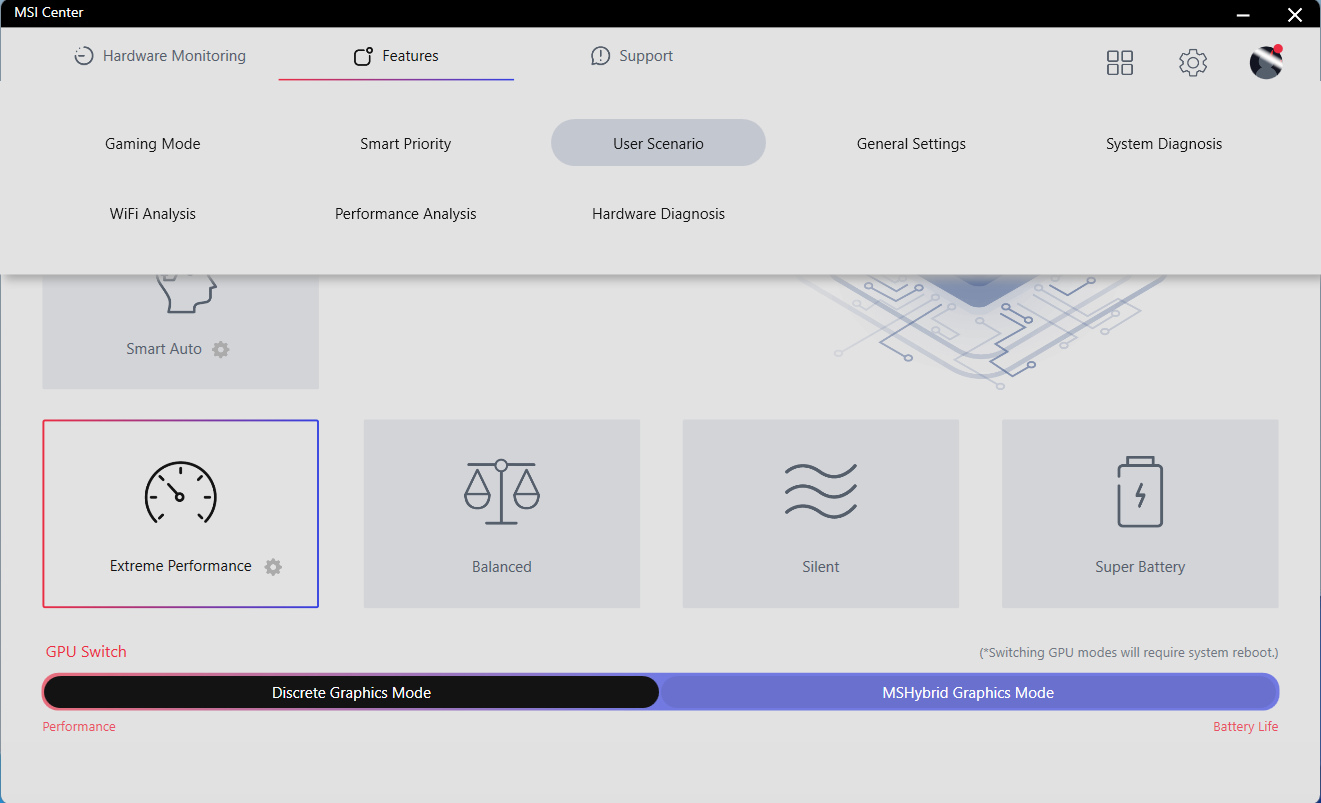
The MSI Center is a powerful application that is given you a decent amount of control over your laptop. You can set custom fan speed and maybe you can apply Cooler Boost for the best possible temperatures under load. You can also overclock the core and the memory of the GPU, you can run hardware and system diagnosis, or you can take advantage of the GPU (MUX) switch.
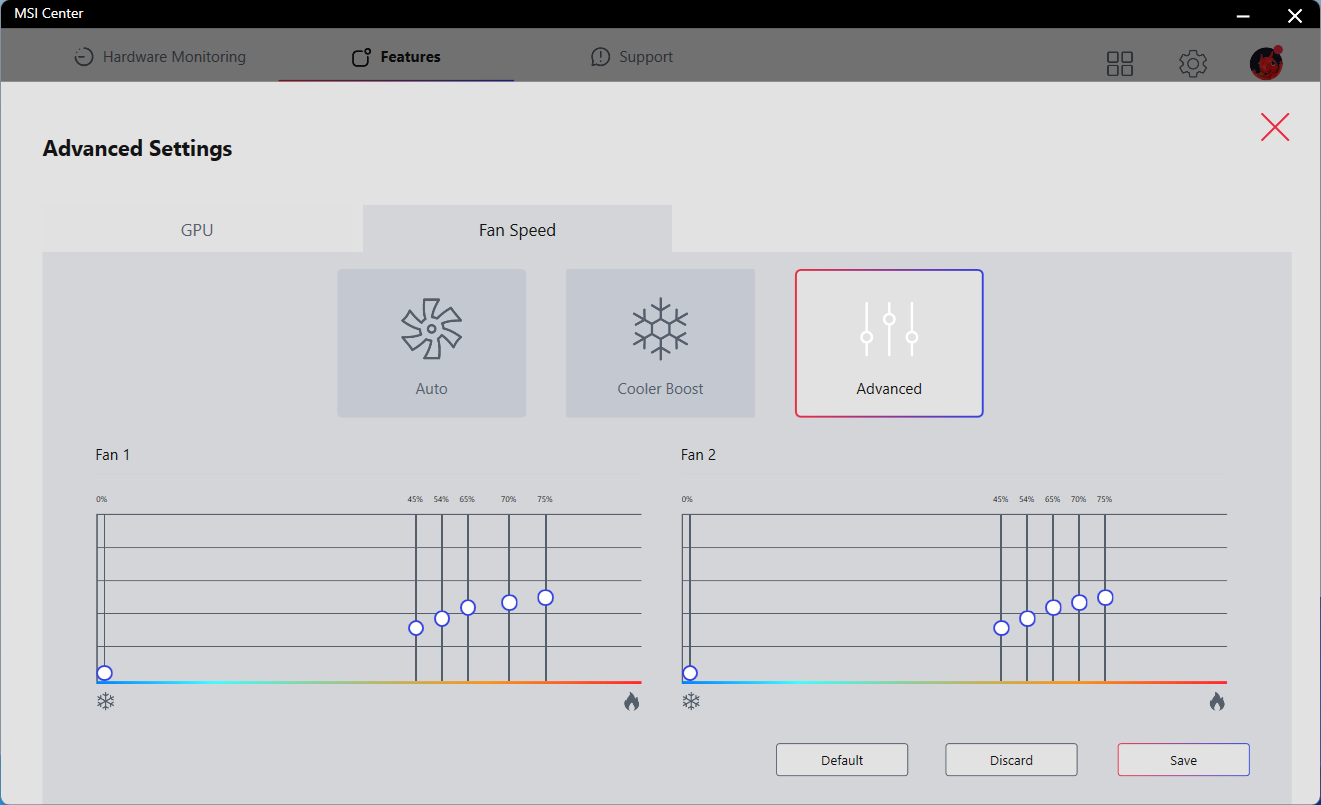
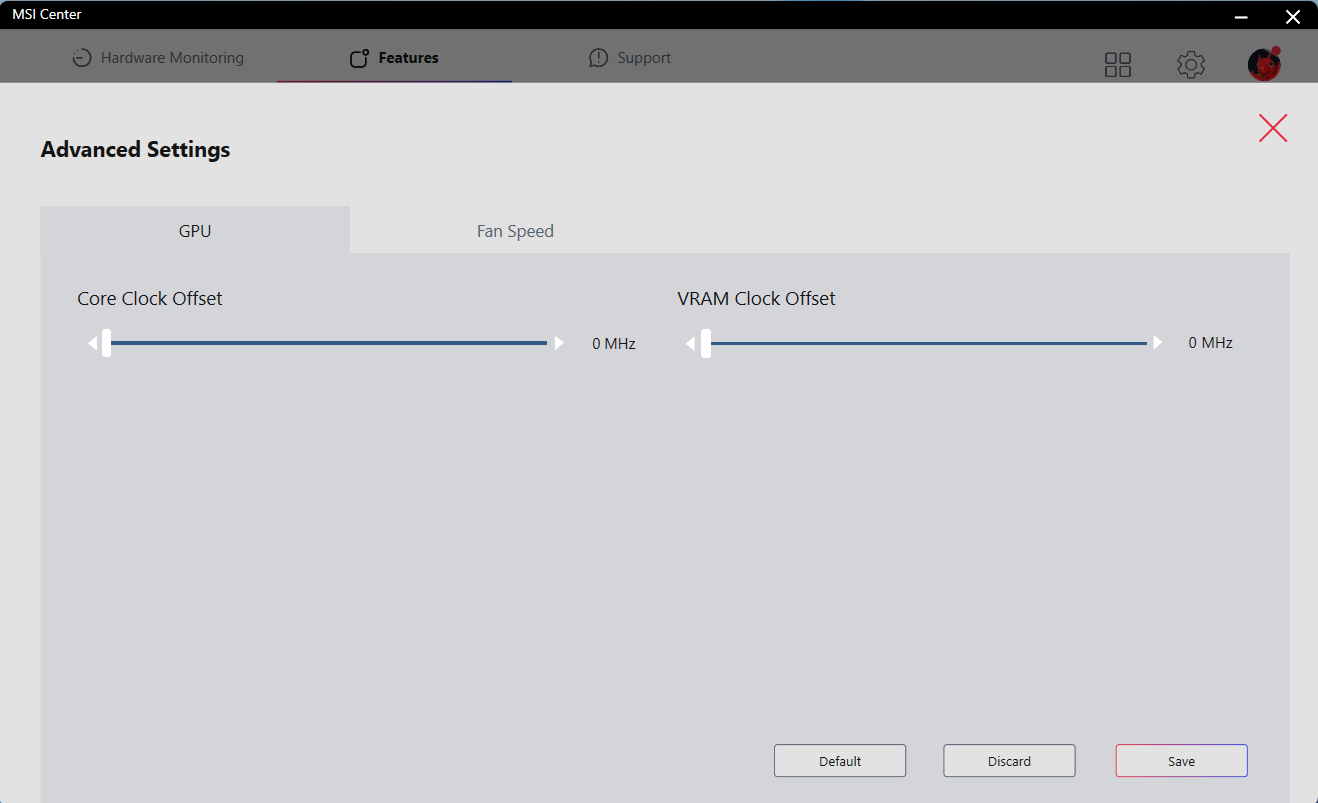
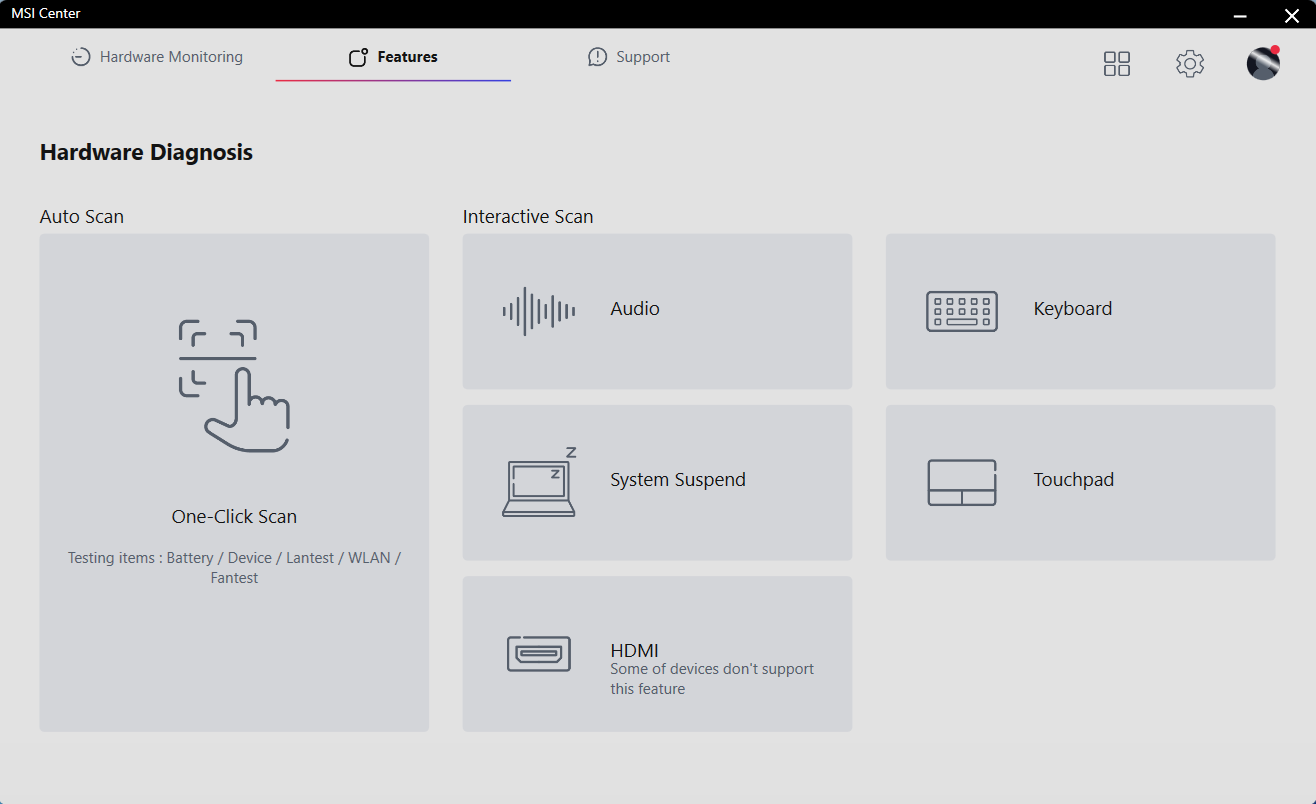
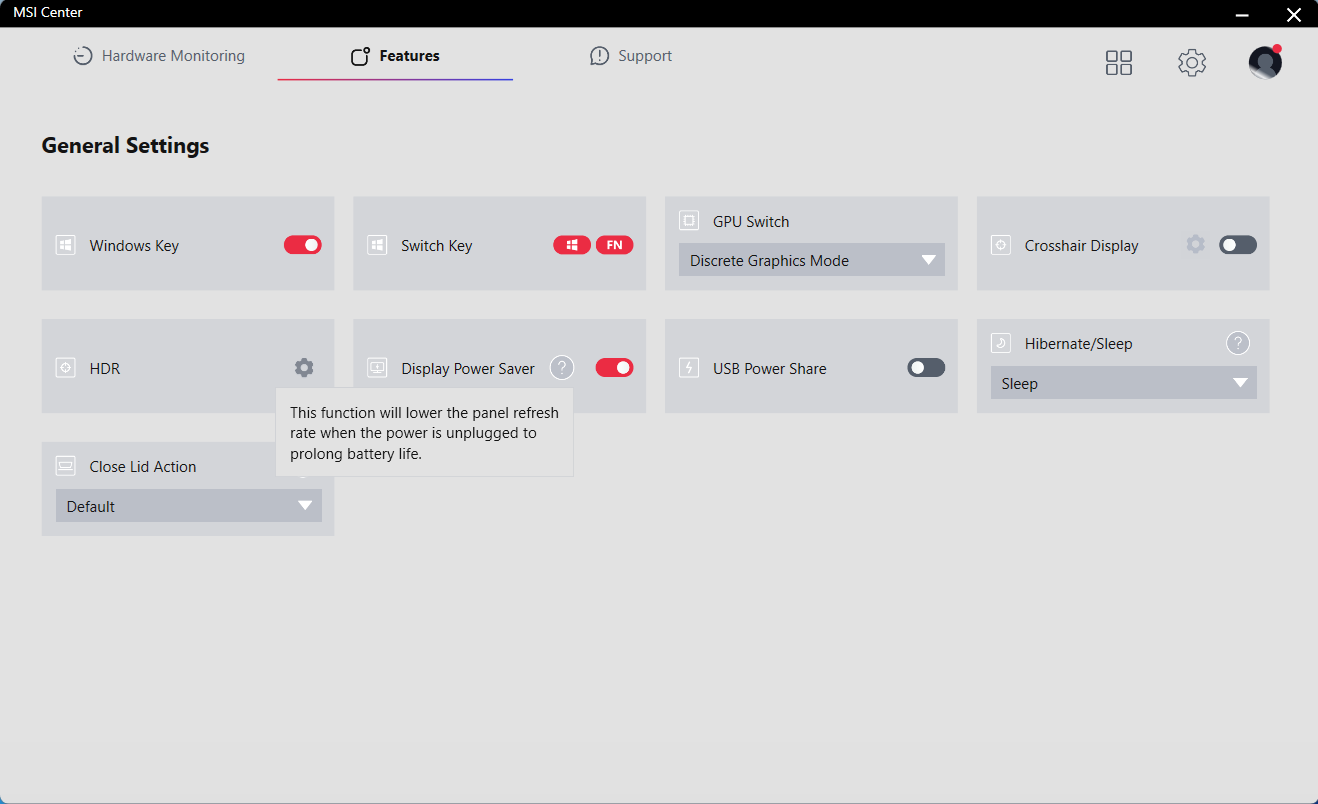
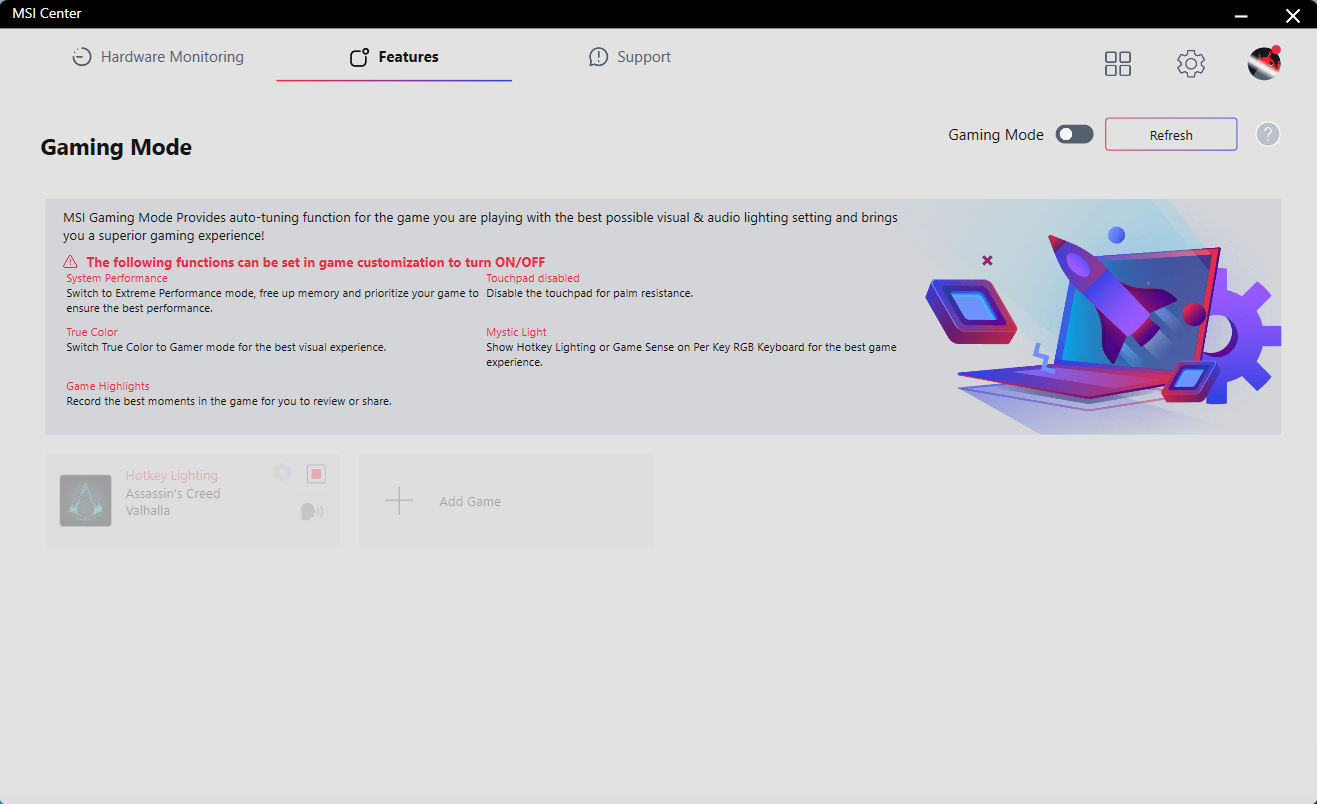
The “Discrete Graphics Mode” is suitable when the AC adapter is plugged in and you want to experience the full power of the device (this is a dGPU-only regime). On the other hand, the “Hybrid Graphics Mode” is the way to go when you are away from the charger. The Gaming Mode can be also useful for some of you – it can turn off the touchpad, and it can switch to Extreme Performance when you start to play a game (and it can control the True Color and the Mystic Light functions).
 Author: Nikolay Palaozov

![[August 2026] Best-Selling Laptop Brands on Amazon Japan – Apple Dominates Market Share and Revenue Led by Strong Unit Sales](https://laptopmedia.com/wp-content/uploads/2026/09/CO.JP-Best-Brands-1-400x225.jpg)
![[August 2026] Best-Selling Laptop Brands on Amazon USA – Apple Dominates Market Revenue and Volume Despite Lower Model Diversity](https://laptopmedia.com/wp-content/uploads/2026/09/COM-Best-Brands-1-400x225.jpg)
![[August 2026] Amazon Germany: Top 8 Best-Selling Gaming Laptops – Acer Dominates the Market as the Premium Nitro V 17 AI Takes the #1 Spot](https://laptopmedia.com/wp-content/uploads/2026/09/Best-Selling-Gaming-Laptops-DE-Top-10-1-400x225.jpg)
![[August 2026] Best-Selling Laptop Brands on Amazon France – Apple Dominates Revenue Despite Lenovo and HP Leading in Catalog Breadth and Volume](https://laptopmedia.com/wp-content/uploads/2026/09/FR-Best-Brands-1-400x225.jpg)
![[August 2026] Amazon Italy: Top 10 Best-Selling Laptops – Apple MacBook Neo Claims the Crown as Budget and Mid-Range Windows Machines Dominate Volume](https://laptopmedia.com/wp-content/uploads/2026/09/Best-Selling-Laptops-IT-Top-10-400x225.jpg)
