MSI Bravo 15 C7U review – well-performing device with good cooling and refreshed Zen 3+ CPUs
Temperatures and comfort, Battery Life
Max CPU load
In this test we use 100% on the CPU cores, monitoring their frequencies and chip temperature. The first column shows a computer’s reaction to a short load (2-10 seconds), the second column simulates a serious task (between 15 and 30 seconds), and the third column is a good indicator of how good the laptop is for long loads such as video rendering.
Average core frequency (base frequency + X); CPU temp.
| AMD Ryzen 7 7735HS (35W TDP) | 0:02 – 0:10 sec | 0:15 – 0:30 sec | 10:00 – 15:00 min |
|---|---|---|---|
| MSI Bravo 15 C7U | 3.64 GHz @ 72°C @ 65W | 3.74 GHz @ 78°C @ 65W | 3.75 GHz @ 87°C @ 65W |
| MSI Bravo 15 C7U Max Fans | 3.77 GHz @ 65°C @ 65W | 3.76 GHz @ 71°C @ 65W | 3.77 GHz @ 84°C @ 65W |
| MSI Bravo 15 C7V | 3.75 GHz @ 81°C @ 65W | 3.74 GHz @ 84°C @ 65W | 3.75 GHz @ 84°C @ 65W |
| Acer Nitro 5 (AN515-47) | 3.94 GHz @ 73°C @ 75W | 3.86 GHz @ 77°C @ 70W | 3.87 GHz @ 85°C @ 70W |
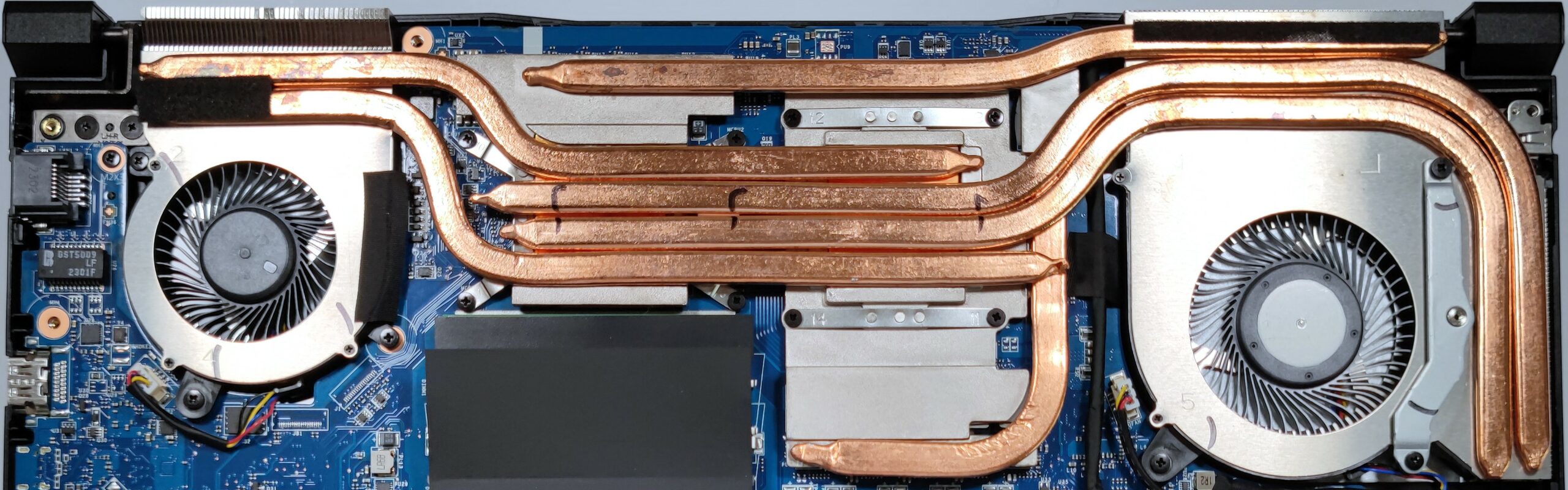
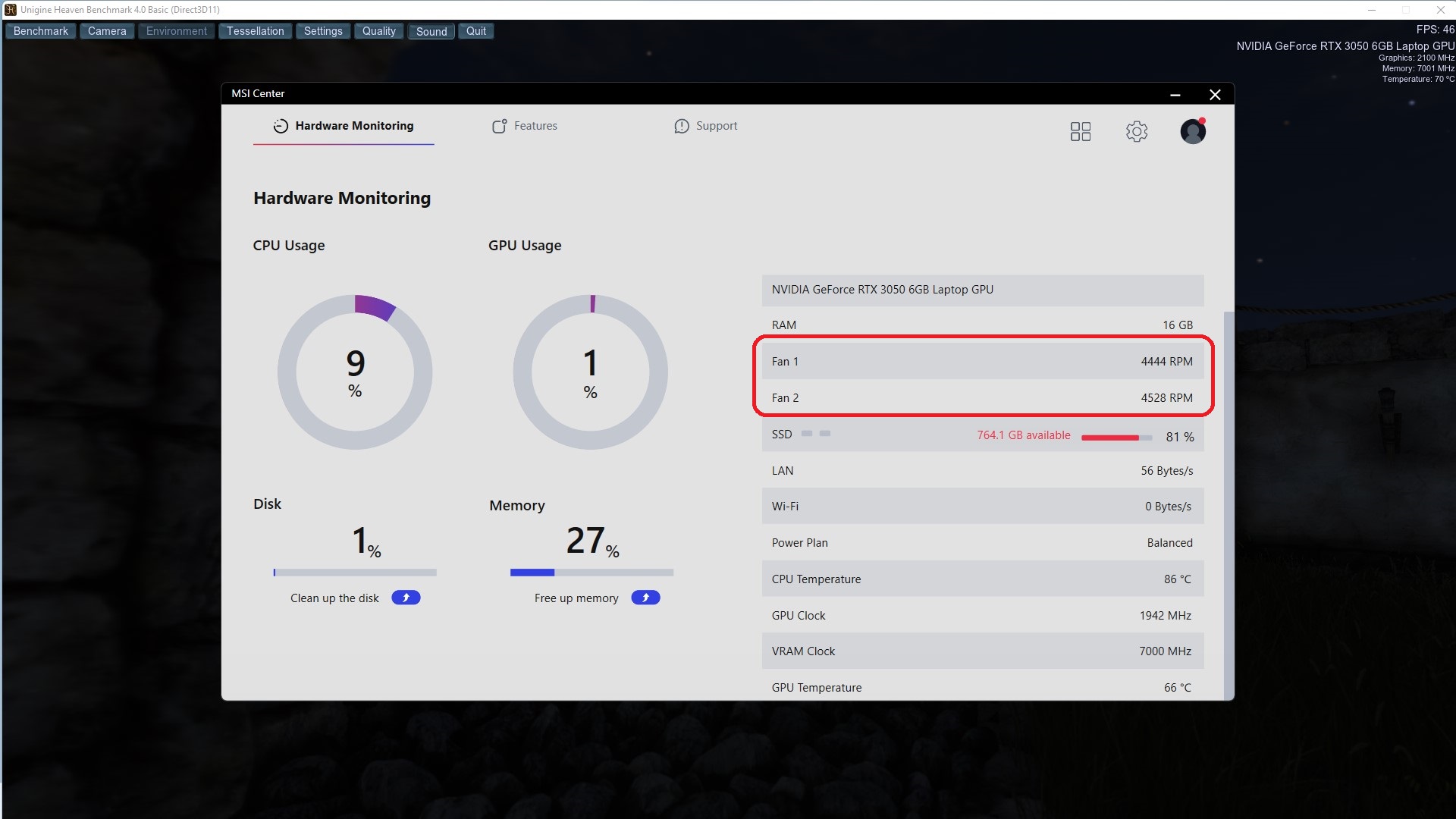
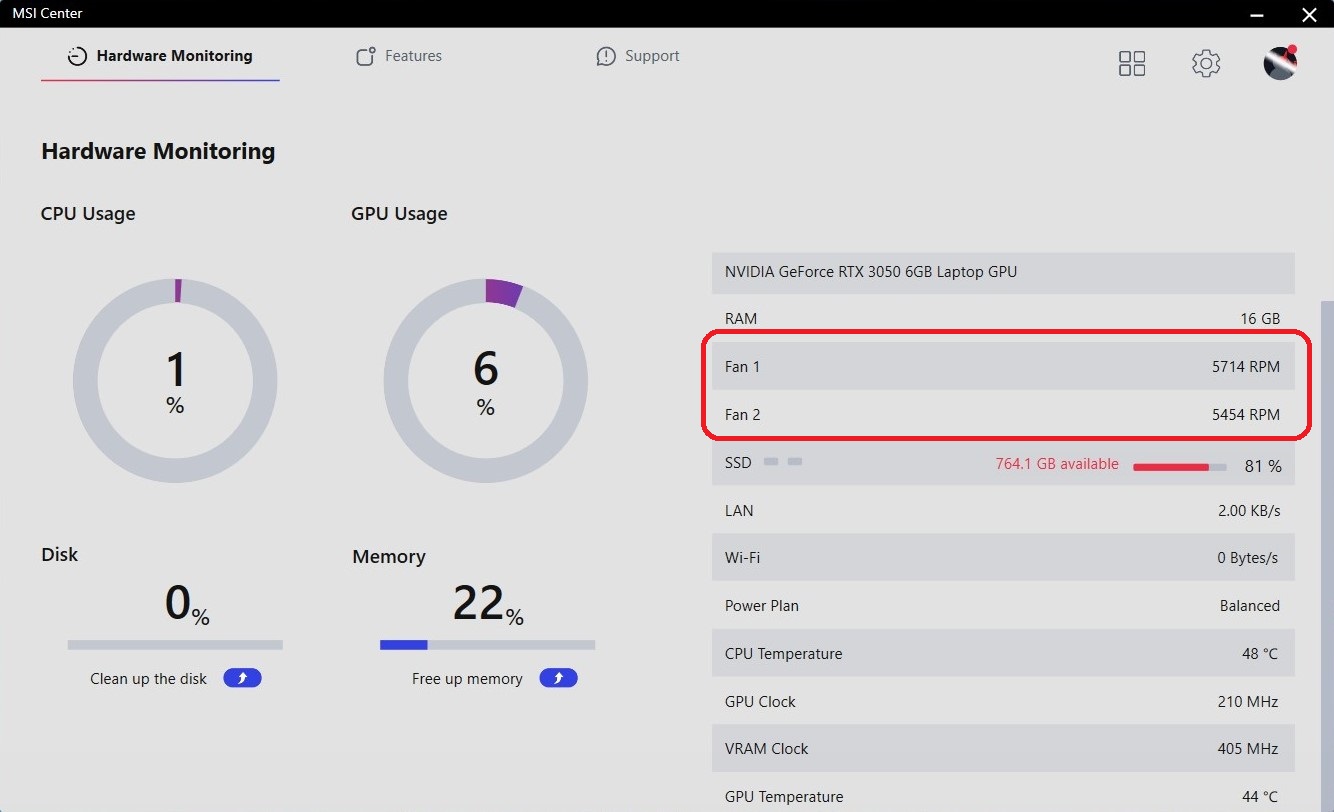
The MSI Bravo 15 C7U performs almost the same as the Bravo 15 C7V in terms of CPU clock and power limits. The Acer Nitro 5 (AN515-47) is doing a bit better job here but the MSI device is very close to its competitor. The CPU frequencies are always higher than the base clock and cooling can maintain ~65W which is a good score, given the fact that the Ryzen chip has a base TDP of 35W. You can also use the Cooler Boost function which will ramp up the fan to their max RPM speed. This will decrease the temperatures, but the noise levels are going to be higher. In Auto mode, the fans are spinning at around 4500 RPM. With Cooler Boost On, the rotation speed is ~ 5700 and ~ 5450 RPM for Fan 1 and Fan 2 respectively.
Real-life gaming
| NVIDIA GeForce RTX 3050 6GB | GPU frequency/ Core temp (after 2 min) | GPU frequency/ Core temp (after 30 min) |
|---|---|---|
| MSI Bravo 15 C7U | 1798 MHz @ 71°C @ 75W | 1782 MHz @ 73°C @ 75W |
| MSI Bravo 15 C7U Max Fans | 1824 MHz @ 63°C @ 75W | 1814 MHz @ 67°C @ 75W |
| Acer Swift X 14 (SFX14-71G) | 1484 MHz @ 72°C @ 50W | 1481 MHz @ 75°C @ 50W |
| Lenovo Yoga Pro 7 (14″, 2023) | 1718 MHz @ 72°C @ 58W | 1714 MHz @ 74°C @ 58W |
The 6GB version of the RTX 3050 isn’t a very popular video card and we have tested just three machines with this graphics chip up to date. We like what we see, the cooling can maintain a stable 75W TGP and a bit under 1800MHz core clock. Also, a 73°C GPU temperature after more than half an hour of gaming is a good result. You can activate the Cooler Boost mode but given the slight bump of the frequencies, it’s not worth it (at least for us) considering the increased noise.
Gaming comfort
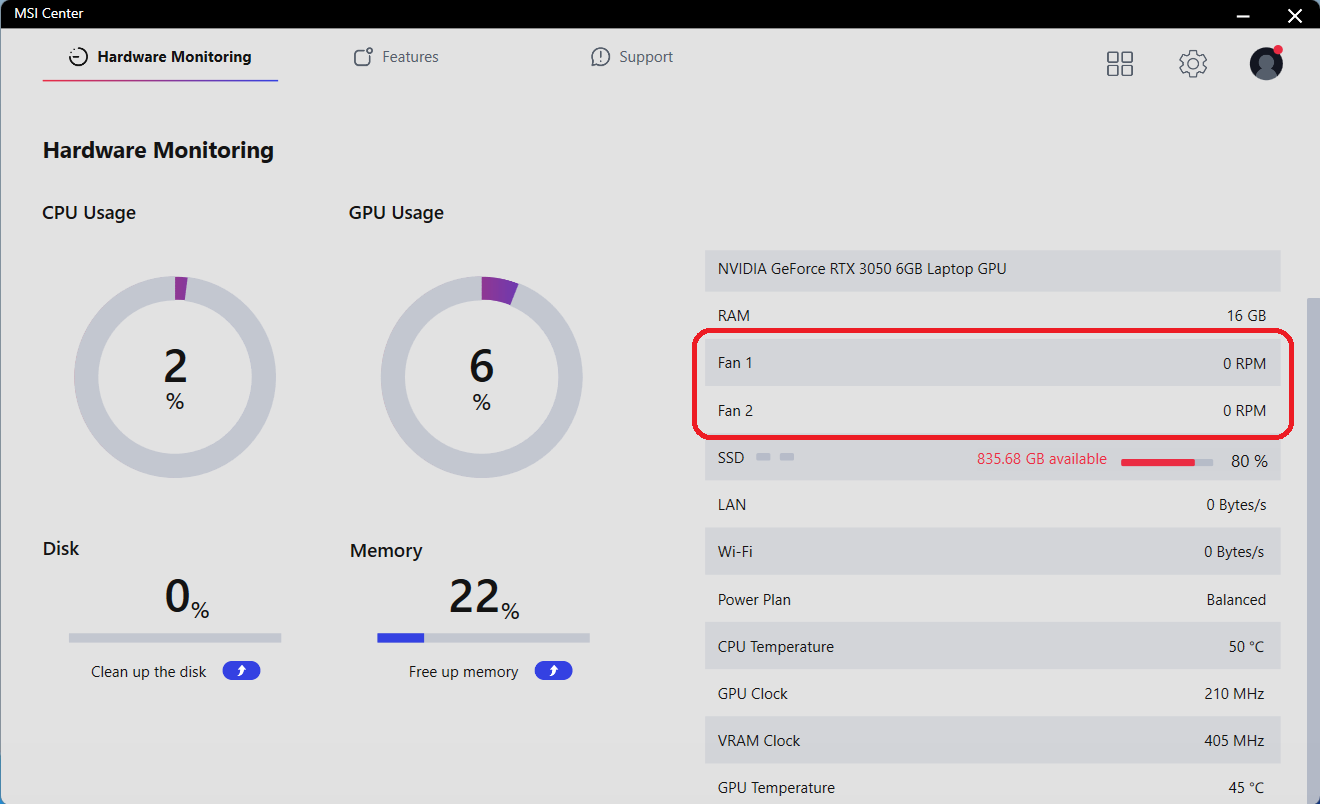
When the machine is under heavy load, the center of the keyboard is getting hot. The thermals around the WASD section and the palm rest area are normal so you can use the machine for gaming comfortably. When the CPU temp is under ~55°C, the two fans aren’t spinning and the laptop is dead silent in this mode. Despite that the fans are working hard to cool down the internals during gaming or maybe video rendering, they aren’t too noisy even at max speed (well, not silent at all but the noise levels are kind of normal for a gaming laptop).
Battery
Now, we conduct the battery tests with the Windows Better performance setting turned on, screen brightness adjusted to 120 nits and all other programs turned off except for the one we are testing the notebook with. This device features a 53.5Wh battery unit. It lasts for 7 hours and 42 minutes of Web browsing, or 7 hours and 9 minutes of video playback.
Brightness: 180 nits; Display Mode: SDR
Time to Full Discharge: Higher is Better
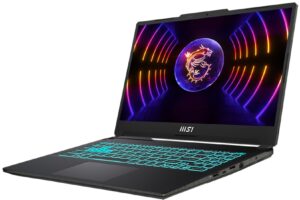

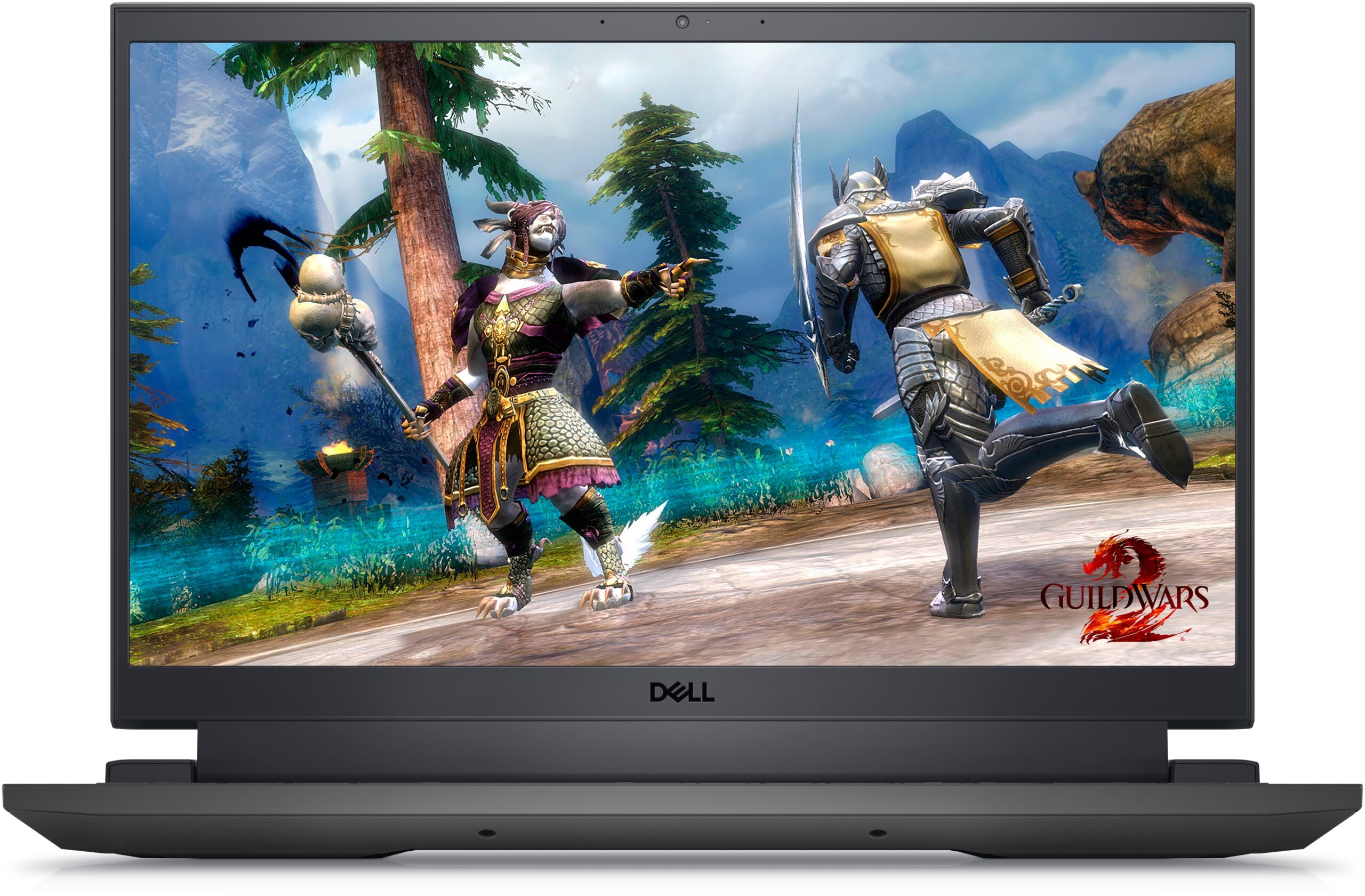
In order to simulate real-life conditions, we used our own script for automatic web browsing through over 70 websites.
 Author: Nikolay Palaozov

![[June 2026] Best-Selling Laptop Brands on Amazon Global – Apple’s Unrivaled Dominance in Units and Revenue](https://laptopmedia.com/wp-content/uploads/2026/07/GLOBAL-Best-Brands-400x225.jpg)
![[June 2026] Amazon Global: Top 10 Best-Selling Laptops – Apple’s New MacBook Neo Storms to #1, Reshaping the Market with Affordability](https://laptopmedia.com/wp-content/uploads/2026/07/Best-Selling-Laptops-GLOBAL-Top-10-400x225.jpg)
![[June 2026] Amazon Global: Top 10 Best-Selling Gaming Laptops – Acer’s Nitro V 16S AI Dominates Sales, While ASUS Leads Overall Revenue](https://laptopmedia.com/wp-content/uploads/2026/07/Best-Selling-Gaming-Laptops-GLOBAL-Top-10-400x225.jpg)
![[June 2026] Global Ranking of Best-Selling Laptop GPUs on Amazon – NVIDIA RTX 5060 is the Top-Selling Dedicated GPU](https://laptopmedia.com/wp-content/uploads/2026/07/Best-Selling-GPUs-GLOBAL-Top-10-400x225.jpg)
![[June 2026] Global Ranking of Best-Selling Laptop CPUs on Amazon – Apple M5 Dominates, AMD Ryzen 7 260 Gets Solid Premium Share](https://laptopmedia.com/wp-content/uploads/2026/07/Best-Selling-CPUs-GLOBAL-Top-10-400x225.jpg)
