ASUS Vivobook 16 (X1605) review – affordability comes at 16 inches
Performance: CPU, GPU, Gaming Tests
CPU options
Since we have the Vivobook 16 X1605Z, you can pick your notebook with the Pentium Gold 8505, Core i3-1215U, Core i5-1235U, Core i7-1255U, Core i5-12500H, Core i7-12700H.
Results are from the Cinebench R23 CPU test (the higher the score, the better)




GPU options
Surprise, surprise – no graphics choice here – you have to settle with the integrated GPU you’ll find inside your processor.
The results are from 3DMark Time Spy (Graphics). Higher is better.
Results are from 3DMark Fire Strike (Graphics) benchmark (higher the score, the better)
The results are from 3DMark Wild Life Extreme Unlimited. Higher is better.
Results are from the Unigine Superposition benchmark (higher the score, the better)
ASUS Vivobook 16 (X1605 / F1605) GPU variants
Here you can see an approximate comparison between the GPUs that can be found in the ASUS Vivobook 16 (X1605 / F1605) models on the market. This way you can decide for yourself which ASUS Vivobook 16 (X1605 / F1605) model is the best bang for your buck.
Note: The chart shows the cheapest different GPU configurations so you should check what the other specifications of these laptops are by clicking on the laptop’s name / GPU.
The results are from 3DMark Time Spy (Graphics). Higher is better.
Results are from the 3DMark: Fire Strike (Graphics) benchmark (higher the score, the better)
Results are from the 3DMark: Wild Life (Graphics) benchmark (higher the score, the better)
Results are from the Unigine Superposition benchmark (higher the score, the better)
Gaming tests
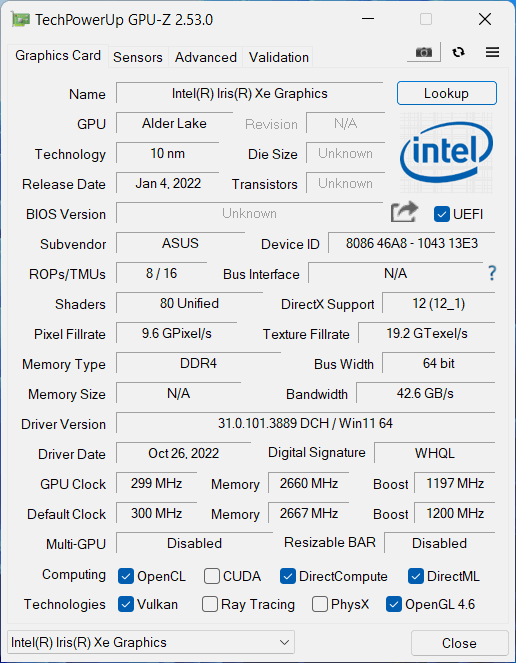

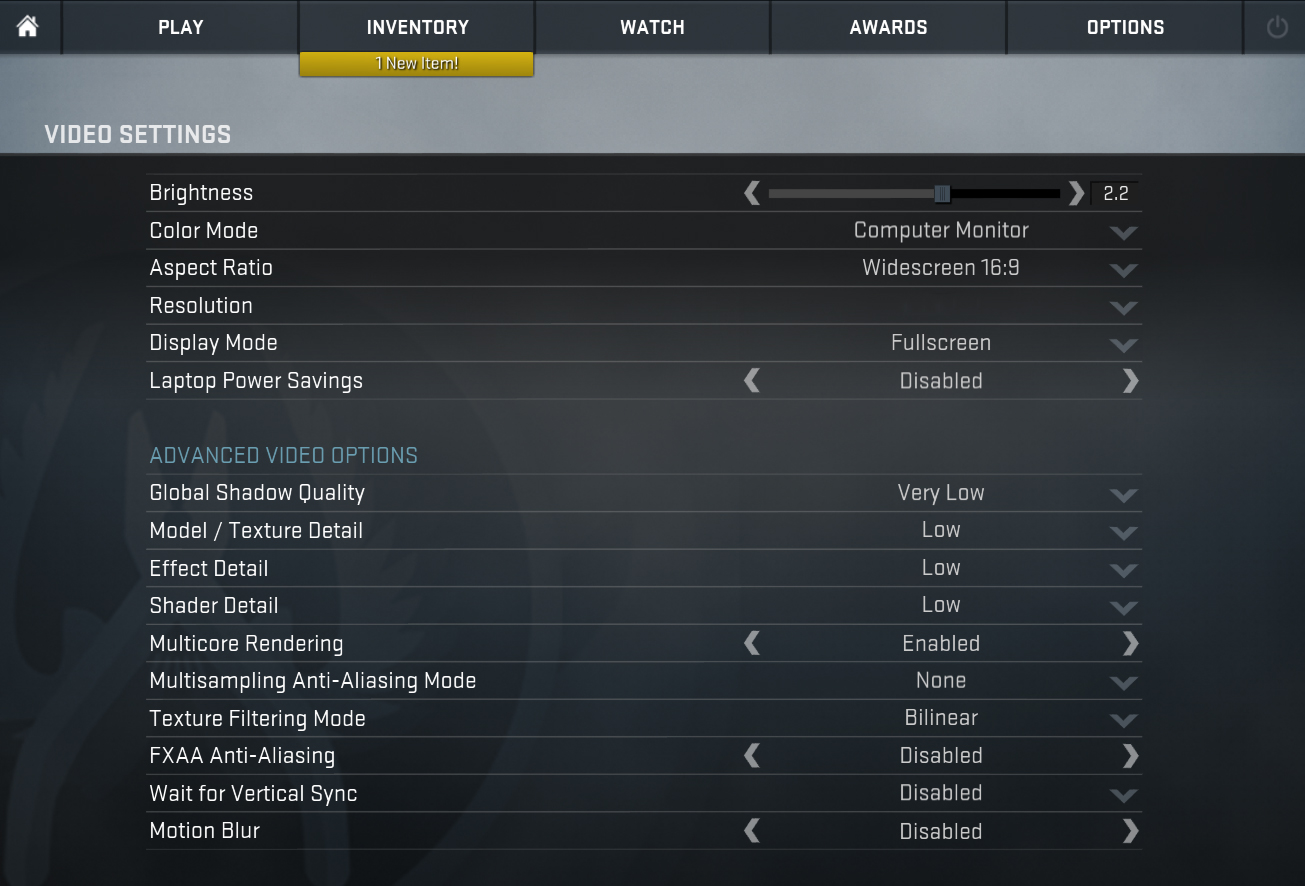
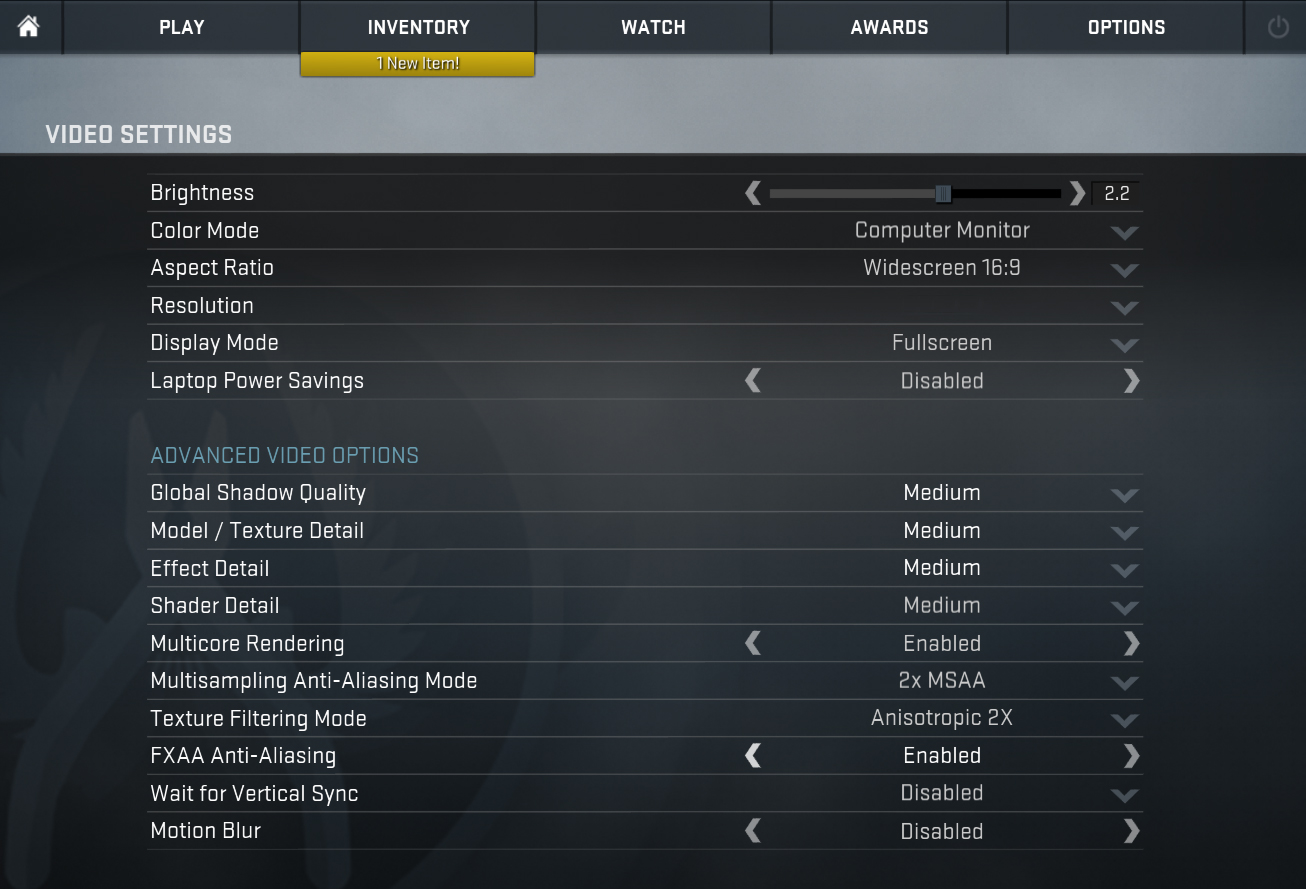
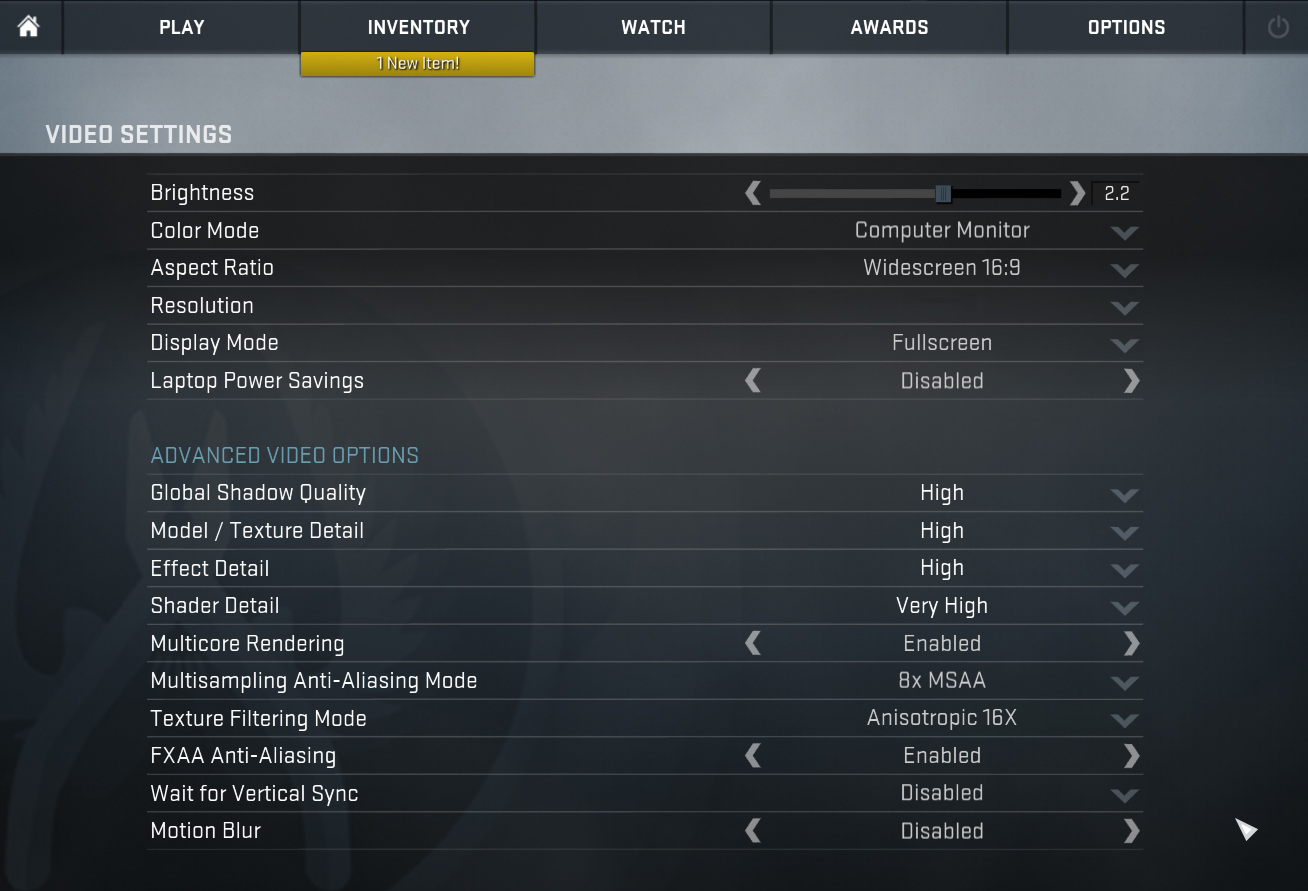
| CS:GO | HD 1080p, Low (Check settings) | HD 1080p, Medium (Check settings) | HD 1080p, MAX (Check settings) |
|---|---|---|---|
| Average FPS | 102 fps | 76 fps | 44 fps |

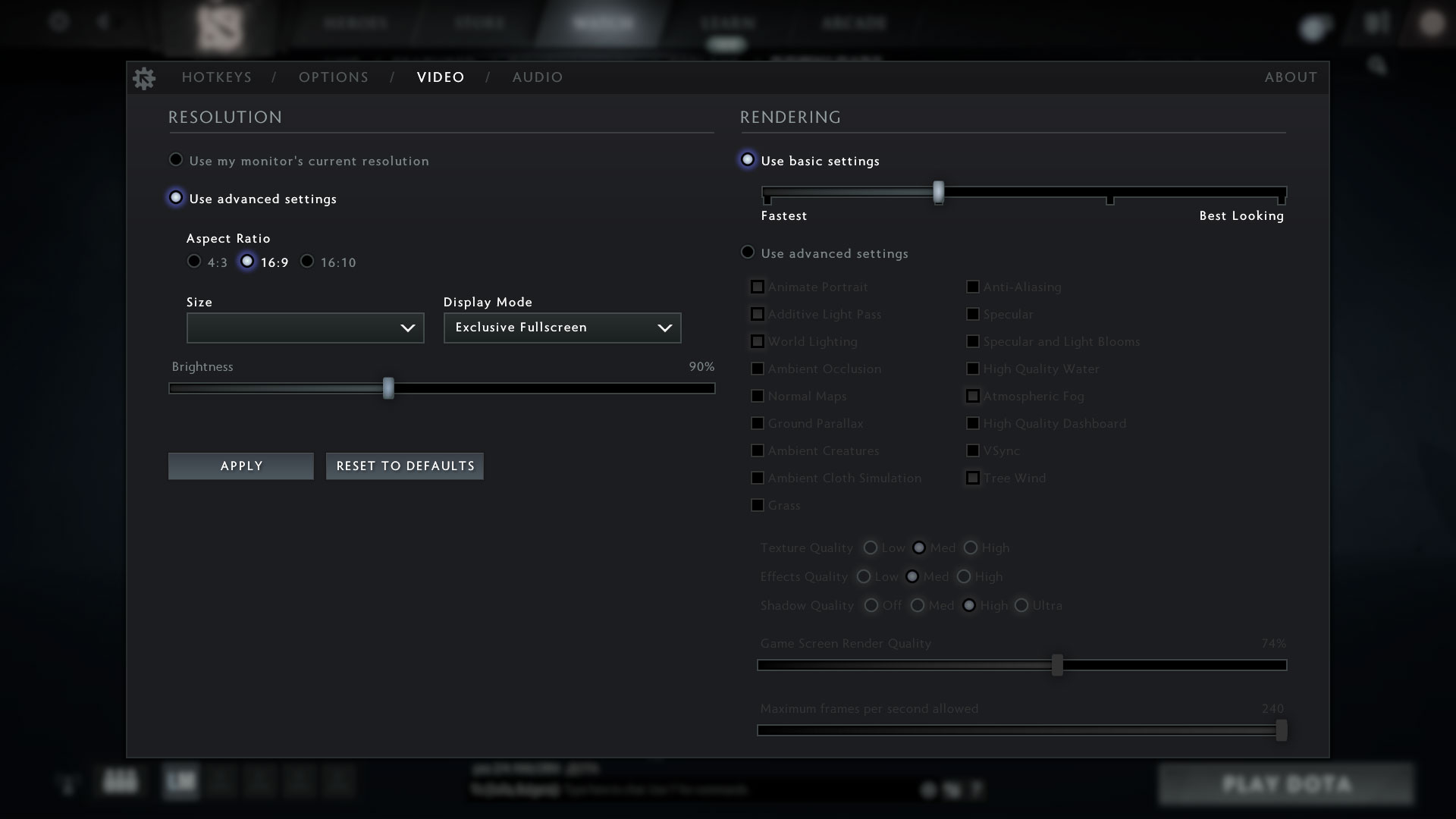
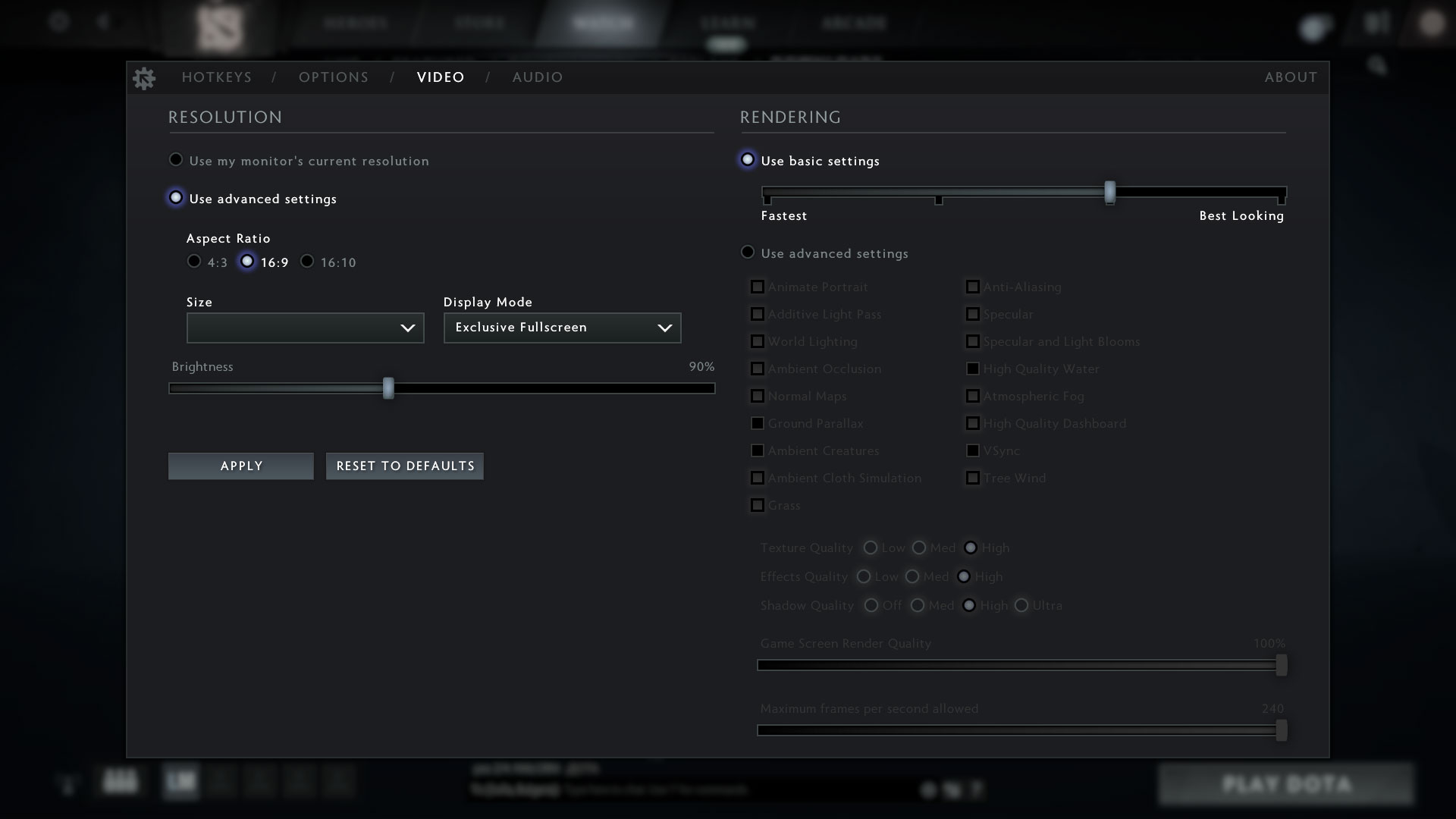
| DOTA 2 | HD 1080p, Low (Check settings) | HD 1080p, Normal (Check settings) | HD 1080p, High (Check settings) |
|---|---|---|---|
| Average FPS | 107 fps | 78 fps | 42 fps |
 Author: Alex Iliev
 Author: eng. Kroum NikolovHead of Engineering at LaptopMedia.com, inventor and innovator with 40+ years of experience in electronics and high technology.

![[June 2026] Best-Selling Laptop Brands on Amazon Global – Apple’s Unrivaled Dominance in Units and Revenue](https://laptopmedia.com/wp-content/uploads/2026/07/GLOBAL-Best-Brands-400x225.jpg)
![[June 2026] Amazon Global: Top 10 Best-Selling Laptops – Apple’s New MacBook Neo Storms to #1, Reshaping the Market with Affordability](https://laptopmedia.com/wp-content/uploads/2026/07/Best-Selling-Laptops-GLOBAL-Top-10-400x225.jpg)
![[June 2026] Amazon Global: Top 10 Best-Selling Gaming Laptops – Acer’s Nitro V 16S AI Dominates Sales, While ASUS Leads Overall Revenue](https://laptopmedia.com/wp-content/uploads/2026/07/Best-Selling-Gaming-Laptops-GLOBAL-Top-10-400x225.jpg)
![[June 2026] Global Ranking of Best-Selling Laptop GPUs on Amazon – NVIDIA RTX 5060 is the Top-Selling Dedicated GPU](https://laptopmedia.com/wp-content/uploads/2026/07/Best-Selling-GPUs-GLOBAL-Top-10-400x225.jpg)
![[June 2026] Global Ranking of Best-Selling Laptop CPUs on Amazon – Apple M5 Dominates, AMD Ryzen 7 260 Gets Solid Premium Share](https://laptopmedia.com/wp-content/uploads/2026/07/Best-Selling-CPUs-GLOBAL-Top-10-400x225.jpg)


Thank you for the article.
I’m waiting for delivery on the laptop linked below, and it comes with a m.2 port.
Does this mean that I cannot install a second m.2 ssd internally?
Thanks.
https://www.bestbuy.com/site/asus-vivobook-16-wuxga-laptop-intel-13-gen-core-i5-with-8gb-memory-intel-uhd-graphics-512gb-ssd-indie-black/6545930.p?skuId=6545930